Auto Parts ERP for Precise Parts Orders
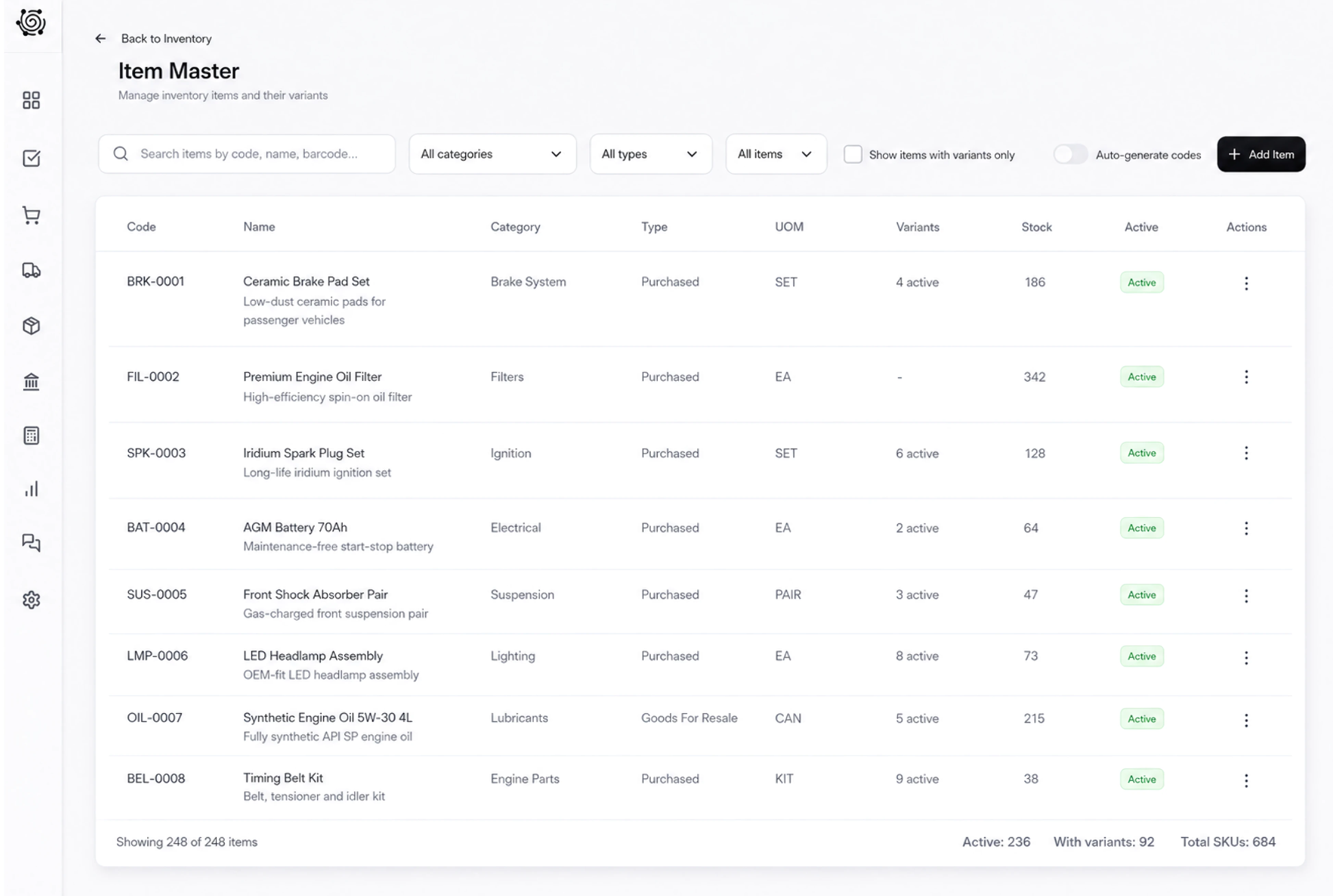
Keep each parts reference beside its quantity
Show the oil filter, air filter and spark-plug pack on separate invoice lines with clearly written sample references. Review unit prices and totals with the workshop customer. Your parts specialist checks the requested specification against reliable product information before supplying the goods; the document records the commercial selection.
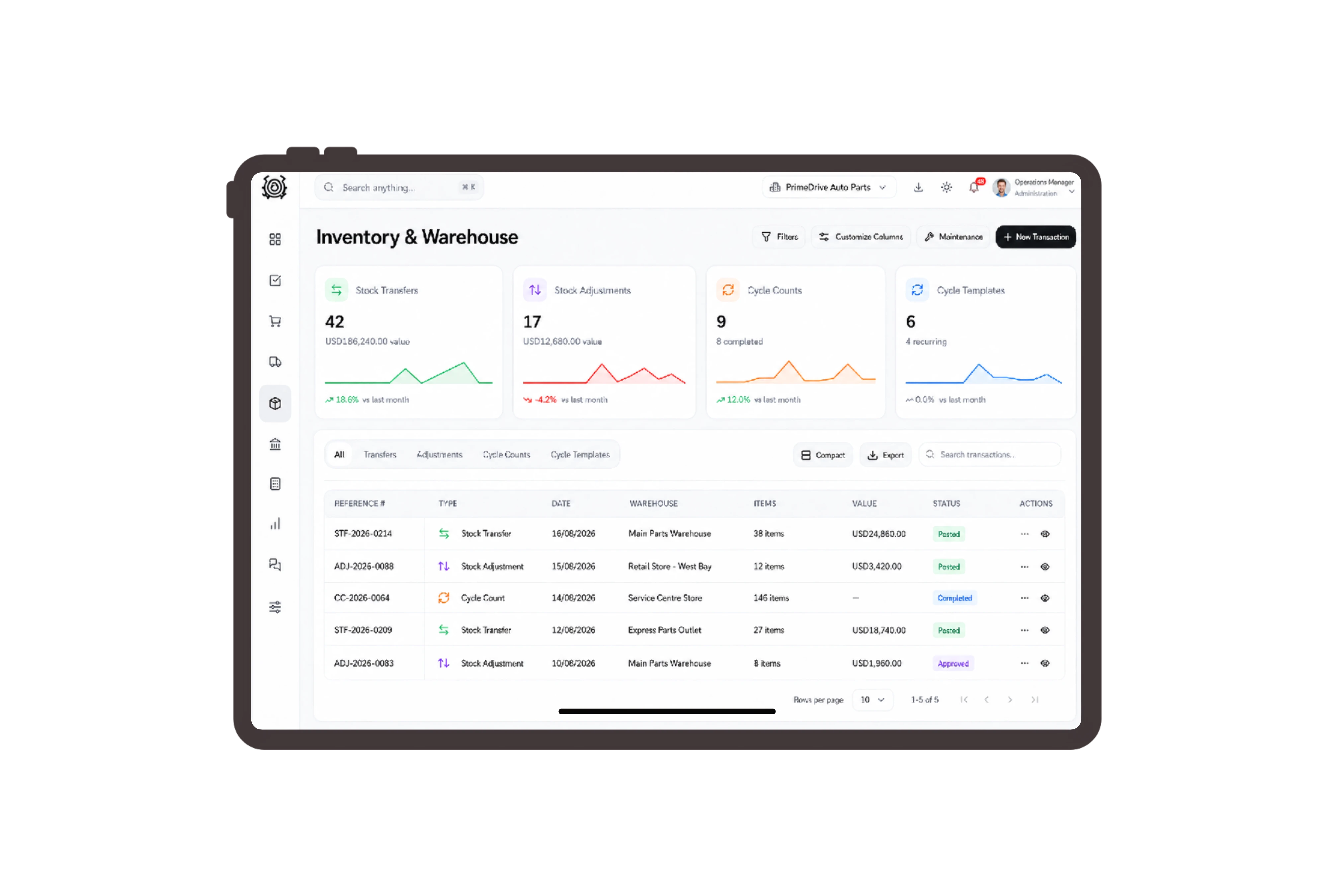
Move the selected parts to dispatch stock
Prepare a transfer from the parts warehouse to the dispatch warehouse using the selected item codes. Check available units and confirm whether the transfer quantity means individual filters or packs of four plugs. Record the movement reason and request approval before staff perform the physical relocation between stock locations.

Assign reference checks to the parts specialist
Give a knowledgeable employee a task to verify the customer’s supplied part references, then assign carton inspection and collection preparation separately. Keep the result in the task details for colleagues to review. The board records human work and responsibility; it does not select compatible parts or diagnose a vehicle.

Use workshop-friendly labels on the sales documents
Configure labels such as Workshop customer, Parts quotation and Parts item on the supported DNA records. Staff can recognize a trade parts transaction while still using standard sales and item documents. Keep manufacturer information and the customer’s requested specification in accurate descriptions reviewed by your team before the sale.


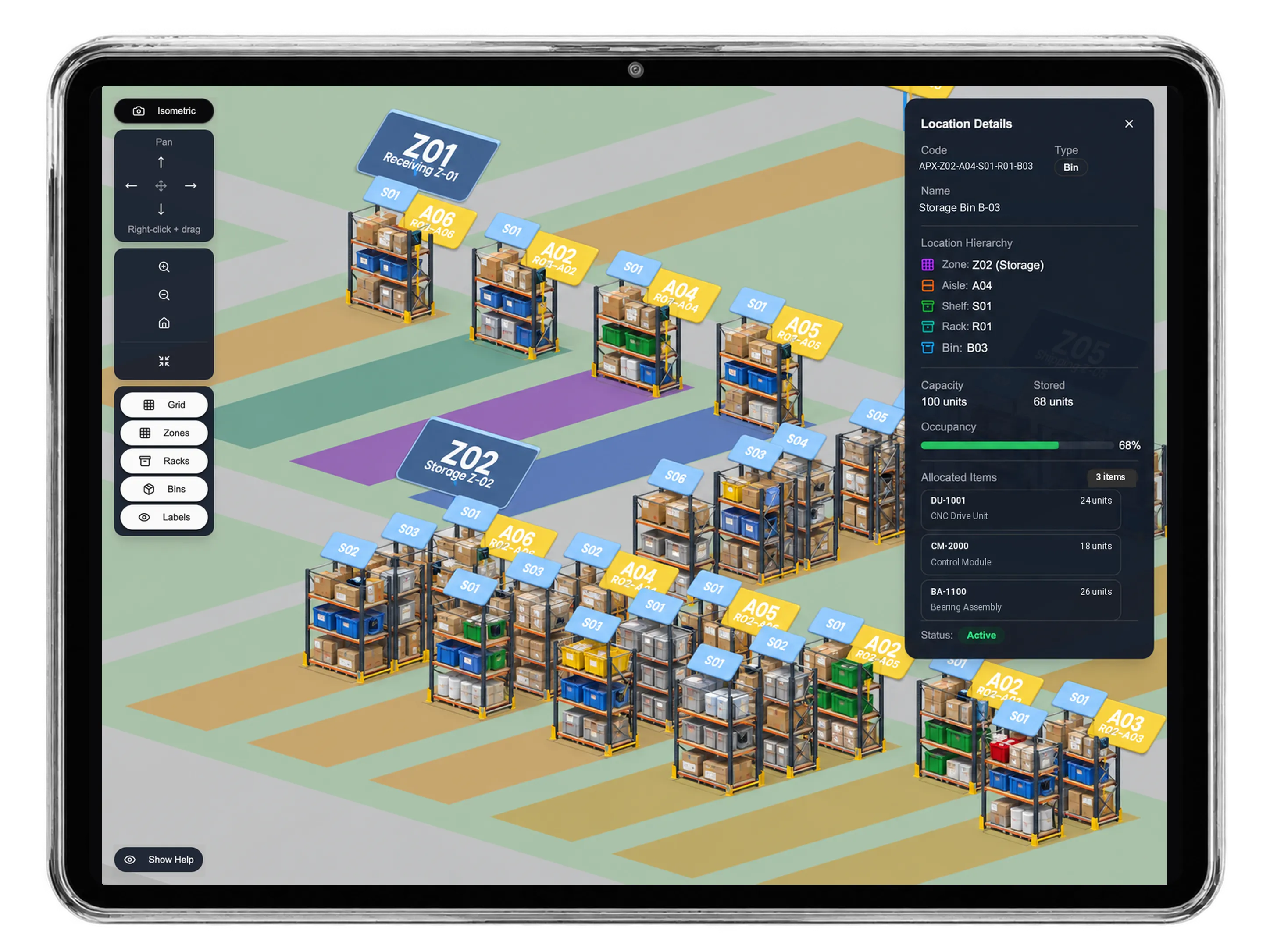


Give your next workshop order a precise reference.
Auto Parts ERP: Parts Invoices & Inventory | DNA
- Organize auto parts invoices, clear part descriptions, warehouse transfers and workshop collection checks in DNA ERP, with suitability verified by your team.
- Utilize structured and semi-structured data storage
- Analyze data using graph, spatial, and machine learning engines
- Start with the basic trial using sample data; no set-up required

