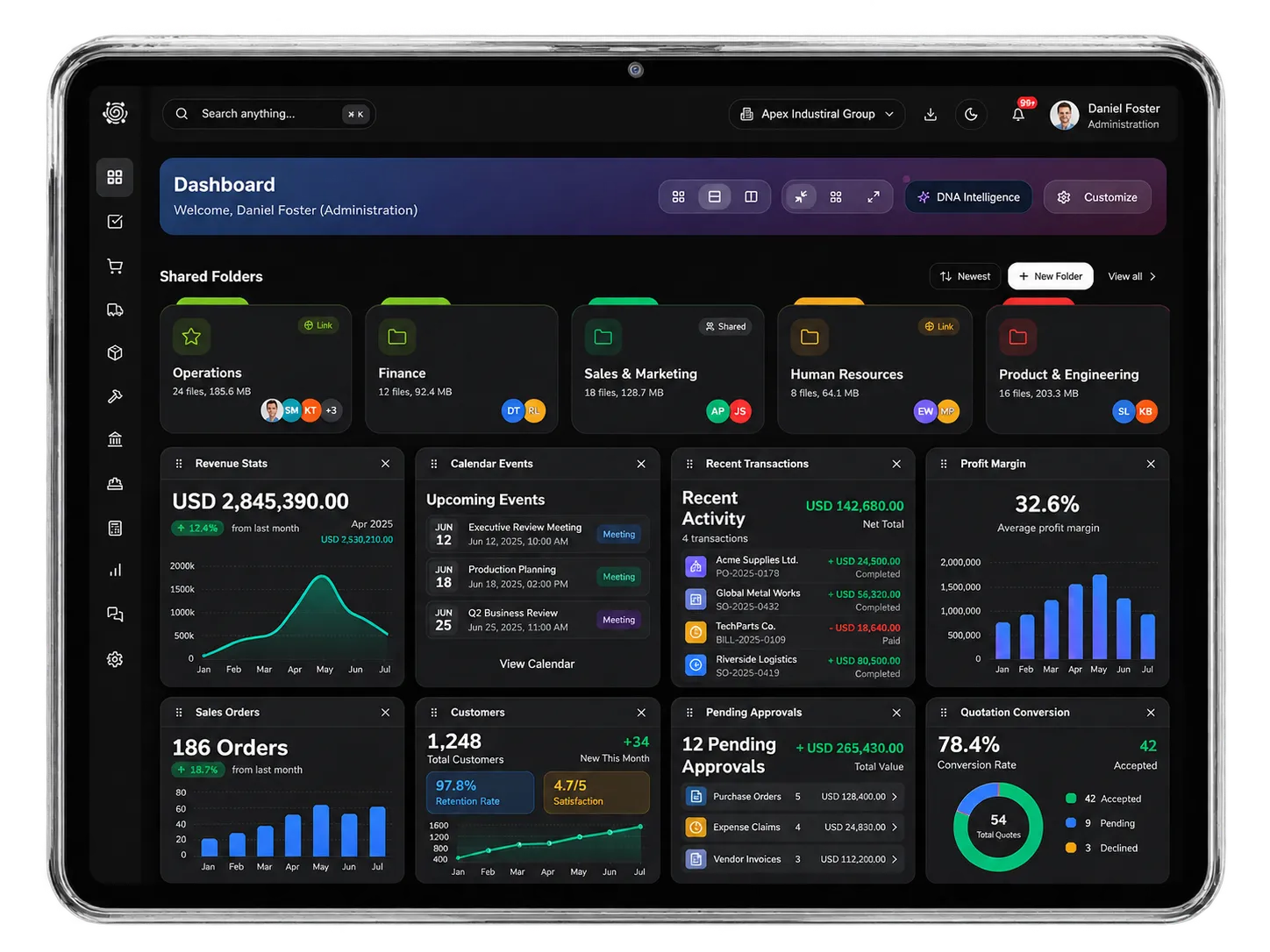
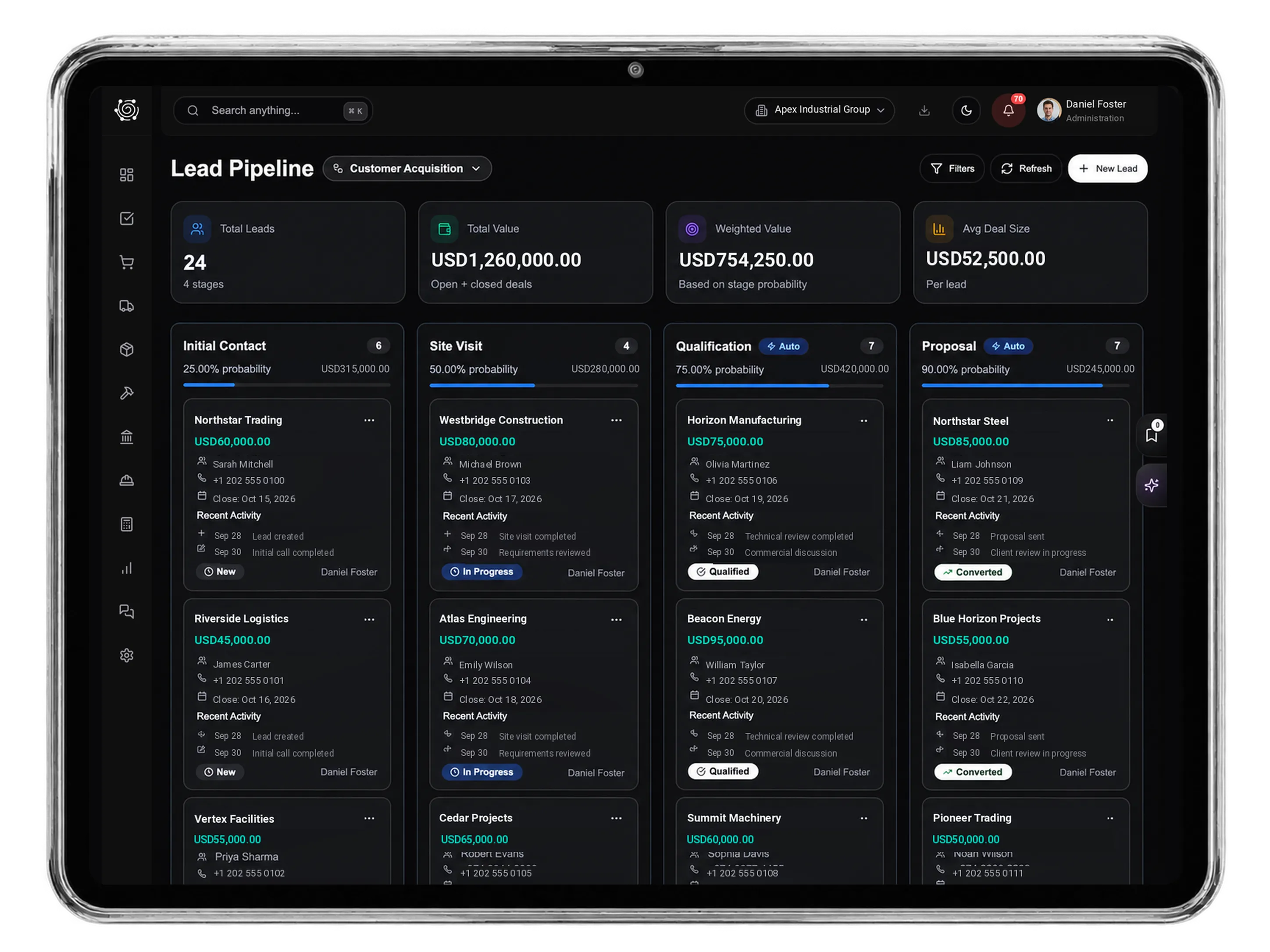
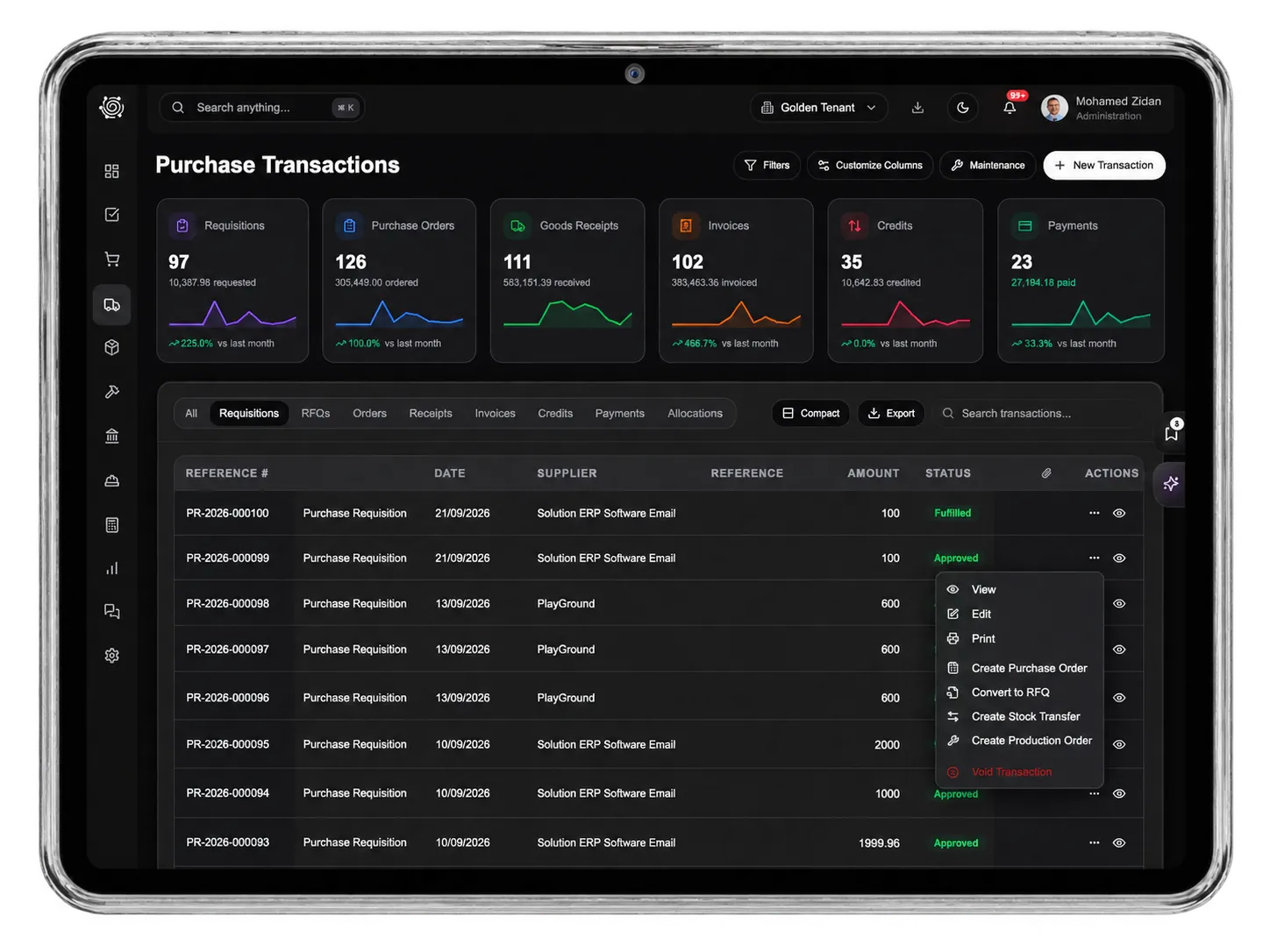
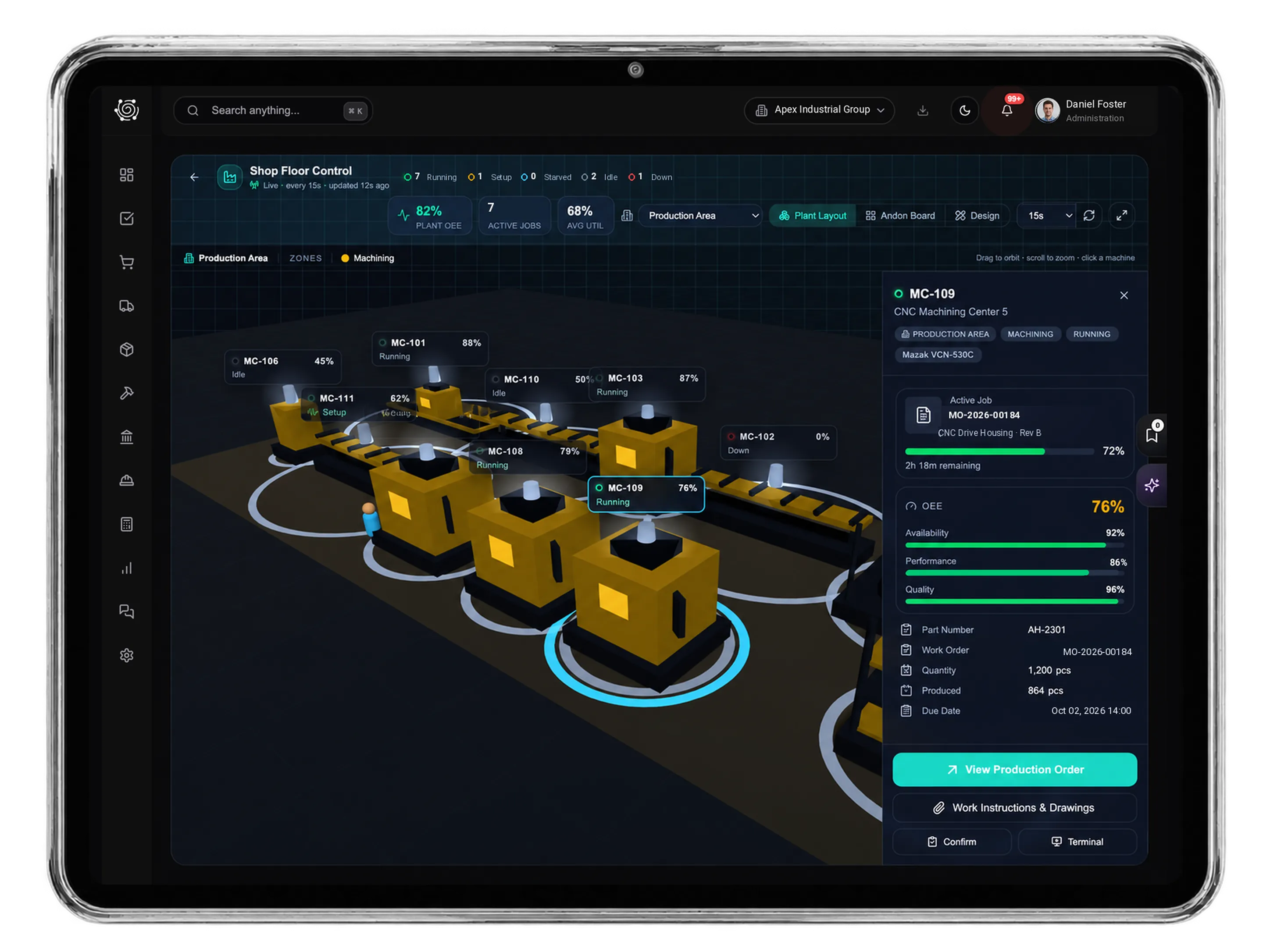
Configure users, workflows, and custom fields
User access that stays under control
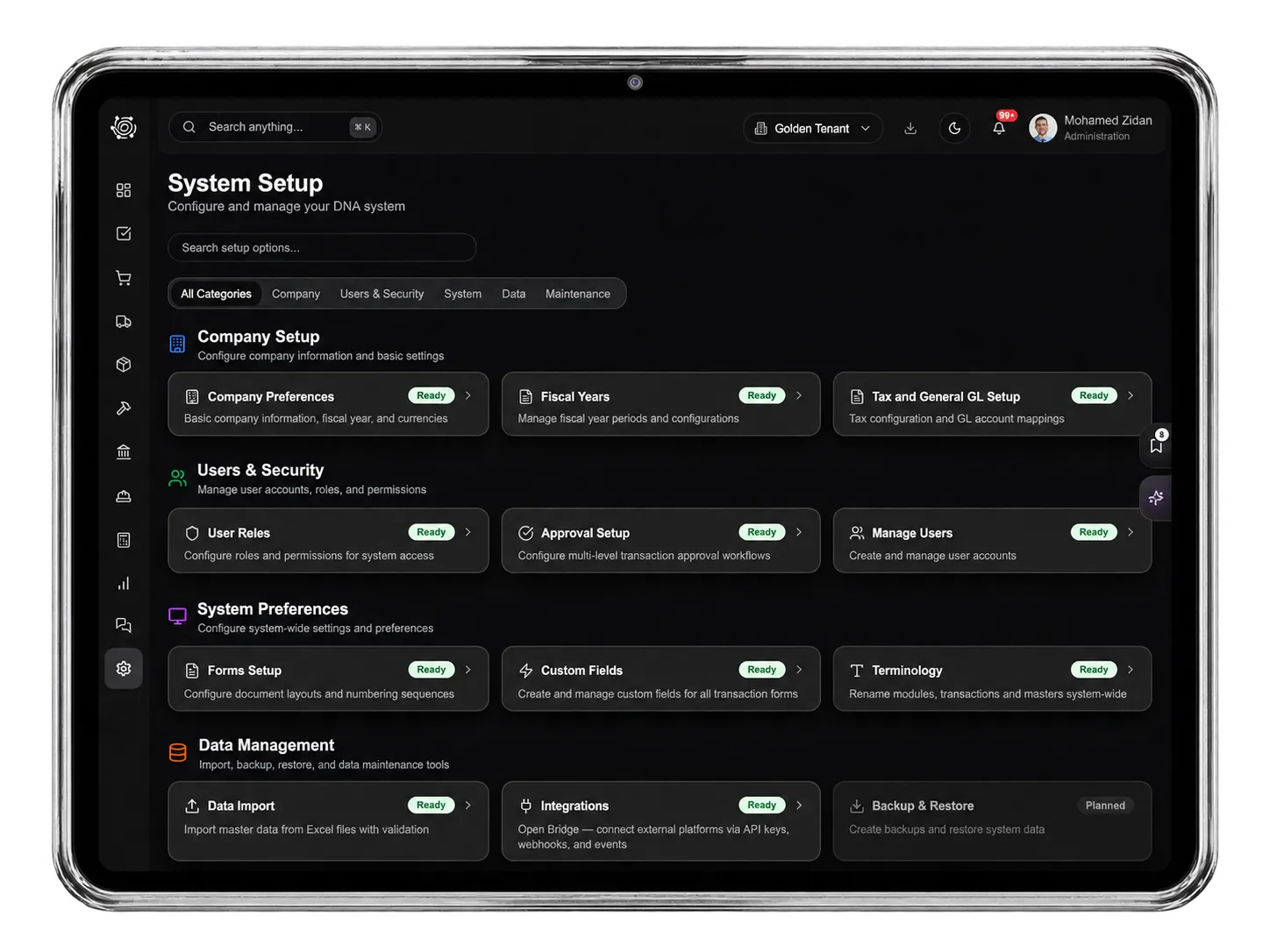
Protect your system with role-based access control built for real operations. Define permissions by module, screen, and action, assign users to companies, manage roles per company, enforce password quality, maintain profiles, allow controlled exceptions, and keep every permission change audit-ready.
%2520Introduction%2520text.webp)
Approval Workflows Based on Real Rules
Create approval flows that match your organization and risk levels. Route approvals by value, department, zone, or cost center, build sequential L1, L2, and L3 chains, handle pending-document conflicts, and keep audit history for sales orders, purchase orders, invoices, GRNs, journals, budgets, and other controlled transactions.
%2520Quotation%2520Text.webp)
Reference Formats and Document Branding
Design professional documents with flexible reference formats, prefixes, separators, year rules, sequence lengths, reset behavior, and live previews. Customize invoices, sales orders, purchase orders, GRNs, delivery notes, and credit notes with logos, letterheads, watermarks, PDFs, email attachments, and print layouts.
%2520Order%2520Text.webp)
Tax and GL Foundation Setup
Set the accounting foundation for every transaction. Configure tax groups, rates, jurisdiction rules, GL mappings for revenue, cost of goods sold, inventory, and expenses, and support VAT, GST, sales tax, and withholding tax with consistent posting across modules.
%2520Delivery%2520Text.webp)
Custom fields without custom code
Adapt DNA ERP to your business by adding custom fields across sales, purchasing, inventory, finance, projects, and budgets. Choose text, number, date, boolean, or dropdown fields, set defaults, control required behavior, show fields only where relevant, and print them on PDFs and emails.


%2520Final%2520text.webp)
Company, Fiscal, and Regional Settings
Configure company preferences, currencies, date formats, decimal precision, fiscal years, period structures, year-end rules, and regional settings. Support multiple legal entities with shared master data where appropriate, inherited defaults, local overrides, and compliance-ready configuration.
%2520Collections%2520Text.webp)
Controlled Data Import and Migration
Move legacy data into DNA ERP with template-based imports, required-field guidance, data-type validation, pre-checks before saving, row-level error feedback, batch processing, import history, and rollback support for critical customer, supplier, item, and transaction data.
%2520Masters%2520Text.webp)
Module Control and System Maintenance
Manage feature activation, email settings, platform health, cache utilities, company provisioning, support resources, and version updates. Enable only the modules you need, keep deactivated modules available for later, and maintain a clean system as your business grows.