Construction Developer ERP for Unit Sale Installments
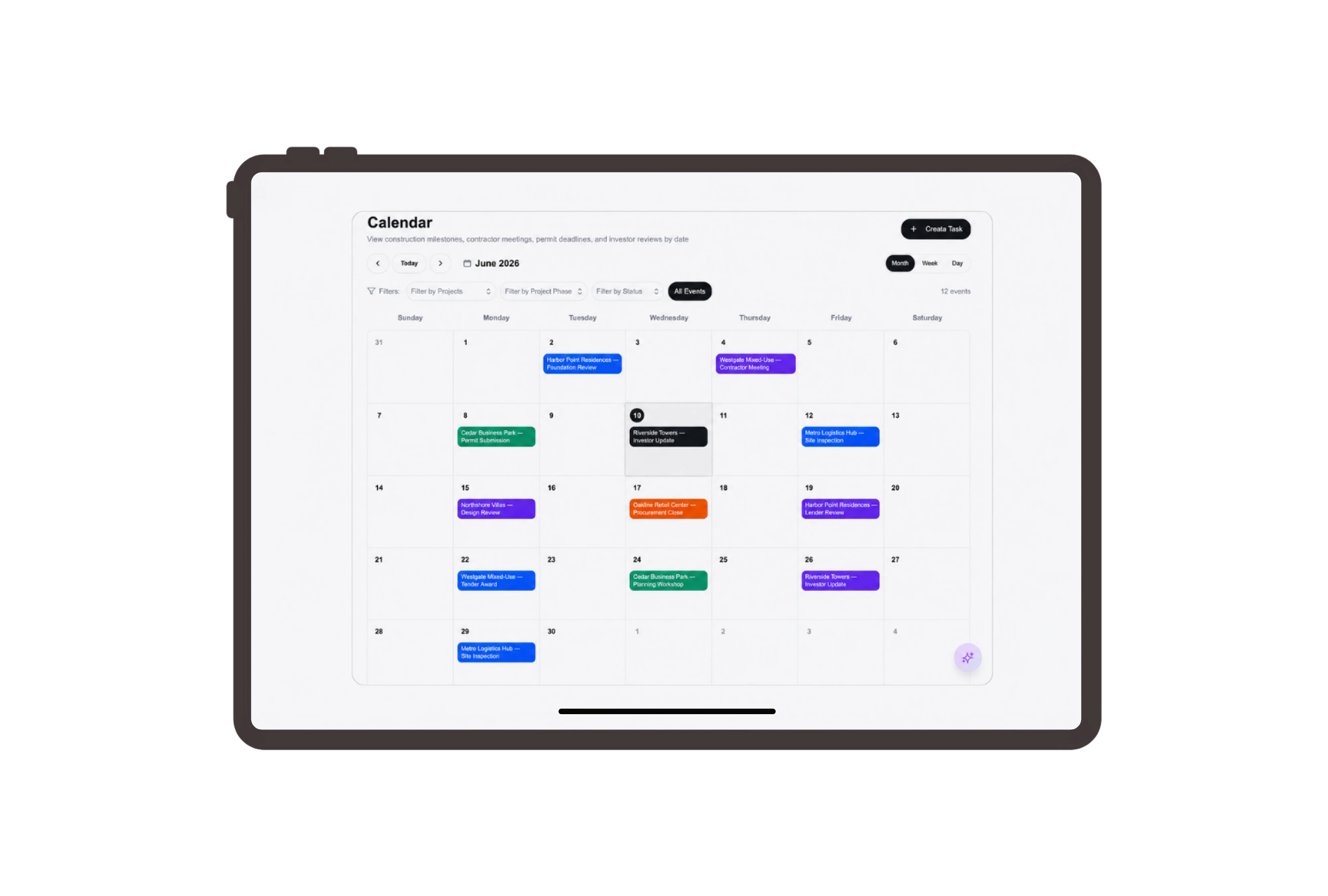
Make the unit sale components easy to review.
Show the commercial unit, allocated parking bay and storeroom as separate lines in an ordinary sales quotation. Each price contributes visibly to the proposed total. Review the buyer, reference and document status alongside the descriptions when discussing which components are included in the Cedar Court sale.
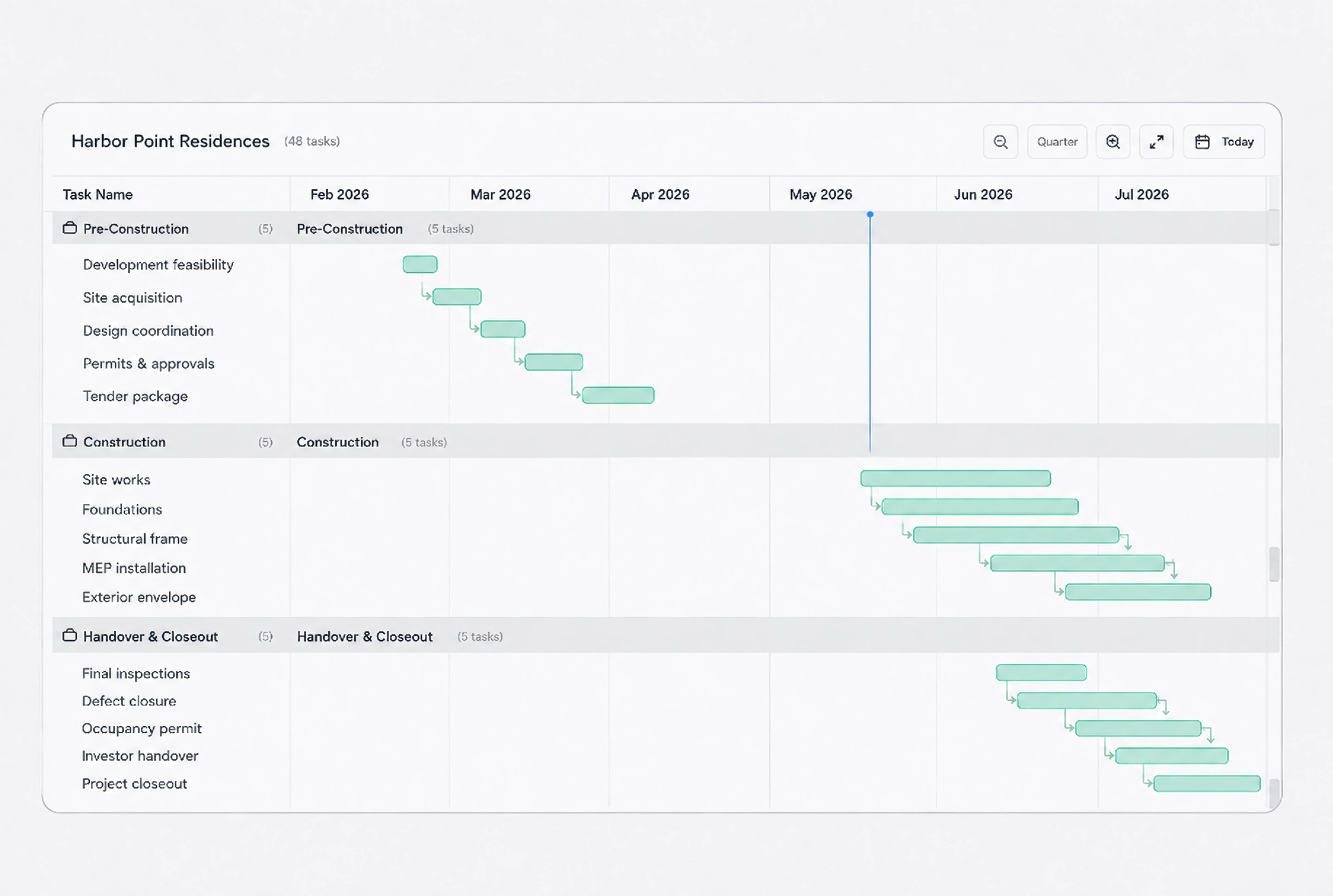
Assign buyer choices and handover follow-ups clearly.
Give buyer contact confirmation, fit-out option discussion and handover meeting preparation their own ordinary tasks. Named assignees, priorities and due dates show the next coordination action. Open task details to review the instruction, then update the status as the responsible person follows up with the buyer.
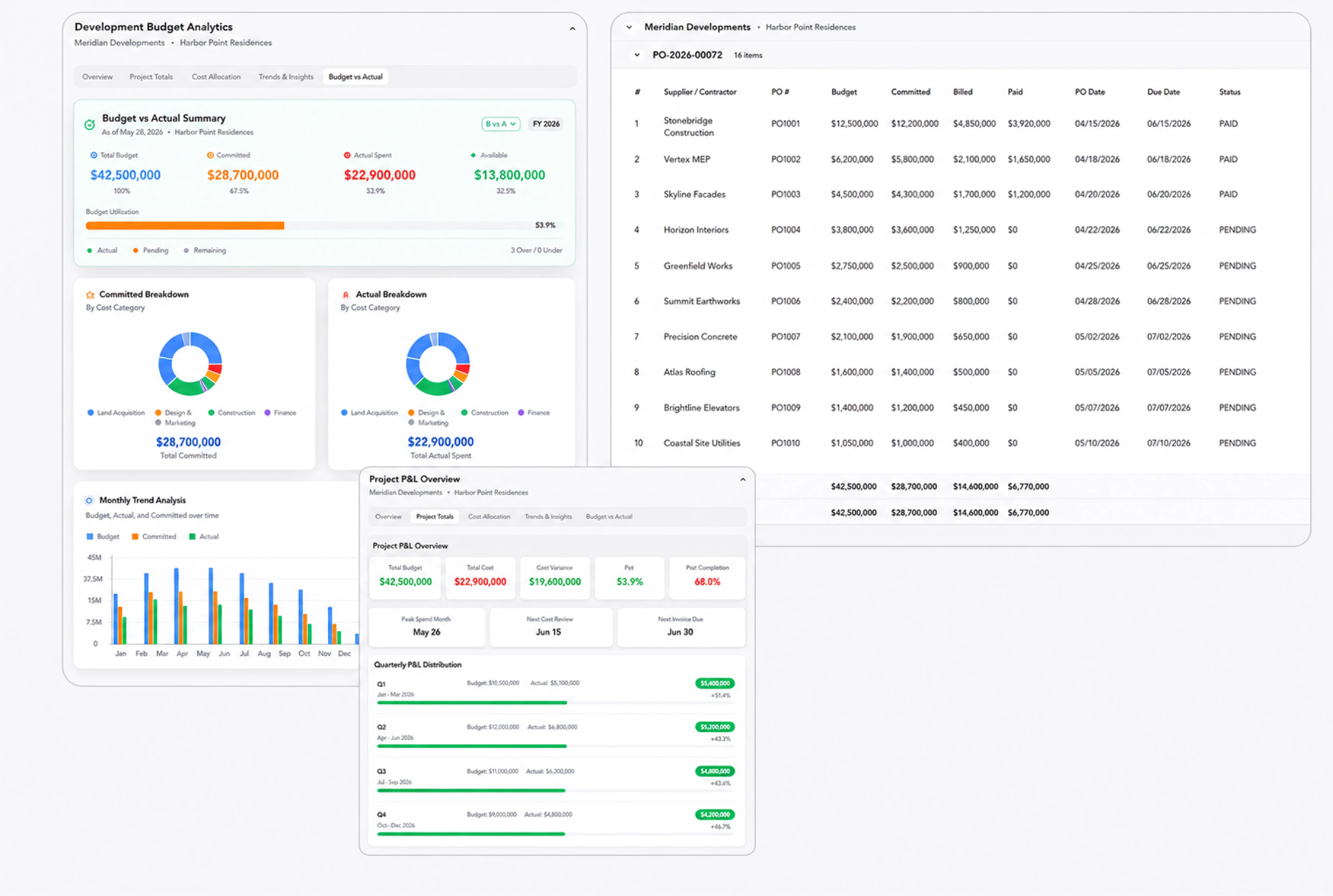
Review each installment against the sale agreement.
Use the sales order’s billing plan to show the agreement, fit-out readiness and handover installments. Select a milestone and review its description, work package and amount in the progress invoice. The agreed percentages explain each charge; staff review the billing decision separately from the buyer task board.
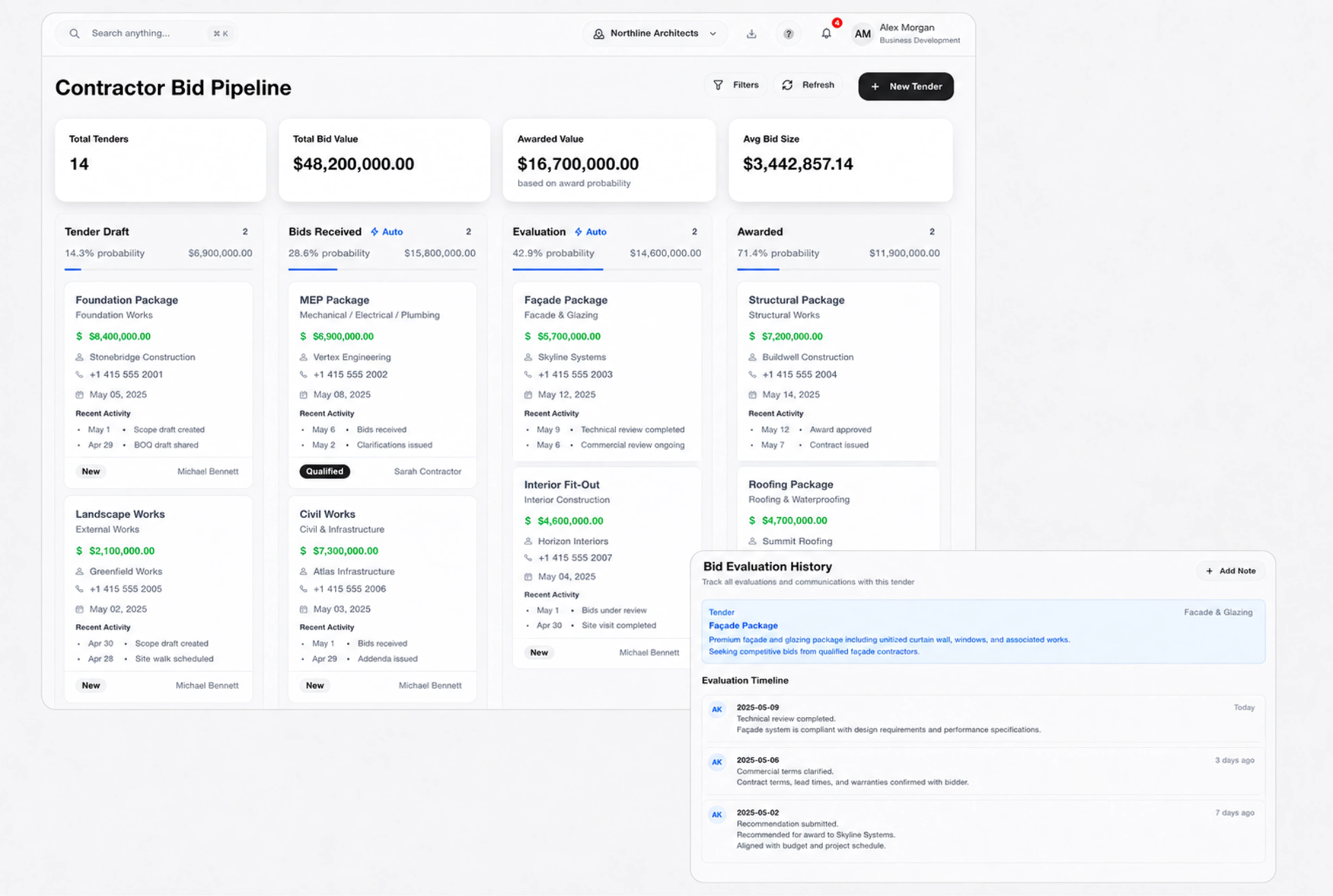
Use buyer terminology on familiar sales records.
Present Customer as Buyer, Sales Quotation as Unit sale proposal and Task as Buyer coordination task. These labels help the development team read the native records in the context of a commercial unit sale. Switch terminology in the example to compare the same records with standard DNA labels.



Bring the next unit sale into clear view.
Construction Developer ERP for Unit Sales & Billing | DNA
- Explore unit sale records in DNA ERP. Review commercial unit, parking and storeroom lines, assign buyer follow-ups and inspect agreed billing installments.
- Utilize structured and semi-structured data storage
- Analyze data using graph, spatial, and machine learning engines
- Start with the basic trial using sample data; no set-up required

