Construction ERP. Every project, connected.
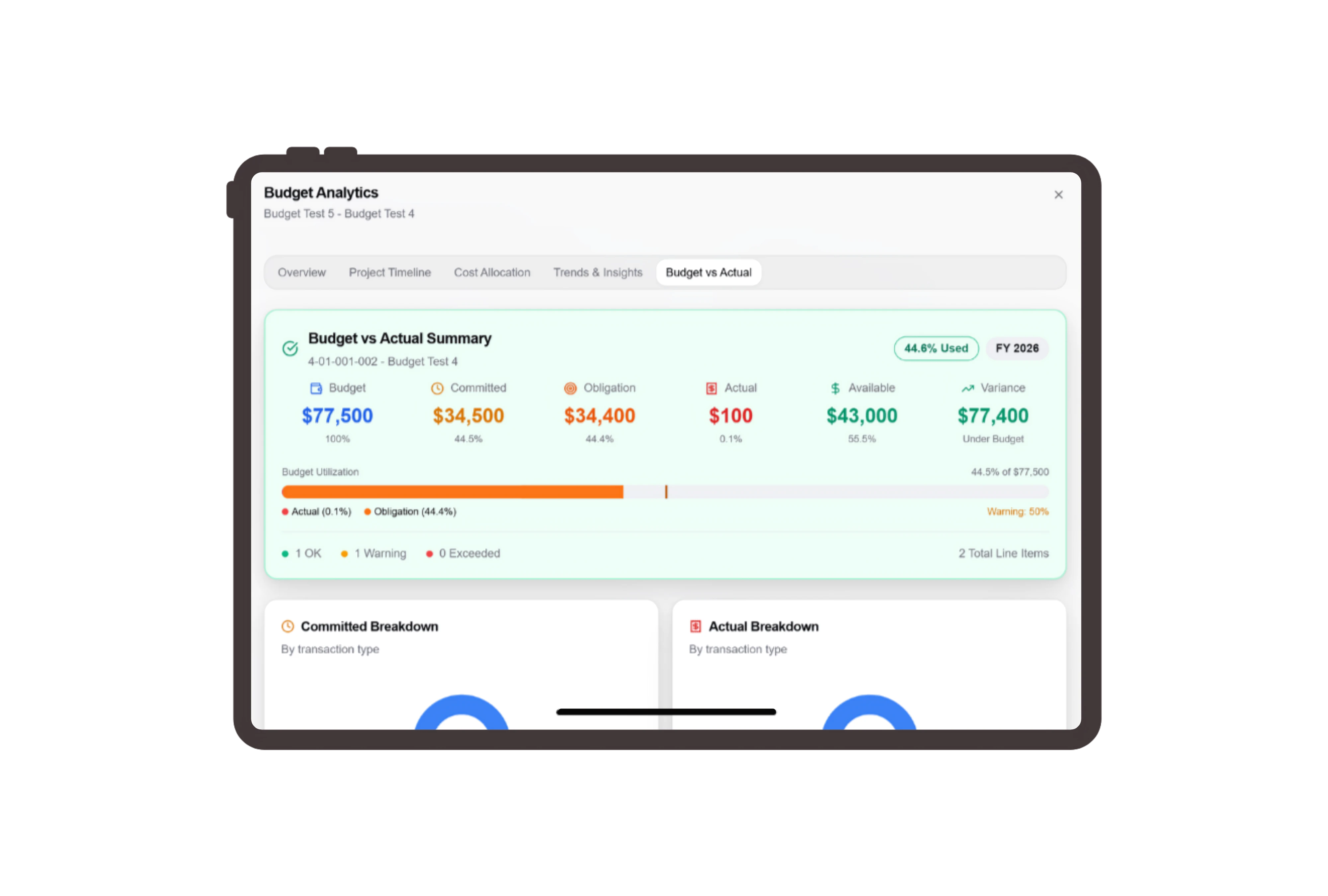
Know what you can commit before you buy.
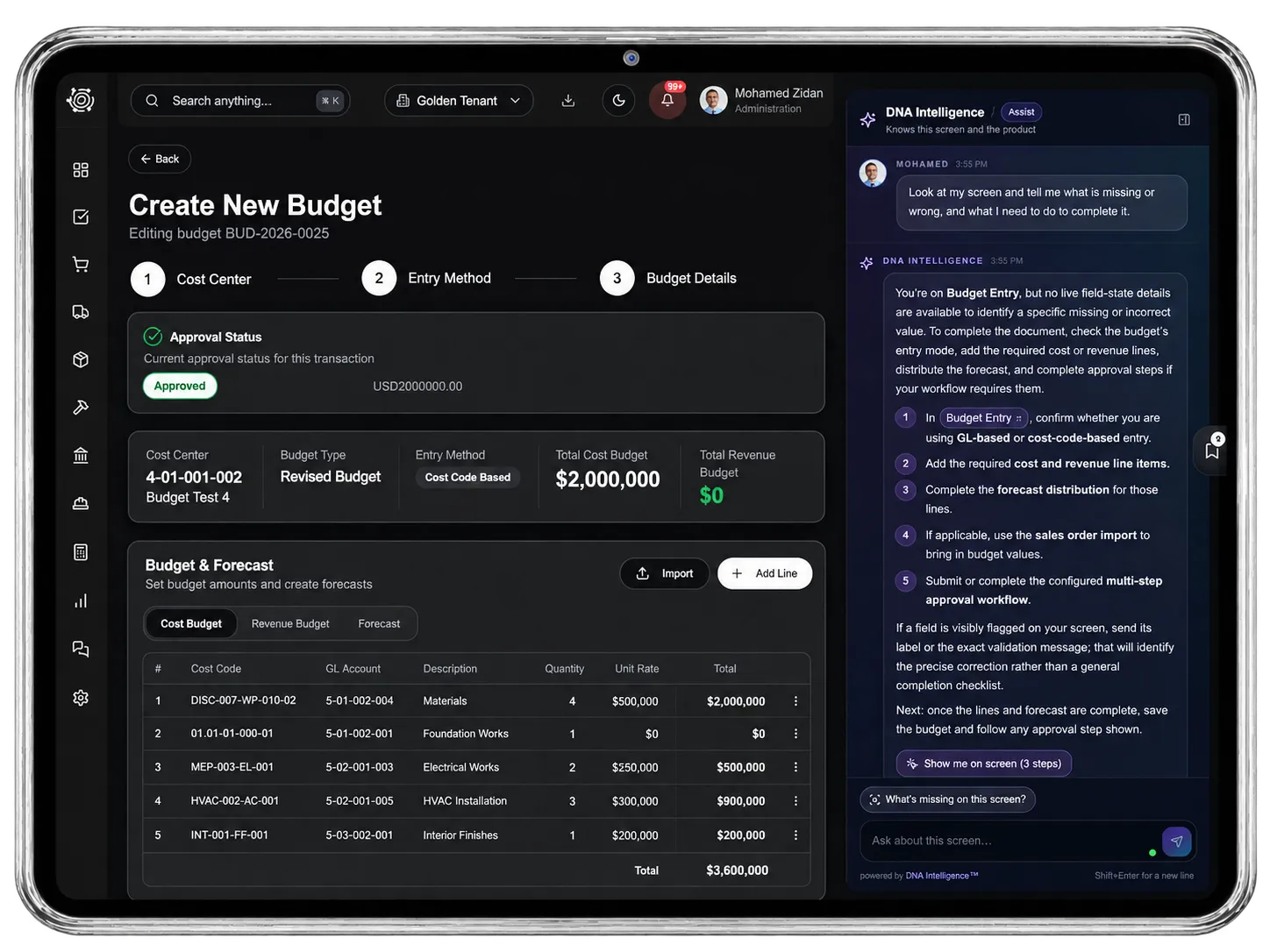
Organize construction costs by project, discipline, work package and cost code. Review approved budgets alongside commitments and actual costs, so the next purchase starts with a clear view of what remains. The example follows one material package through the project budget.
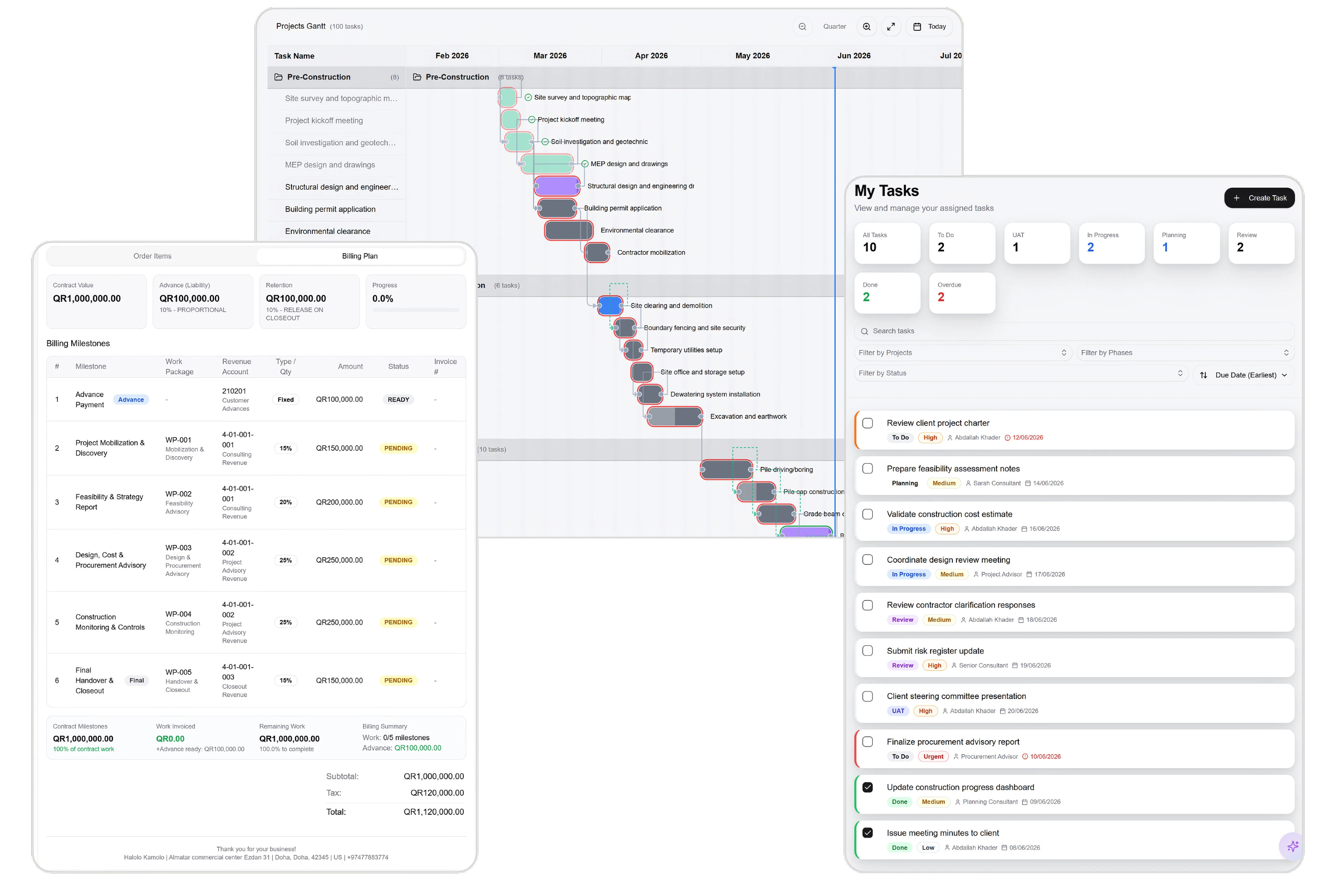
A clear route from site request to supplier.
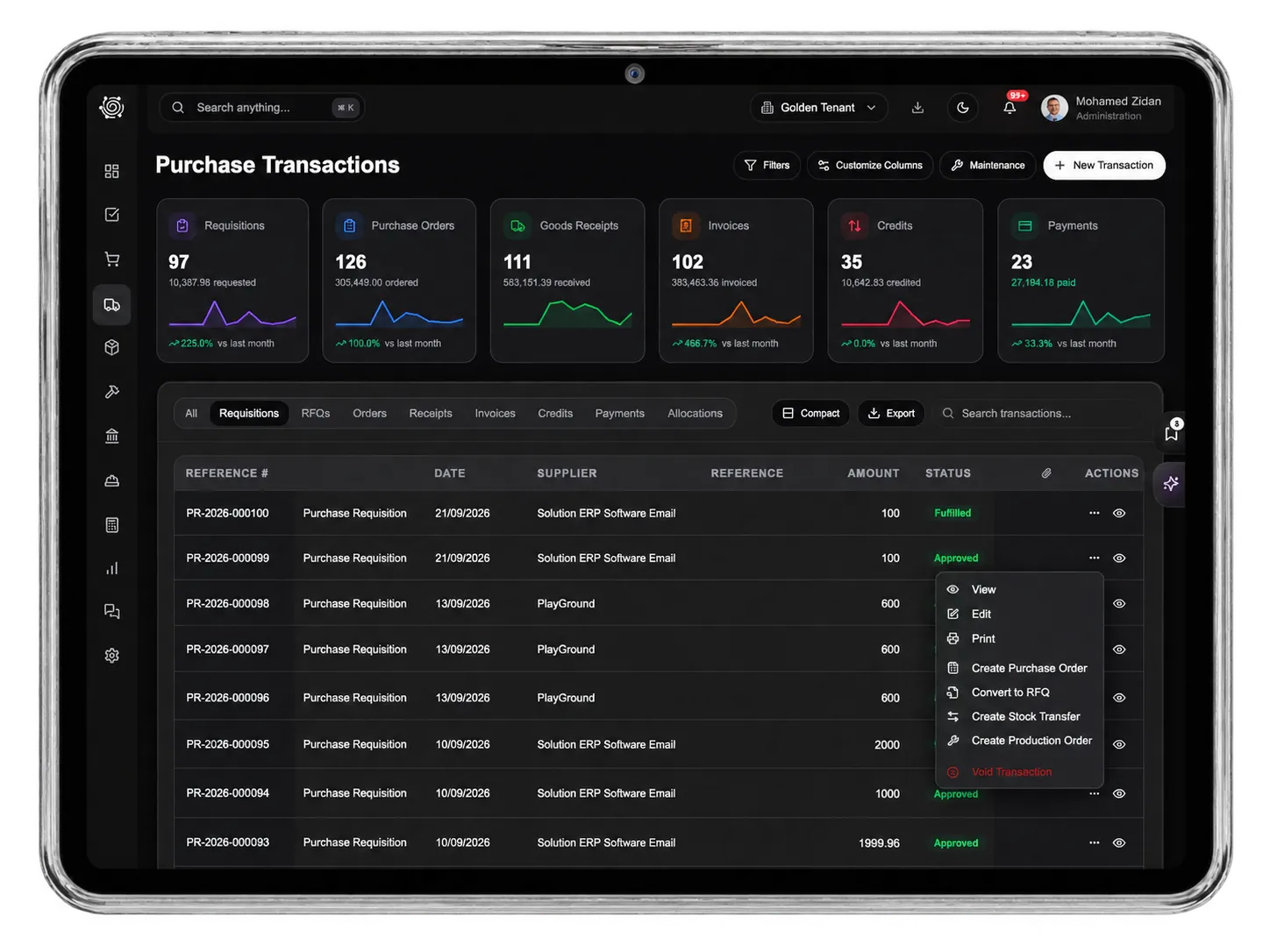
Give procurement the materials, quantities and delivery dates the site needs. Route requisitions through your configured approvals, collect supplier quotations, compare the responses and carry the selected offer into a purchase order. Keep the project and cost centre attached to the work.

Ordered. Received. Still to arrive.
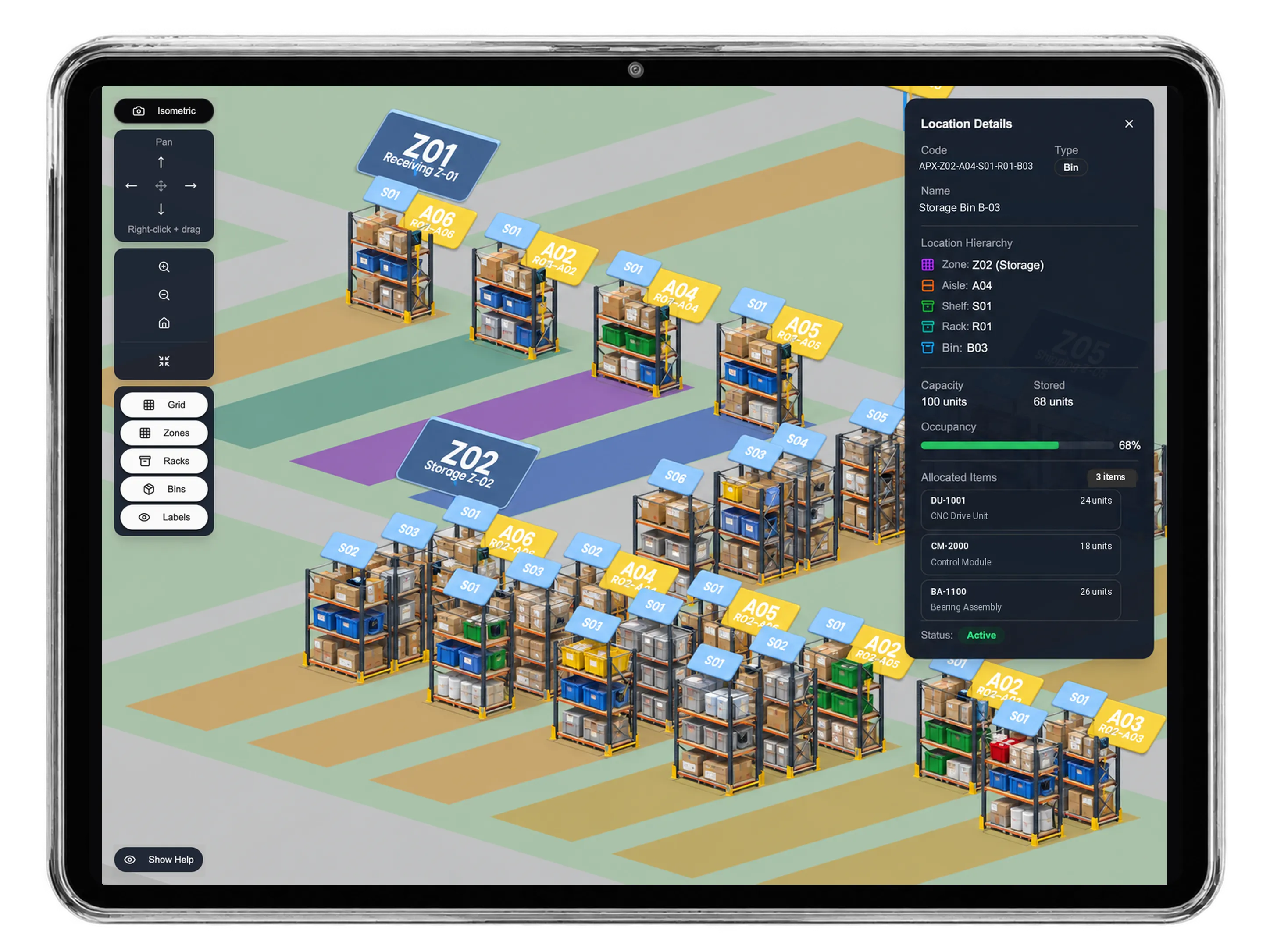
Follow construction materials from the purchase order into goods receipts and inventory movements. See ordered, received and outstanding quantities, handle partial deliveries, and keep warehouse and site records connected. Explore the Inventory app for locations, bins and 3D warehouse views.
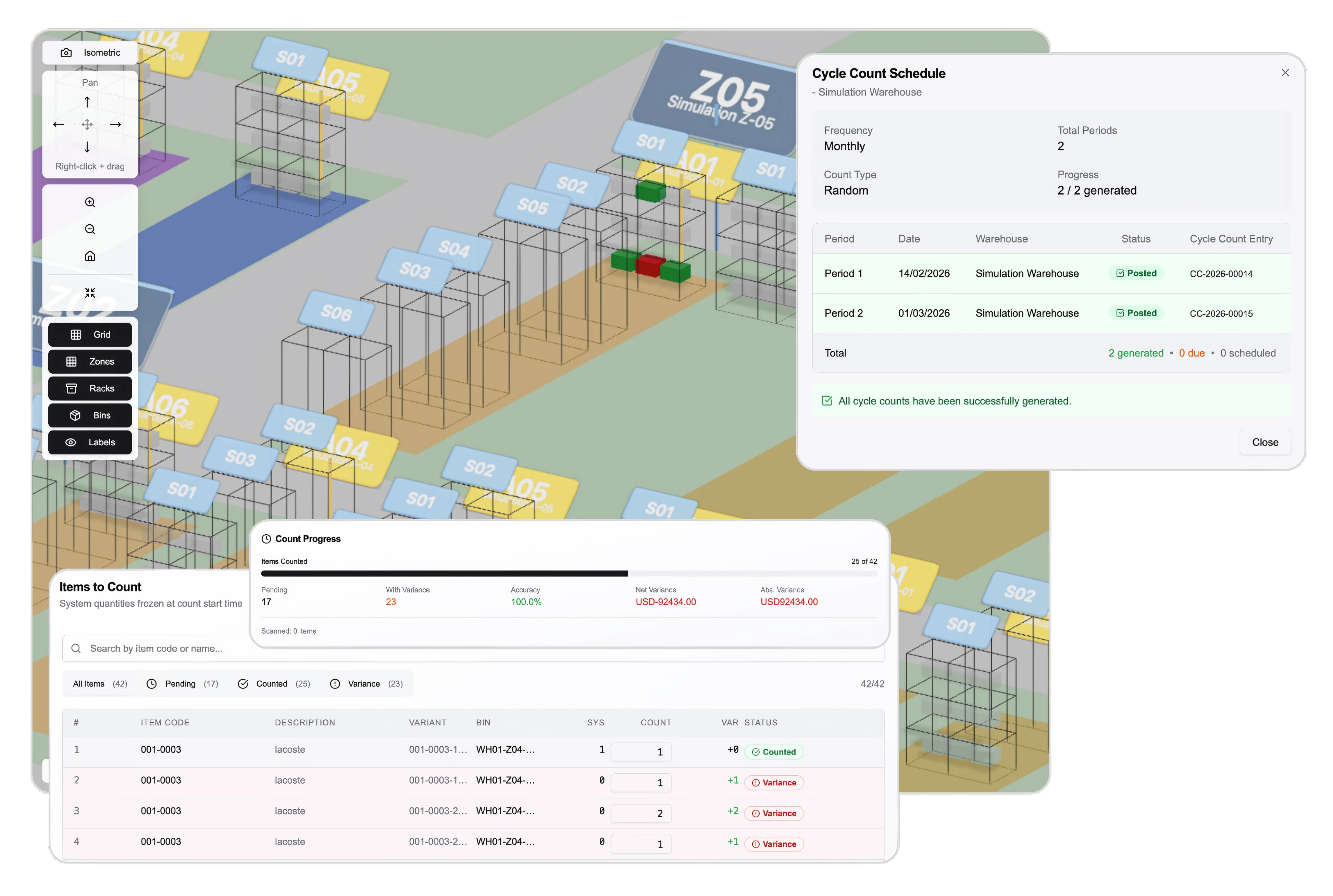
Bill the milestone. Keep retention visible.
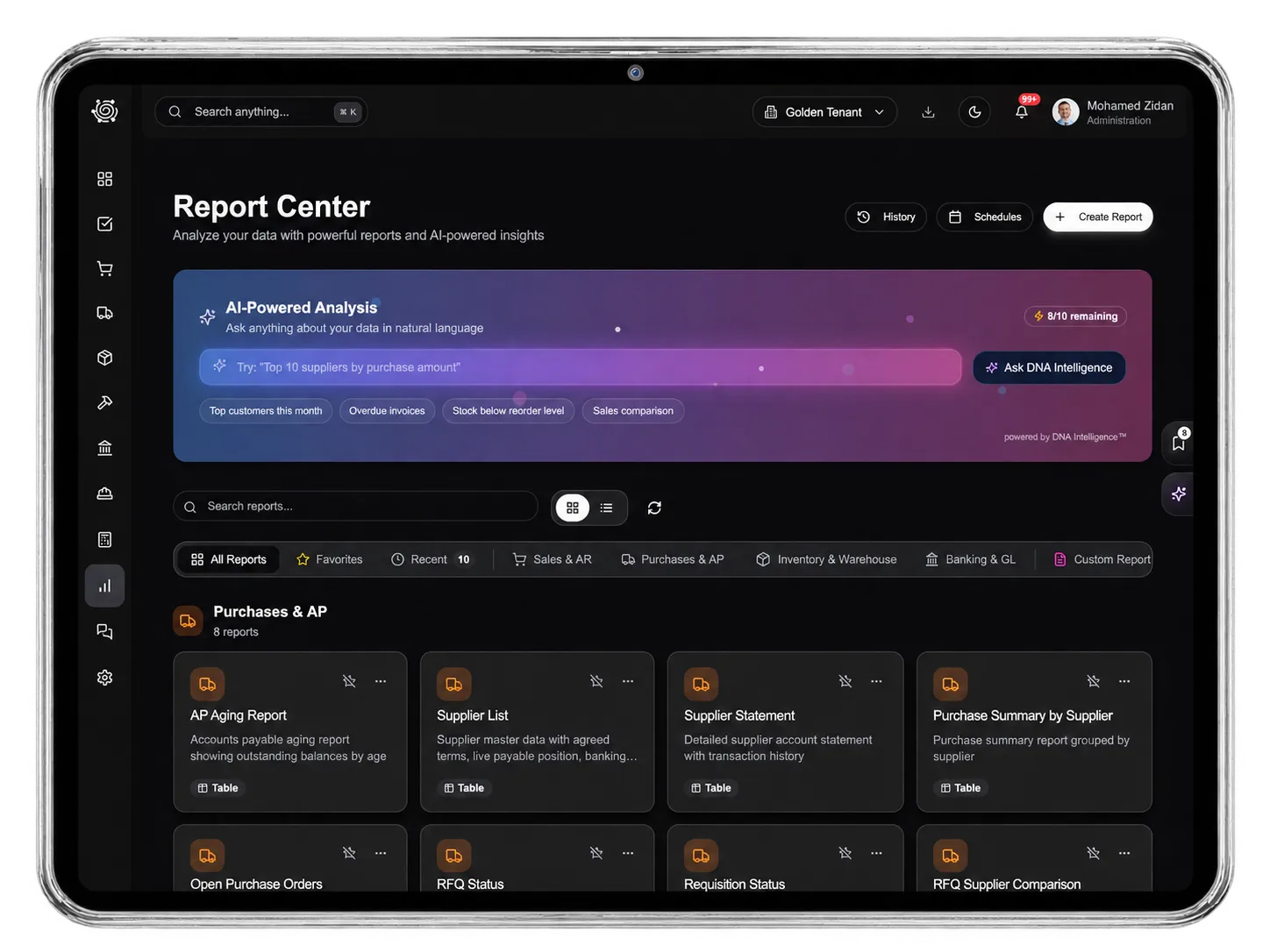
Manage progress orders and billing milestones for construction contracts. Review the amount due for each stage, follow retention separately, and track invoices and customer payments as different events. Use shared print layouts to present clear, consistent project documents.
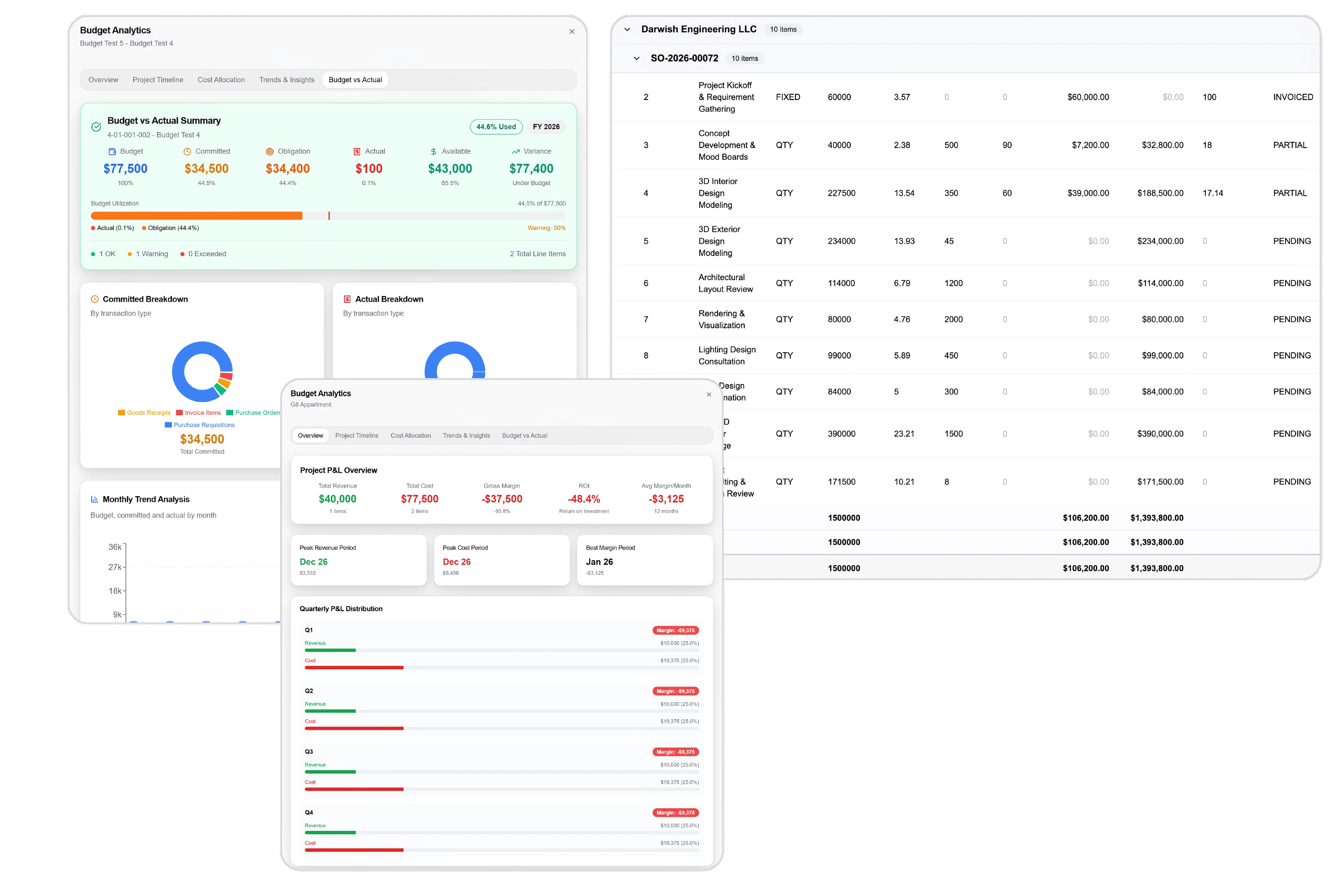


Bring your next project into DNA.
Construction ERP Software: Projects & Cost Control | DNA
- Connect project budgets, procurement, site inventory and progress billing with DNA construction ERP. Explore an interactive project and start your free trial.
- Utilize structured and semi-structured data storage
- Analyze data using graph, spatial, and machine learning engines
- Start with the basic trial using sample data; no set-up required

