Facility Management ERP for Building Service Work
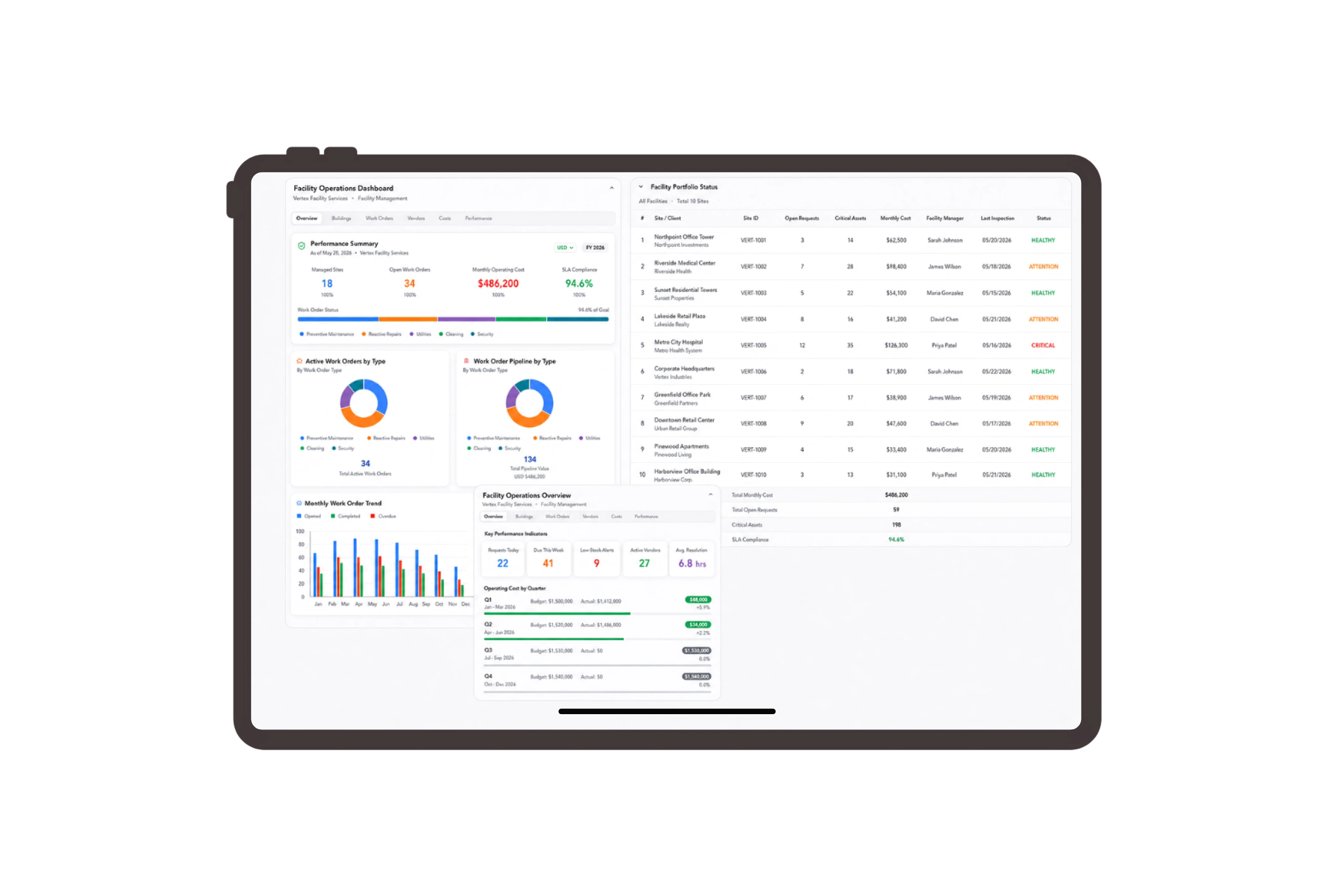
Separate the visit from coordination charges.
Describe the common-area walk-through, contractor coordination hours and visit summary as distinct service lines. The native quotation shows their units, quantities and prices with the building client and document reference. Facilities staff can review exactly which service fees the Northgate visit includes before discussing additional work.
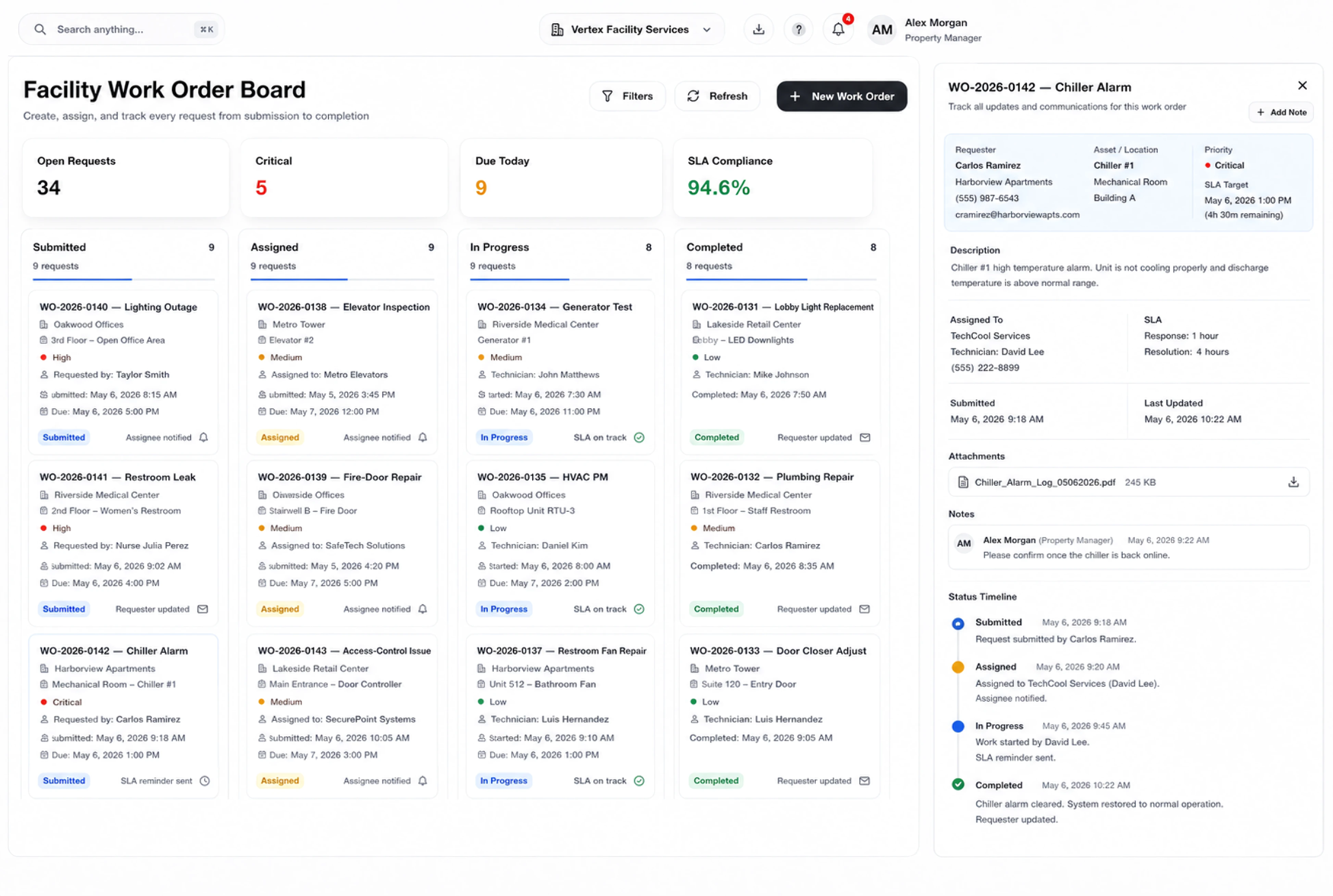
Give every building follow-up an owner.
Keep reception access, condition observations and contractor follow-up visible as ordinary assigned tasks. Open a card to review its instructions, due date and priority, then update the work status. People carry out the site visit and assess observations; the board keeps their next actions clear.
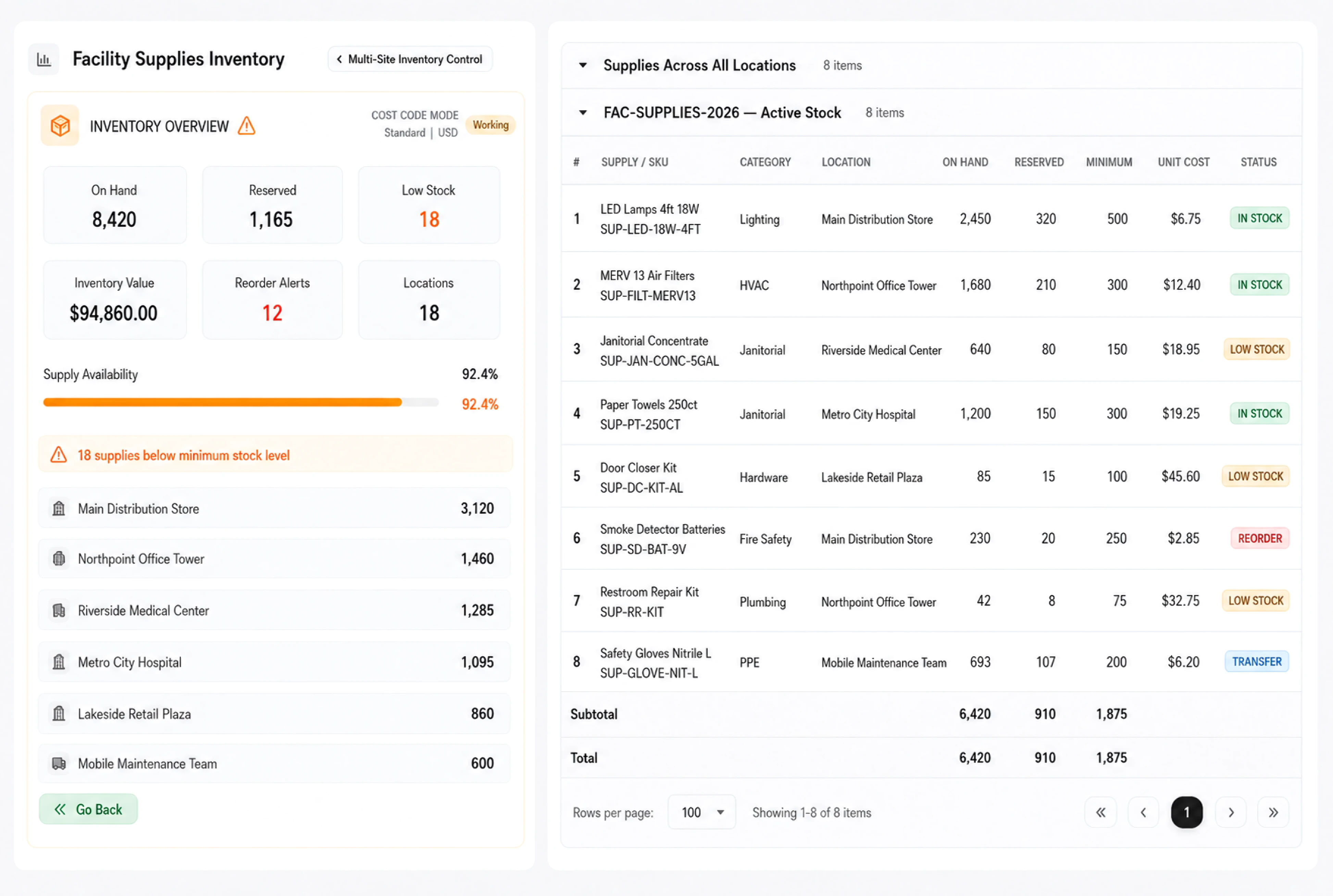
Review the building visit charges together.
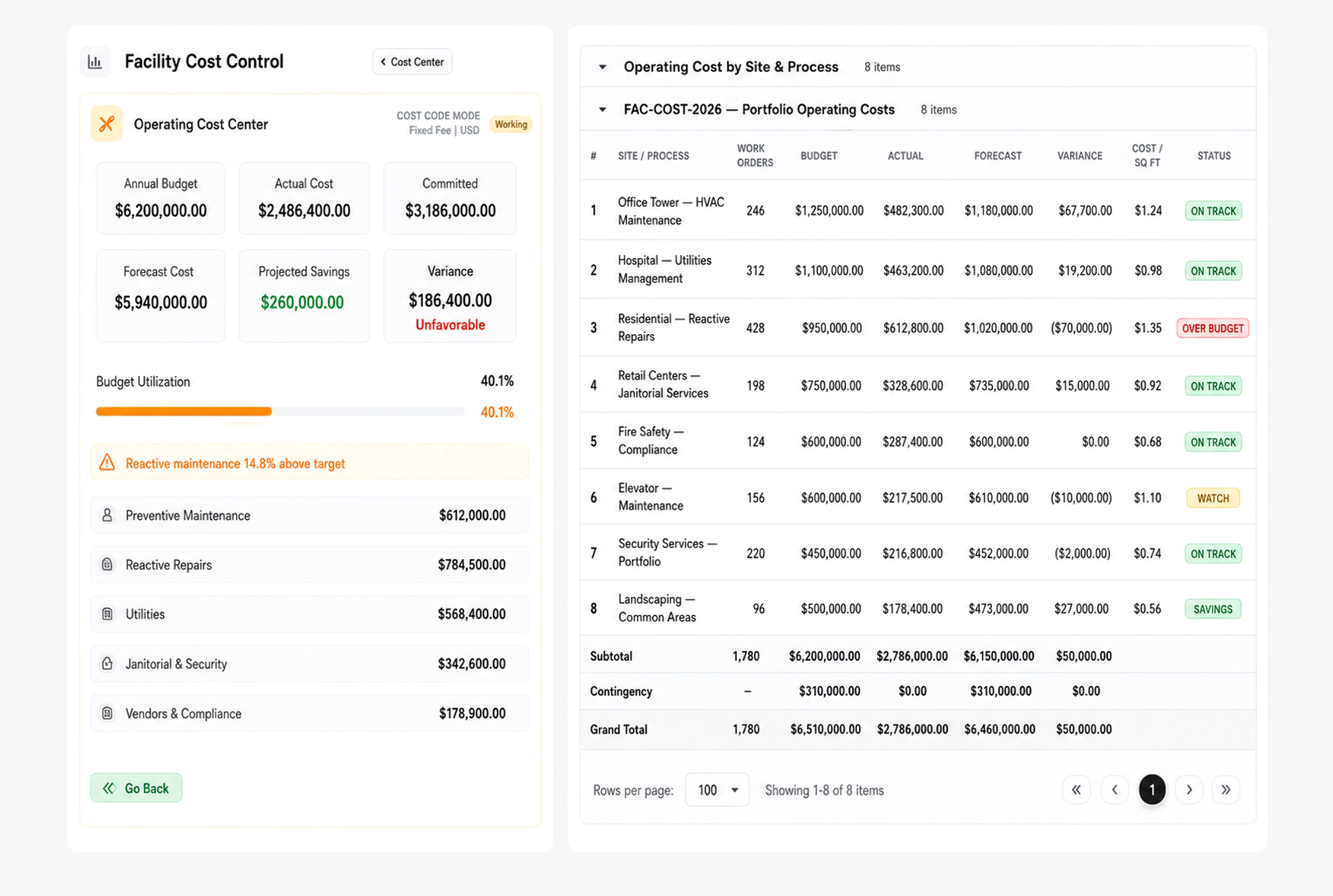
Inspect a standard service invoice with the walk-through fee, coordination hours and summary charge shown separately. The customer, reference, date and amount give finance a clear document to review. Check line totals against the agreed scope when discussing the invoice with the building client.
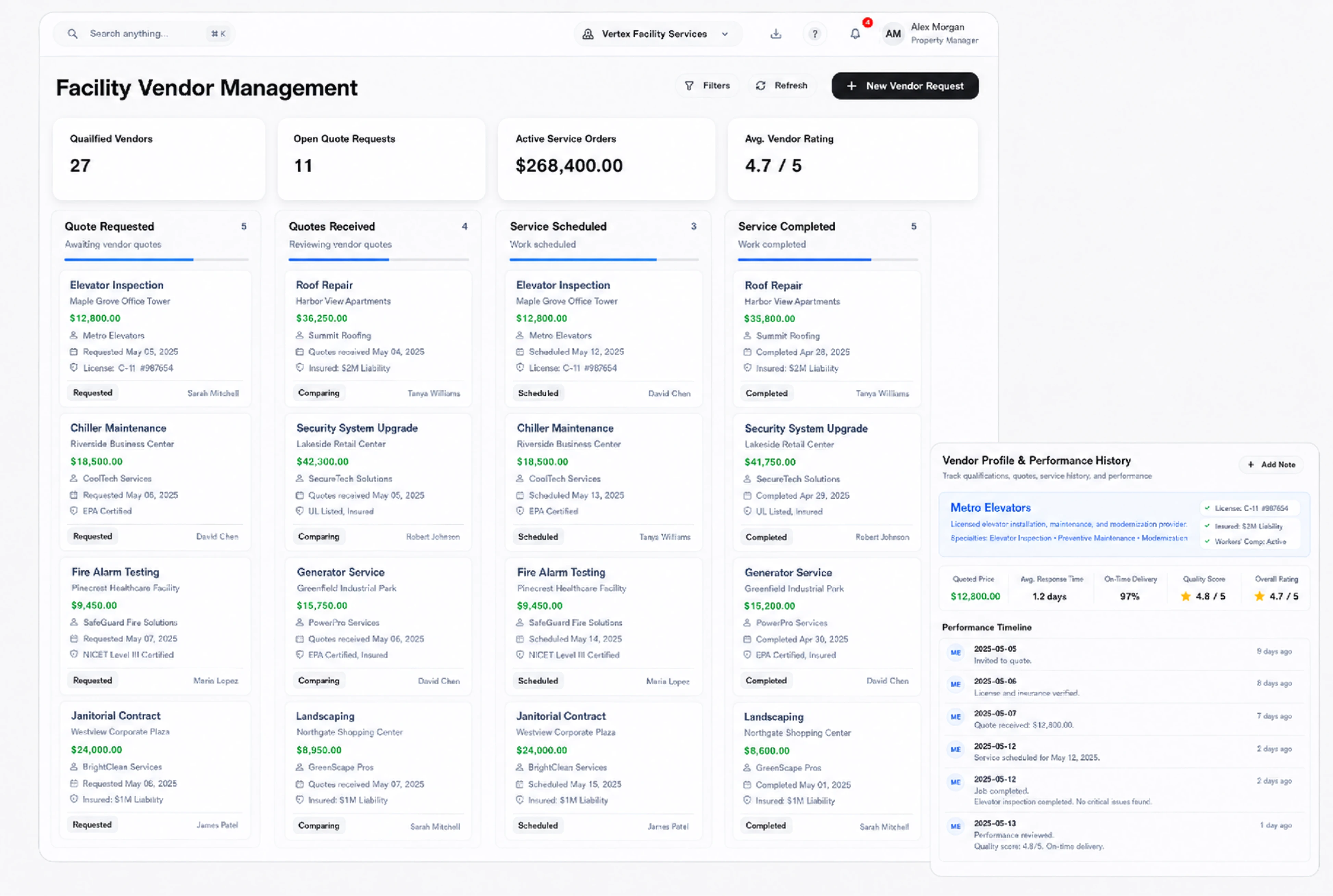
Choose how the building proposal is shared.
Review the sharing controls for the facility service proposal before sending it to a building contact. Choose the document language and link expiry, and decide whether to request a signature. The example lets you try these settings while keeping the Northgate scope and document reference visible.


Bring one building visit into view.
Facility Management ERP for Tasks & Service Fees | DNA
- Coordinate facility service work in DNA ERP. Review a building proposal, assign site preparation tasks and inspect a clear service invoice with itemized fees.
- Utilize structured and semi-structured data storage
- Analyze data using graph, spatial, and machine learning engines
- Start with the basic trial using sample data; no set-up required

