DNA Pay
Two ways to pay. One connected ERP.
Collect payment from your sales invoice. Online or in person.
FROM YOUR SALES INVOICE
Request payment with the context already there.
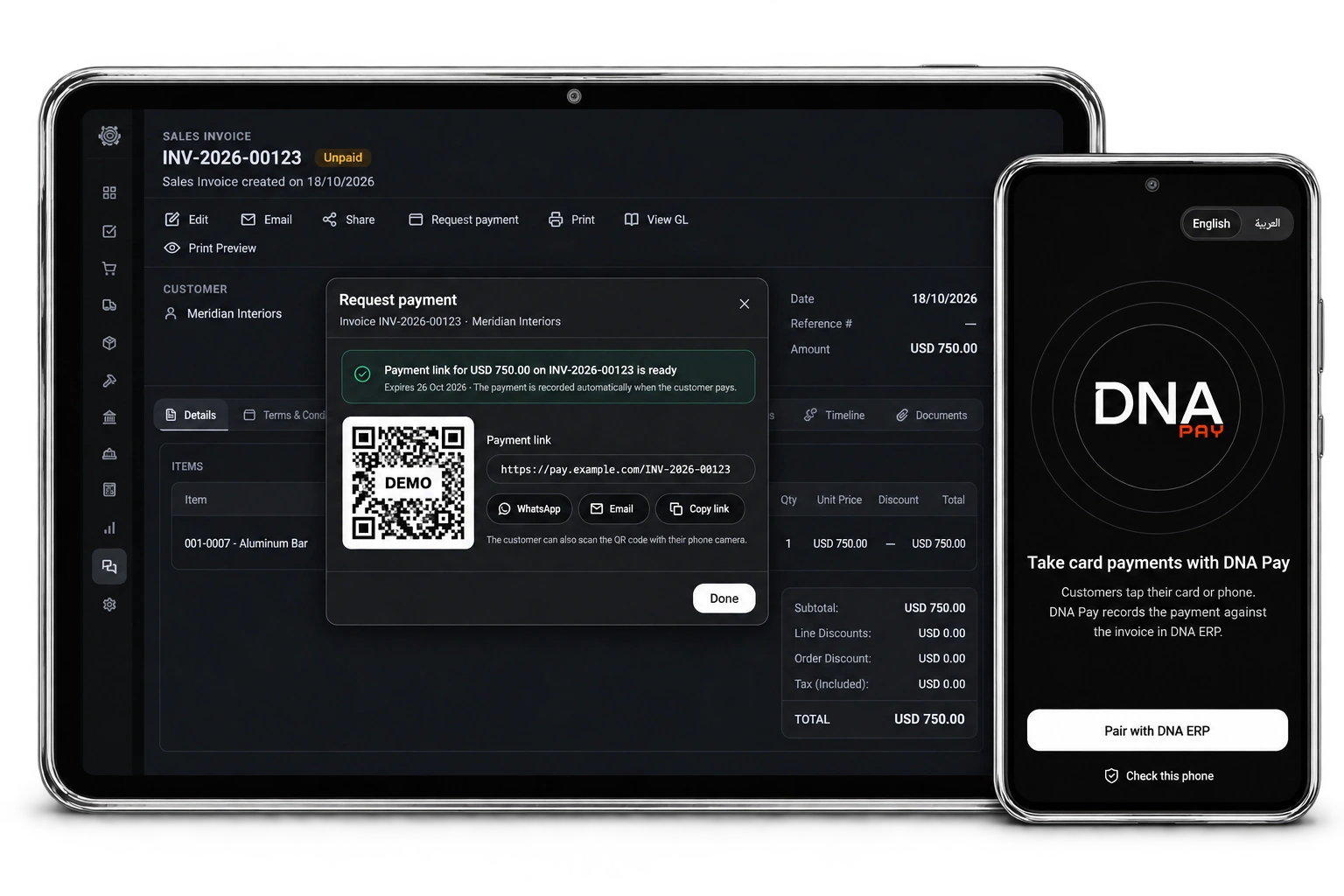
Open an existing sales invoice in DNA ERP and request its outstanding balance or a partial amount. The customer, invoice and amount stay connected from the start.
No items found.
PAYMENT LINK
Create a payment link from your invoice and share it wherever your customer is.
Share by WhatsApp, email, copied link or QR code. Your customer completes payment on the connected gateway’s page.

TAP TO PHONE
Turn a compatible Android phone into a payment collection terminal connected to your ERP.
Open the existing invoice request in DNA Pay, review the customer and amount, and select Take payment to collect in person.
FOLLOW EVERY REQUEST
Every request. In context.
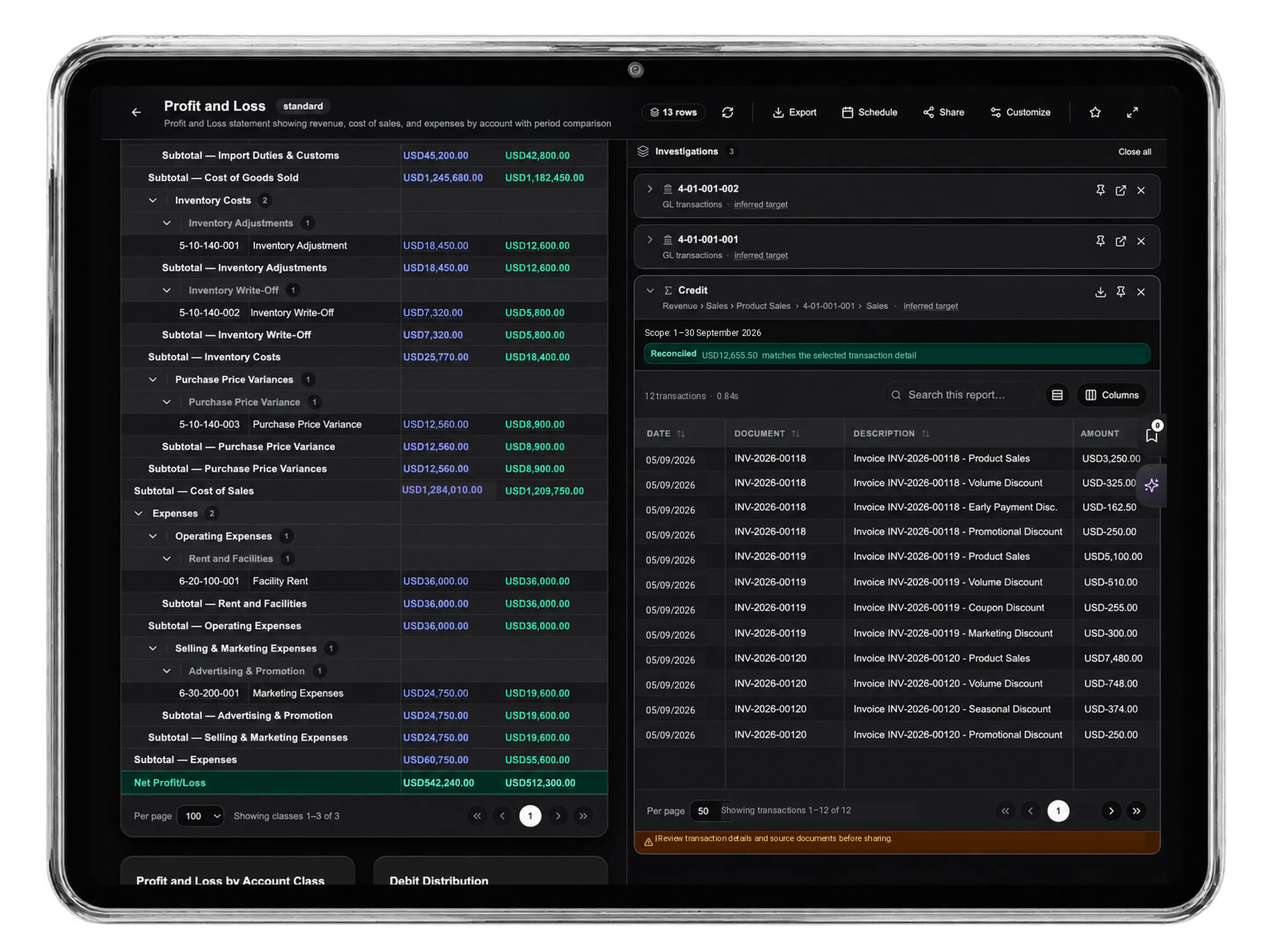
Follow the method, amount, reference, status and event history in the invoice’s Online payments area.
AUTOMATIC ERP RECORDING
From invoice to payment to ERP record—one connected workflow.
After the gateway confirms payment, DNA ERP creates the customer payment and associates it with the original invoice. Partial payments leave the remaining balance outstanding.


Light Mode
Dark Mode
↔