Furniture Store ERP for Room Orders and Stock
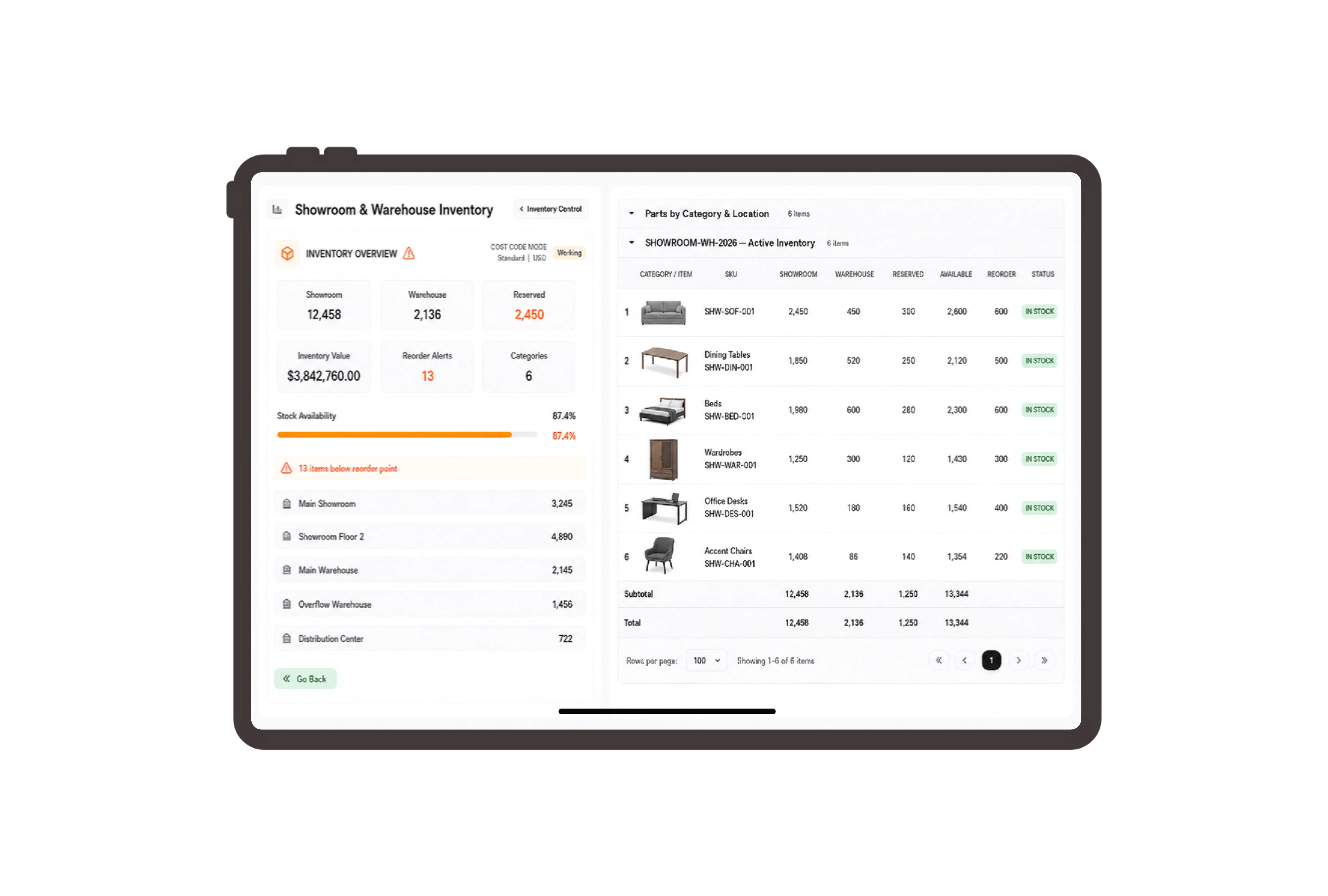
Price every piece in the dining room
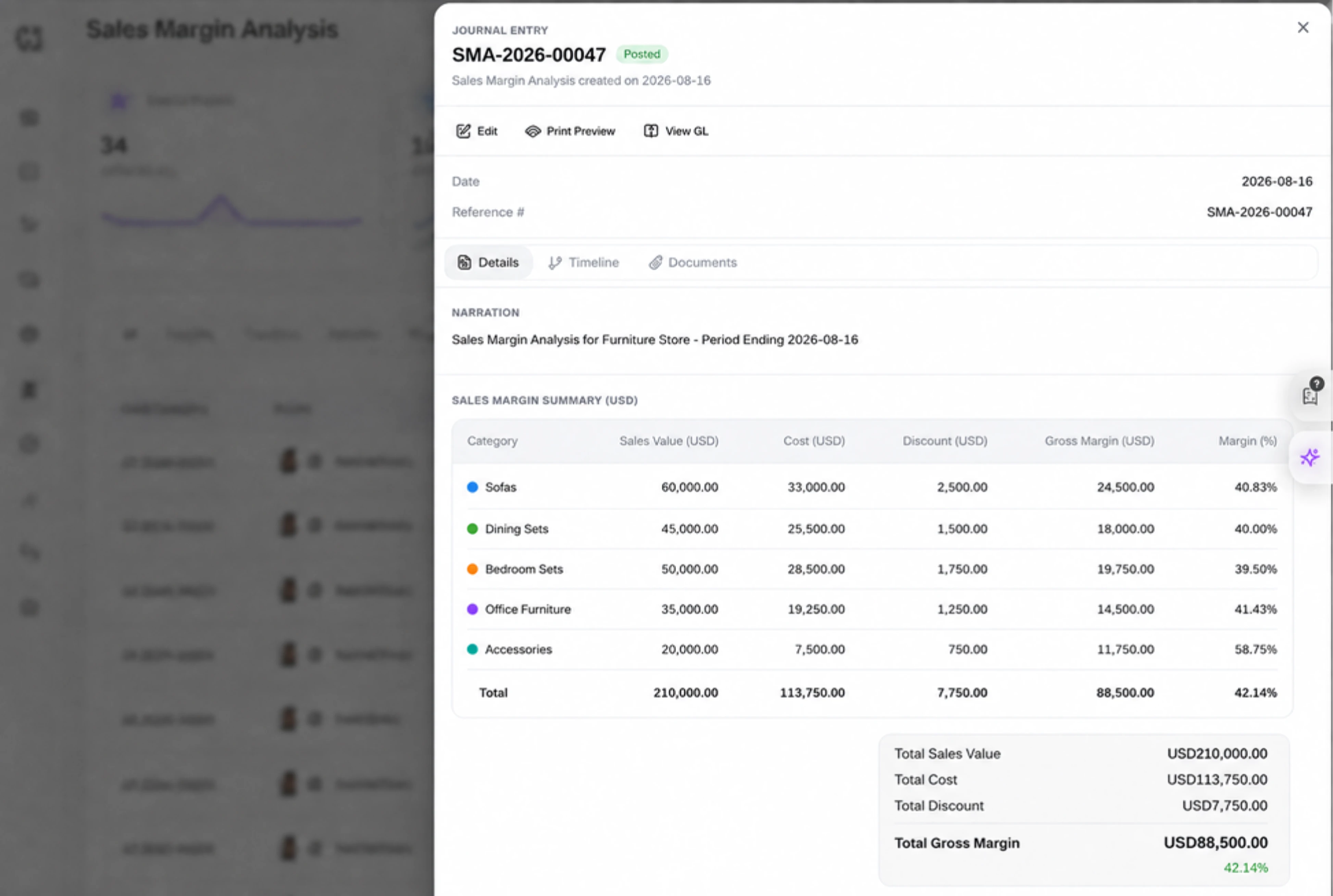
List the oak table, six upholstered chairs and matching sideboard as separate invoice lines. Keep dimensions and finishes in the item descriptions, then review quantity, unit price, discount and total in the Details tab. The customer can see exactly which pieces make up the agreed room order.
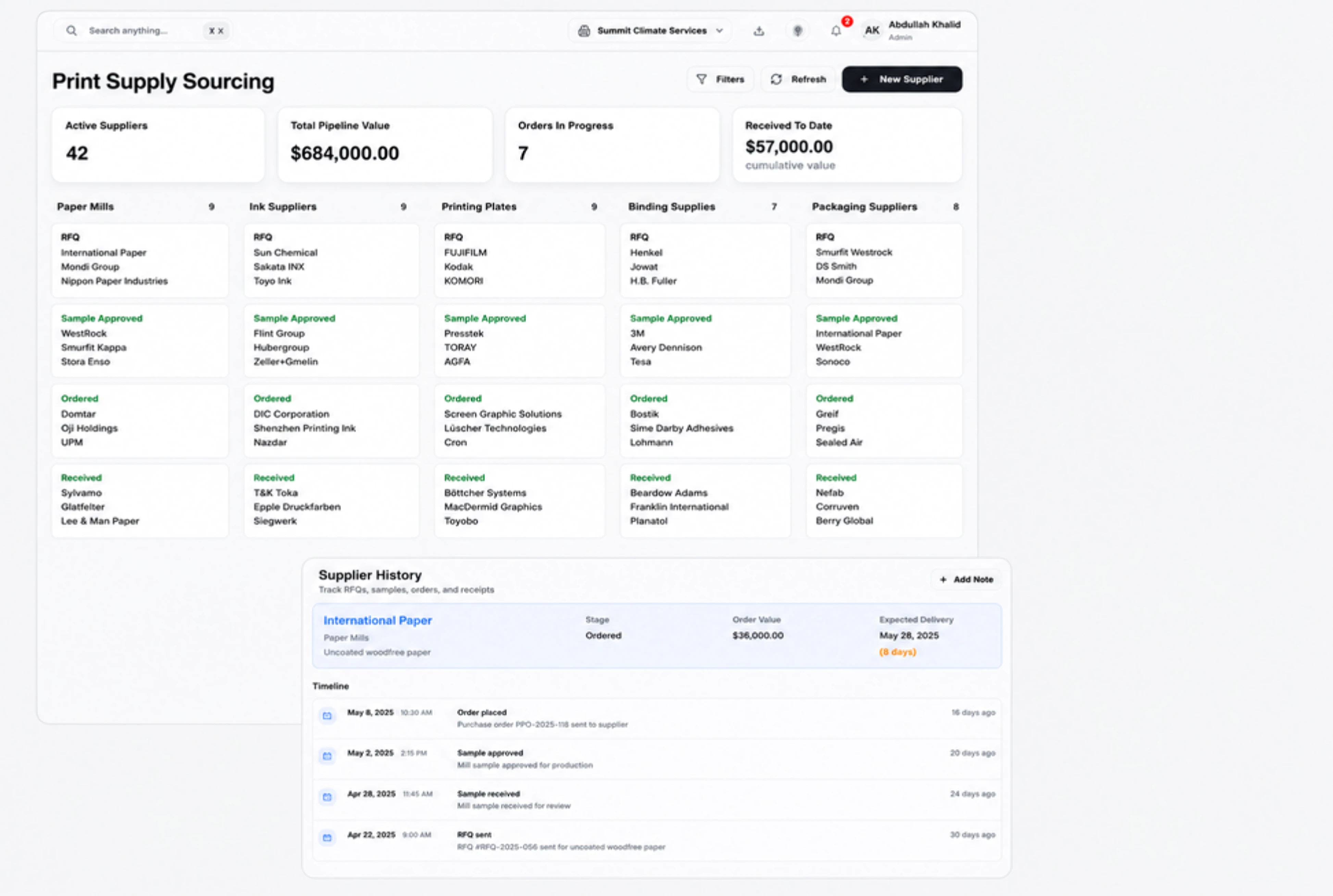
Move boxed furniture to the collection warehouse
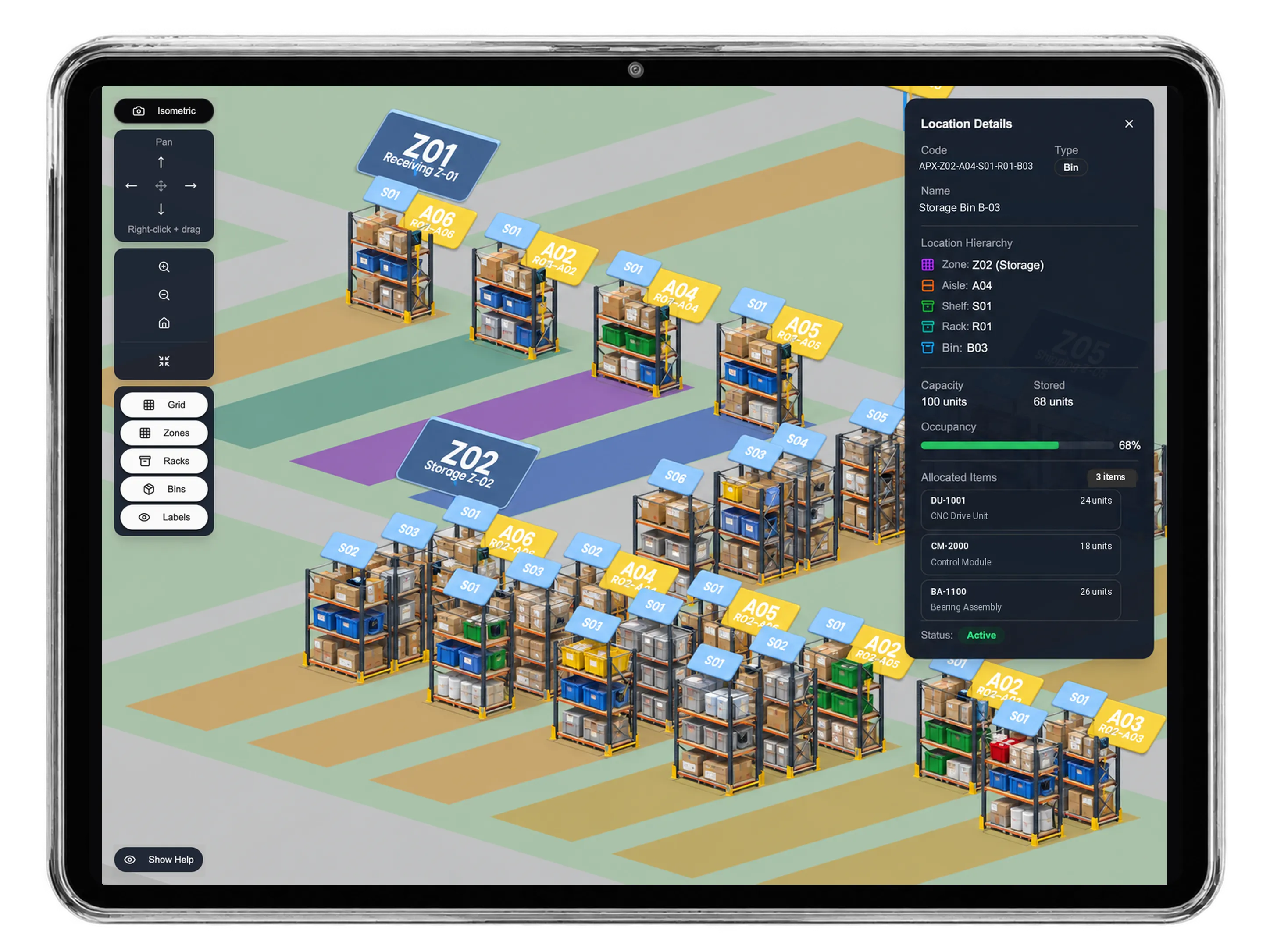
Prepare a stock transfer from the main furniture warehouse to the showroom collection warehouse. Review available units, transfer quantities and the reason for each movement before requesting approval. This is a physical movement of tables, chairs and sideboards; the sales invoice remains a separate commercial document.
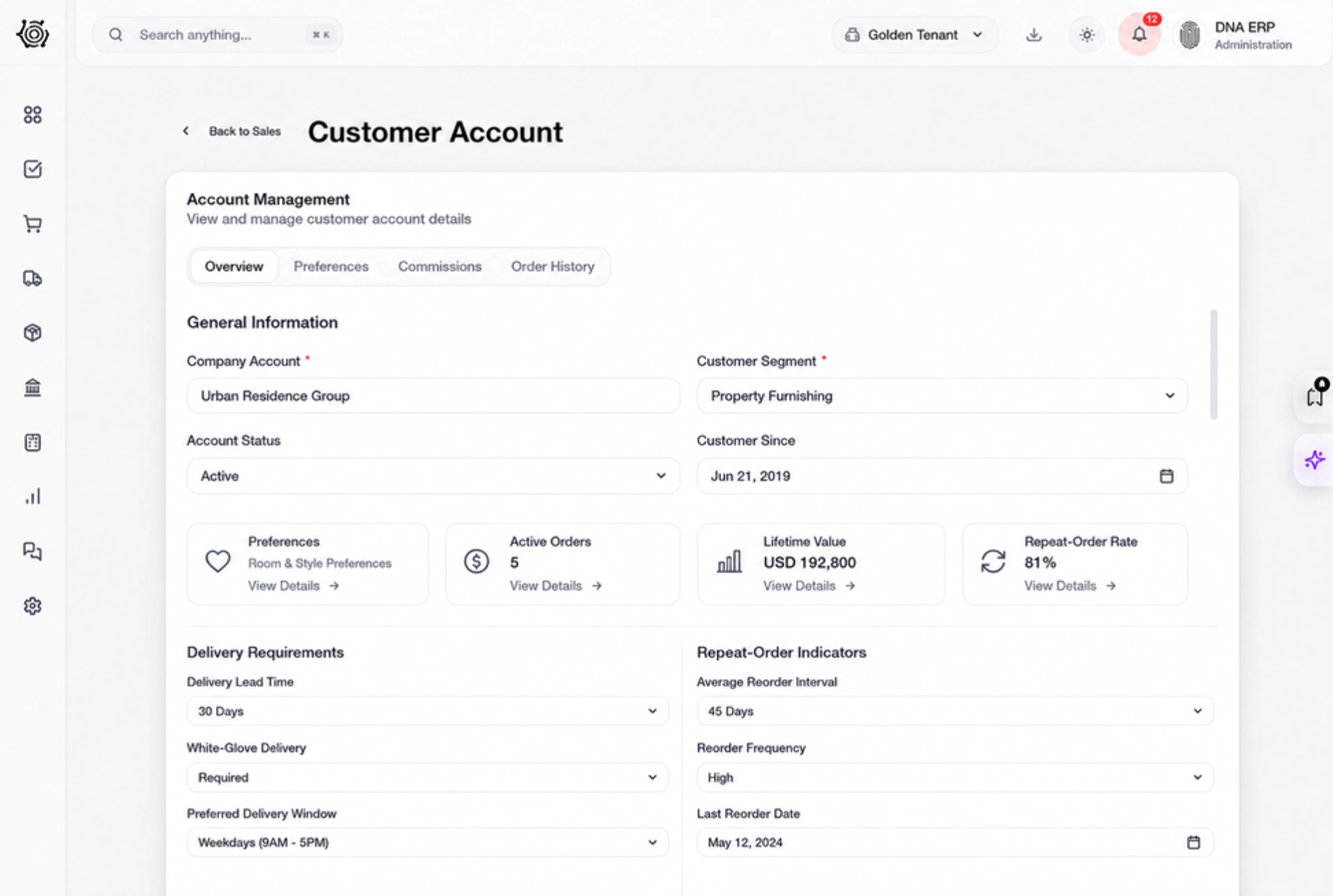
Assign the checks before the furniture leaves
Give staff separate tasks to inspect the table finish, count chair cartons and confirm the delivery access instructions. Each task has an owner, due date and status on the board. Staff perform and record the checks themselves, so the showroom can discuss outstanding preparation with the people responsible.
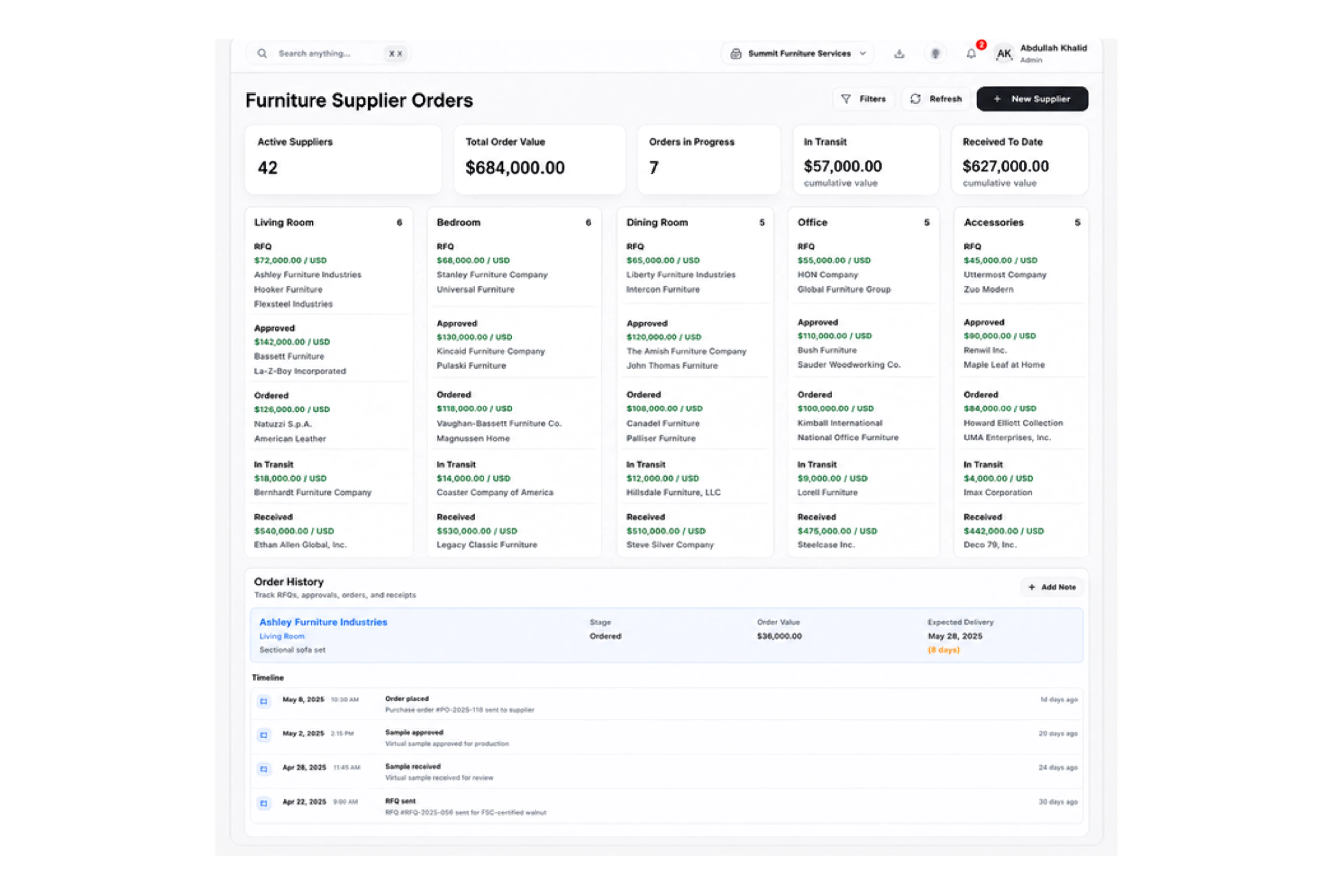
Use familiar names for furniture sales records
Use configured terminology such as Furniture customer, Room quotation and Furniture item on the supported customer and sales records. Staff still work with DNA’s standard documents and item lines. The labels help a showroom team recognize the purpose of each record while dimensions and finishes stay in the actual item description.



Give your next room order a clear handover.
Furniture Store ERP: Invoices, Stock & Tasks | DNA
- Manage furniture invoices, showroom stock transfers and delivery preparation in DNA ERP. Keep table dimensions, chair finishes and order quantities clear.
- Utilize structured and semi-structured data storage
- Analyze data using graph, spatial, and machine learning engines
- Start with the basic trial using sample data; no set-up required

