Clothing Store ERP for Size-Specific Orders
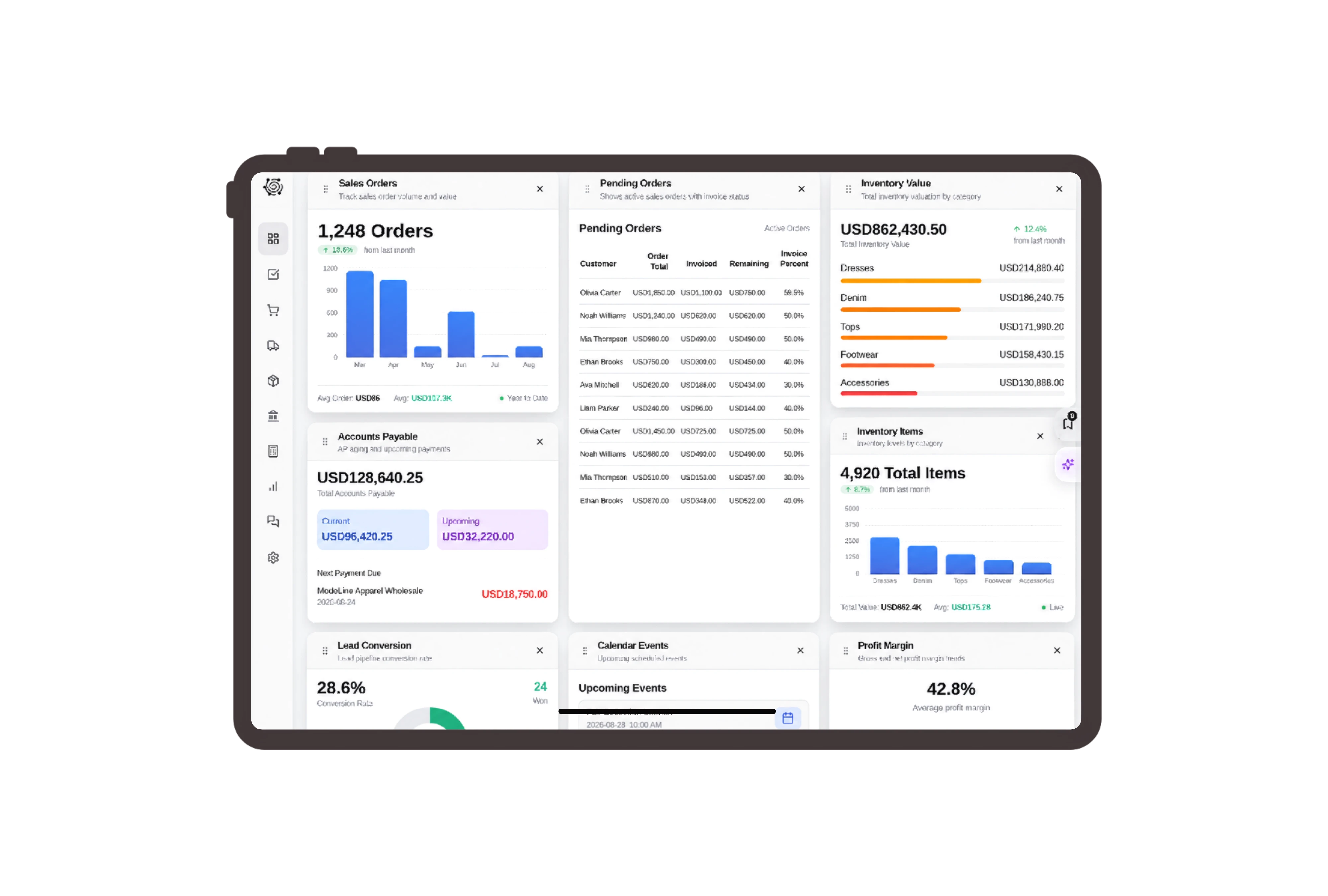
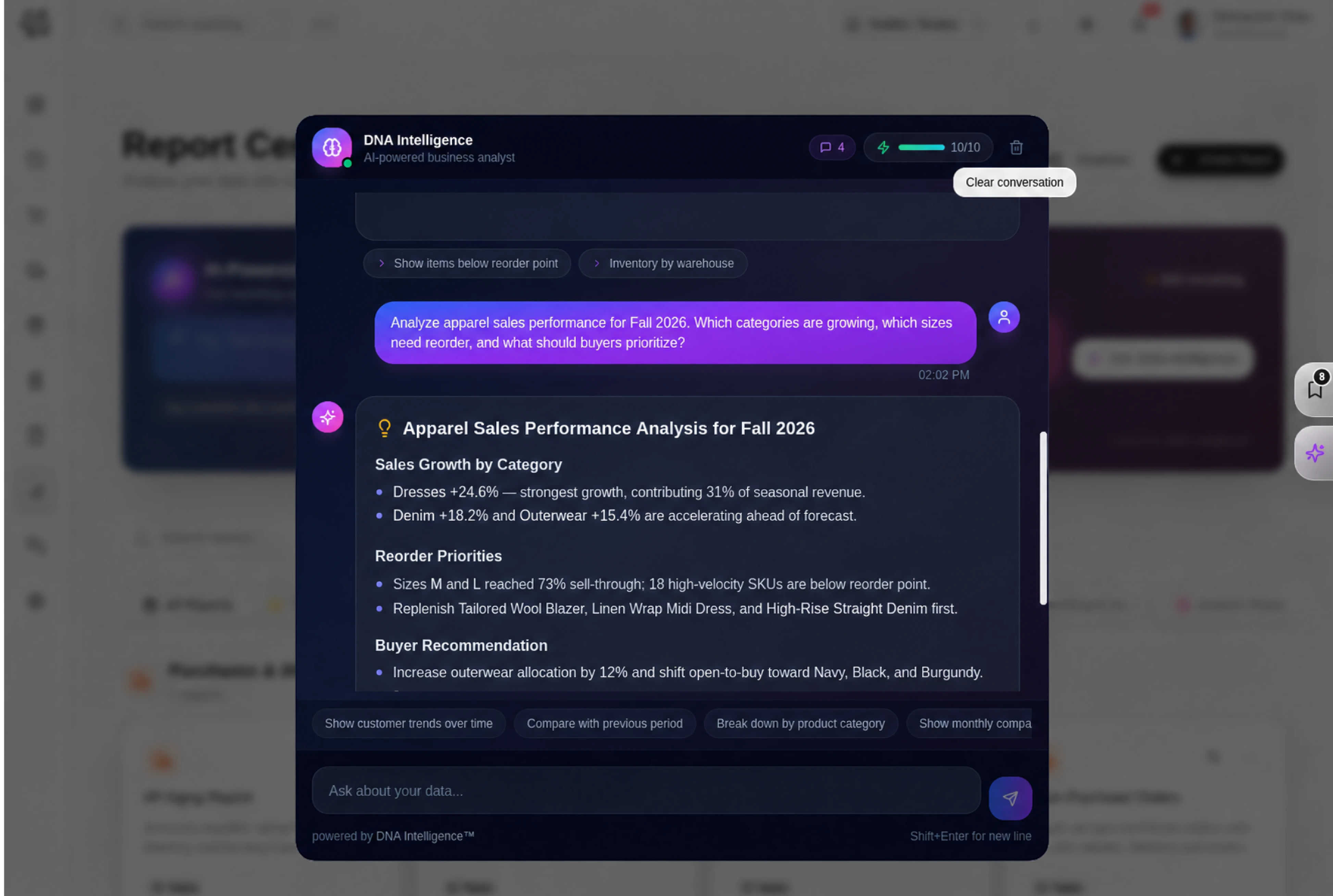
Show each ordered size on its own line
Invoice navy cotton polo shirts in small, medium and large as three distinct item lines. Each description includes the agreed size and color, with its own quantity and unit price. Staff can review the size split with the customer before packing the order, using the normal invoice Details tab.
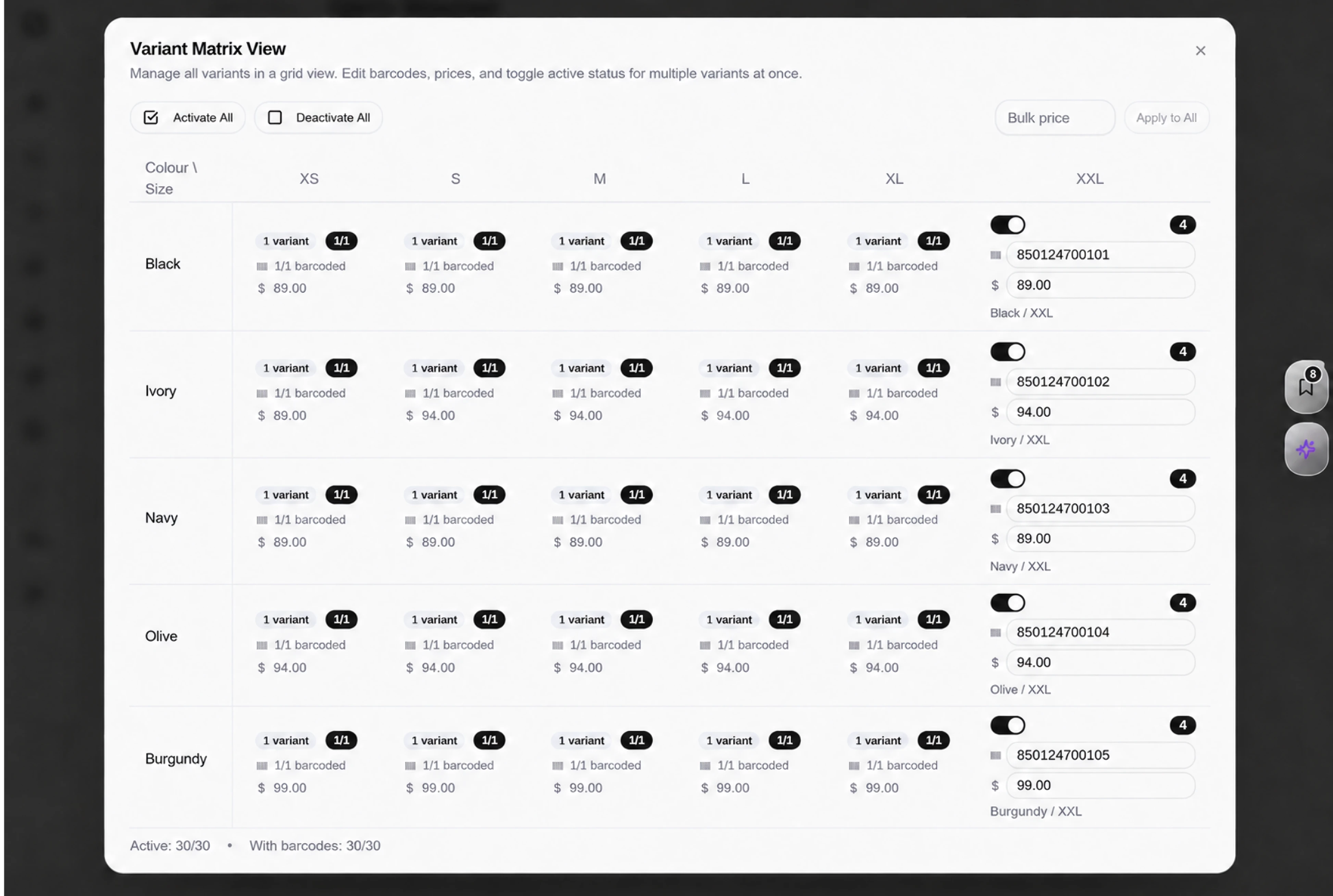
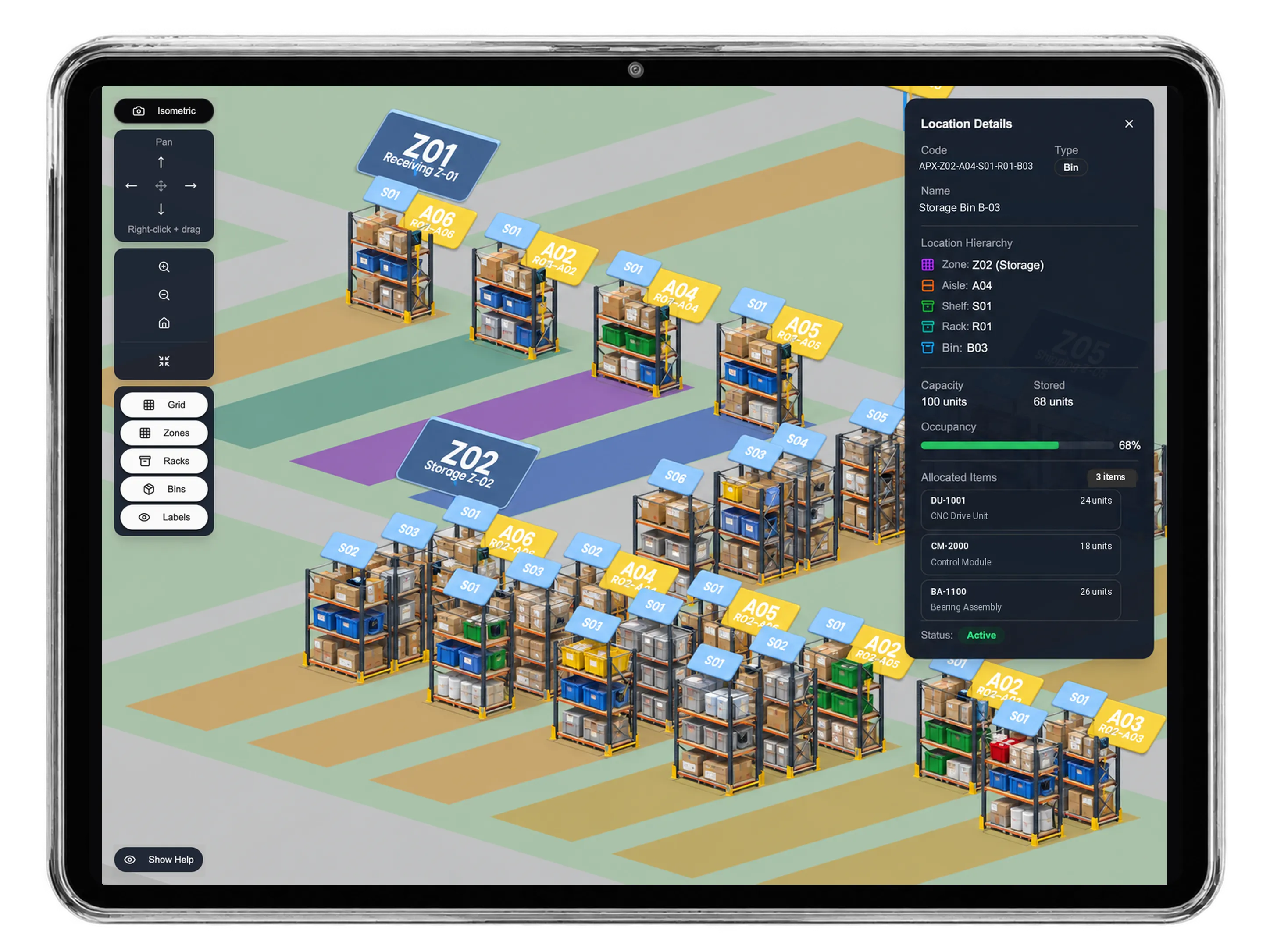
Transfer the exact size quantities for collection
Move the selected polo-shirt items from the garment warehouse to the store collection warehouse through a separate stock transfer. Check available units for each described size, then enter the quantity and movement reason. The same color does not make the three size lines interchangeable during the stock team’s review.
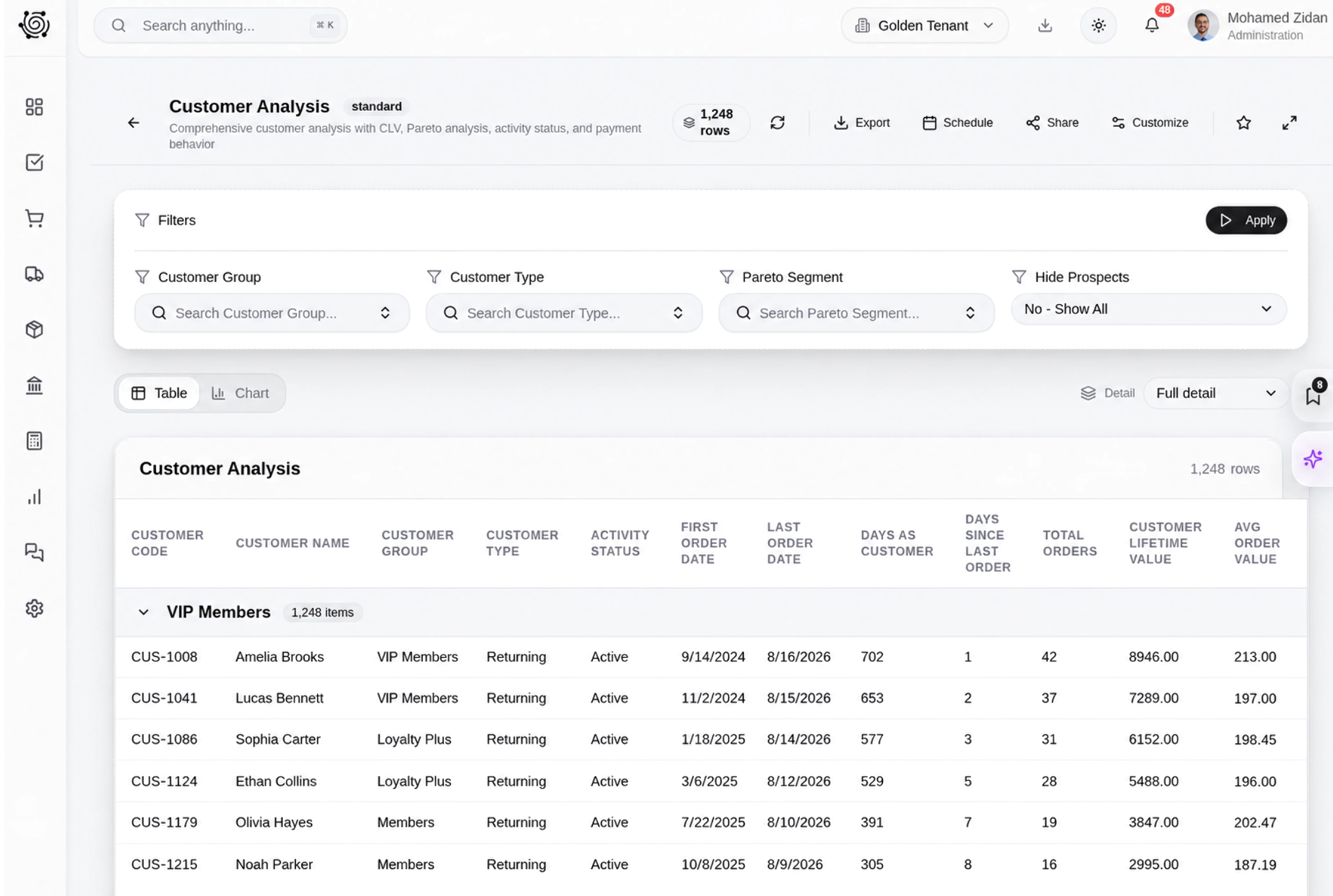
Give size counts a clear packing owner
Assign someone to count each size, inspect the shirt labels and group the finished packs for the customer. Put the required size split in the task description and track the work on the board. Staff verify the garments and update progress; task completion is a preparation record, separate from billing.
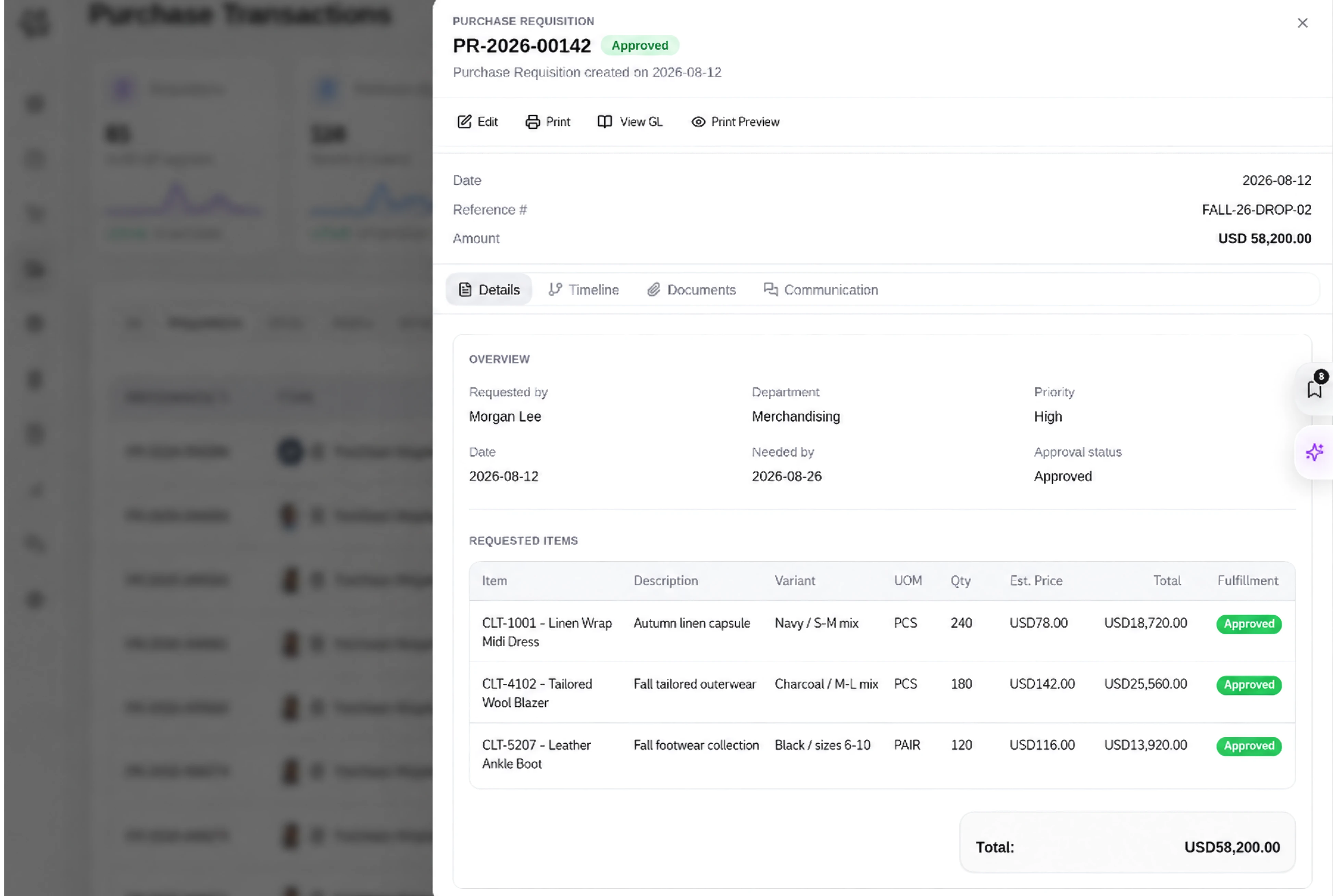
Use garment language in supported sales records
Configure supported labels such as Clothing customer, Garment quotation and Garment item so the team recognizes its daily records. Keep size and color in specific item descriptions that staff can read on the invoice and transfer. These are ordinary DNA item lines, with the stock team responsible for checking the physical garments.



Prepare the right sizes for your next order.
Clothing Store ERP: Sizes, Sales & Stock | DNA
- Keep clothing sizes and colors clear on invoices, move garment stock between warehouses, and assign packing checks with DNA ERP for clothing retailers.
- Utilize structured and semi-structured data storage
- Analyze data using graph, spatial, and machine learning engines
- Start with the basic trial using sample data; no set-up required

