Corporate gifts ERP for quotations, stock and handover

Quote the gift selection with clear quantities.
Present the selected notebook, engraved pen and branded bottle as clear lines in the gift proposal. Review the quotation reference, customer, date, quantities and unit prices in a familiar sales document. Clear descriptions and line totals make the agreed scope easier to discuss when the customer confirms quantities or asks the team to prepare a revised commercial proposal.

Move finished gifts into the packing area.
Move the finished branded products from the gift store to the welcome-order packing area. Prepare source and destination locations, review available stock and enter the quantity to move for each physical product. Add a reason and remark to the pending transfer. The stock movement has its own document for the team responsible for moving the goods.

Assign artwork confirmation and recipient-pack preparation tasks.
Assign artwork confirmation, the gift-set packing brief and recipient-count confirmation to the customer and packing teams. Give each task an owner, priority and due date, with instructions in its details. Use To Do, In Progress and Done to show the progress people report. The team can follow up preparation and customer handover with a clear next action and responsible person.
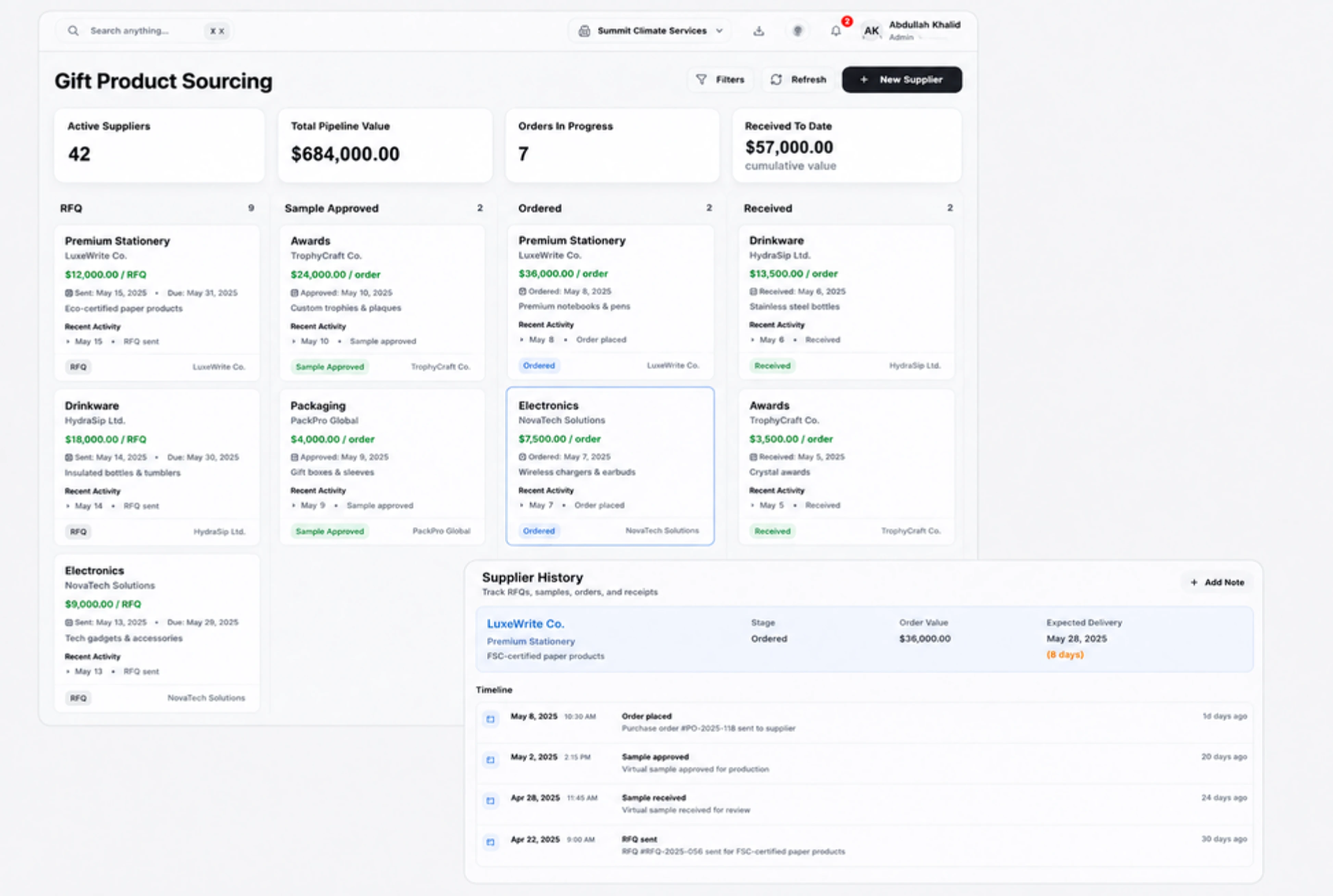
Share the selected gifts with customer reviewers.
Prepare a shareable gift proposal that the customer can review against the selected branded products. Use the share settings to choose the document language and expiry and review the optional signature setting. Check these details before sharing the customer-facing document. The sales team can discuss the scope using a clear document reference and the same visible product quantities.


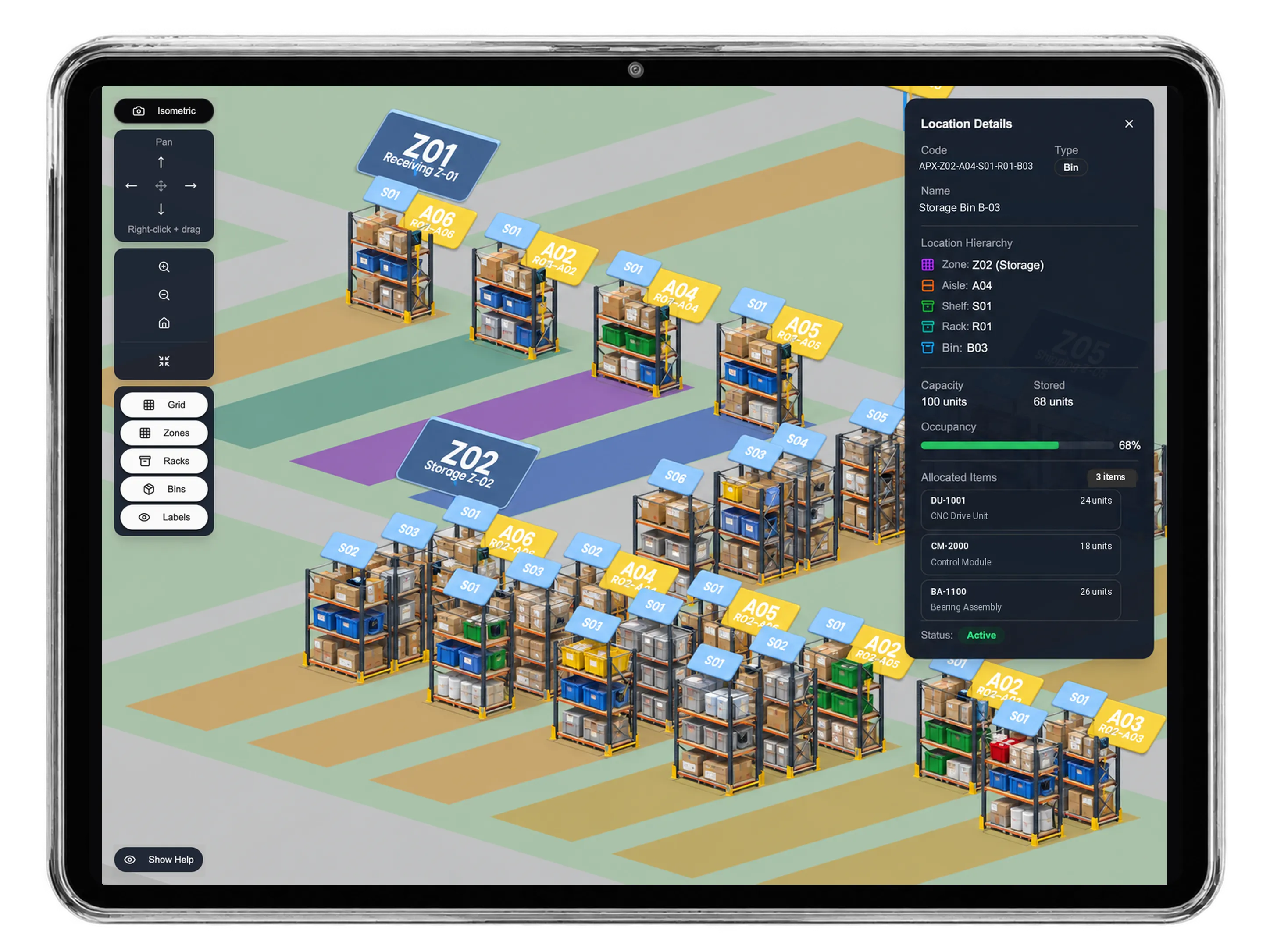


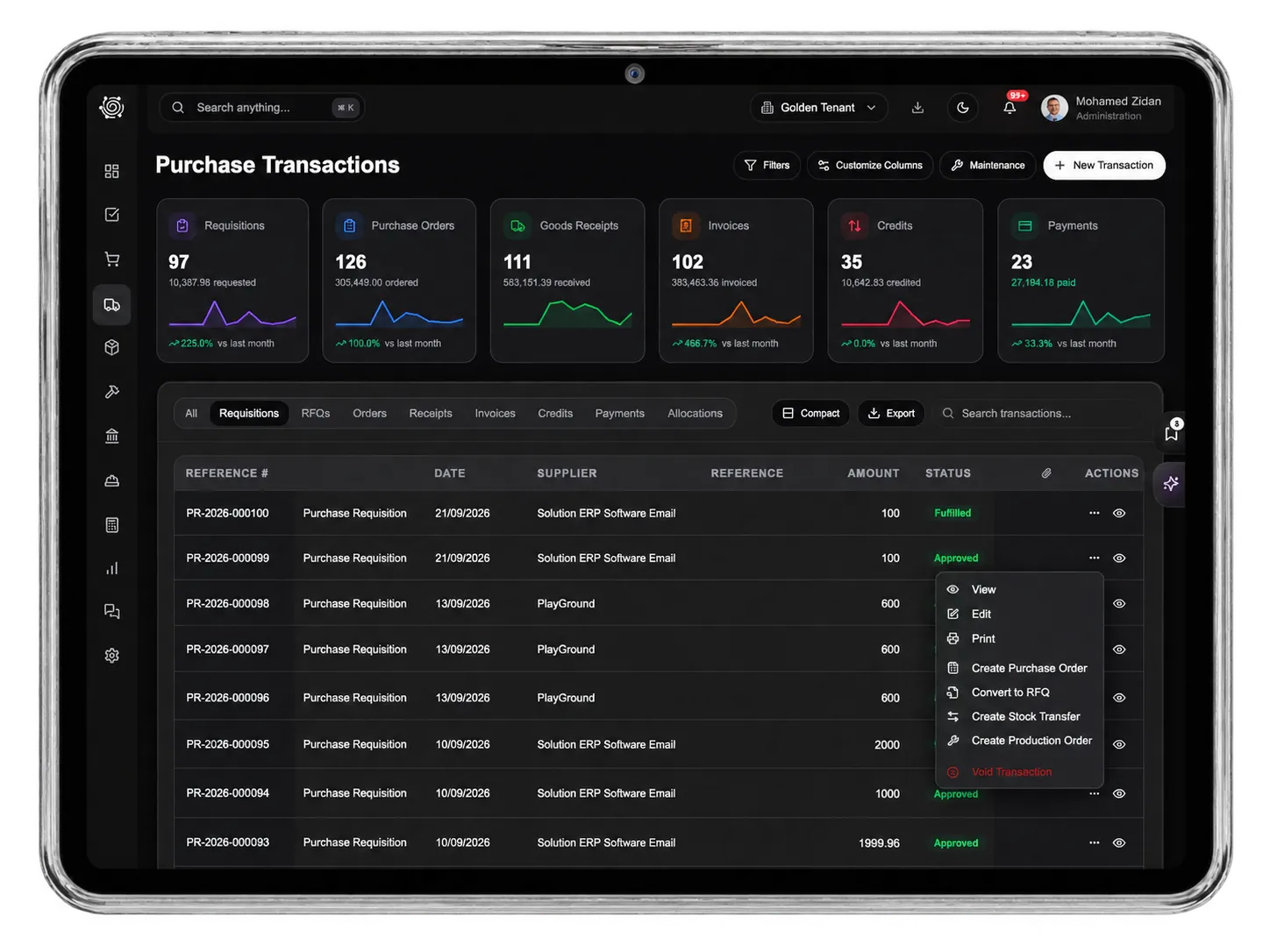
Make the next gift order clear from the start.
Corporate Gifts ERP: Quotes, Stock & Tasks | DNA
- Quote corporate gift selections, prepare stock transfers to packing and assign artwork and handover tasks in DNA ERP. Explore a branded welcome-gift order.
- Utilize structured and semi-structured data storage
- Analyze data using graph, spatial, and machine learning engines
- Start with the basic trial using sample data; no set-up required

