IT Hardware ERP for Device Supply and Support Tasks
Quote the Exact Devices for Each Workstation
Specify twelve business laptops, twelve dual-display docks and twelve office monitors as individual hardware lines. The quotation preserves each device description, quantity and unit price so the sales colleague can explain the complete workstation package to Pinebridge. Open Details to inspect quantities, units, prices, discounts and totals before using the quotation’s action bar.
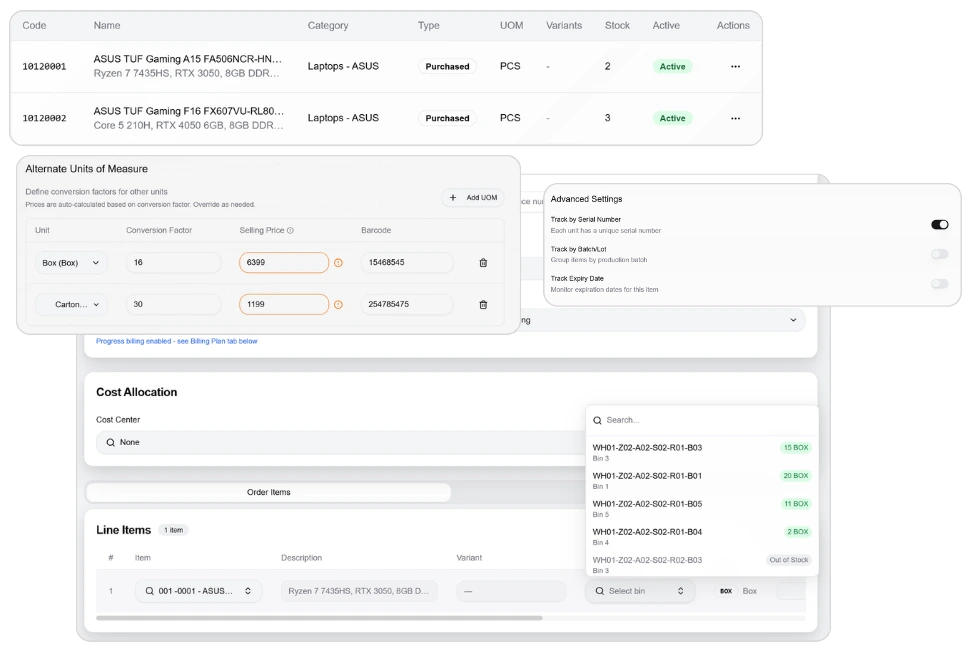
Move Hardware Into the Technician Staging Room
Prepare an internal transfer from the central device store to the staging room. Check the available laptops, docks and monitors, enter the transfer quantities and record the rollout reason before the stock movement follows its approval process. Check source and destination bins, reason and remark in the pending-approval transfer document.
%20%5BFeature%202%5D.webp)
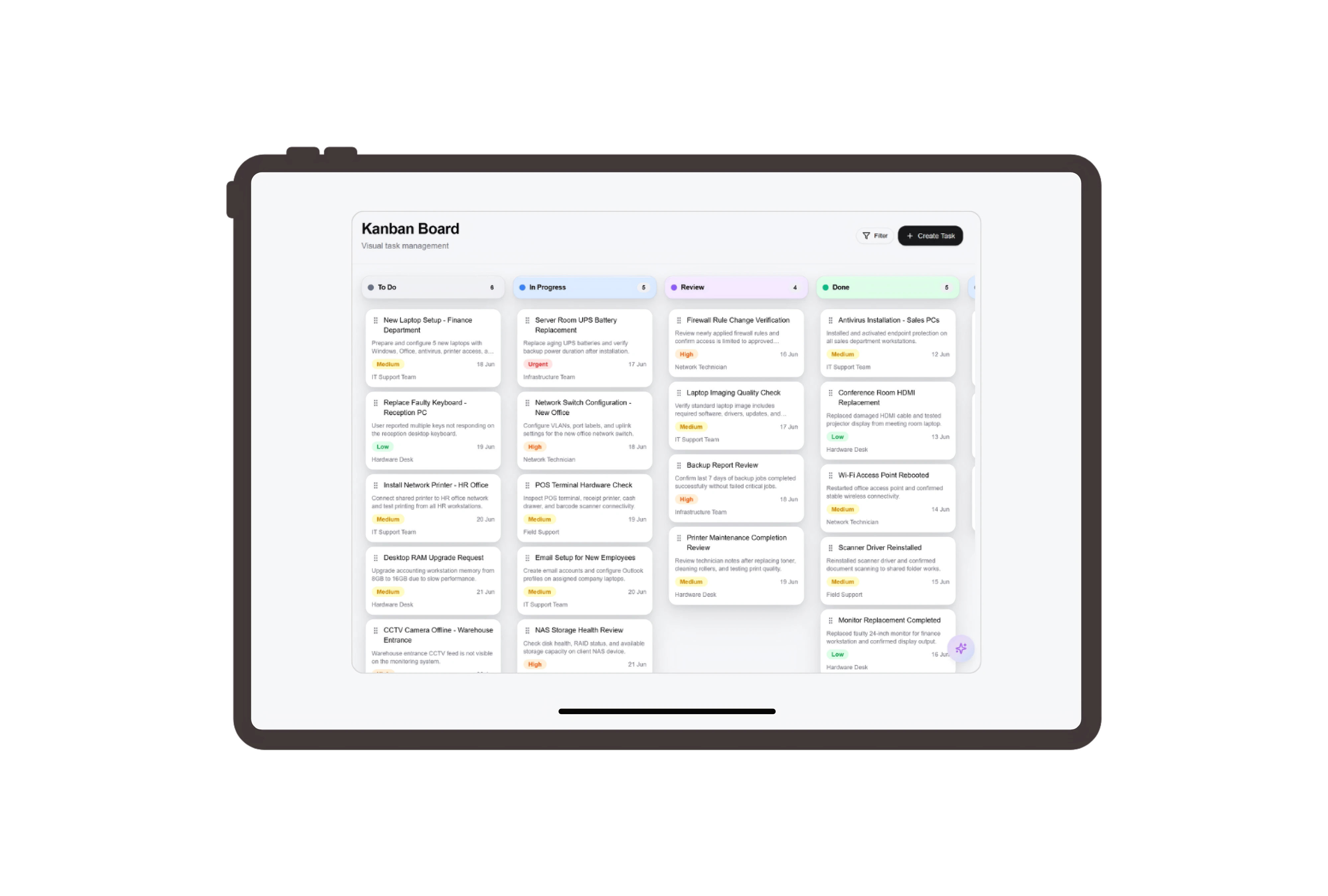
Give Configuration and Client Handover Named Owners
The sales coordinator checks specifications, the setup technician configures the workstations and the delivery coordinator coordinates the equipment handover. Each technician updates an ordinary task, giving the coordinator visibility into work remaining after the devices have moved into the staging room. Open Task Details to check the assignee, priority and due date, then update its status on the board.
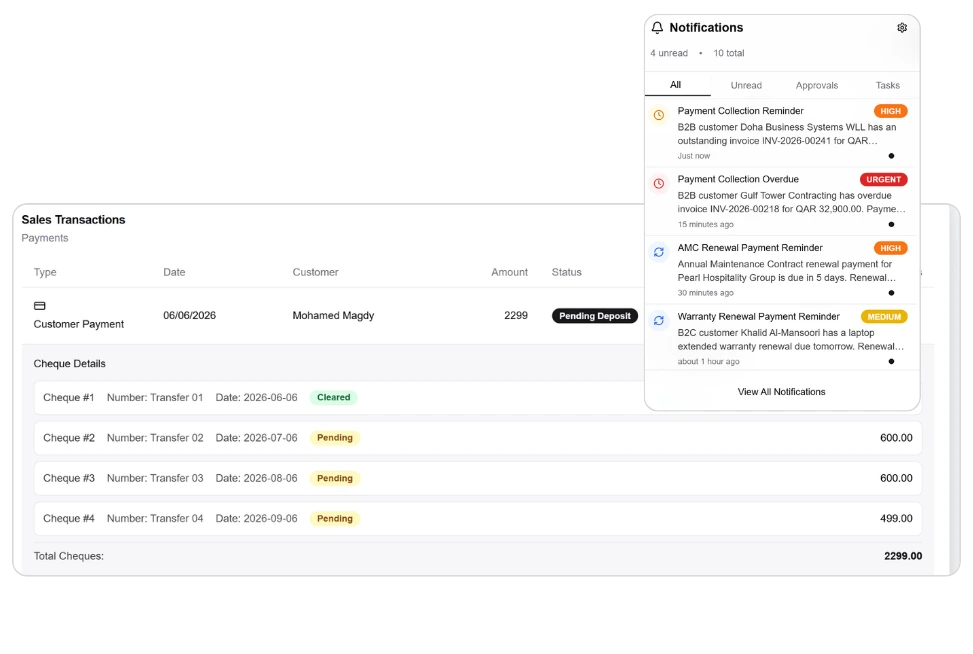
Keep Every Device Quantity Visible on the Invoice
Review the hardware invoice with twelve units on each laptop, dock and monitor line. The customer can understand the unit prices and extended totals, while your team handles stock transfer and technician work through their own separate records. Use the Details tab and invoice action bar to inspect the document reference, status and line totals.


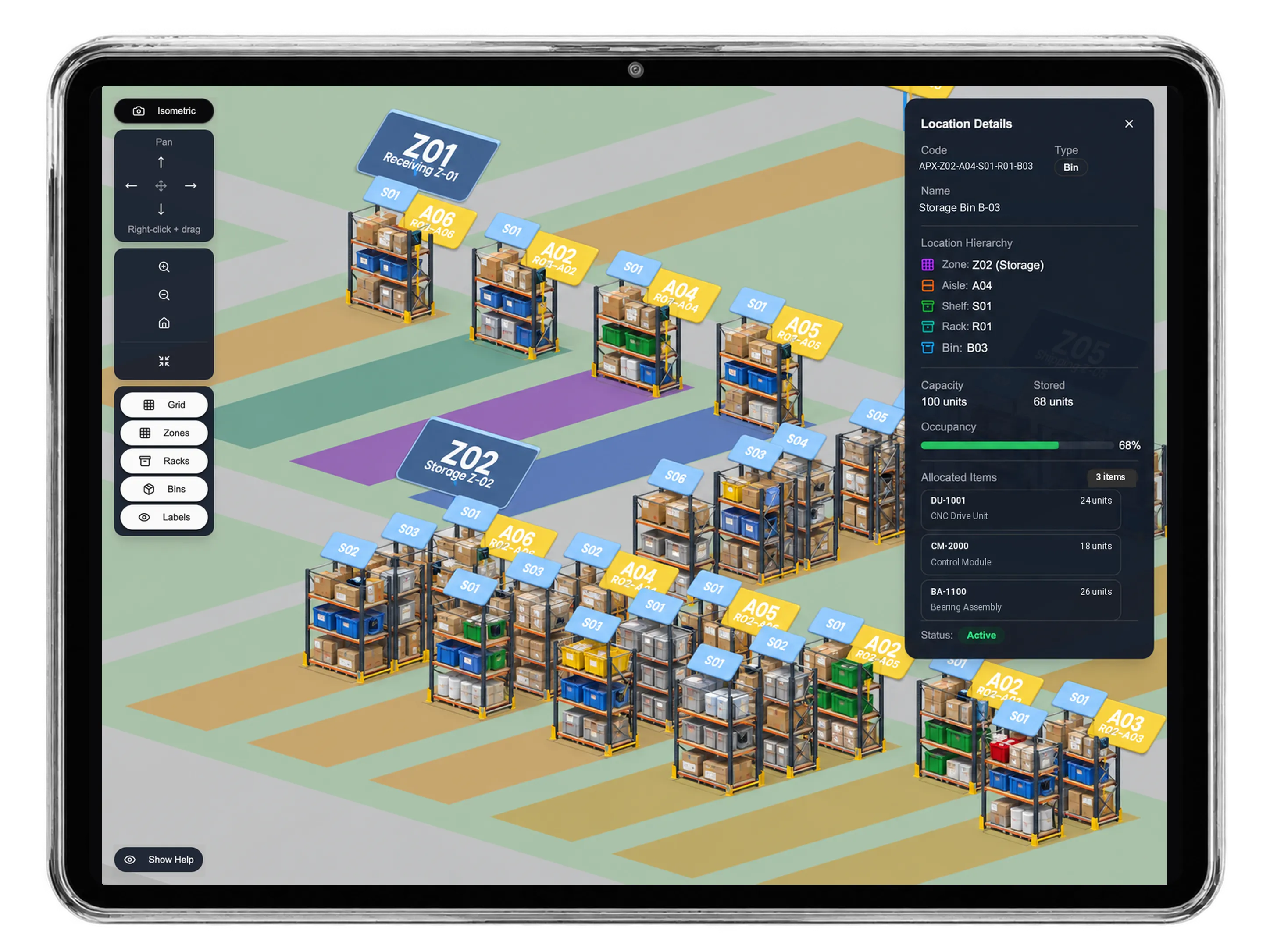

Explore twelve-workstation office hardware rollout
IT Hardware ERP for Device Supply and Support Tasks | DNA
- Coordinate IT hardware sales, warehouse transfers and technician tasks in DNA ERP. Review device quantities, staging stock and itemized client invoices.
- Utilize structured and semi-structured data storage
- Analyze data using graph, spatial, and machine learning engines
- Start with the basic trial using sample data; no set-up required

