Electronics Store ERP for Device Orders and Stock
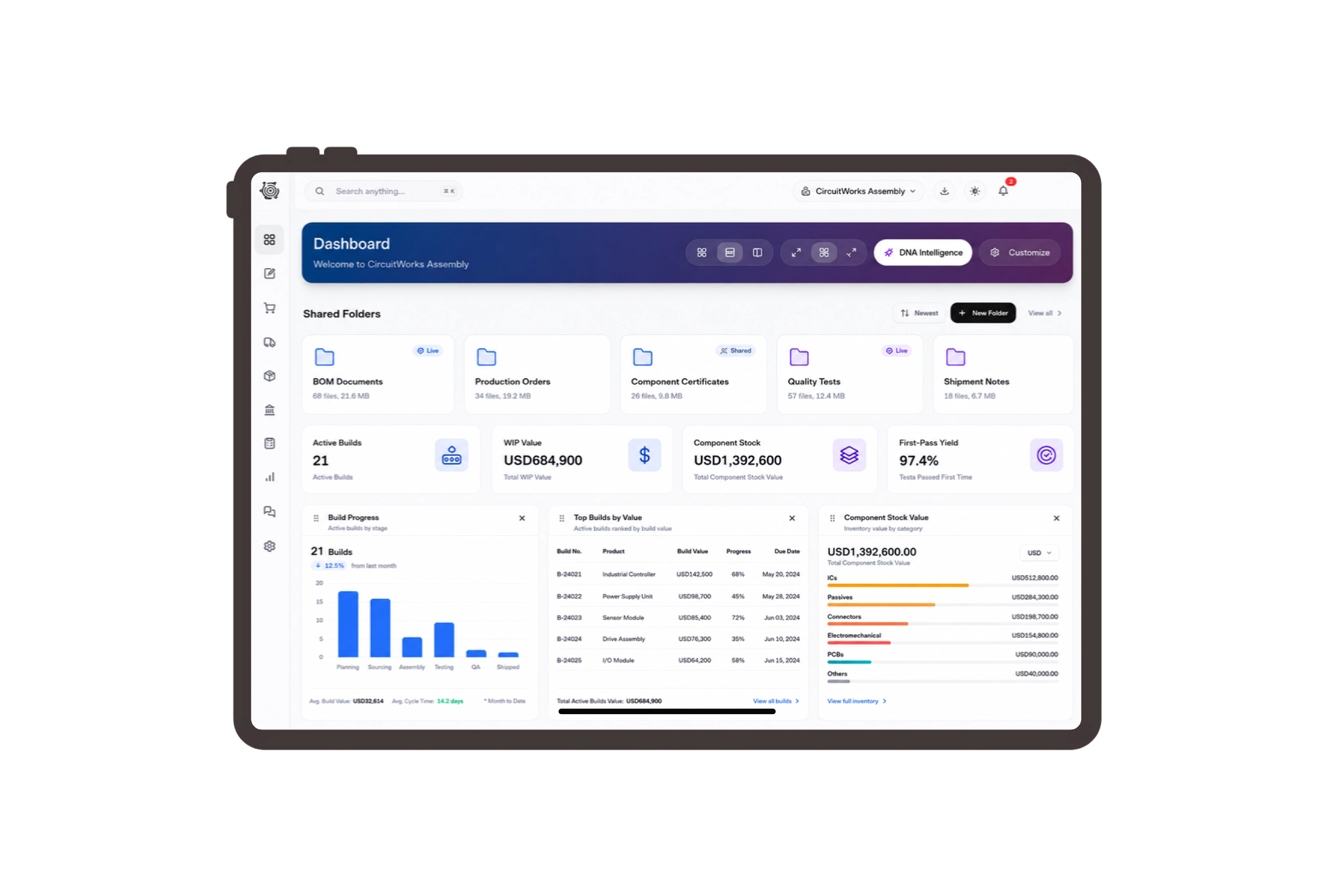
Keep screen specifications beside the agreed price
Show a 24-inch monitor, USB-C hub and keyboard as separate product lines for the office customer. Review quantity, unit price, discount and line total before sharing the invoice. The written model description gives staff a precise reference when similar-looking devices sit together in the stockroom.

Move the specified devices to collection stock
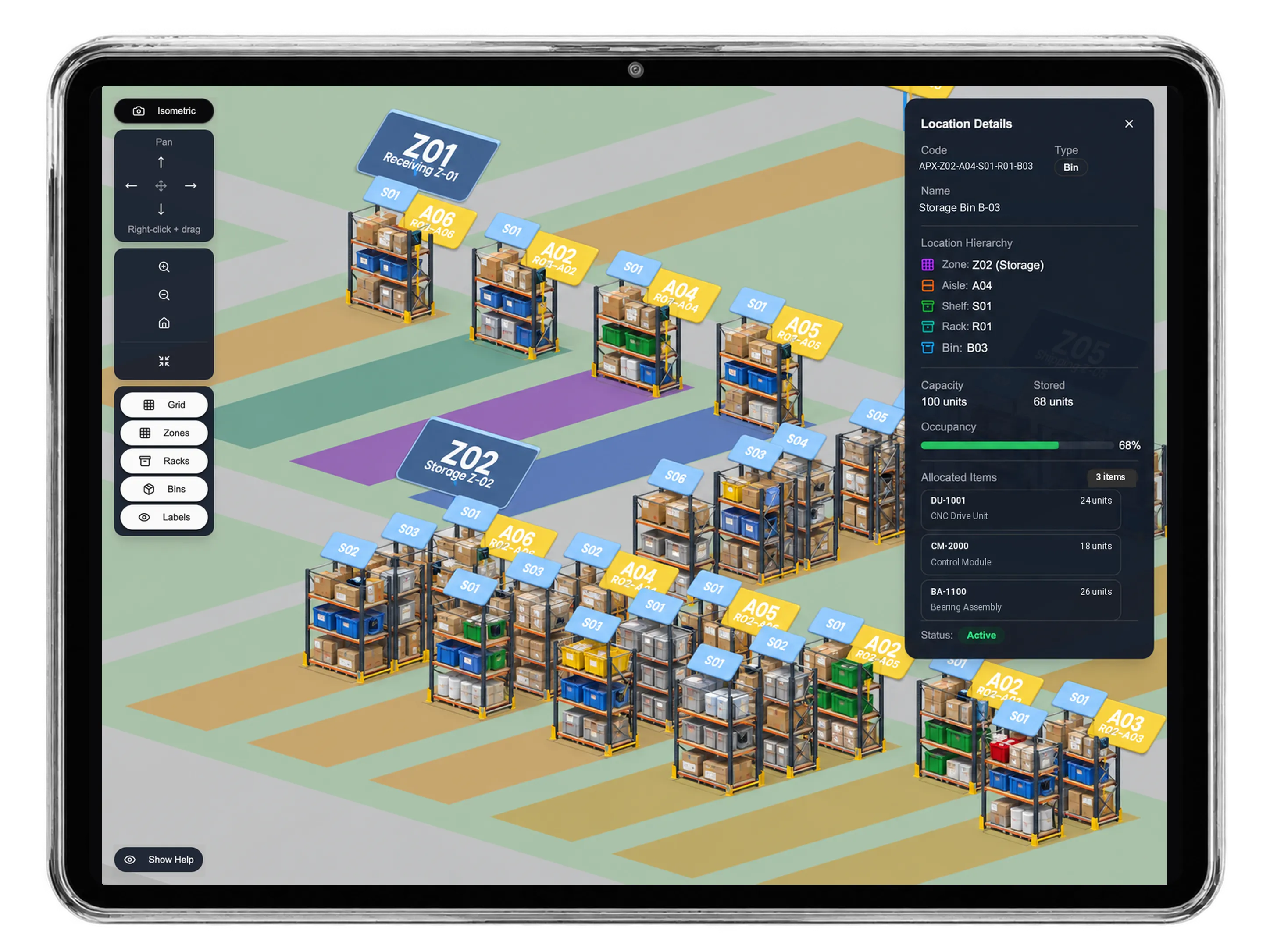
Prepare an internal transfer for the monitors and accessories from central electronics stock to the collection warehouse. Check the available quantity and source and destination bins for each item. Staff request approval for the movement independently of invoicing, keeping the commercial order and physical preparation clear.
Assign model checks before sealing the cartons
Create tasks to compare the carton labels with the order, check included cables and prepare the customer collection note. Give each step a responsible employee and due date. The store team performs the inspection and updates the task status; product compatibility remains a check by a knowledgeable person.
Share the device invoice in its chosen language
Open the invoice sharing settings to choose its language, set a link expiry and enable the optional signature when appropriate. The shared document keeps the specified device lines together. Staff can agree who will review the invoice before the office customer arrives to collect the packed order.



Make your next device order easier to check.
Electronics Store ERP: Device Sales & Stock | DNA
- Organize electronics sales invoices, monitor and accessory stock transfers, and packing tasks with DNA ERP. Keep model descriptions and quantities clear.
- Utilize structured and semi-structured data storage
- Analyze data using graph, spatial, and machine learning engines
- Start with the basic trial using sample data; no set-up required

