Electronics assembly ERP for BOMs and components
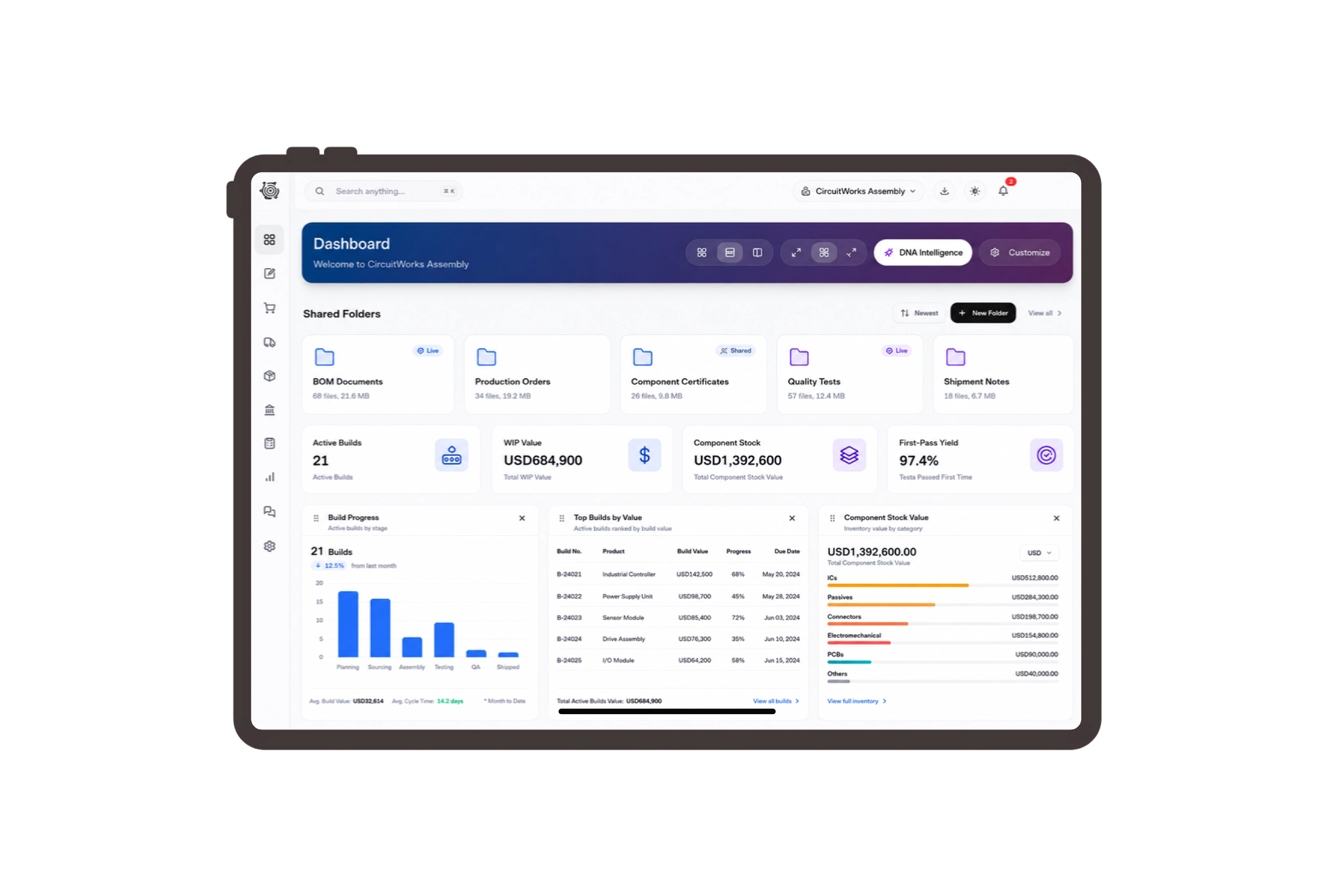
Review component quantities for the finished controller.
Each controller combines a specified board revision, an enclosure set and a 24 V power supply. Review the finished item, component quantities and units in its bill of materials. Adjust the example batch quantity to inspect the corresponding input requirement, giving the team a shared reference when discussing what must be prepared for this customer order.
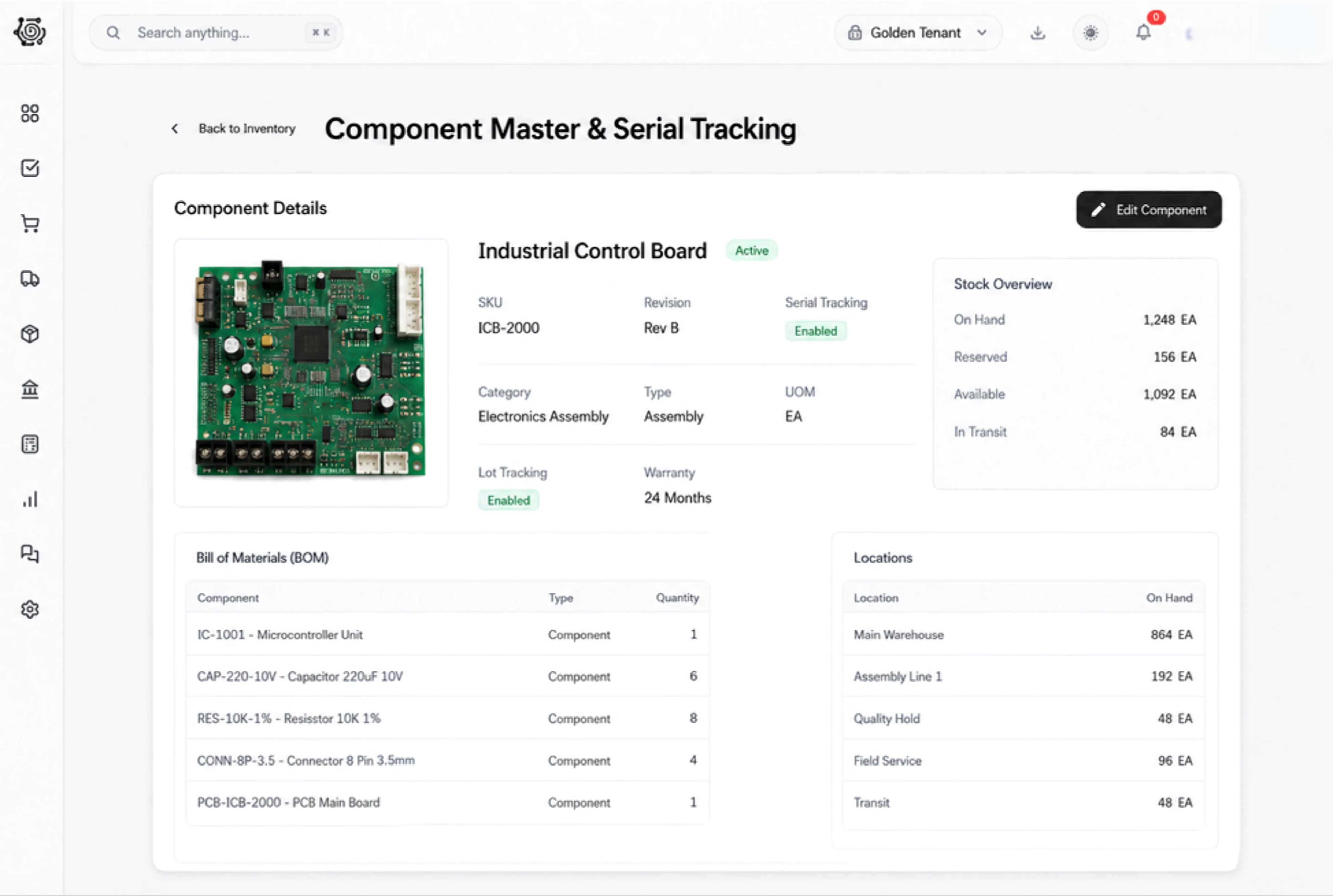
Bring matching electronics to the assembly bench.
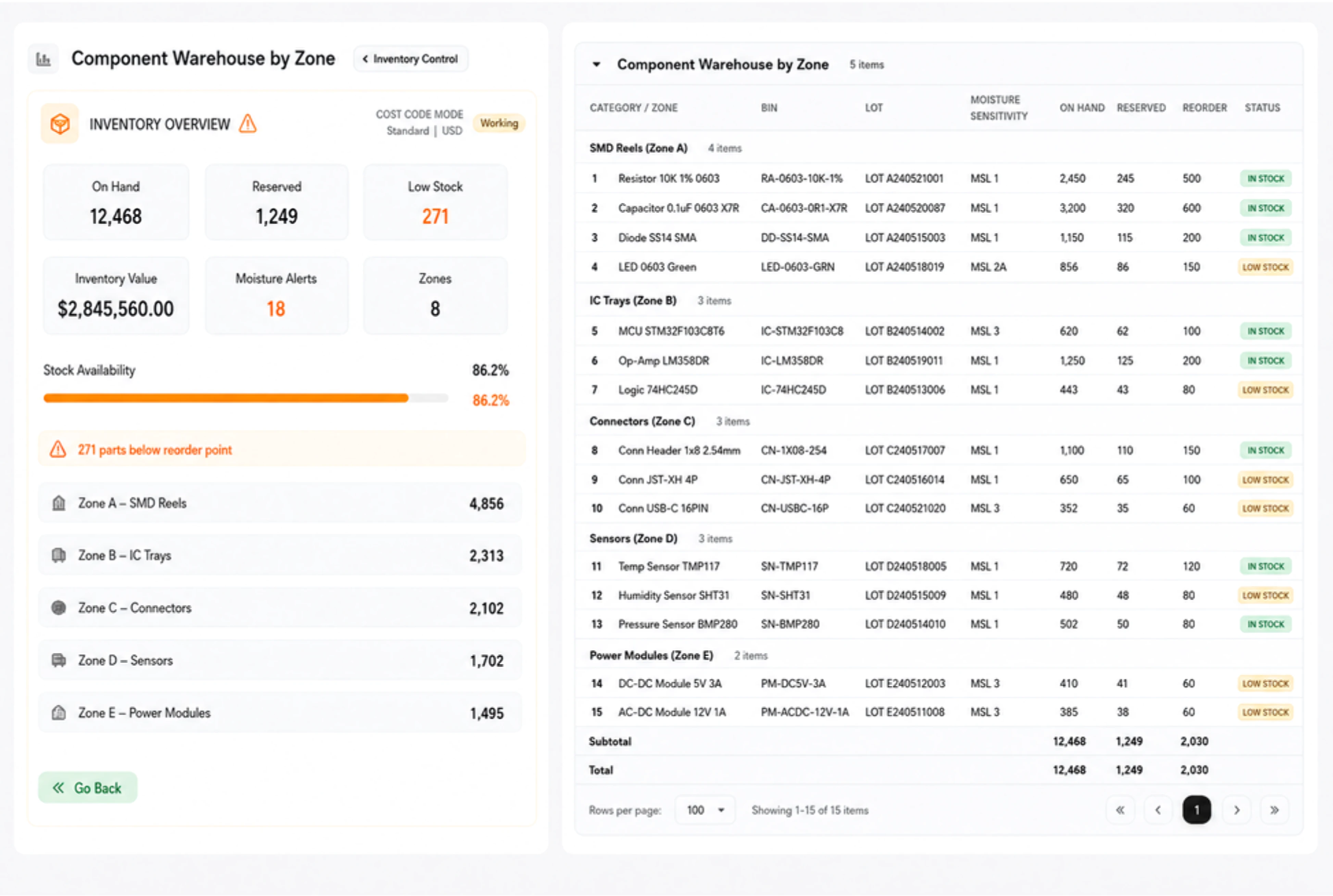
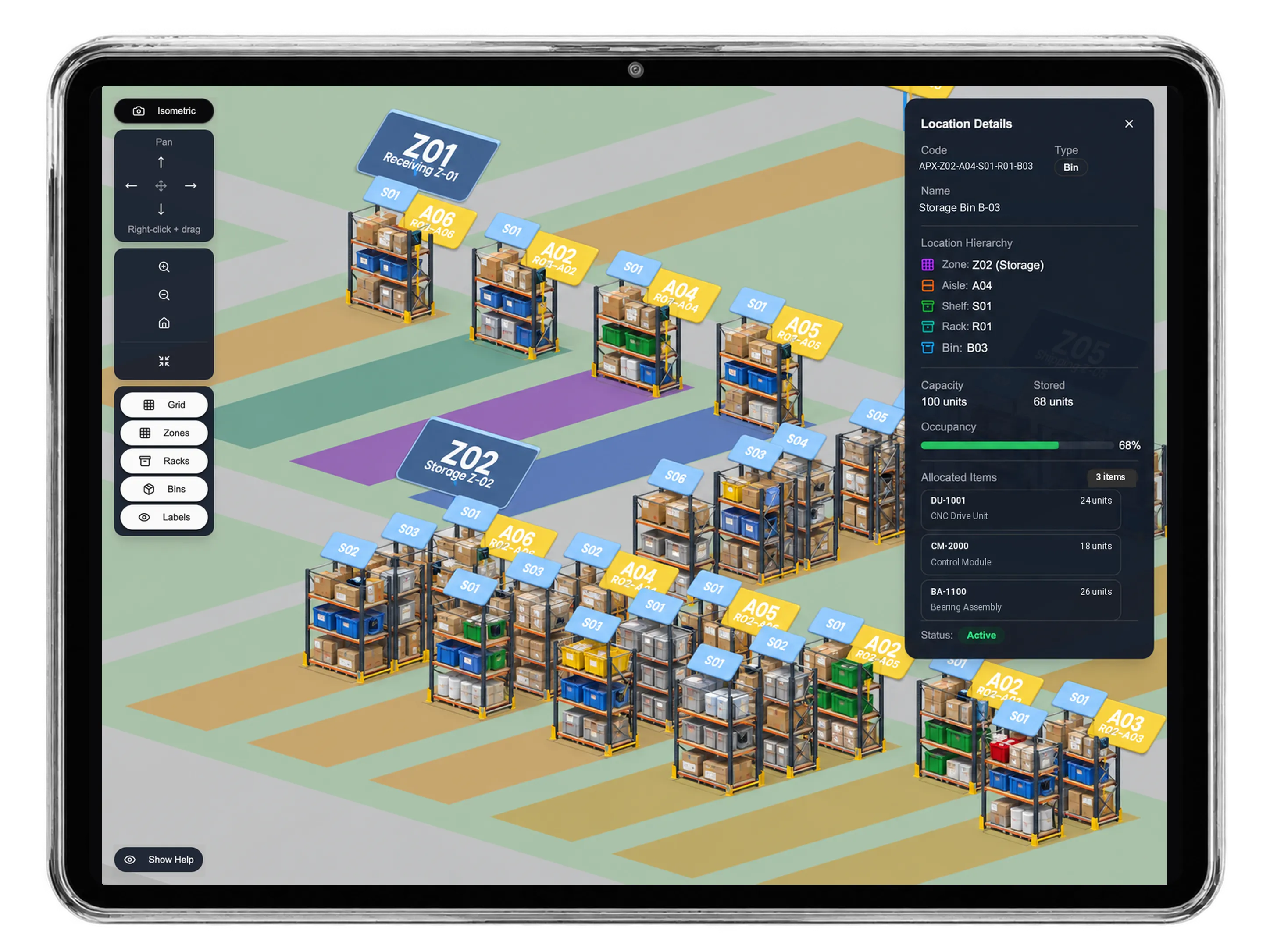
Bring the specified board revision, matching enclosures and power supplies to the controller assembly bench. Prepare a stock transfer with source and destination locations, available quantities and the amount to move. Add a reason and remark, then review the pending document with the person responsible for the physical movement and the specified material lines.
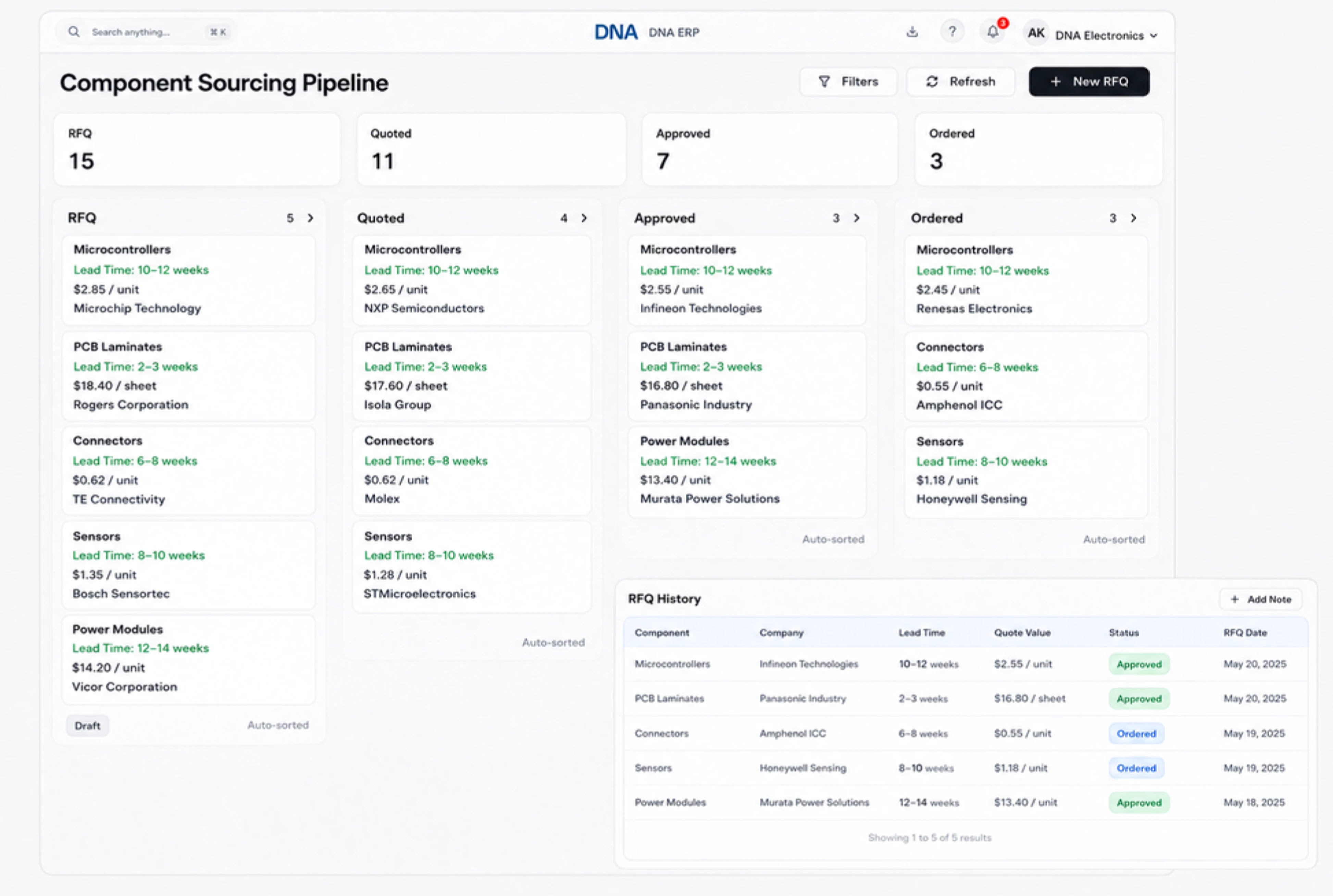
Quote the assembled device with clear scope.
Quote an enclosed lighting controller with its agreed device description and finished quantity. Review the customer, reference, date, finished-product quantity and unit price in the quotation. Line totals make the commercial scope visible when discussing revisions. Keep the description specific enough for the customer and workshop to recognize the same finished product.
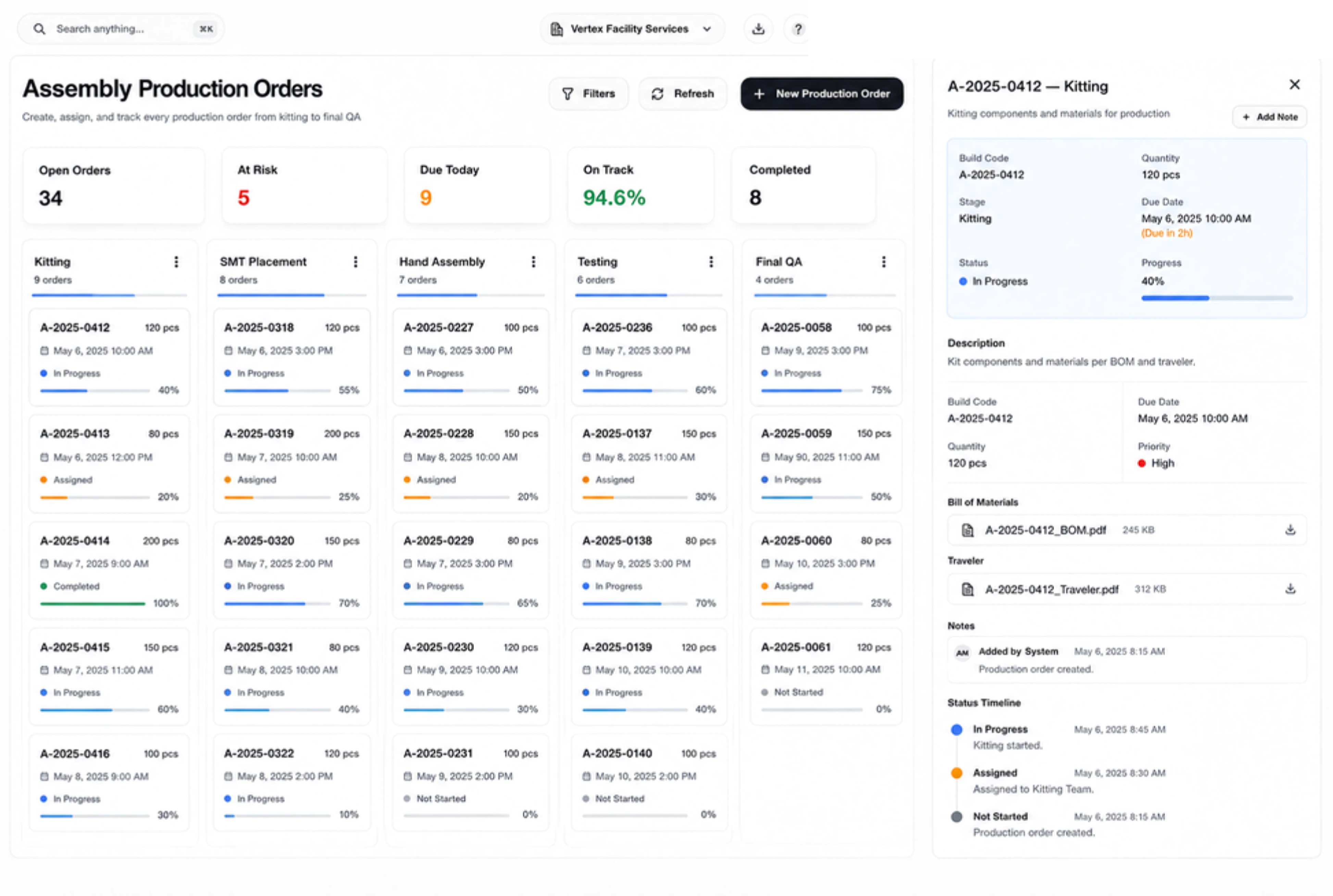
Give assembly preparation and human checks owners.
Assign revision confirmation, technician instructions and the review of manually completed device checks to named people. Give each human responsibility an owner, due date and priority. Move tasks between To Do, In Progress and Done as work progresses. The task details preserve the agreed instructions, helping the team follow up the next action with the right person.



Clarify the components behind your next device order.
Electronics Assembly ERP: BOMs & Components | DNA
- Review device BOMs and component quantities, prepare assembly-area transfers and quote finished electronics with DNA ERP. Explore a controller assembly example.
- Utilize structured and semi-structured data storage
- Analyze data using graph, spatial, and machine learning engines
- Start with the basic trial using sample data; no set-up required

