Food distribution ERP for trade invoices and stock
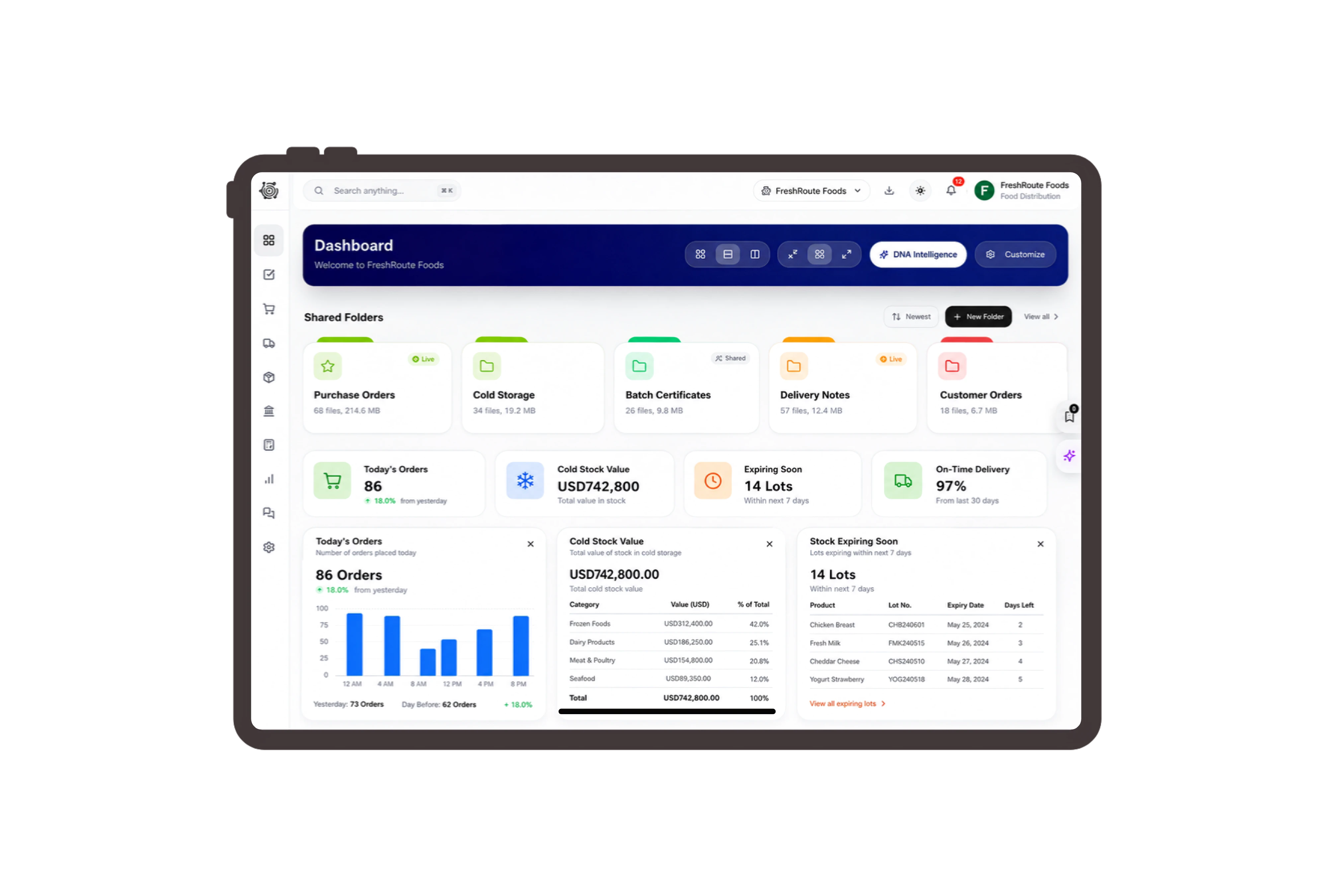
Make food pack sizes clear on invoices.
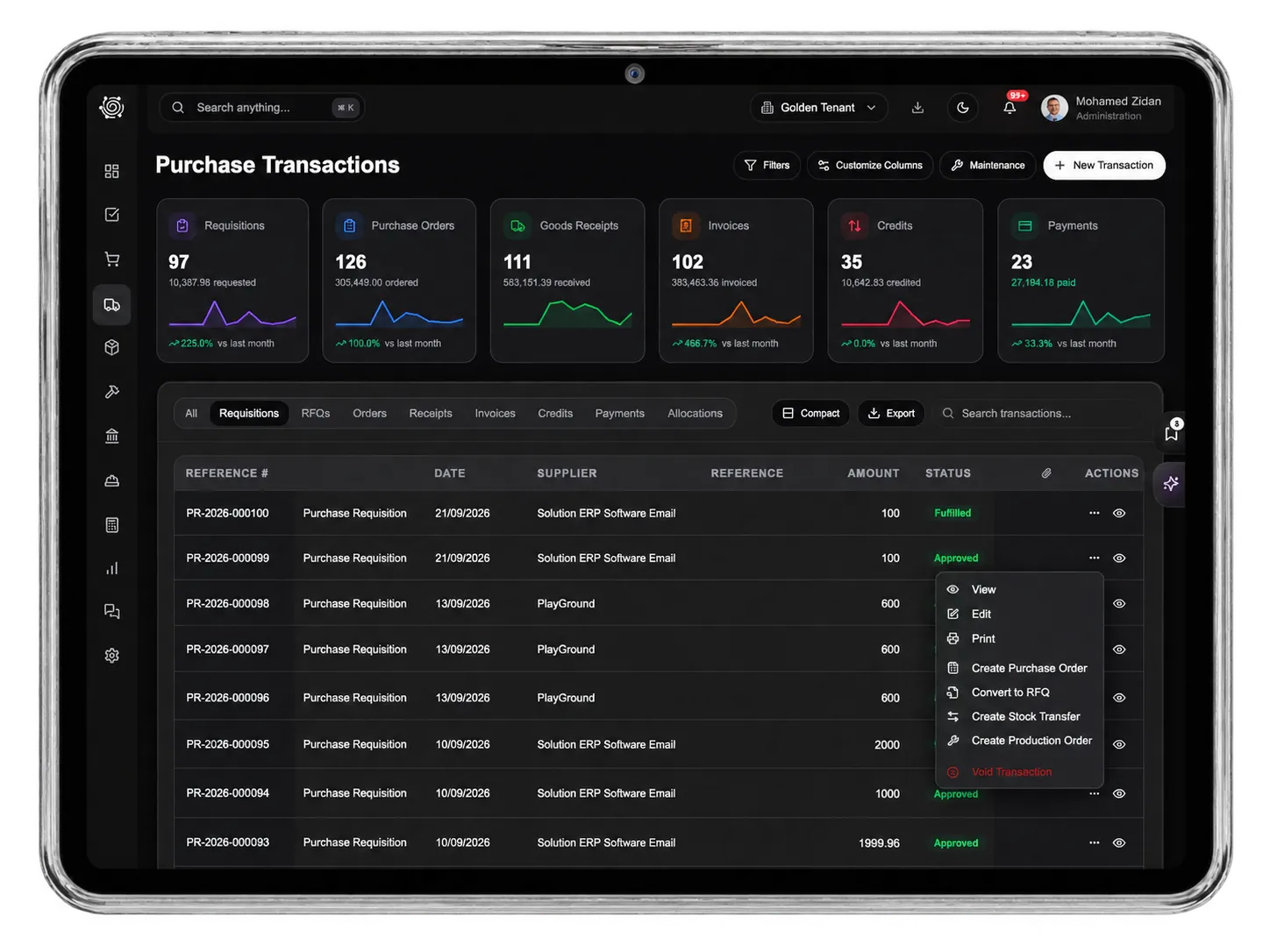
Review bags of basmati rice and lentils alongside five-litre oil bottles in the restaurant invoice. Review the invoice reference, customer, date, quantities and unit prices in a familiar sales document. Clear descriptions and line totals help the team explain what was supplied and check the billed amount against the agreed customer order before following up the account.
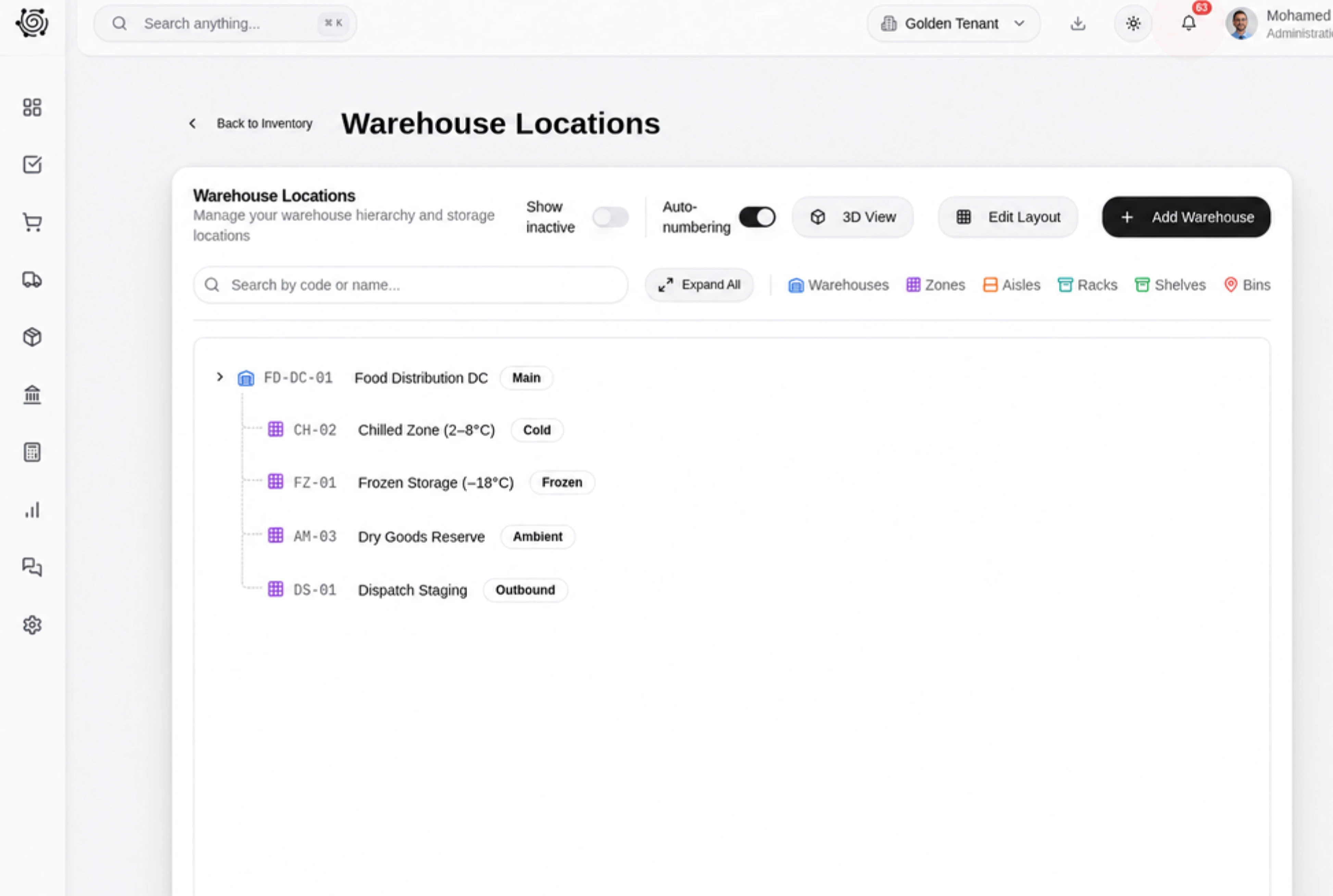
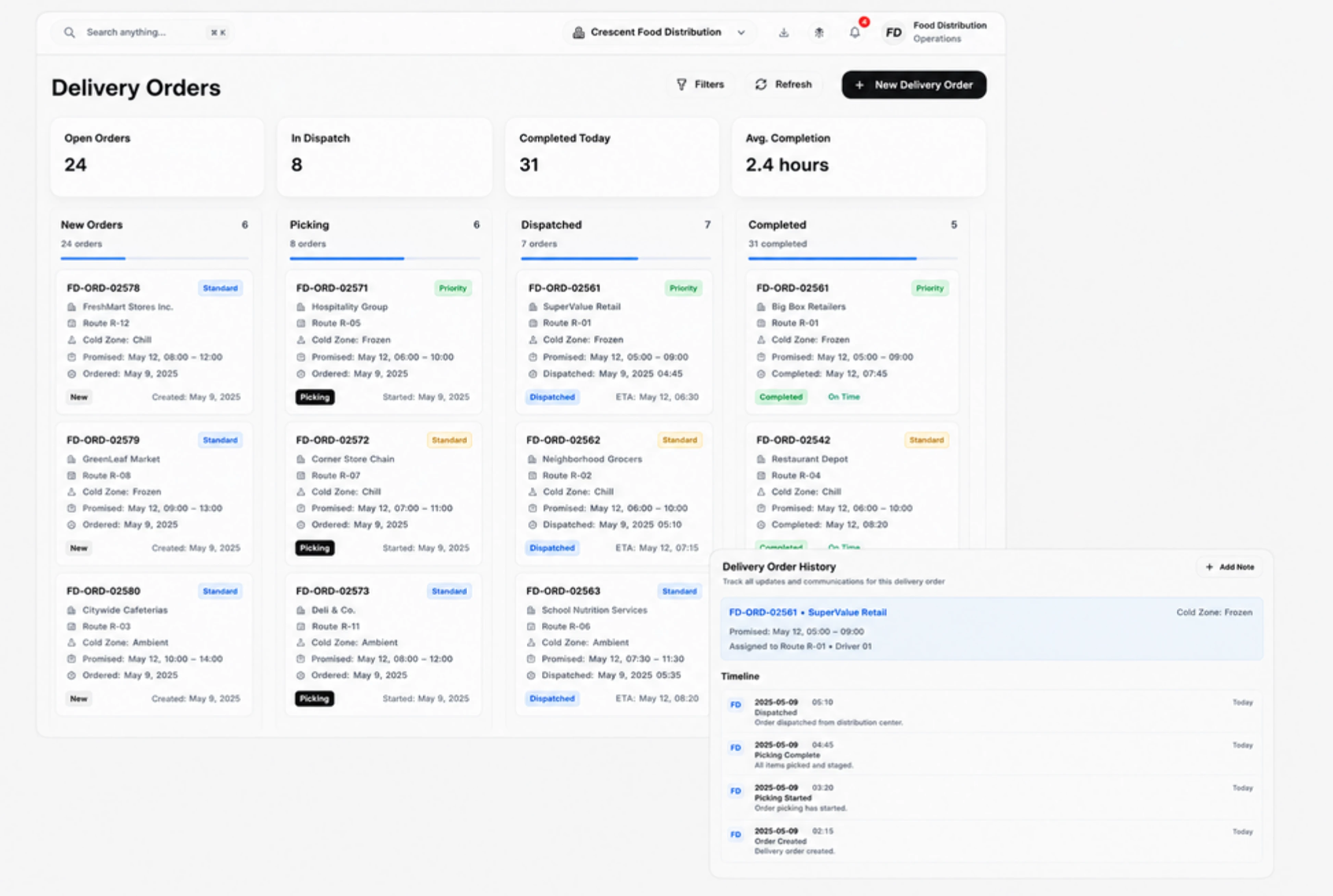
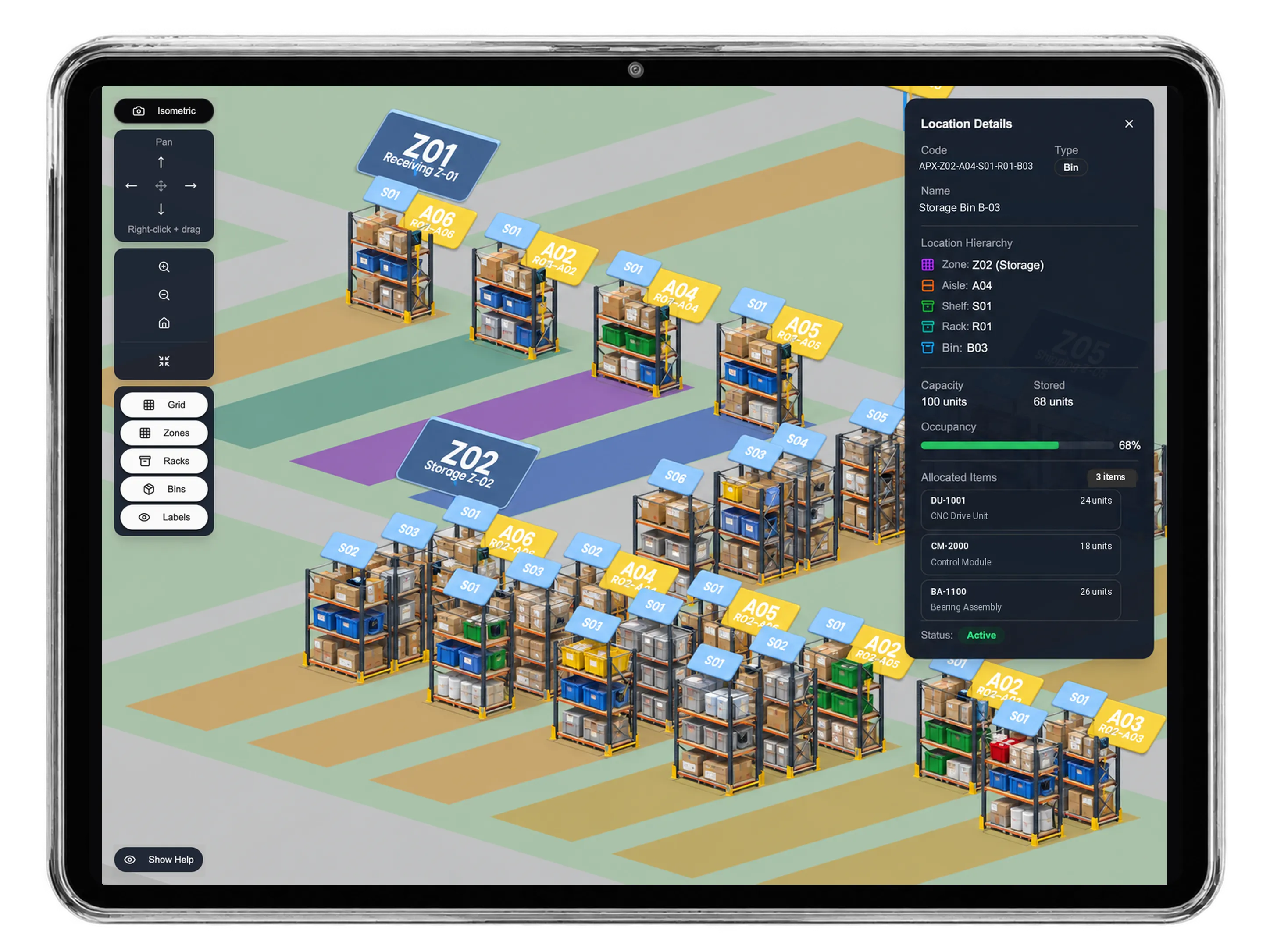
Move the right dry goods into dispatch.
Move the specified dry-goods bags and oil bottles from warehouse racks to the dispatch staging bay. Prepare source and destination locations, review available stock and enter the quantity to move for each physical product. Add a reason and remark to the pending transfer. The stock movement has its own document for the team responsible for moving the goods.
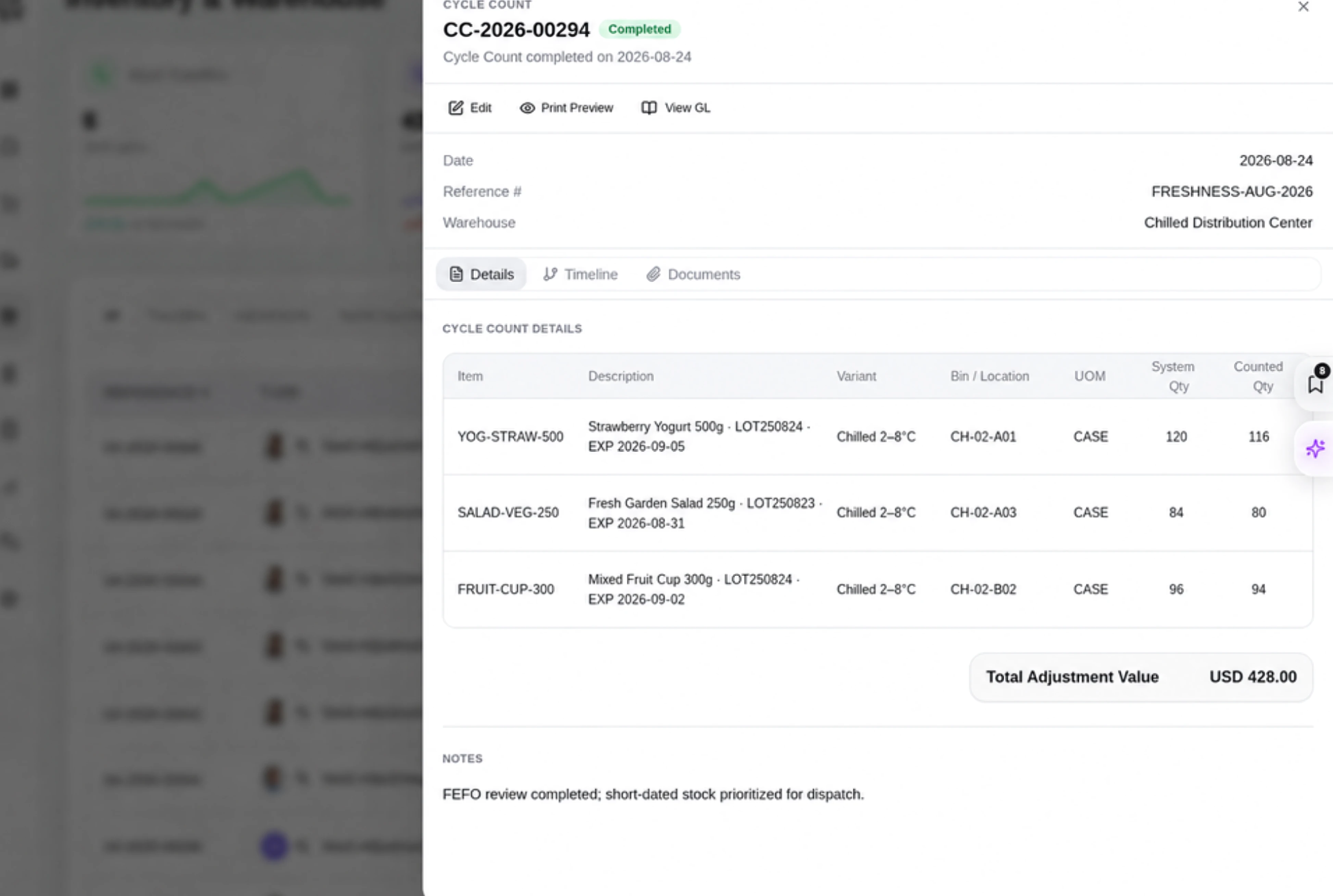
Give picking and customer handover clear owners.
Assign pack-size confirmation, warehouse picking and the restaurant receiving handover to named team members. Give each task an owner, priority and due date, with instructions in its details. Use To Do, In Progress and Done to show the progress people report. The team can follow up preparation and customer handover with a clear next action and responsible person.
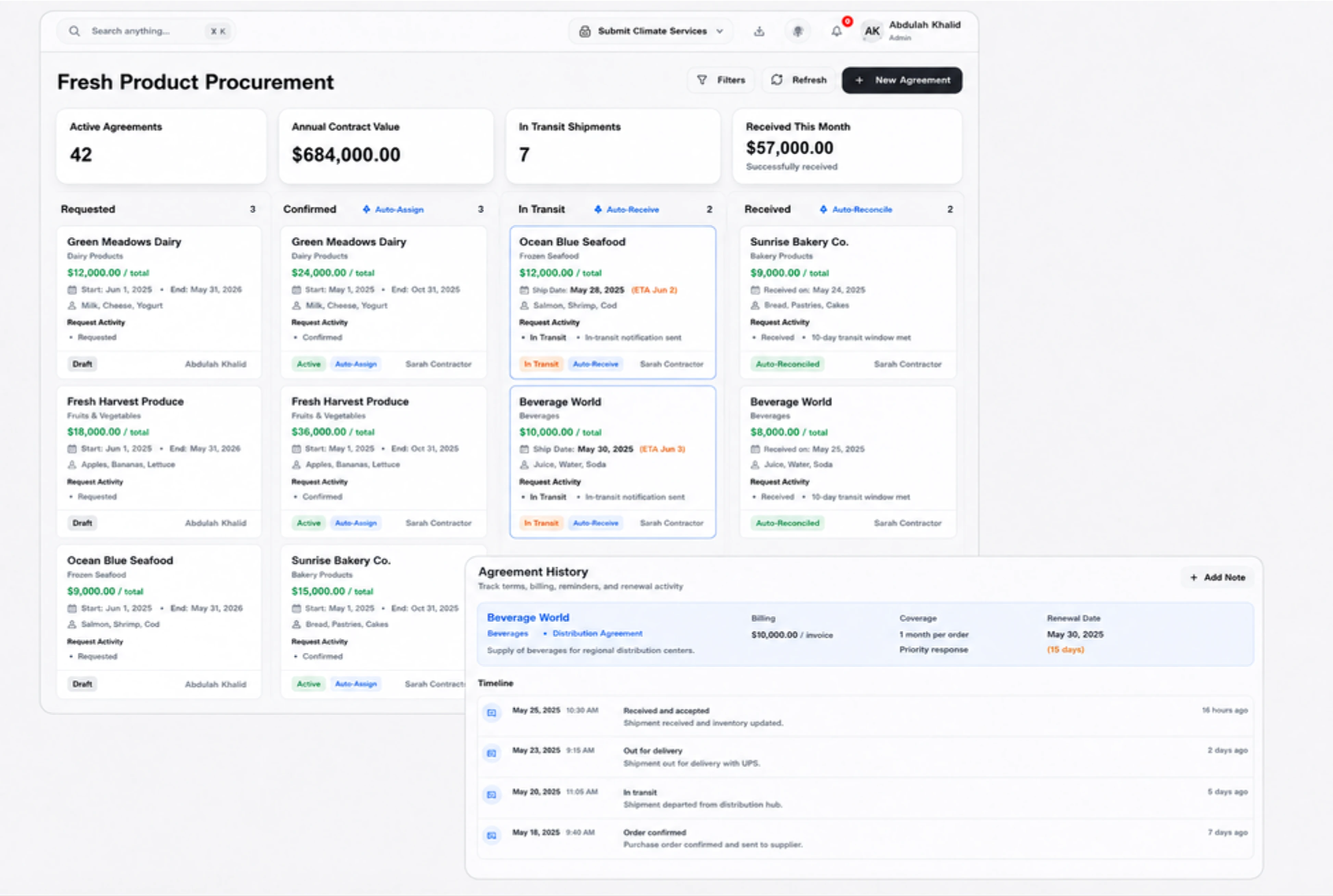
Use familiar labels for food trade records.
Use trade-customer, supply-order and food-product labels that suit the distributor’s daily customer conversations. Apply familiar wording to the supported customer, quotation, sales order, invoice, task and item labels. Shared terms help the office and stock team identify the same records during daily work. Each sales document and task continues to serve its ordinary business purpose.



Give the next restaurant supply order clear records.
Food Distribution ERP: Invoices & Stock | DNA
- Review food distribution invoices, move dry goods to dispatch and assign picking and customer handover tasks with DNA ERP. Explore a restaurant supply order.
- Utilize structured and semi-structured data storage
- Analyze data using graph, spatial, and machine learning engines
- Start with the basic trial using sample data; no set-up required

