Grocery Store ERP for Pantry Orders and Stock
Keep grocery pack sizes clear on each line
List five-kilogram rice bags, one-kilogram lentil bags and 400-gram tomato cans separately. Quantity counts the agreed packs, while each description states the pack weight. Staff and the customer can review the unit prices and totals without confusing the number of bags or cans with the weight of their contents.
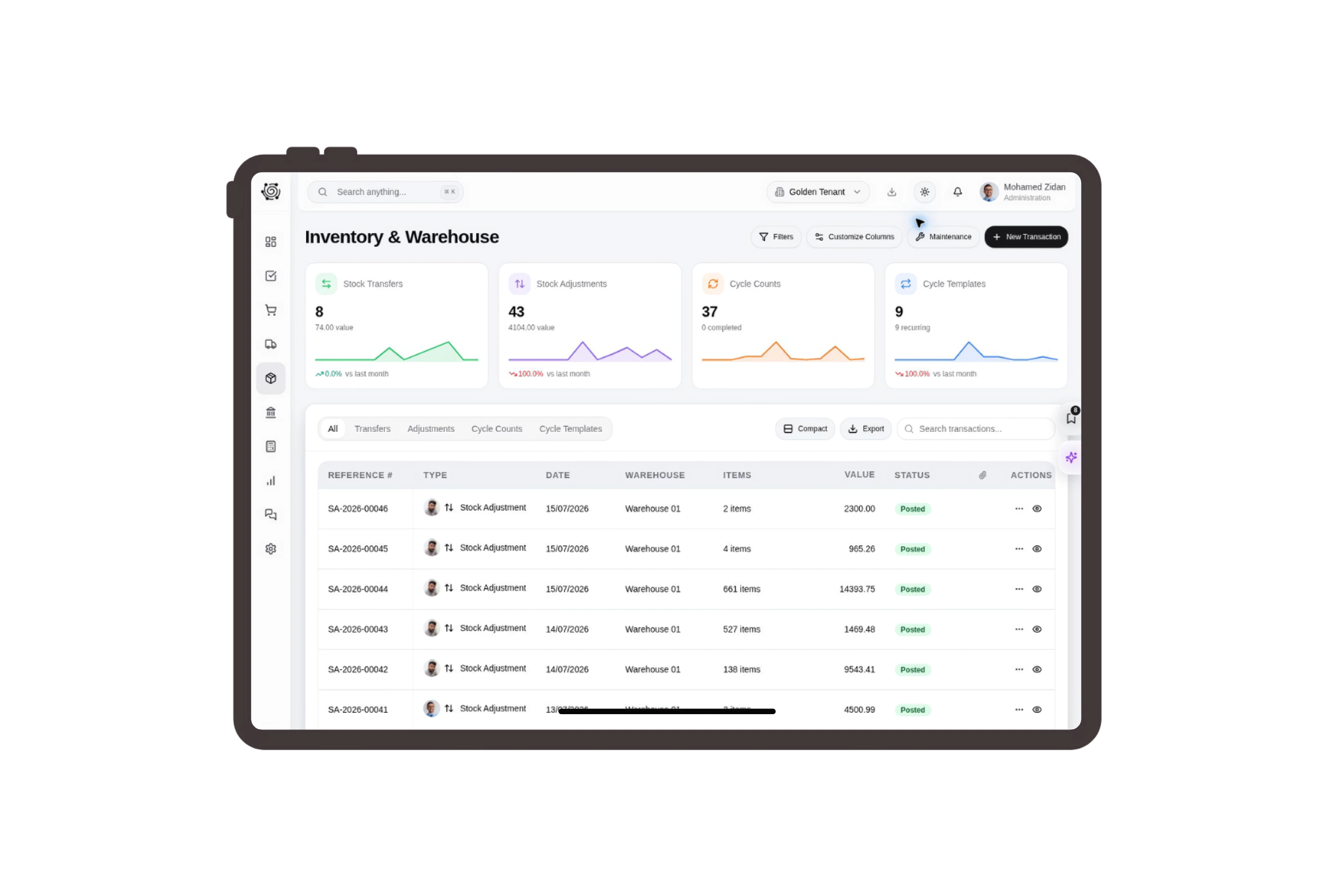
Move pantry products to the collection warehouse
Prepare a transfer from the dry-goods warehouse to the customer collection warehouse for the specified bags and cans. Check available quantities, source and destination bins and the movement reason. Staff move the products using the approved stock document, independently of the invoice that records the customer’s agreed purchase.
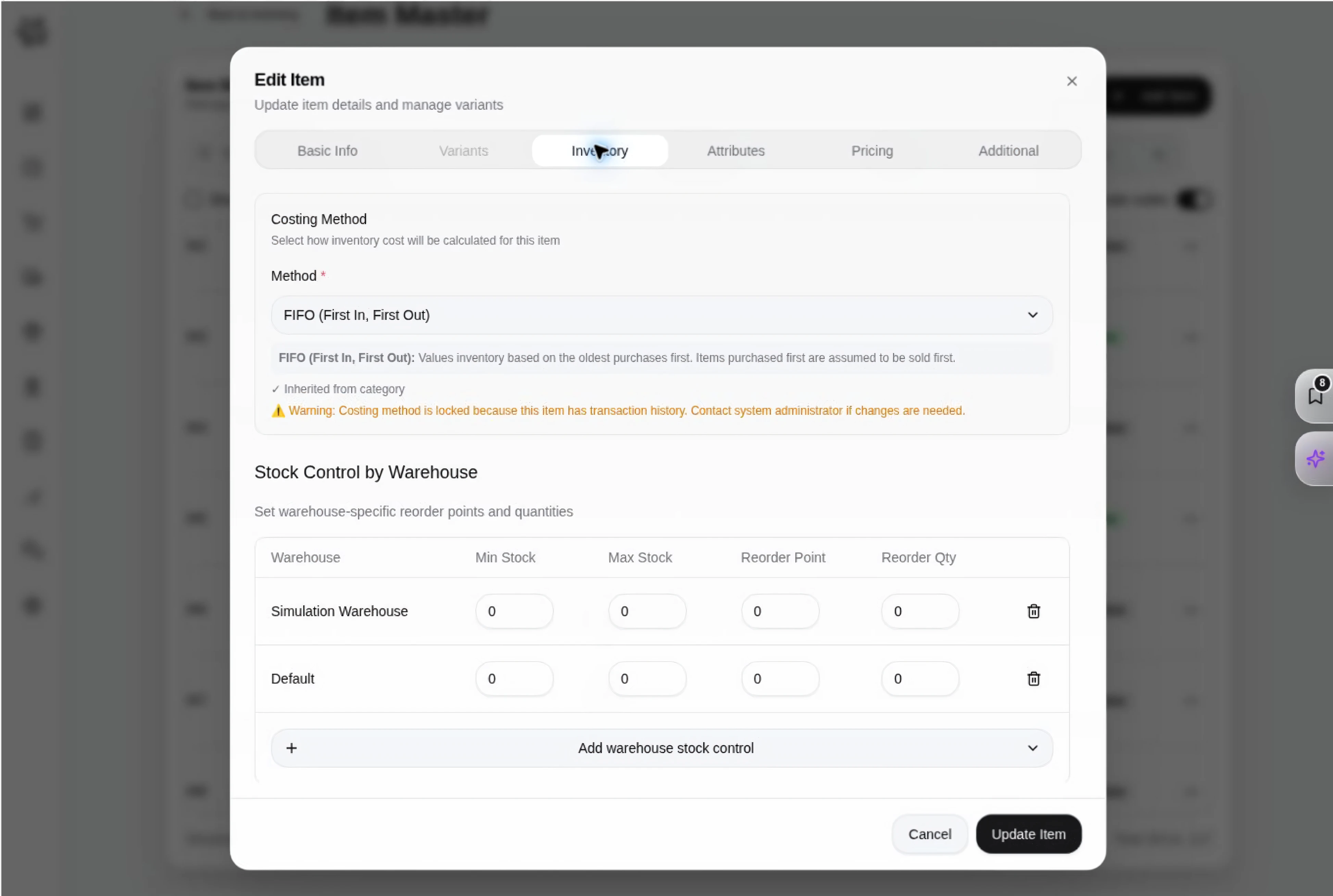
Assign packaging and printed-date checks to staff
Create tasks to count the rice and lentil bags, inspect can condition and read the dates printed on the selected packs. Employees record any concern and follow the store’s handling procedures. The board shows who owns each check and what remains to be prepared for the customer collection.
Share the pantry list and agreed amounts
Choose the invoice language and link expiry in document sharing settings, with an optional signature when appropriate. The customer reviews pack sizes, quantities and amounts in a clear document. Store staff can settle a requested quantity change before completing the count and handing over the prepared pantry order.



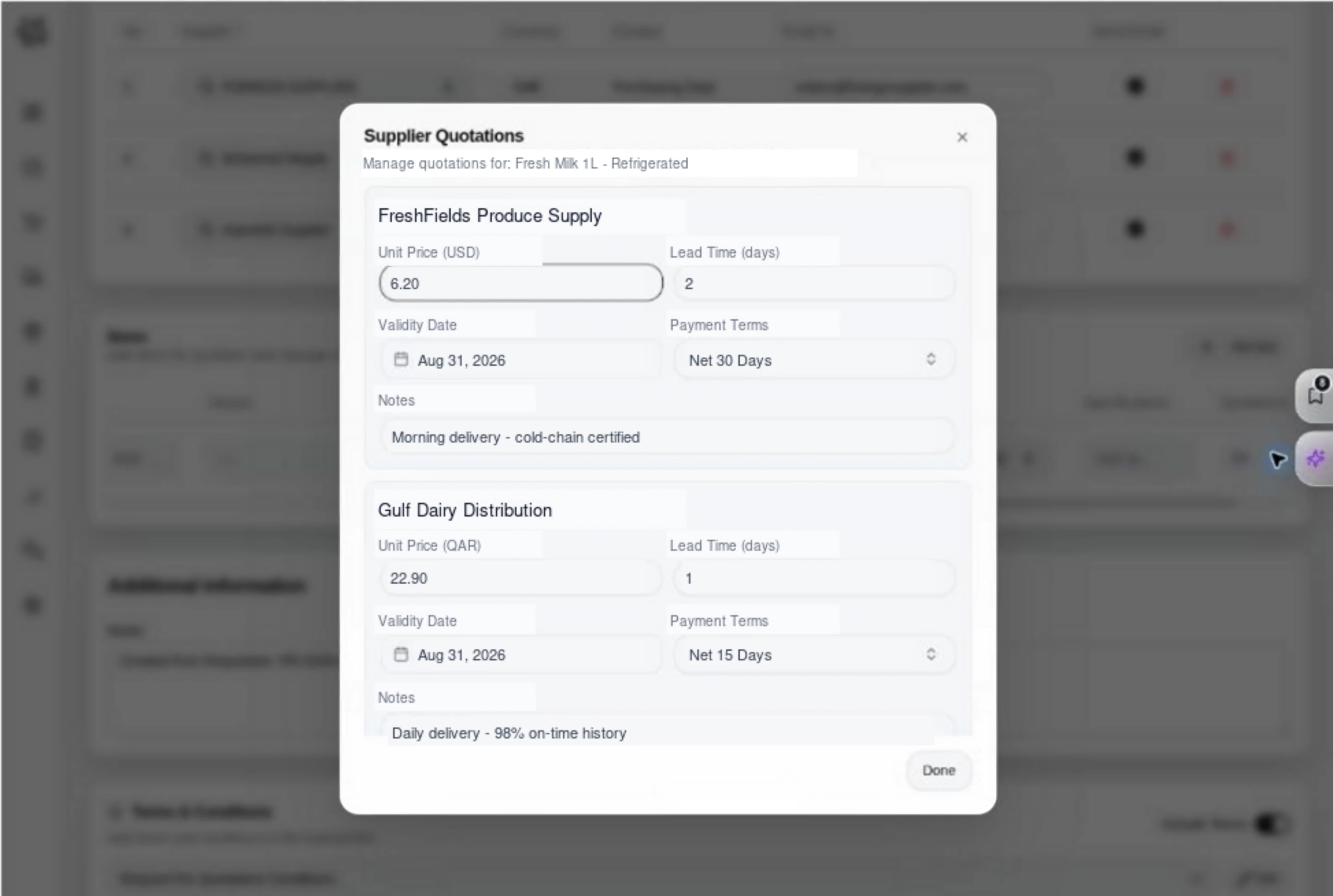
Give your next pantry order a clear checklist.
Grocery Store ERP: Food Invoices & Stock | DNA
- Organize grocery invoices, bag and can quantities, stock transfers and packing checks in DNA ERP. Prepare clear pantry supply orders for customer collection.
- Utilize structured and semi-structured data storage
- Analyze data using graph, spatial, and machine learning engines
- Start with the basic trial using sample data; no set-up required

