Hardware Store ERP for Trade Orders and Stock
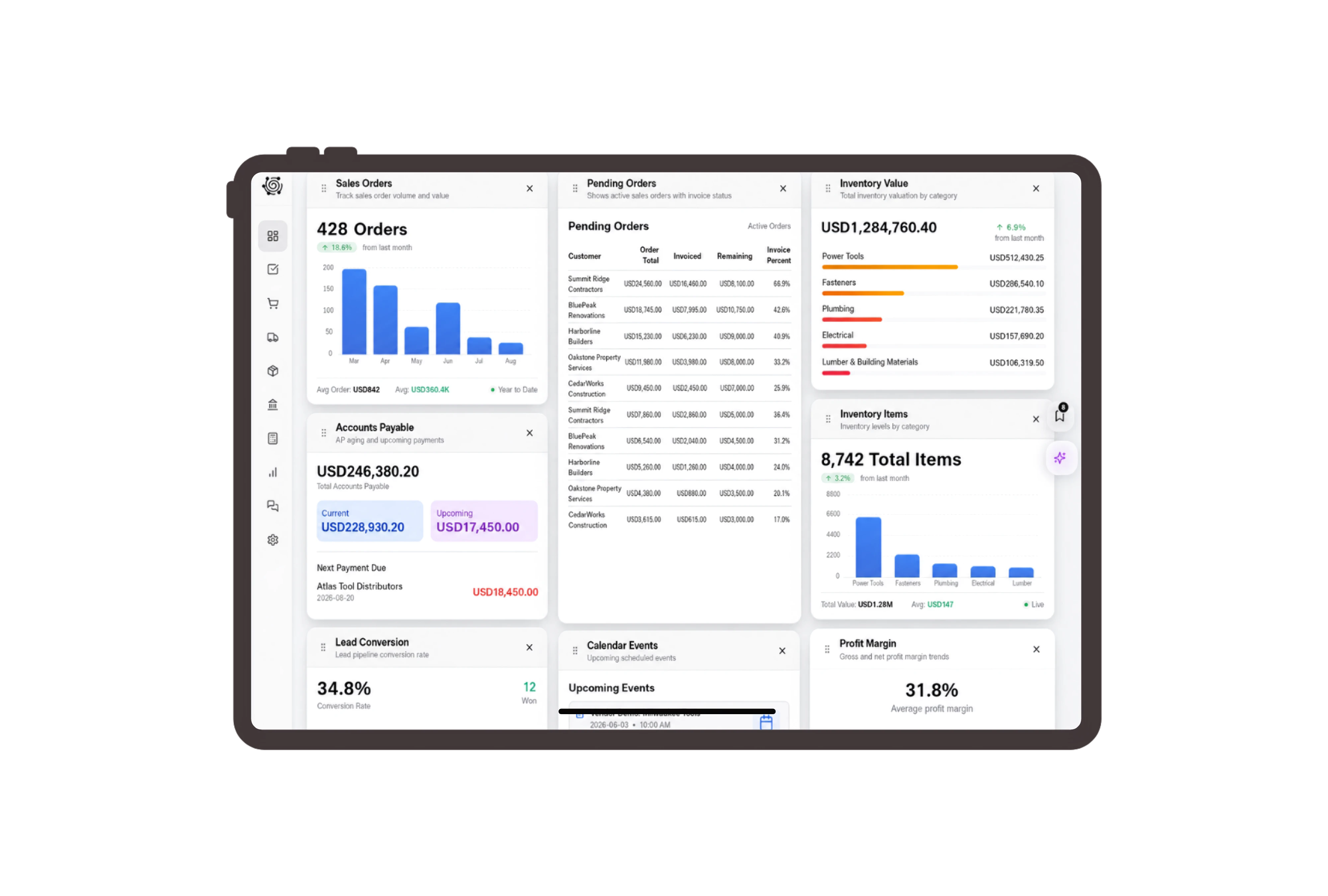
Make box quantities clear on every invoice
Invoice zinc-plated screws by the box, masonry drill bits by the set and work gloves by the pair. Clear item descriptions show what each unit contains. Staff can review the quantity and price on each line with the contractor before preparing the collection, reducing ambiguity between single pieces and packs.
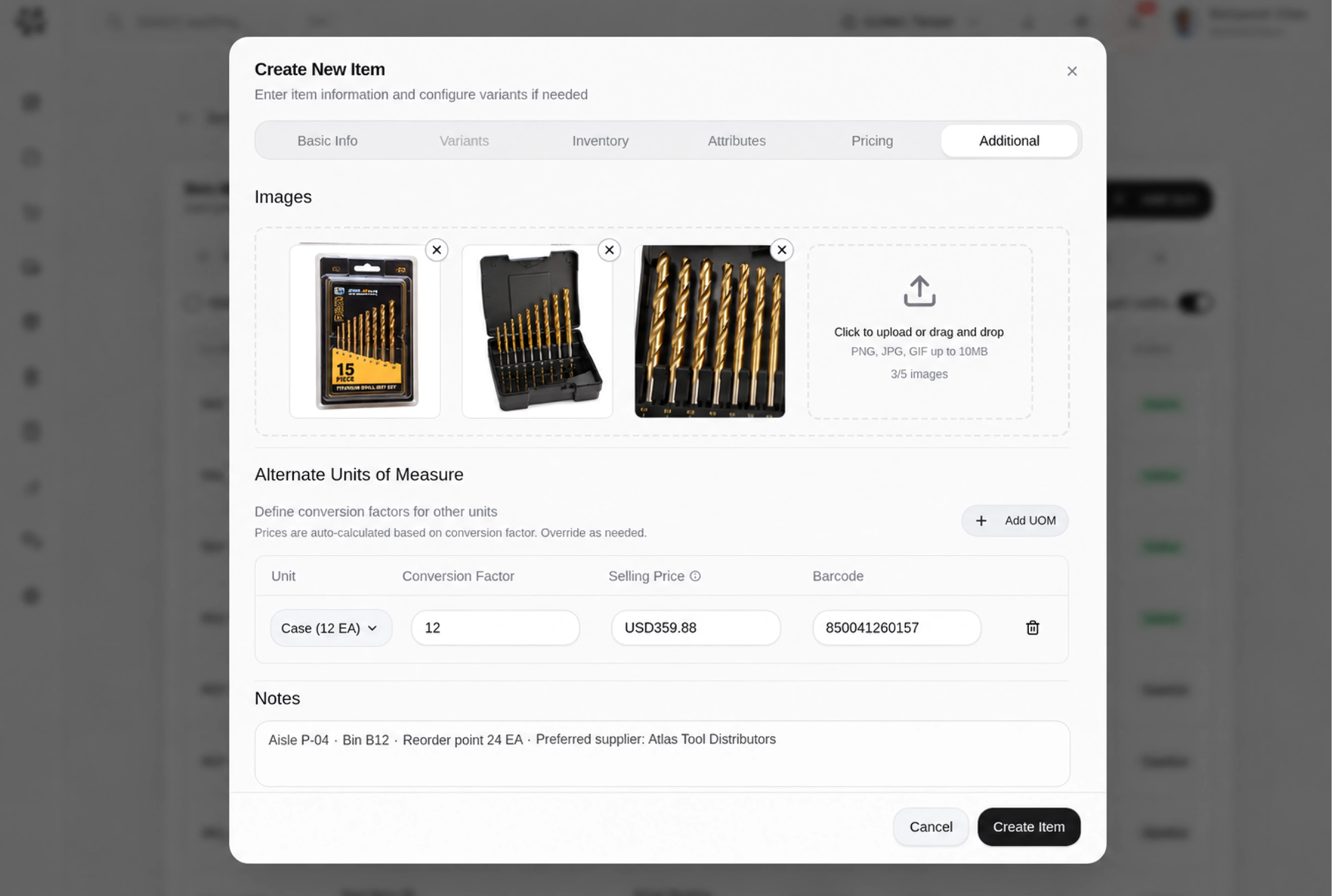
Bring the required packs to collection stock
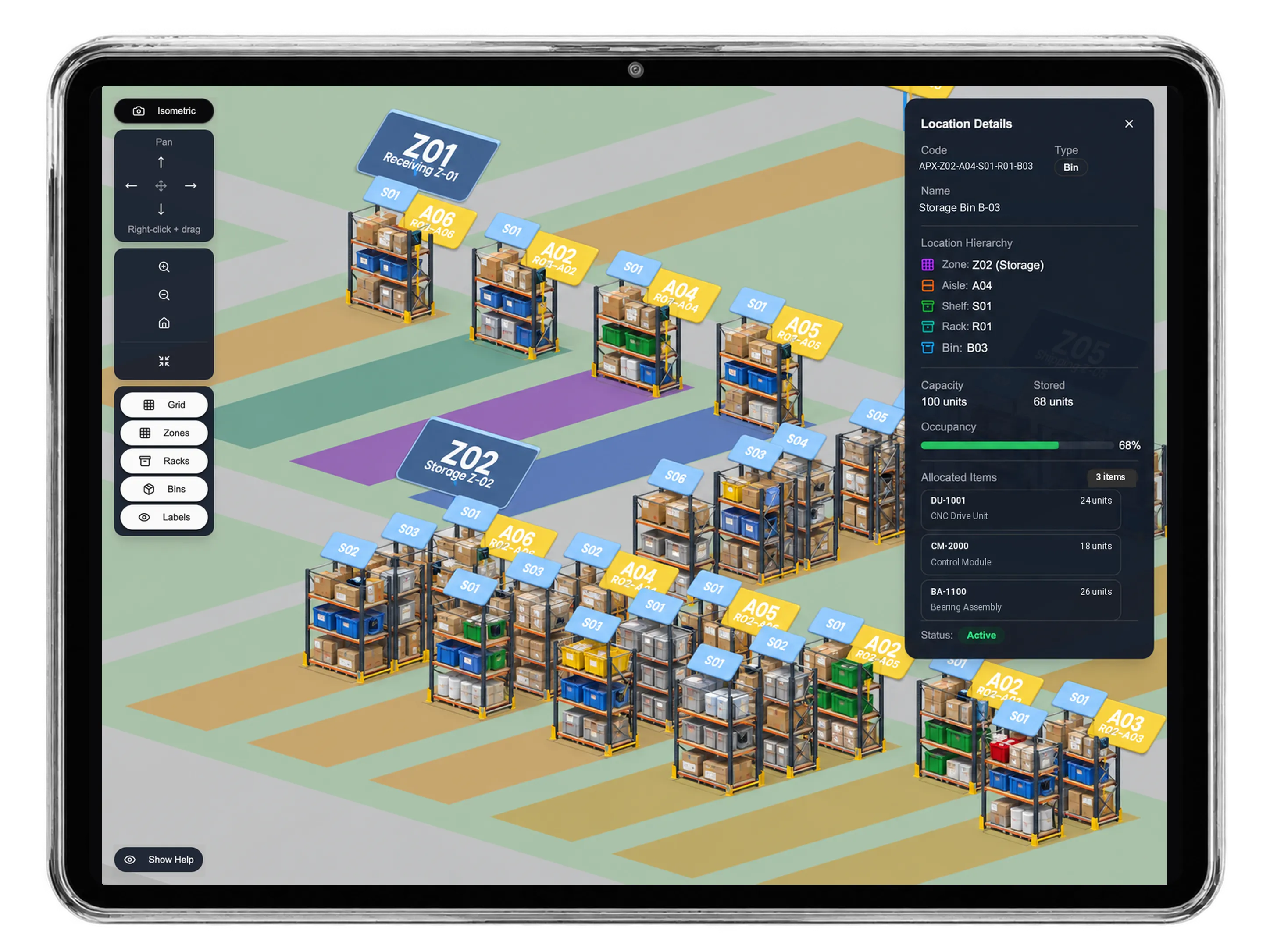
Prepare a transfer from bulk hardware storage to the trade collection warehouse. Check that the available quantities use the same units as the planned movement, then enter transfer quantities and a reason. The pending approval screen gives the stock team a focused record of the goods they intend to move.
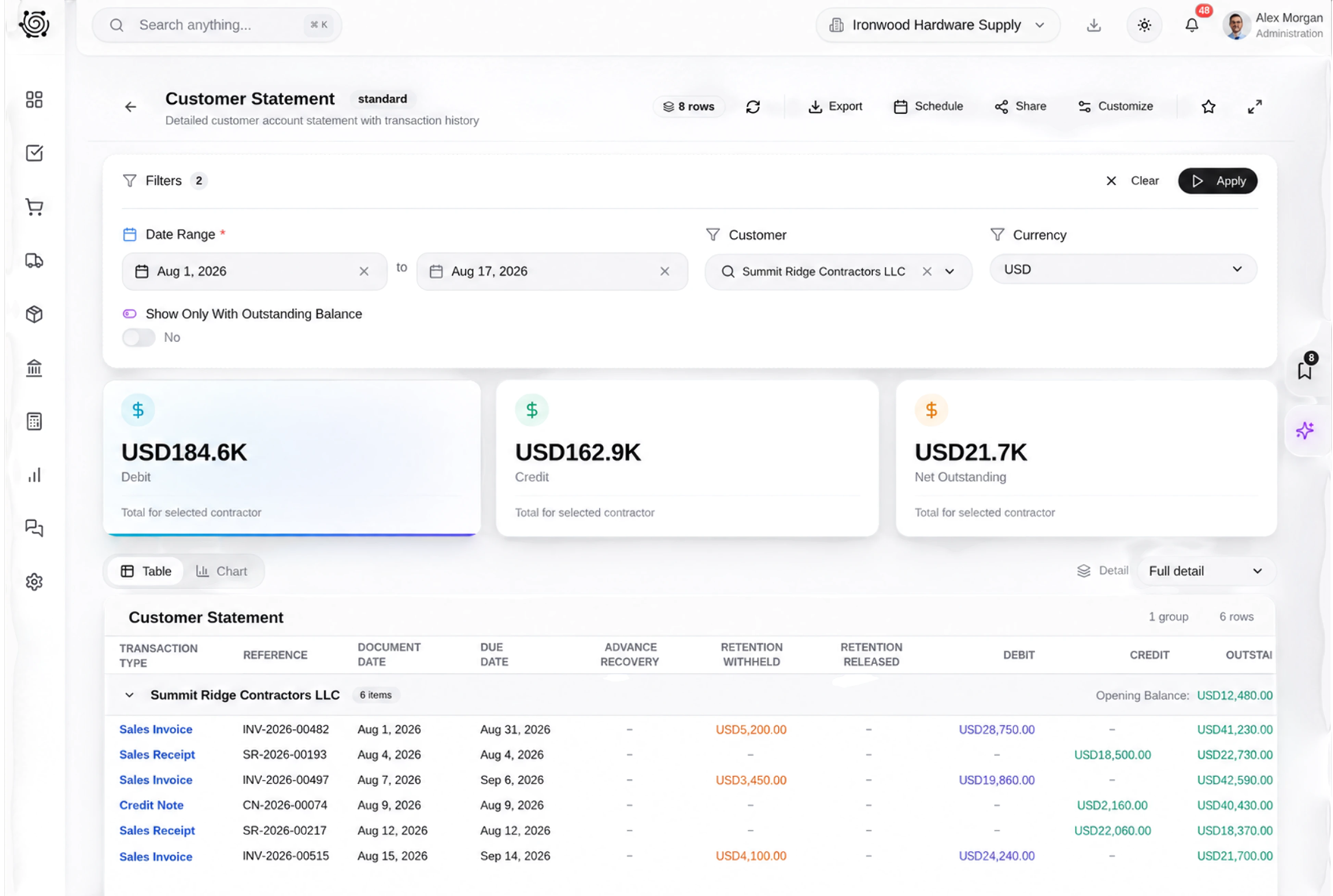
Give fastener and tool checks named owners
Assign staff to verify the screw diameter and length, count sealed drill-bit sets and check glove sizes. Keep the contractor’s collection instructions in the relevant task description. The board shows who is working on each check and which preparation remains, while the staff make the physical assessment themselves.
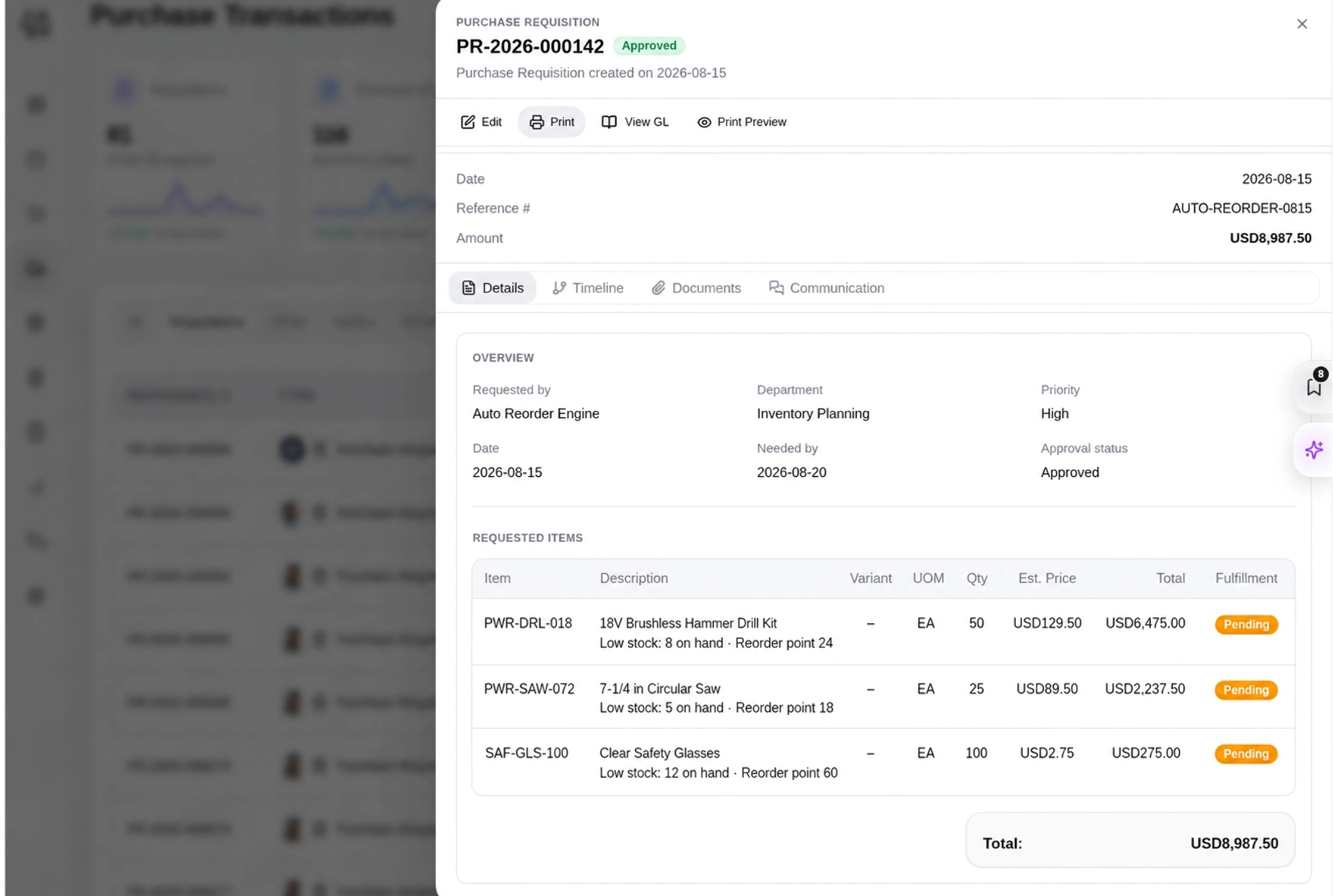
Match the document labels to trade sales
Use Trade customer, Hardware quotation and Hardware item as configured labels for supported records. A contractor’s order remains a normal DNA sales order with clearly described products. Familiar terminology helps counter staff recognize the record they need without suggesting a specialist estimating or technical product-selection tool.



Put your next trade collection in order.
Hardware Store ERP: Trade Sales & Inventory | DNA
- Manage hardware invoices, fastener pack quantities, warehouse transfers and trade collection tasks in DNA ERP. Give each picking check a responsible owner.
- Utilize structured and semi-structured data storage
- Analyze data using graph, spatial, and machine learning engines
- Start with the basic trial using sample data; no set-up required

