Handyman ERP for Repair Scope, Tasks & Fees
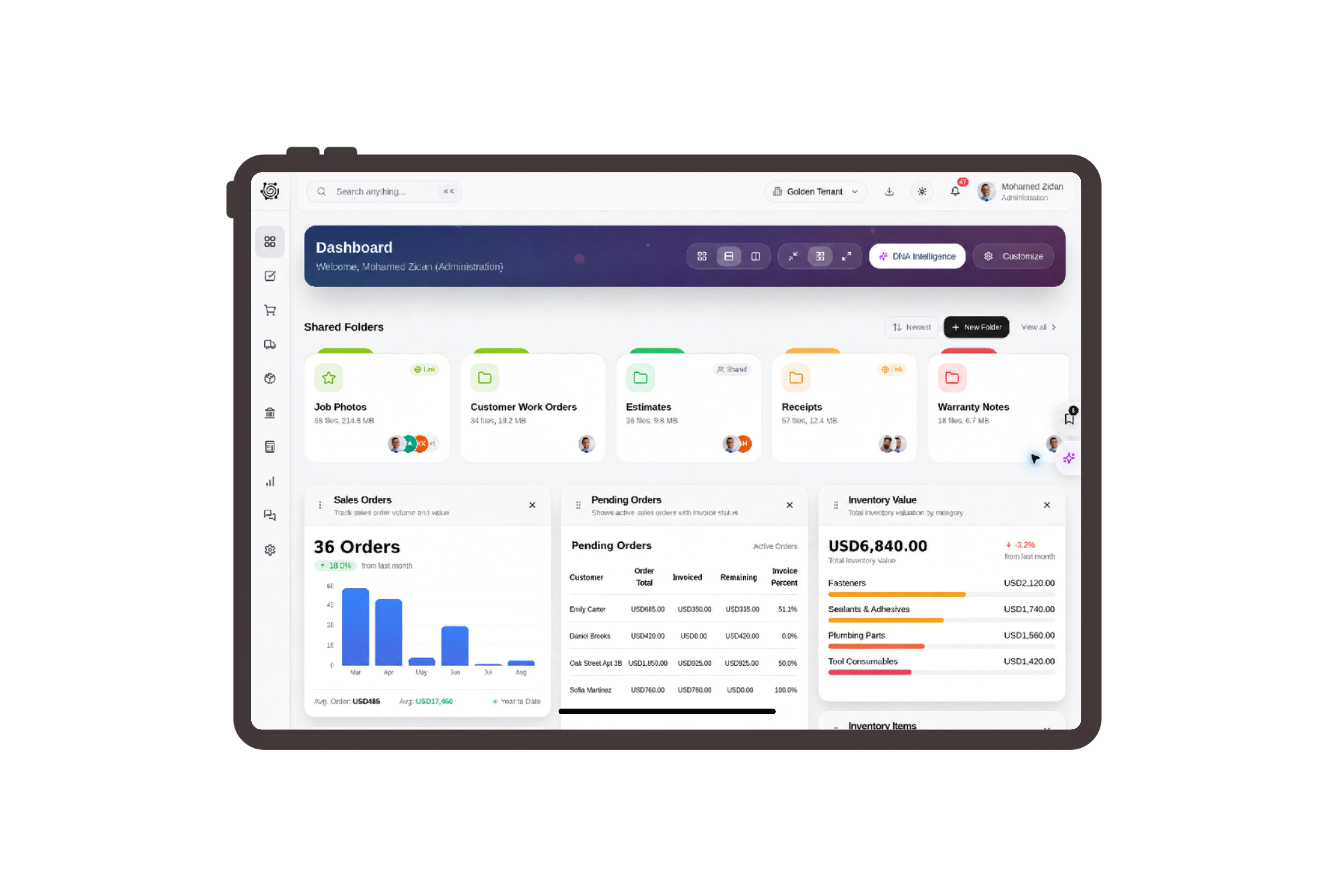
Read commercial records in familiar repair terms.
Present the quotation as a Repair quotation and the sales order as a Repair service order. Use Repair work item for the ordinary task record. These labels put the guesthouse visit in context while the example retains the native document fields, line items and task details.
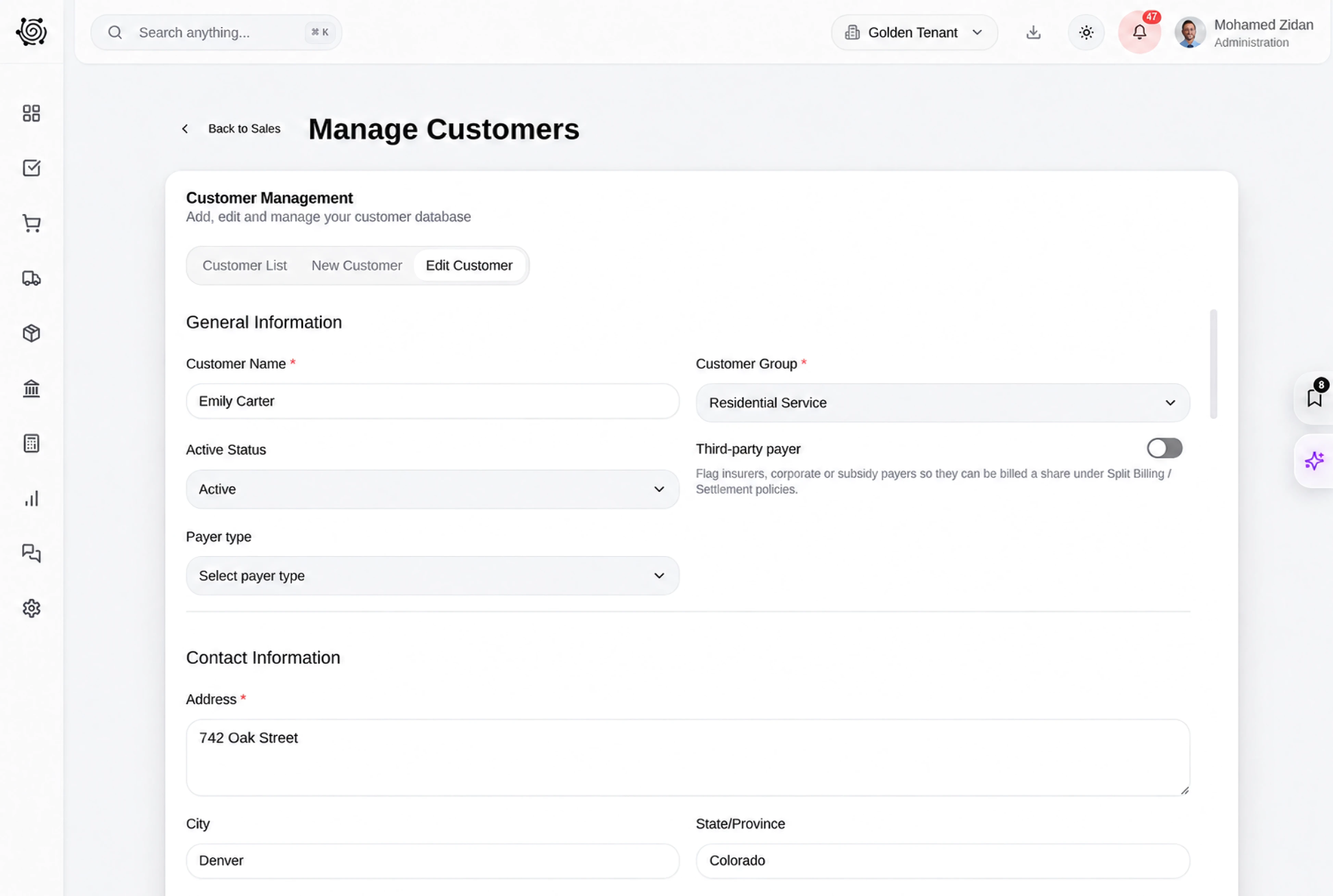
Quote small repairs as distinct service lines.
Separate door adjustment, shelf fitting and washbasin resealing labor in the proposal. Each repair has a count, unit and rate, making the visit total easy to discuss with the guesthouse manager. Clear service descriptions give your team a useful reference when the customer asks for another repair.
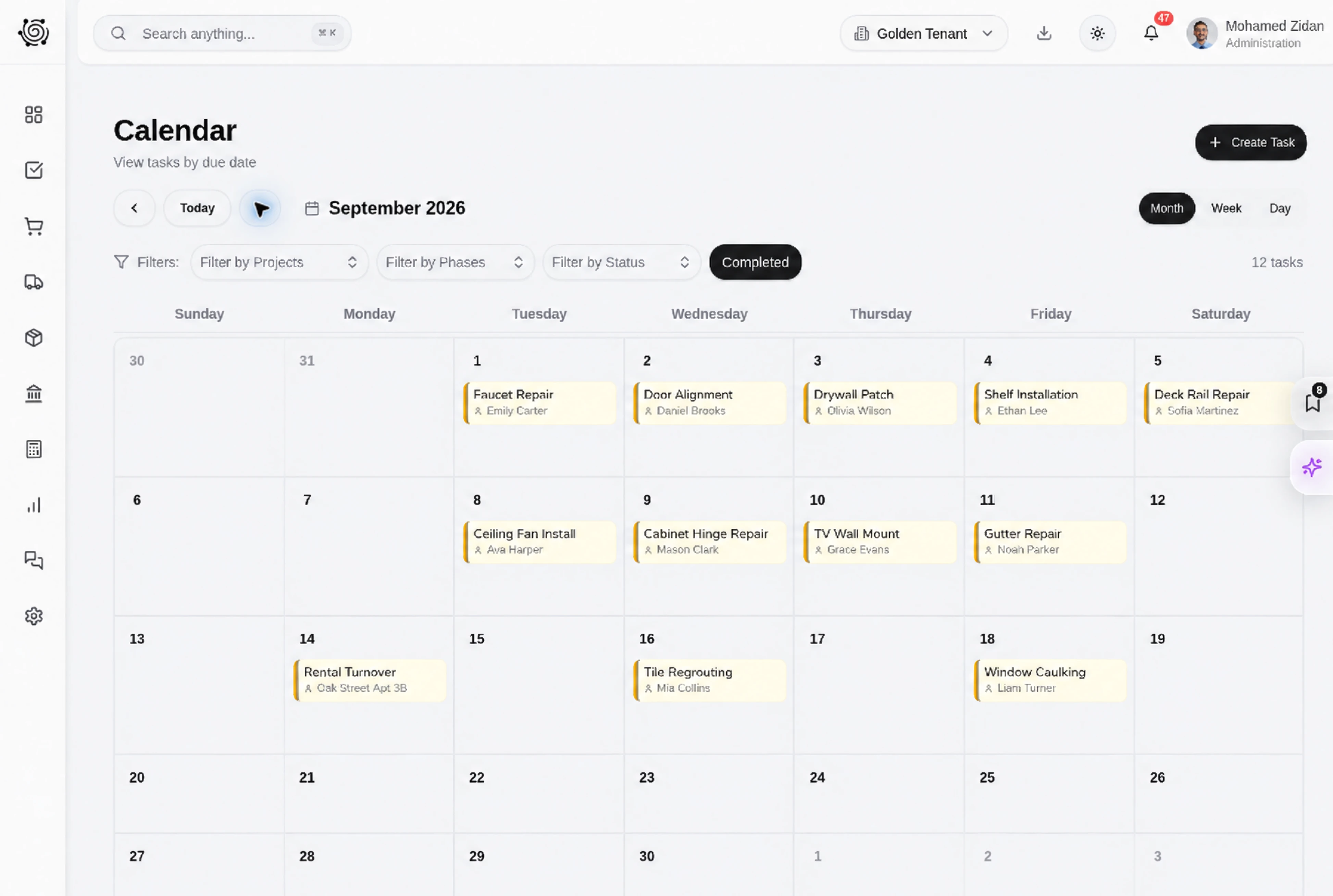
Keep room access and repair follow-ups visible.
Use ordinary tasks to confirm accessible rooms, check shelf measurements and review the technician’s notes. Assign an owner and due date to each action, then update its progress on the board. Task details explain what the person should do before the next conversation with the customer.
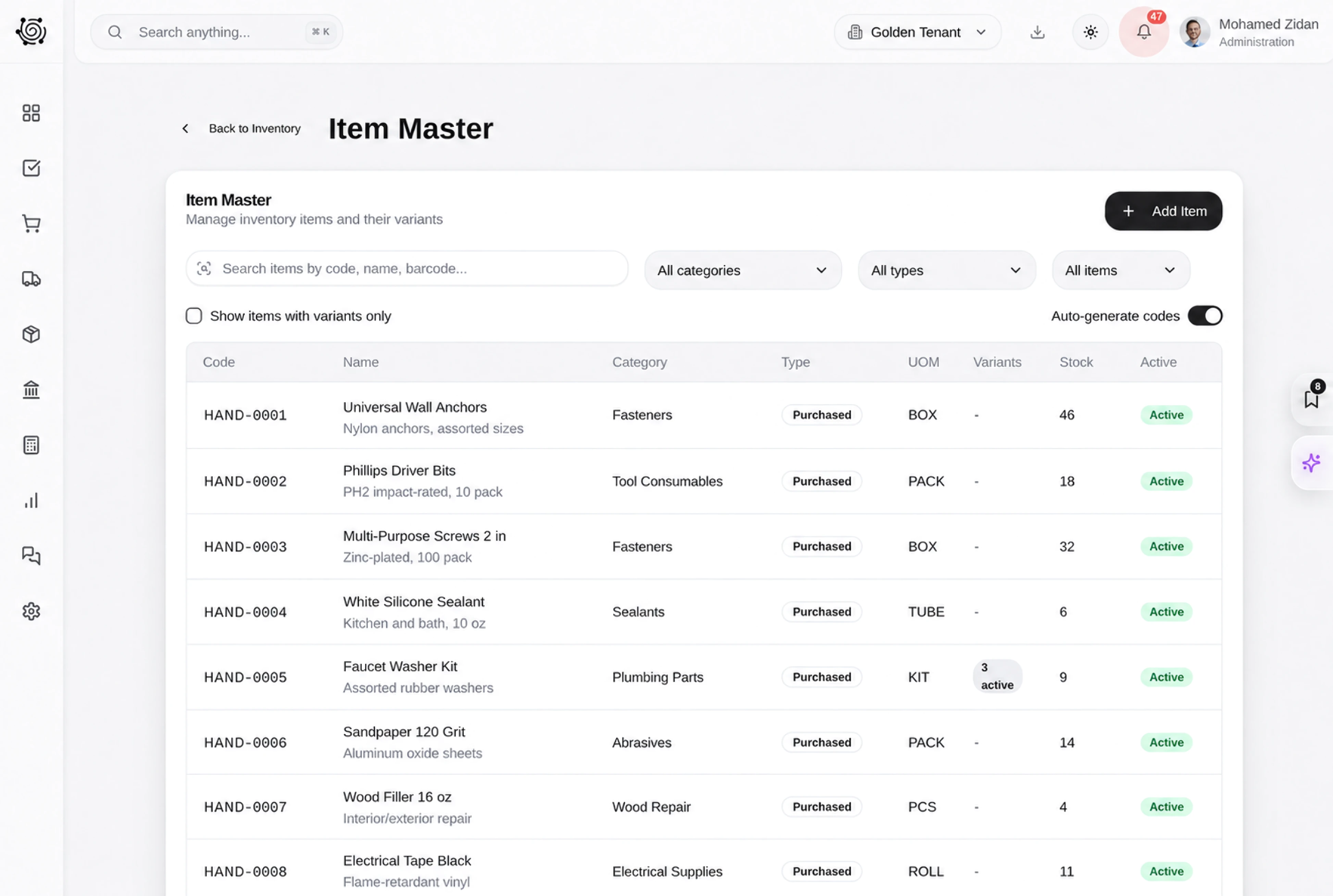
Show the work behind the repair total.
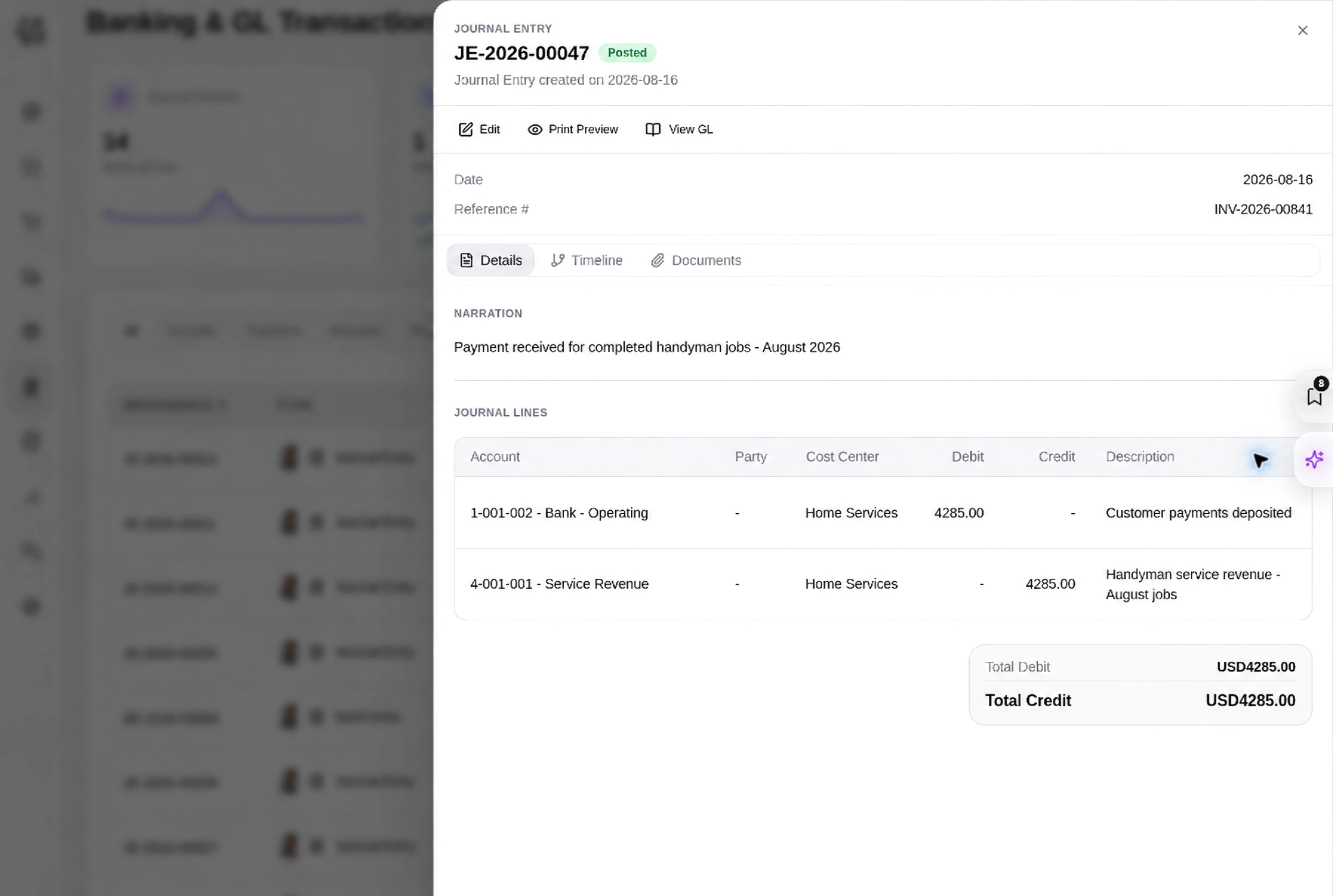
Review the guesthouse repair invoice with separate totals for doors, shelves and washbasins. The standard document presents the customer, reference, date and service quantities together. Your team can compare the invoice lines with the agreed repair scope and discuss any separately priced addition before finalizing the commercial record.



Give small repairs a clear commercial record.
Handyman ERP for Repair Quotes, Tasks & Invoices | DNA
- Organize handyman service work in DNA ERP. Describe small repairs, assign preparation tasks and review itemized labor charges in a native quotation and invoice.
- Utilize structured and semi-structured data storage
- Analyze data using graph, spatial, and machine learning engines
- Start with the basic trial using sample data; no set-up required

