Bookstore ERP for Title Orders and Stock
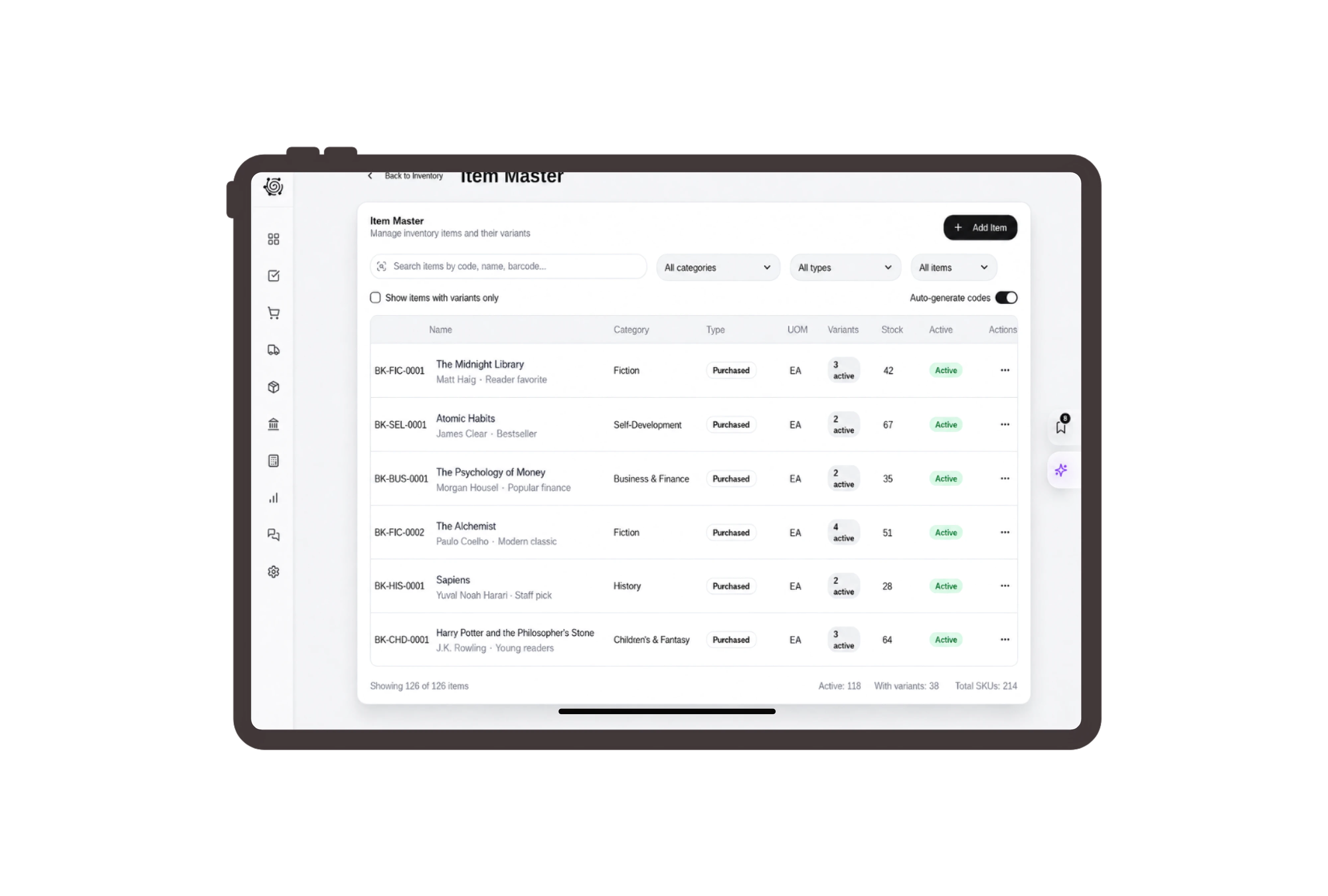
Show title and language on every line
List the English paperback novel, Arabic handwriting workbook and bilingual pocket dictionary separately. Include format and any agreed edition detail in the description, with a copy quantity and unit price. The invoice gives the reading-group coordinator and bookstore staff a shared reference for the titles actually being supplied.

Move the required copies to collection stock
Prepare a transfer from the book warehouse to the collection warehouse for the specified title items. Check available copies and planned quantities before requesting approval. Staff use the stock document when moving the books, keeping the physical movement separate from the invoice that shows the customer’s agreed amount.
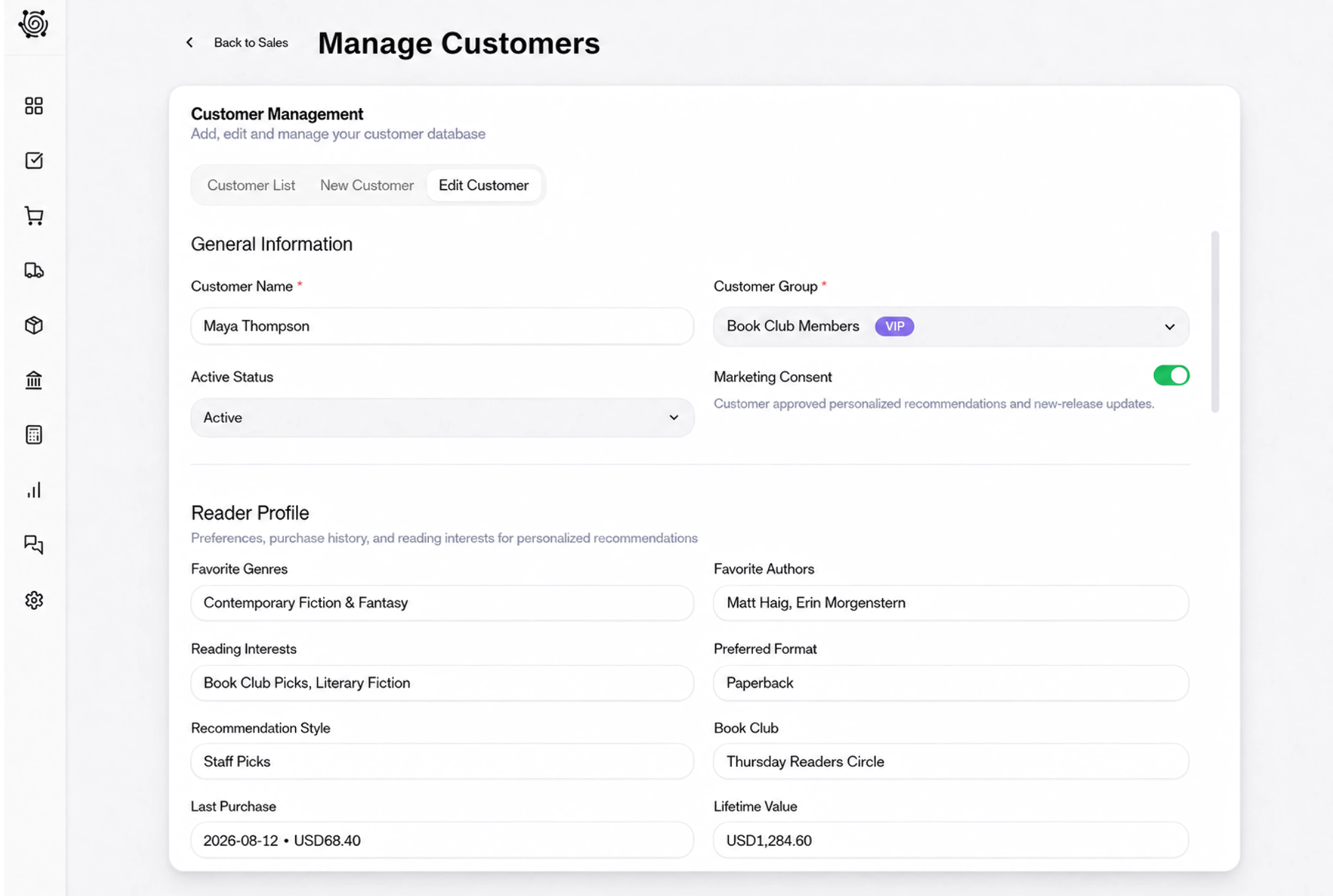
Assign title checks before packing the copies
Create tasks to check title and language, inspect covers and count copies into the customer’s packs. Keep any edition requirement in the task description so the bookseller can compare it with the actual book. Named owners and due dates make the remaining preparation easy to discuss before collection.
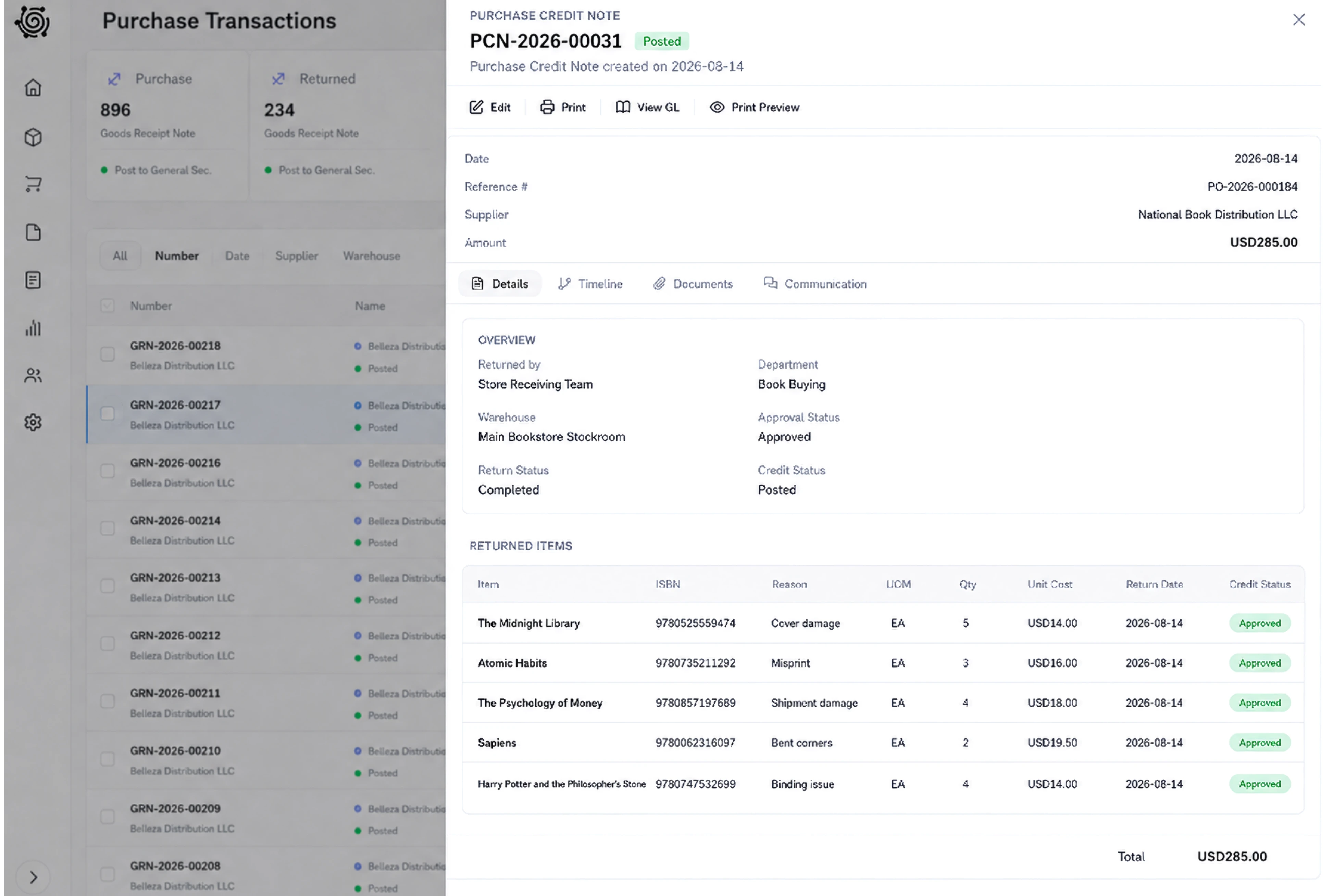
Share the title list for customer review
Use document sharing to choose the invoice language and link expiry, with an optional signature where appropriate. The coordinator can review titles, copy quantities and prices together. Staff can clarify a language or format question against the shared document before completing the packing work for the agreed reading order.
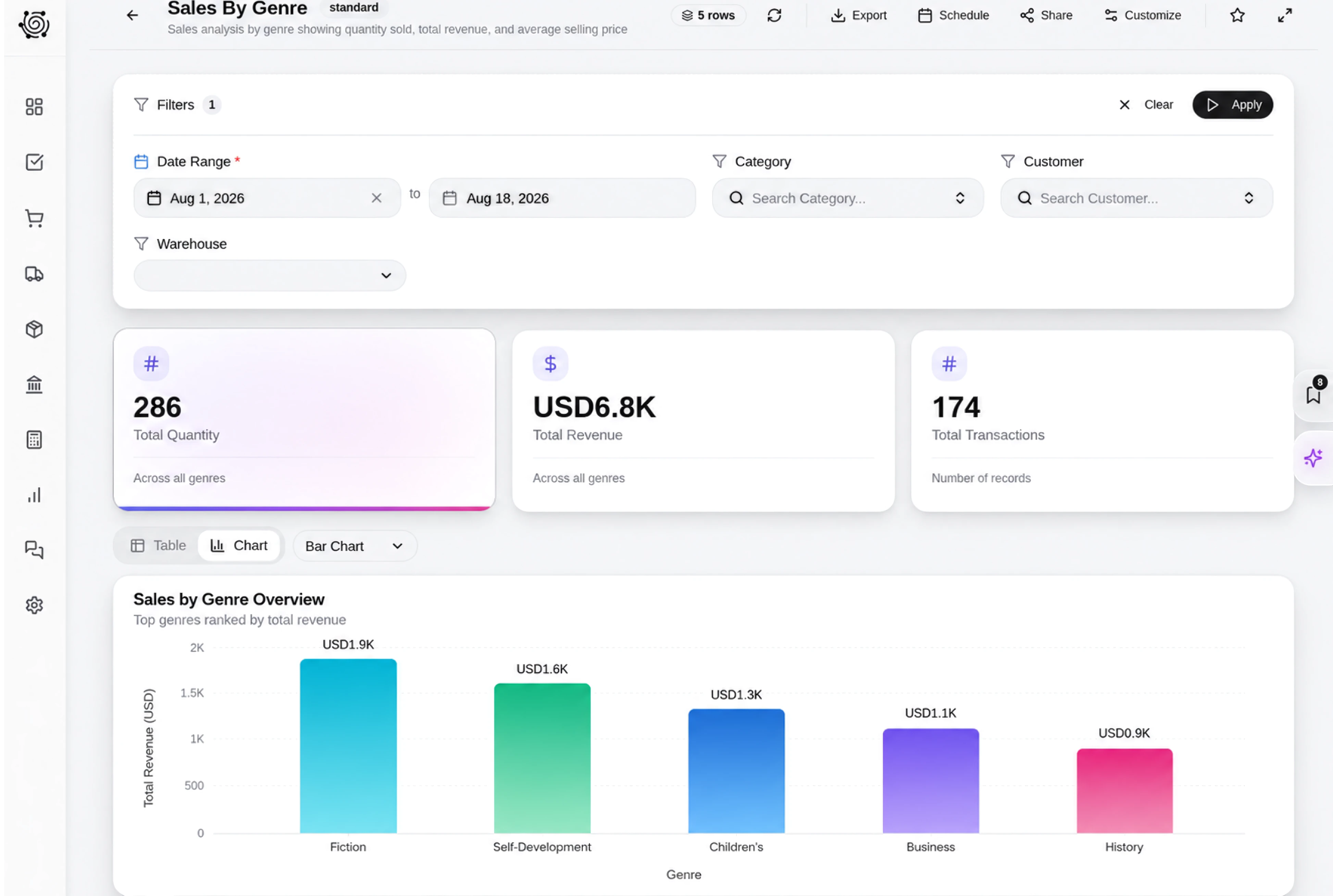



Get the next reading order ready with clarity.
Bookstore ERP: Book Sales, Stock & Tasks | DNA
- Manage bookstore invoices, title and language descriptions, copy quantities, stock transfers and customer collection tasks with DNA ERP for book retailers.
- Utilize structured and semi-structured data storage
- Analyze data using graph, spatial, and machine learning engines
- Start with the basic trial using sample data; no set-up required

