Cosmetics Store ERP for Product Orders and Stock
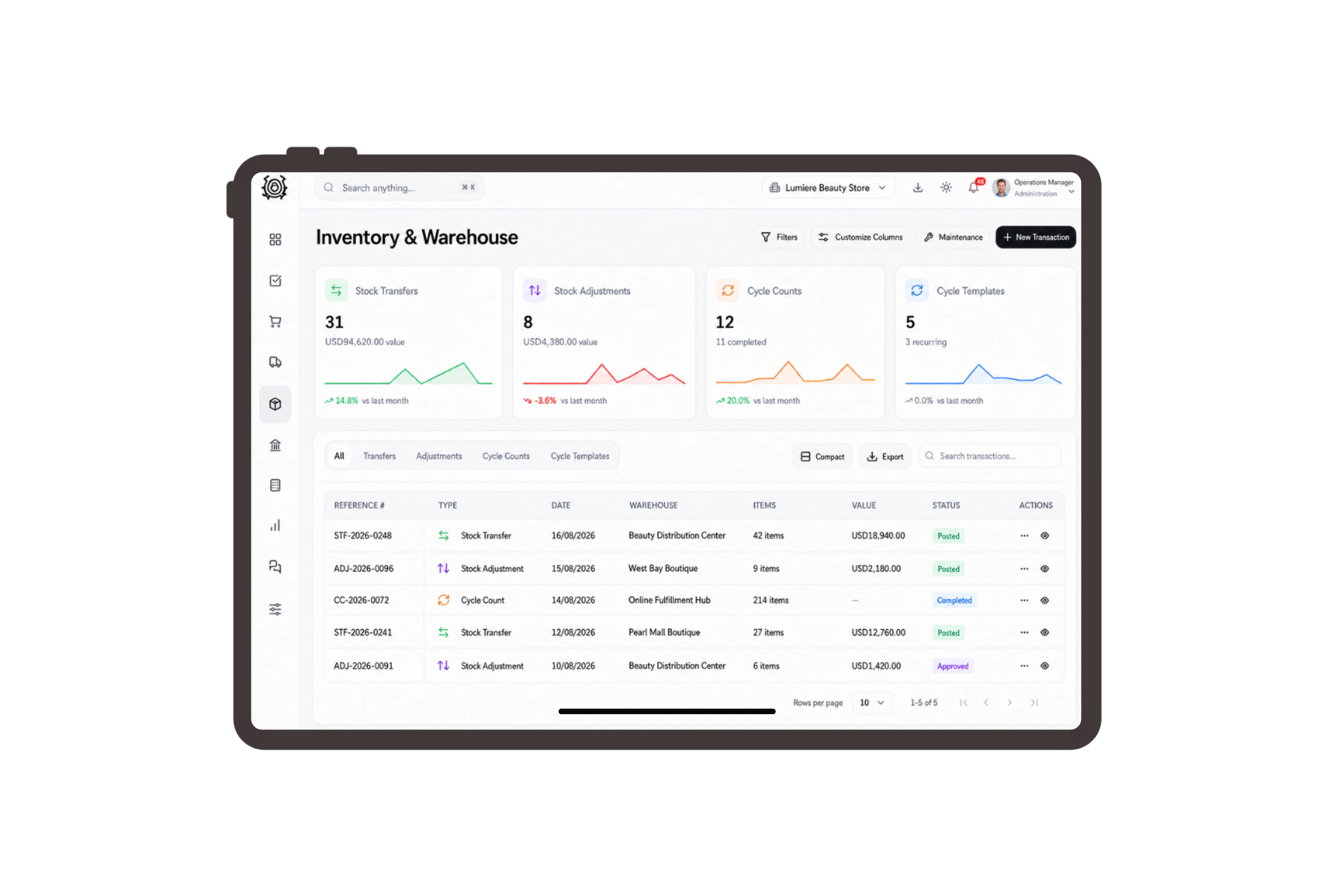
Show the bottle size beside each product
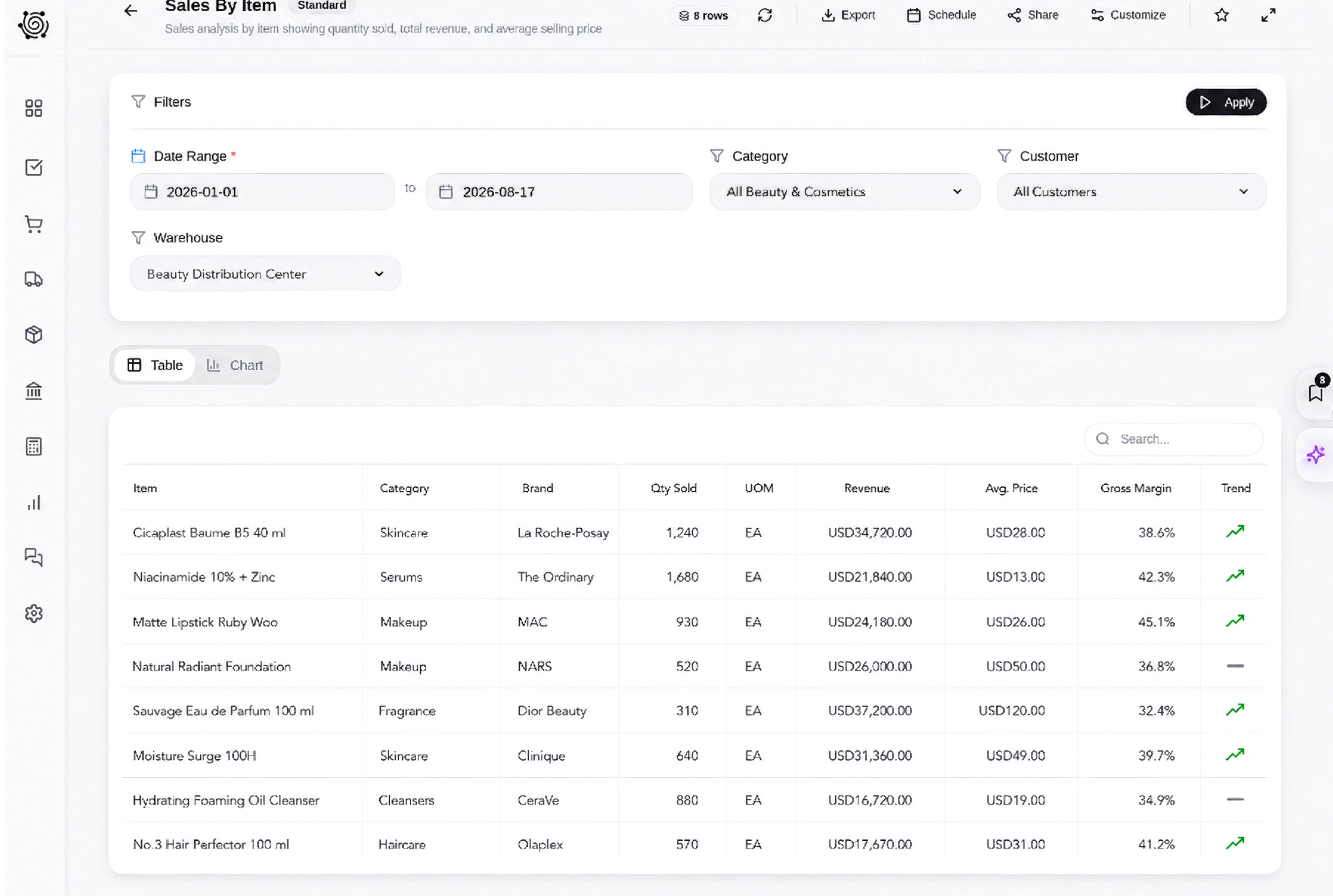
List the 200 ml cleanser, 150 ml toner and 50 ml moisturizer separately on the customer invoice. The description identifies the selected pack size, while quantity and price show the commercial agreement. Staff can compare the invoice with the physical labels before placing the products together for collection.
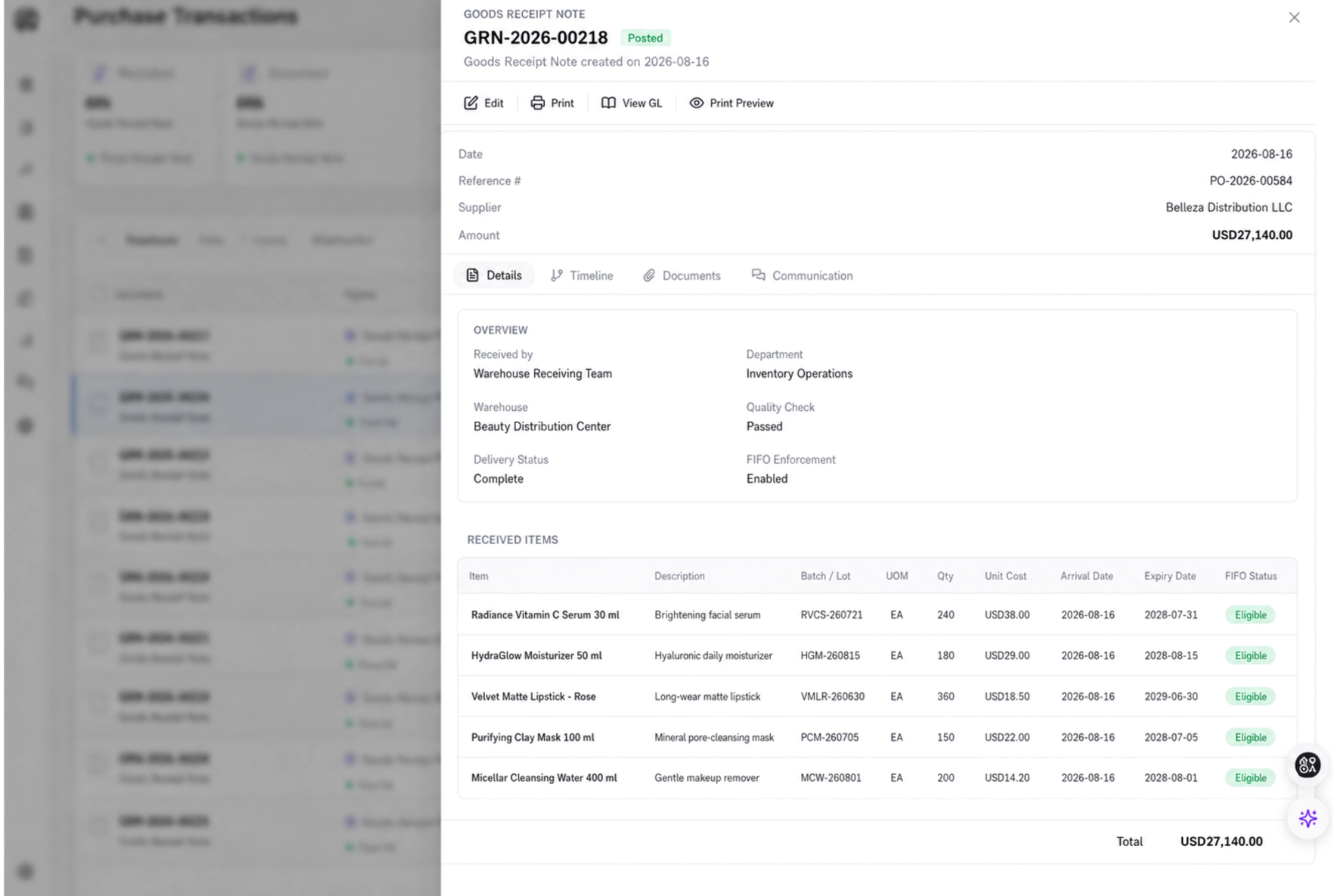
Transfer the selected packs to collection stock
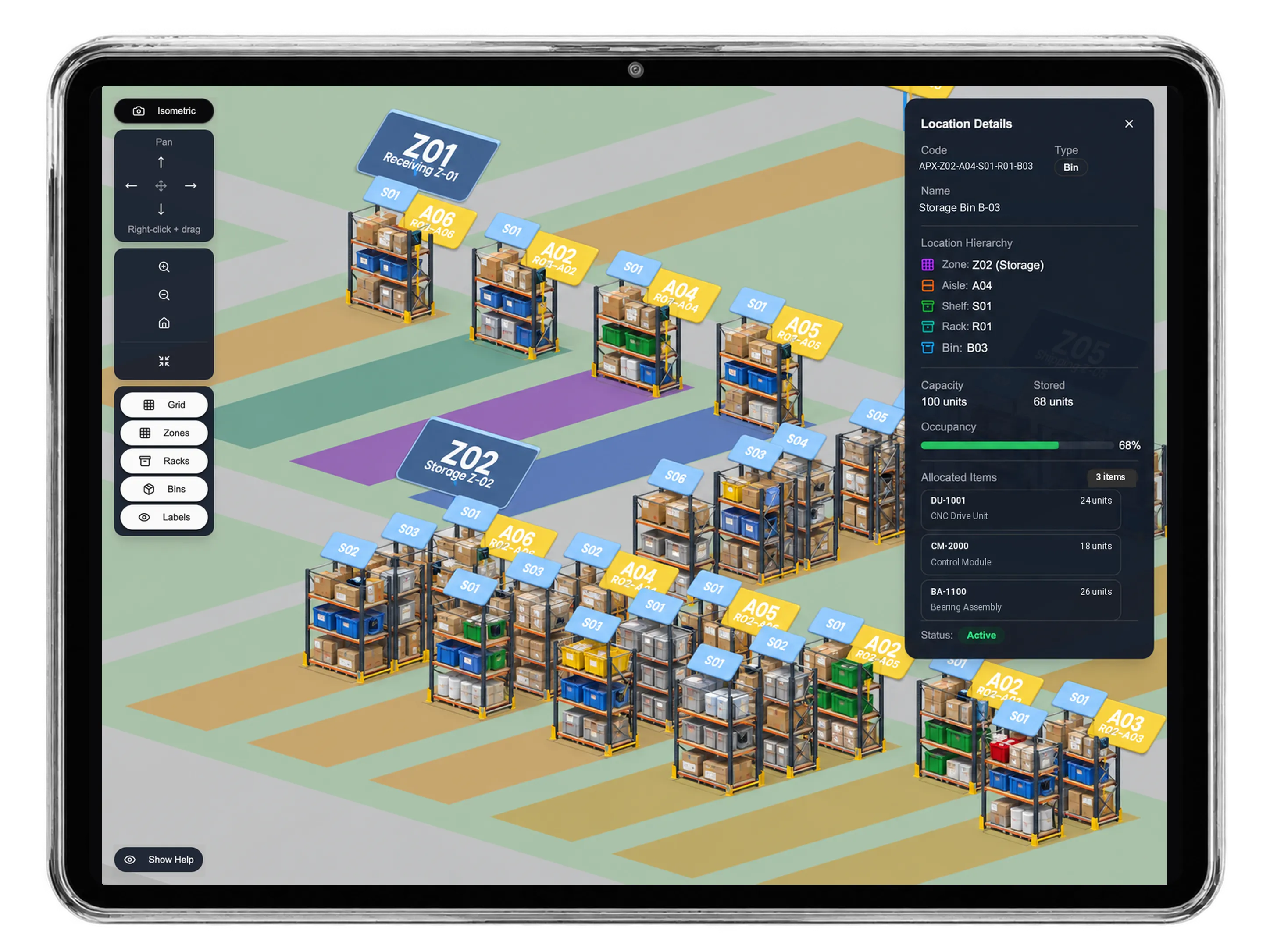
Prepare a stock transfer from the cosmetics warehouse to the store collection warehouse for the exact product codes. Review available units and transfer quantities before requesting approval. Staff move the sealed products using this separate inventory document, with the invoice continuing to show the amount agreed with the customer.
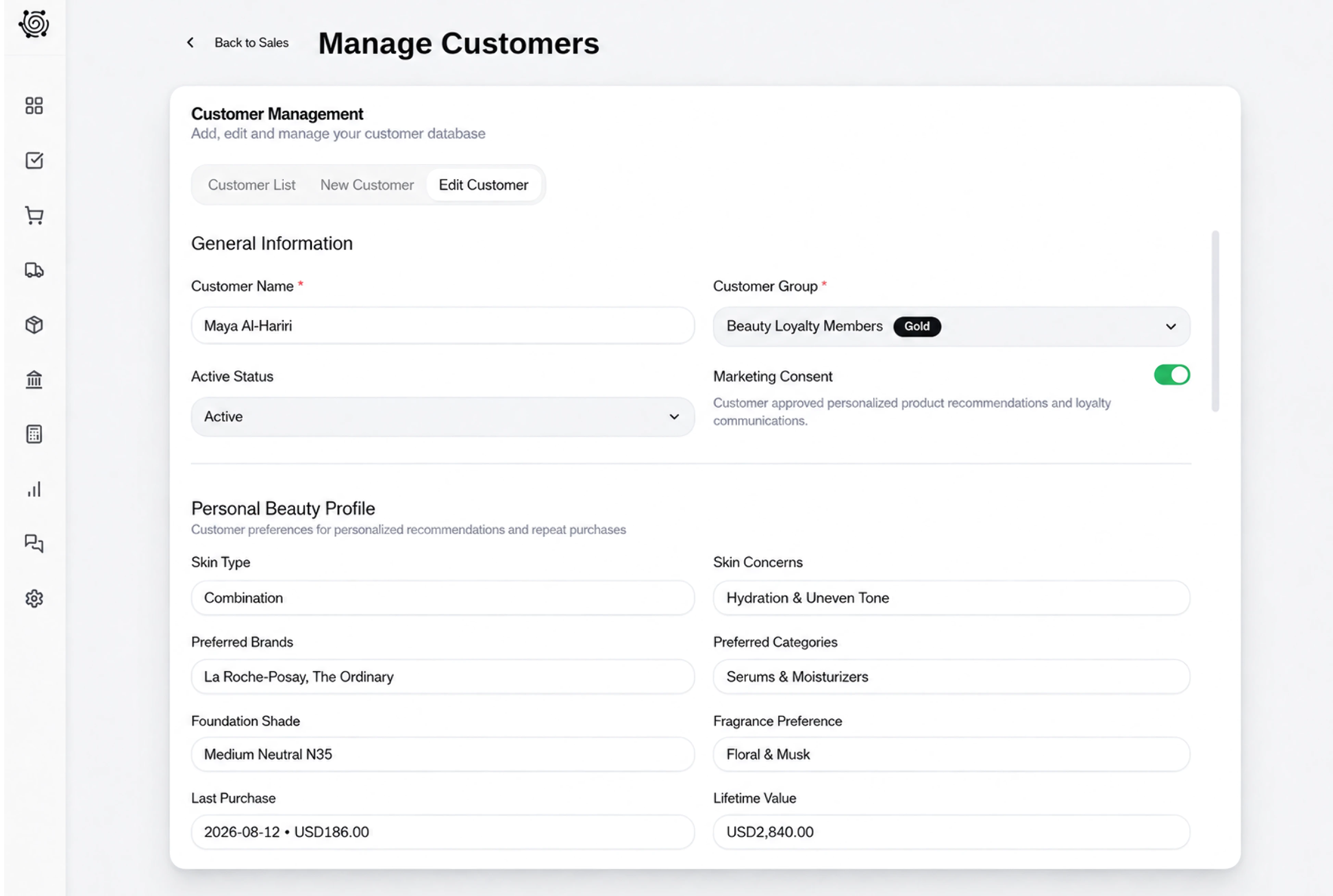
Give product-label and seal checks clear owners
Assign employees to check the product sizes, inspect packaging seals and read the dates printed on the selected packs. Add specific findings to the task details and update the board as the work progresses. These are physical checks performed by staff, giving the collection team a clear preparation record.
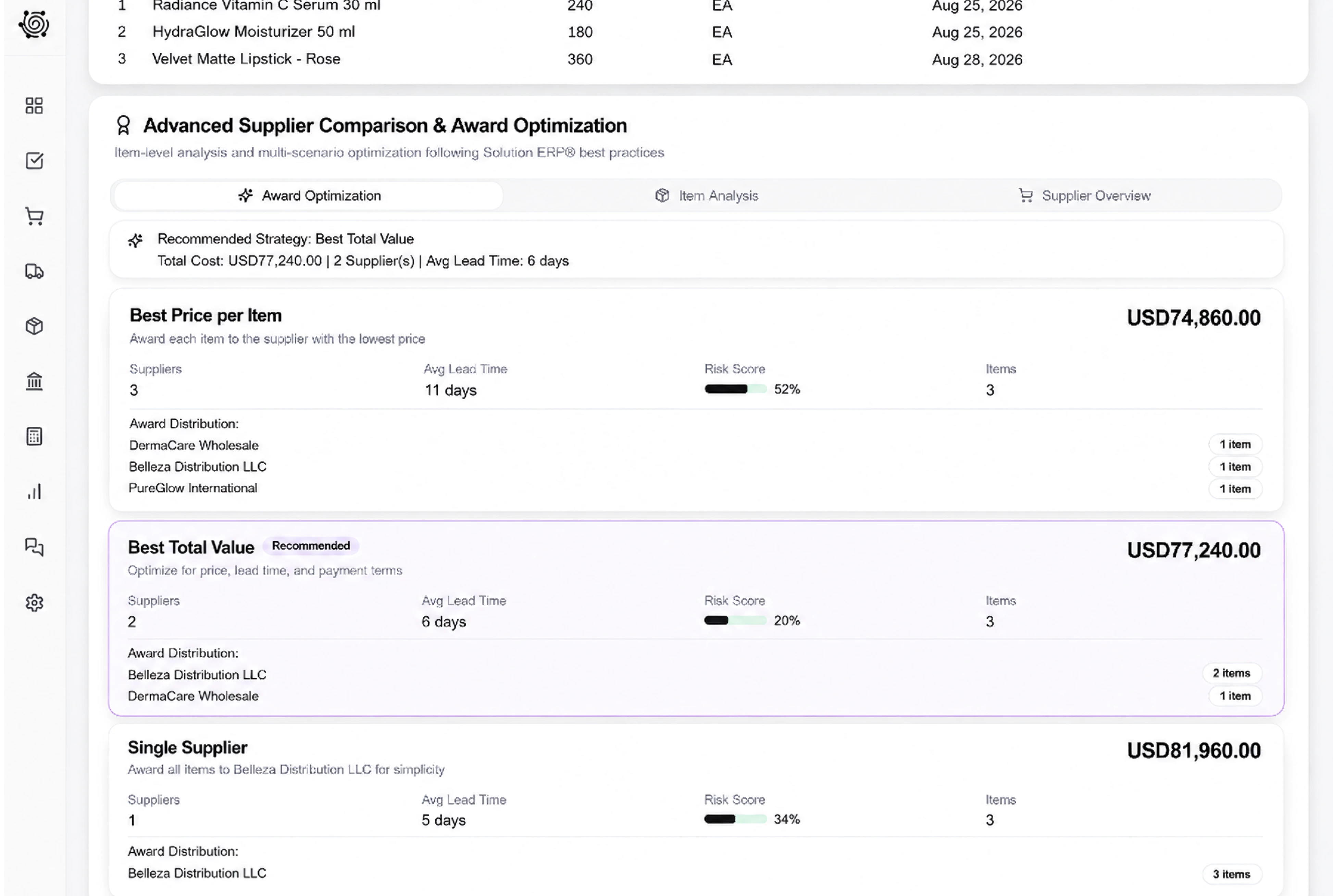
Share a clear document for product confirmation
Use the invoice sharing settings to choose a language and link expiry, with an optional signature when it fits your agreement. The customer reviews the selected products, pack sizes and amounts in one document. Staff can resolve a requested product change before they finish packing the agreed order.



Make the next cosmetics order clear to everyone.
Cosmetics Store ERP: Product Sales & Stock | DNA
- Organize cosmetics invoices, bottle-size descriptions, stock transfers and packaging checks with DNA ERP. Keep customer product orders clear for your team.
- Utilize structured and semi-structured data storage
- Analyze data using graph, spatial, and machine learning engines
- Start with the basic trial using sample data; no set-up required

