Environmental Consultancy ERP for Studies and Fees
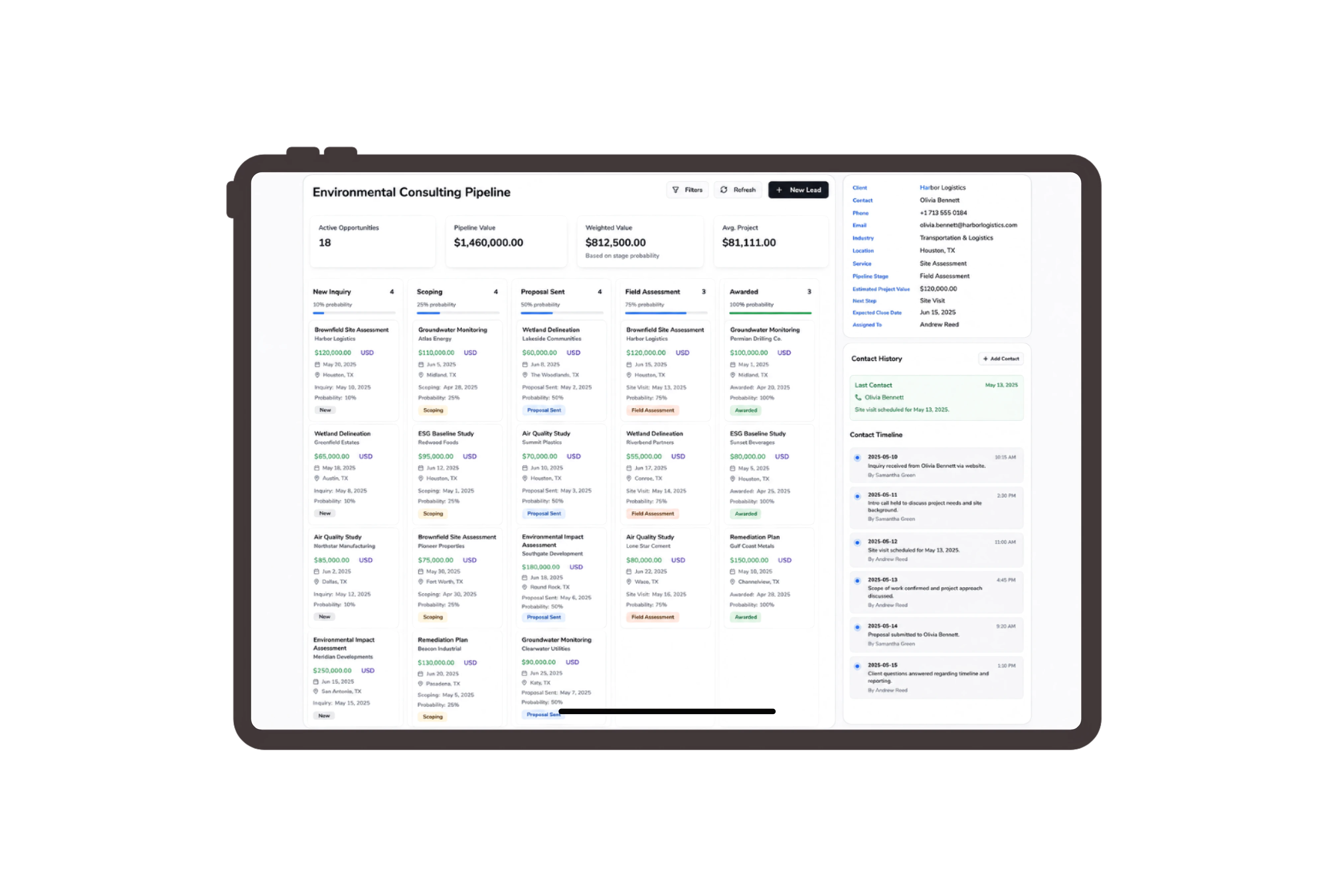
Separate Site Visits, Laboratory Services and Reporting
Quote two survey days, six laboratory services and a baseline report as distinct commercial lines. Juniper’s study coordinator can review the planned quantities and fees before the team commits to the field visit or adds another sampling location. Open Details to inspect quantities, units, prices, discounts and totals before using the quotation’s action bar.
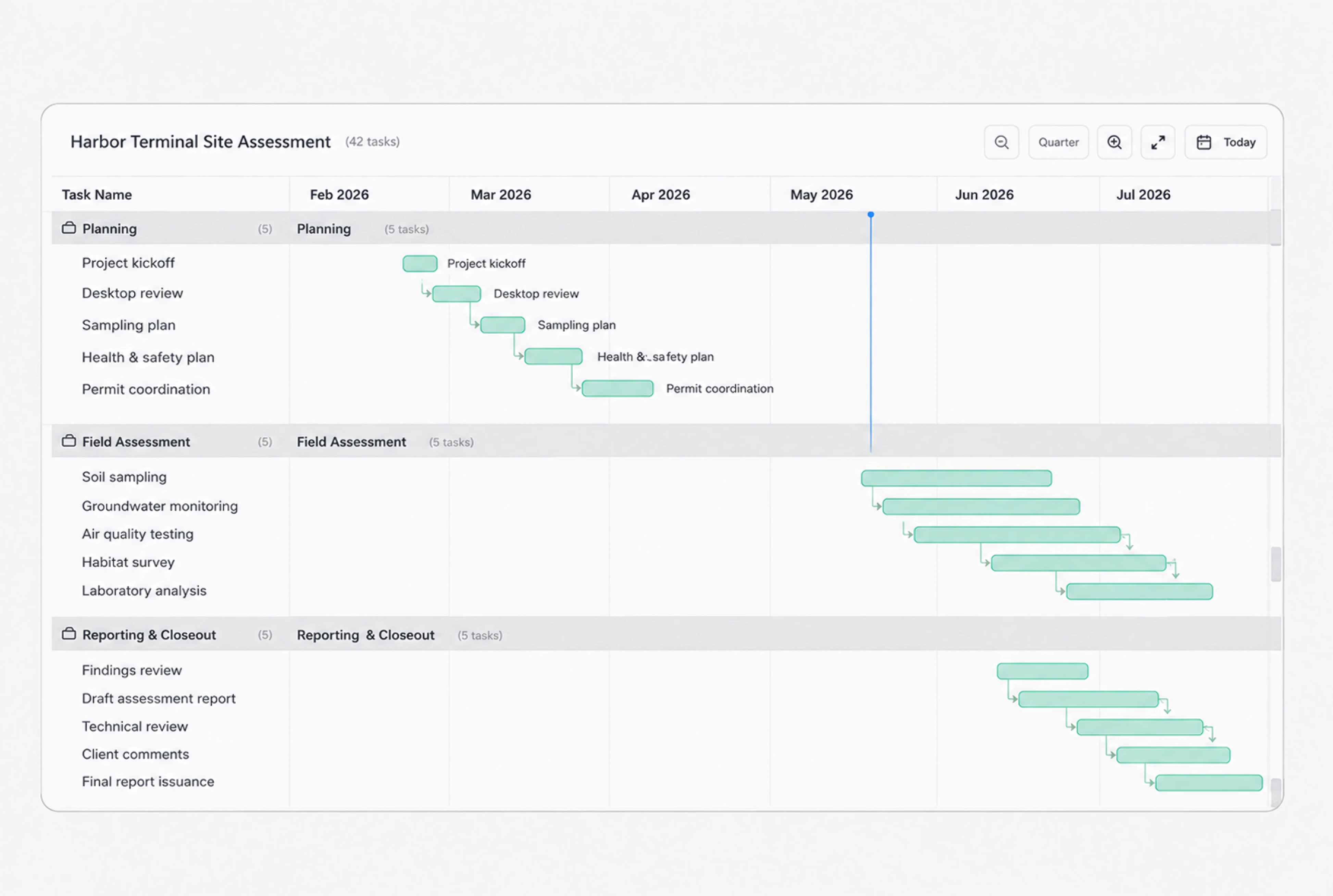
Track Access, Laboratory Follow-Up and Report Review
The field coordinator confirms site access, the laboratory liaison follows up the outside laboratory and the report coordinator checks report references with the technical lead. Their tasks describe the people’s coordination work and expose the next action while scientific assessment stays with qualified specialists. Open Task Details to check the assignee, priority and due date, then update its status on the board.
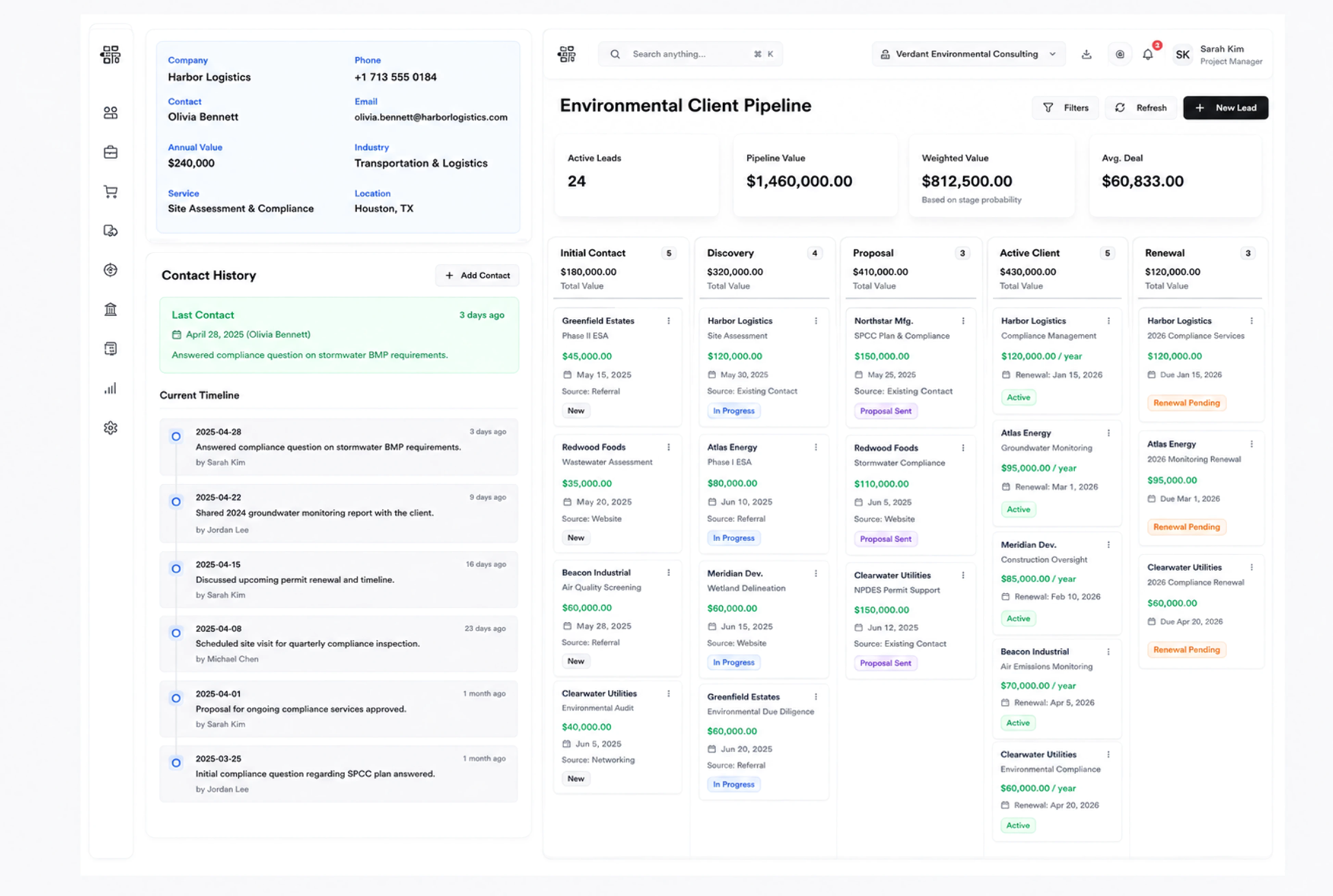
Share the Study Scope With Clear Document Settings
Choose the proposal language and link expiry before the client reviews survey days, laboratory services and report fees. Add a signature request when appropriate to the agreement, giving the coordinator a consistent way to present the study’s commercial scope. Review these Share settings before opening the customer-facing proposal link.
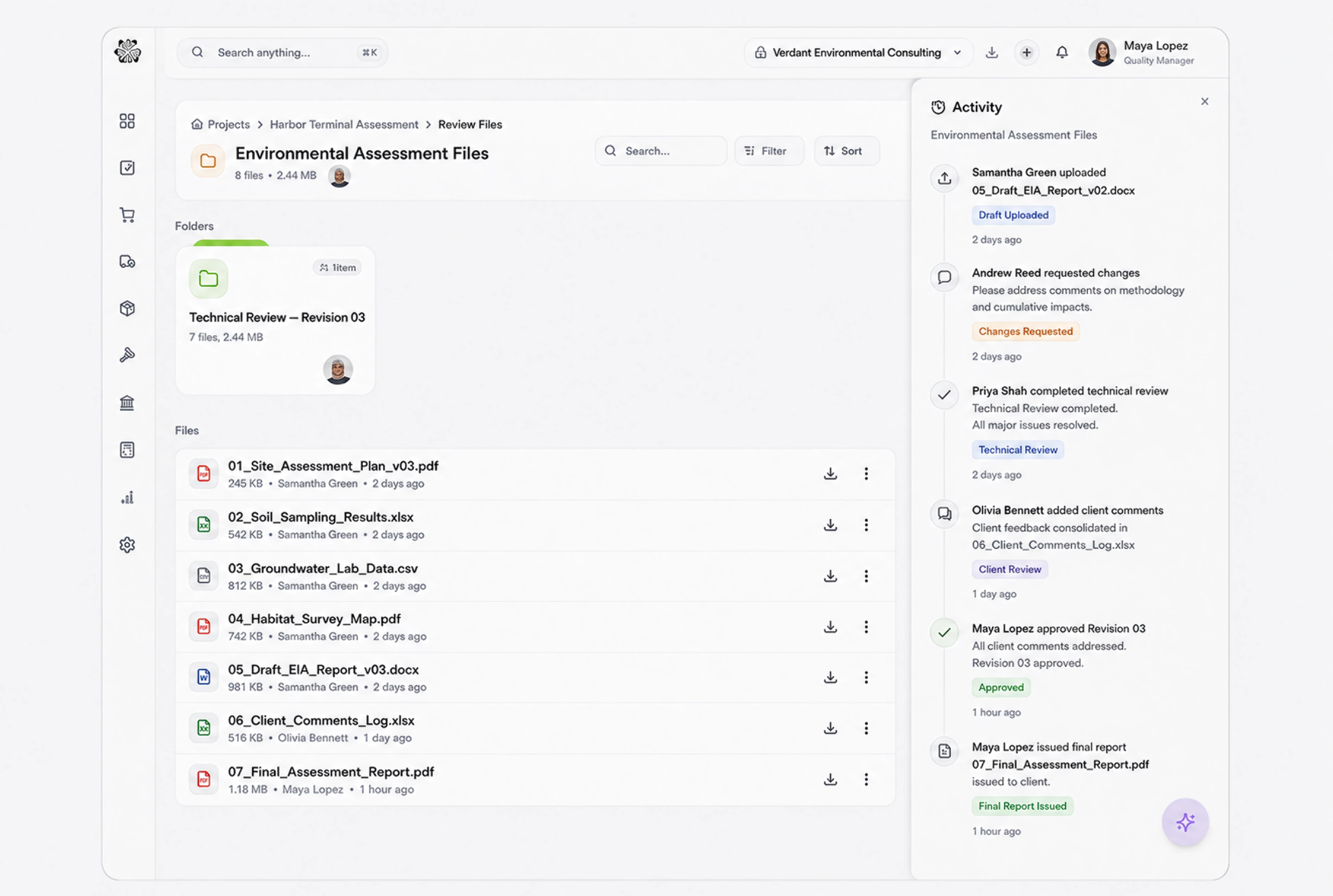
Keep Fieldwork and Report Fees Distinct When Billing
Use the study order’s billing plan for the 30% initiation, 40% field survey and 30% report stages. Inspect the milestone description and invoice amount so the client can connect the requested fee with the commercial stage agreed for the study. Inspect milestone ID, description, work package and amount in the Progress Billing Invoice.



Explore warehouse expansion environmental baseline study
Environmental Consultancy ERP for Studies and Fees | DNA
- Organize environmental study proposals, site and laboratory follow-up tasks, and staged fees in DNA ERP. Keep study scope and progress invoices clear.
- Utilize structured and semi-structured data storage
- Analyze data using graph, spatial, and machine learning engines
- Start with the basic trial using sample data; no set-up required

