Bike Leasing ERP for Hire Fees and Team Tasks
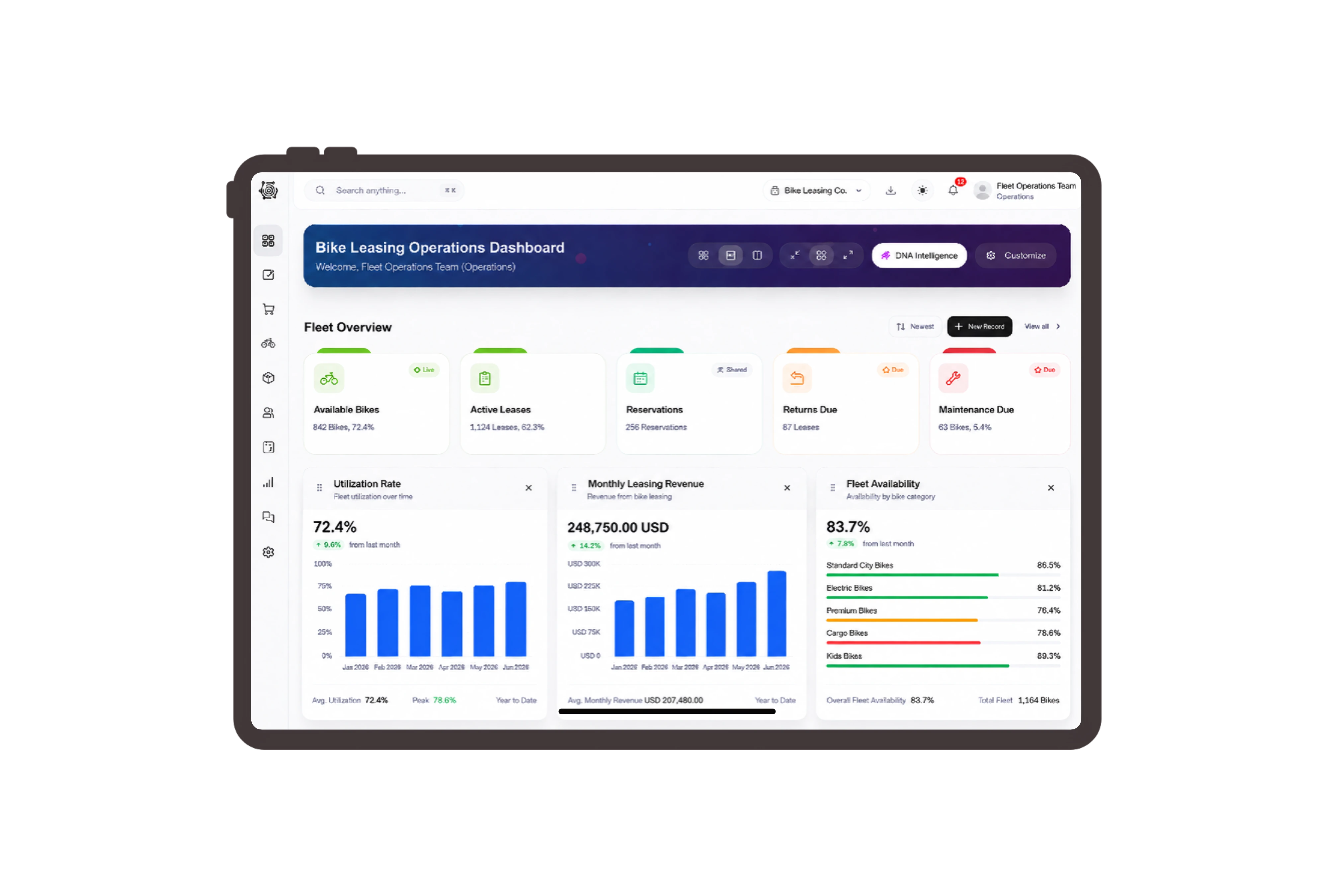
Make the agreed hire period and charges explicit
Prepare a fee quotation for six bicycles over three days, with separate helmet-hire and group-orientation lines. Staff enter the agreed dates and charging units in the descriptions, then review quantities, rates and totals. The example uses eighteen bicycle-days and eighteen helmet-days, making the pricing basis visible to the customer.
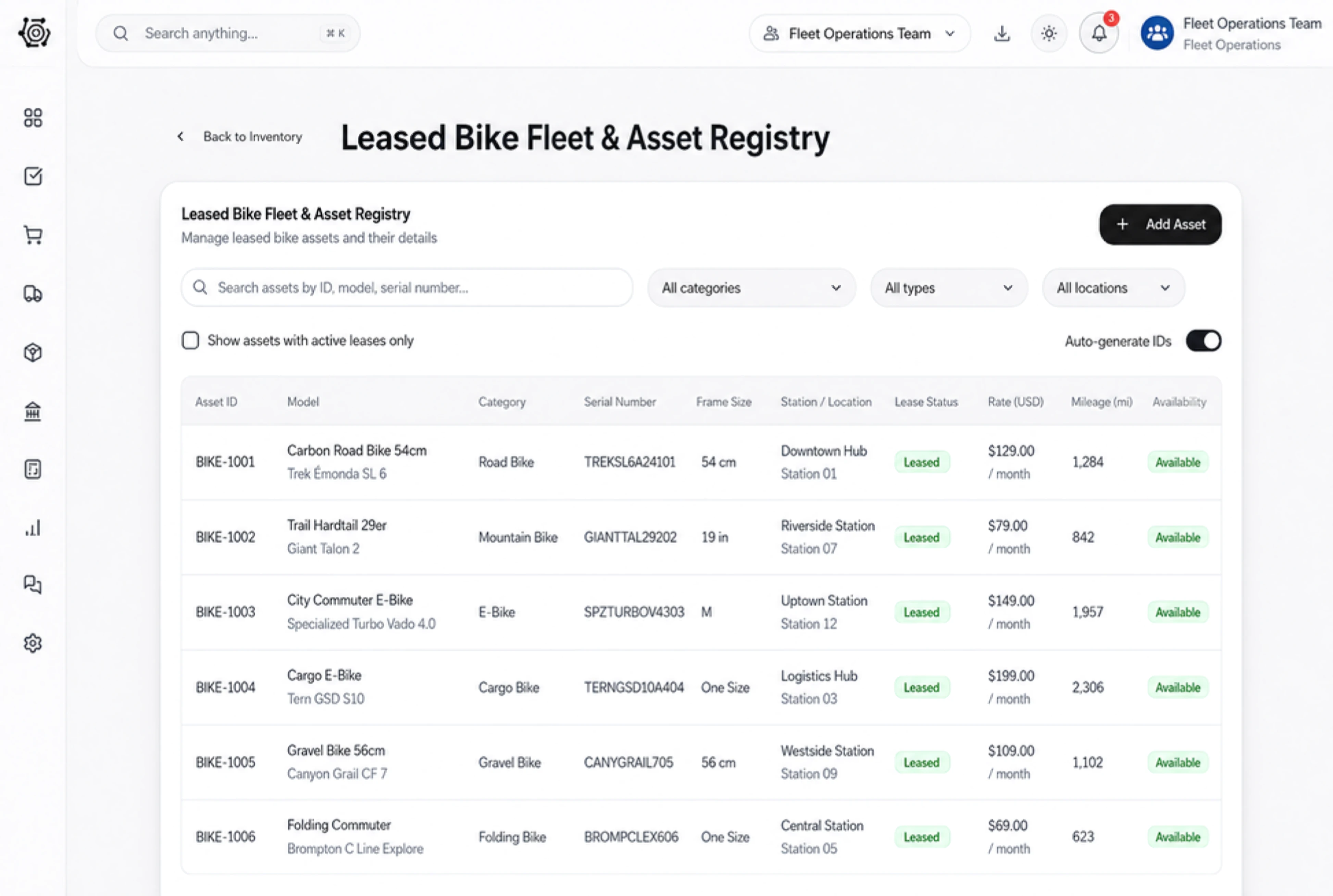
Give practical preparation work clear team owners
Assign staff to confirm the agreed hire details, physically inspect the bicycles and helmets, and prepare the group orientation. Put specific instructions in task details and follow owners, due dates and status on the board. Your team performs the checks and coordinates the actual arrangements with the customer.
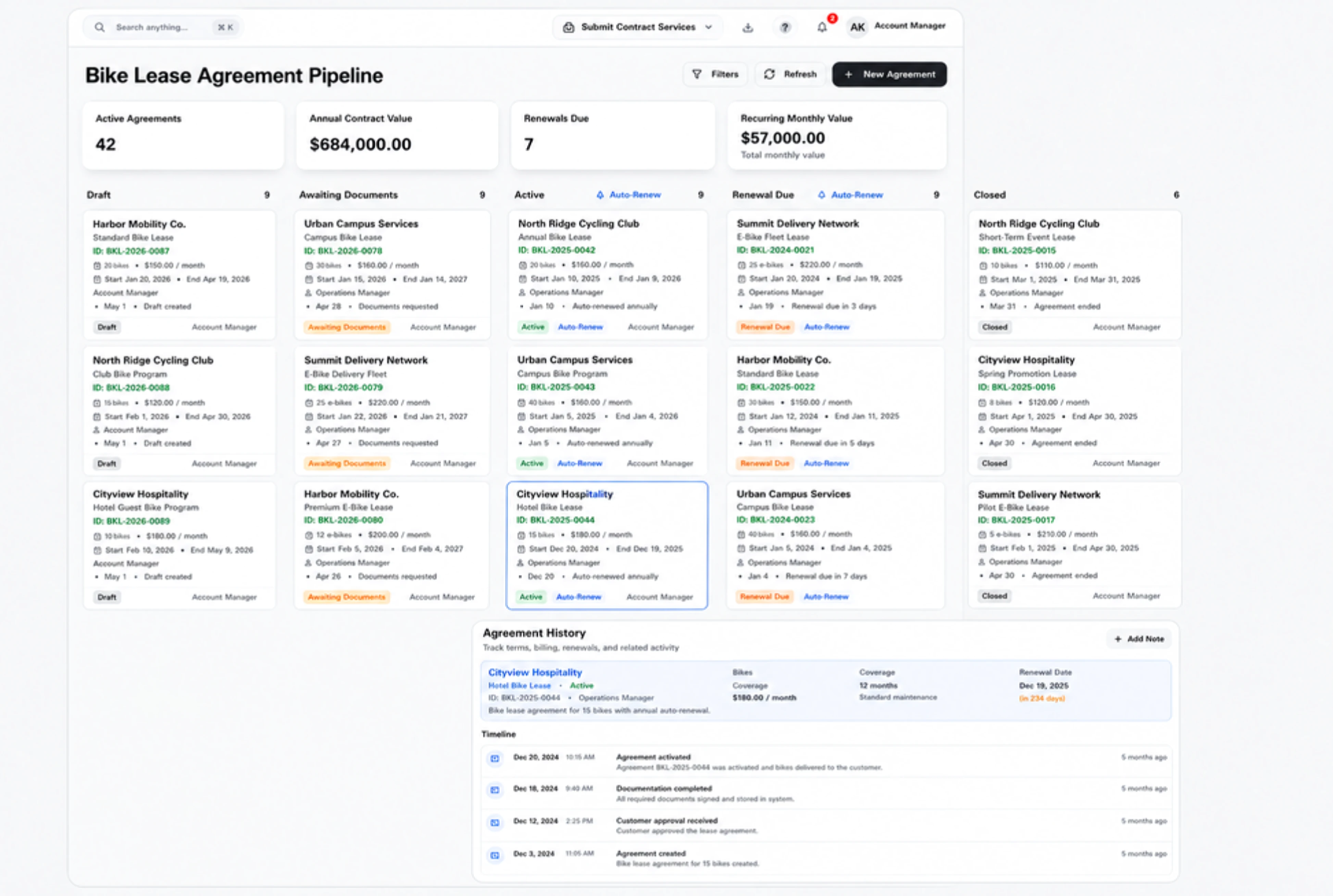
Invoice the agreed fees with separate line items
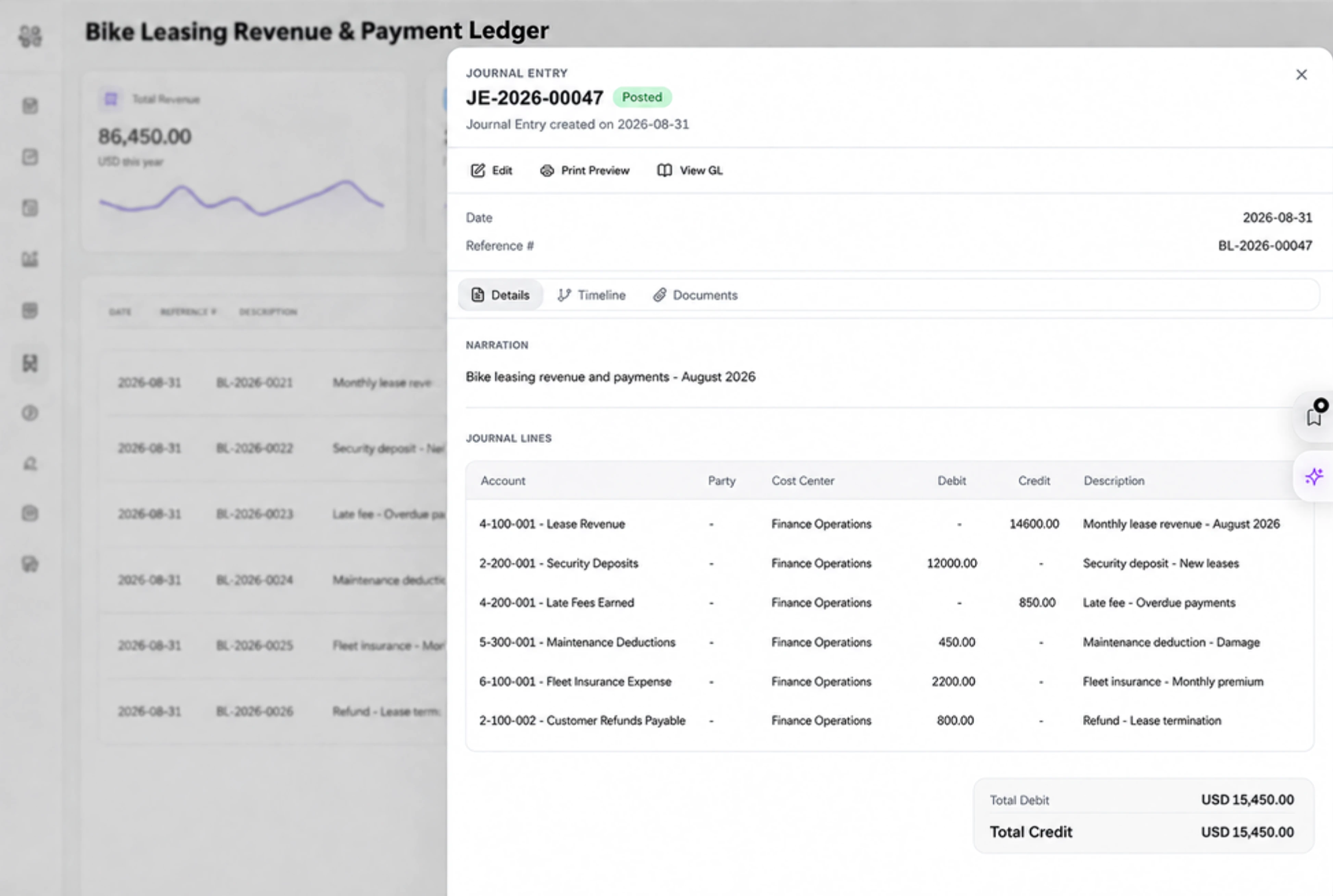
Review the bicycle-hire, helmet-hire and orientation charges as distinct invoice lines. Quantity, unit price, discount and total remain visible in the Details tab. Staff prepare the invoice from the agreed commercial information; a task changing status does not calculate the hire period or decide when an invoice is issued.
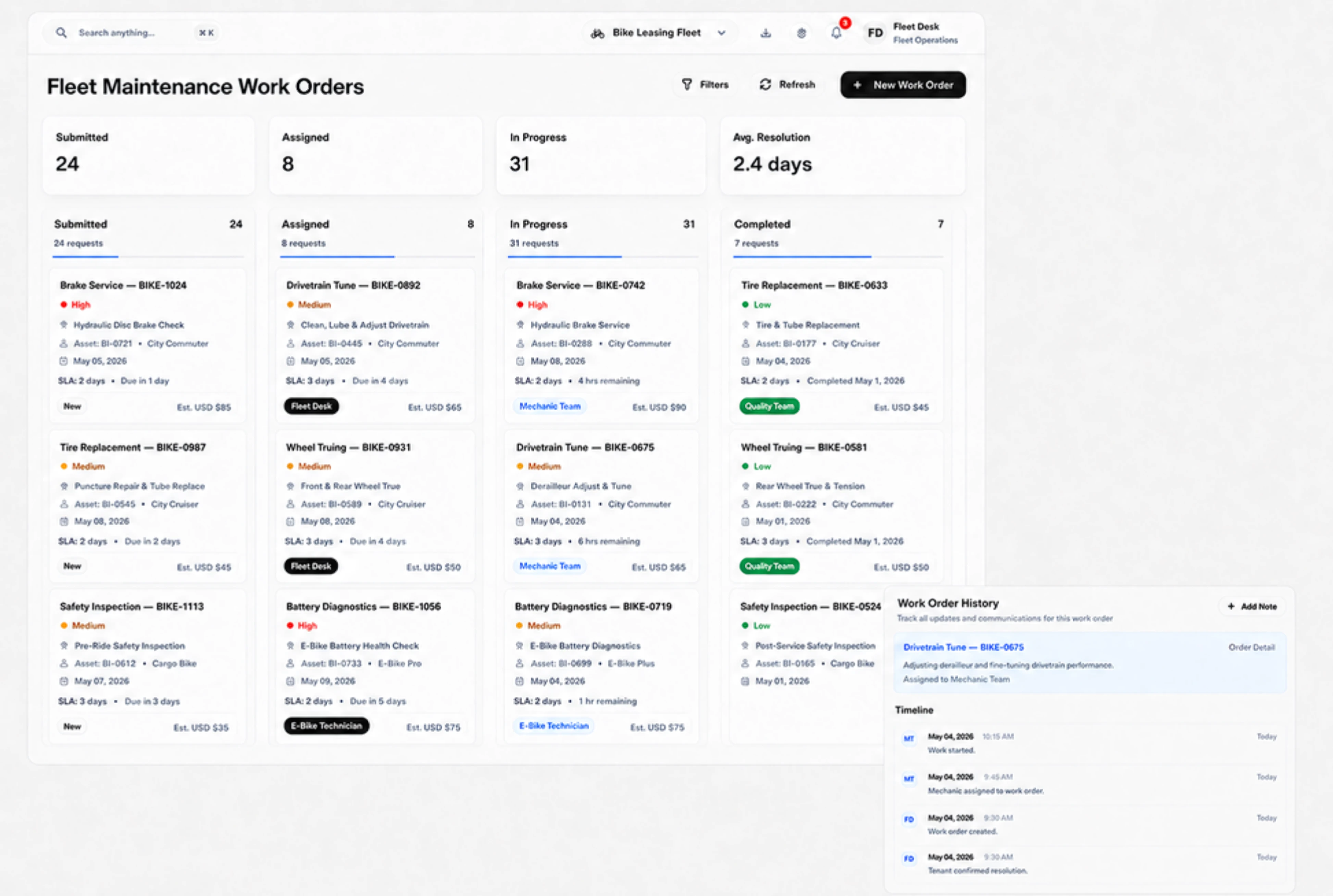
Use hire-fee labels on standard sales records
Configure supported labels such as Hire customer, Hire fee quotation and Hire fee invoice to fit the team’s commercial language. These remain ordinary customer and sales records with fee items. Staff agree dates, quantities and practical arrangements directly, then enter the information needed for the quotation, tasks and invoice.



Make the next hire fee agreement clear.
Bike Leasing ERP: Hire Fees, Tasks & Invoices | DNA
- Prepare bicycle hire fee quotations, assign staff preparation tasks and review itemized invoices in DNA ERP. State the agreed hire period and charges clearly.
- Utilize structured and semi-structured data storage
- Analyze data using graph, spatial, and machine learning engines
- Start with the basic trial using sample data; no set-up required

