Tutoring ERP for clear fees and learner support
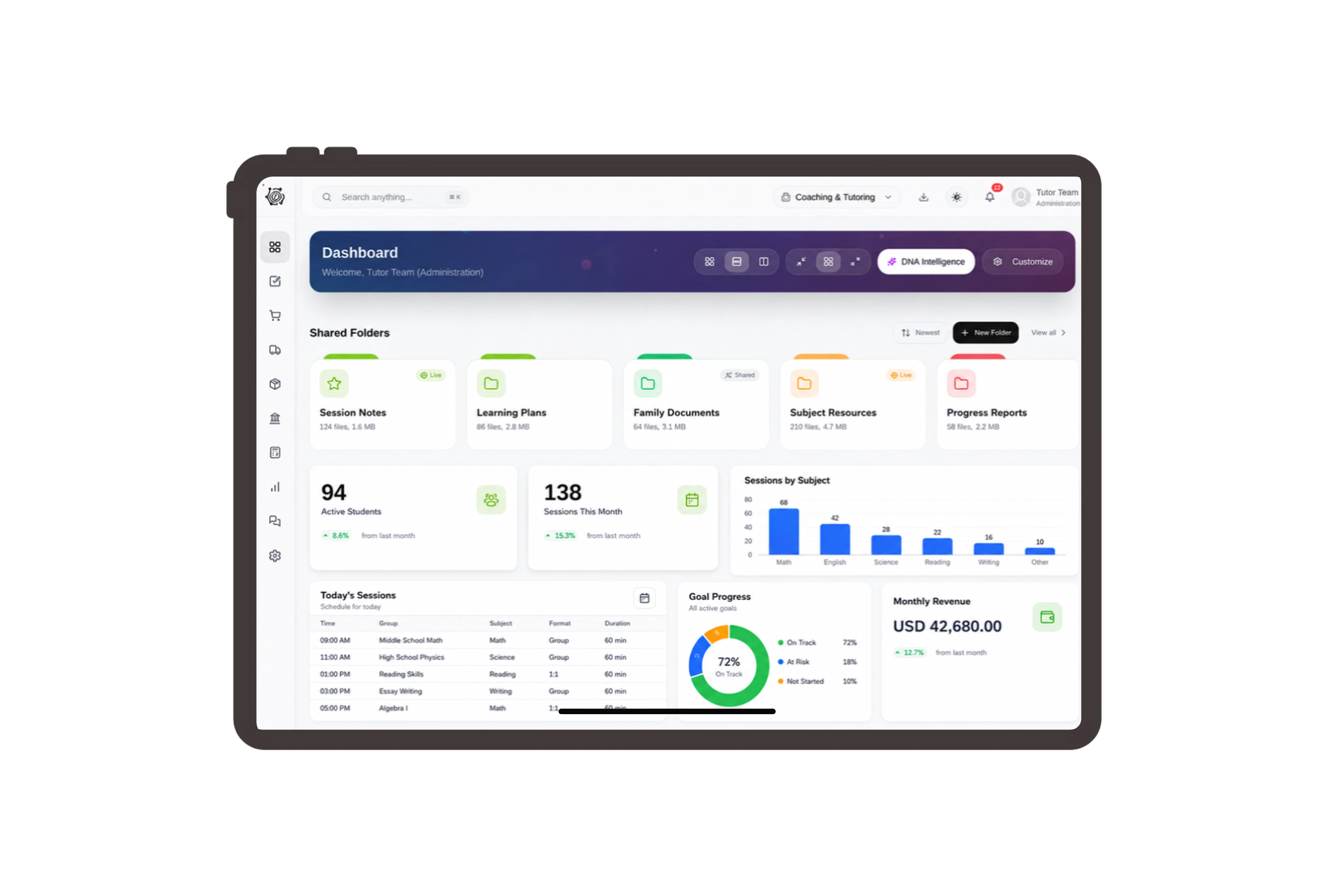
Use learner terms across familiar sales records
Rename Customer to Learner and Sales Quotation to Learning Proposal in the terminology preview. Keep the underlying commercial record straightforward: a named learner, agreed services, quantities and prices. Your team can recognize the language of tutoring while reviewing the same proposal details and document actions used throughout DNA.
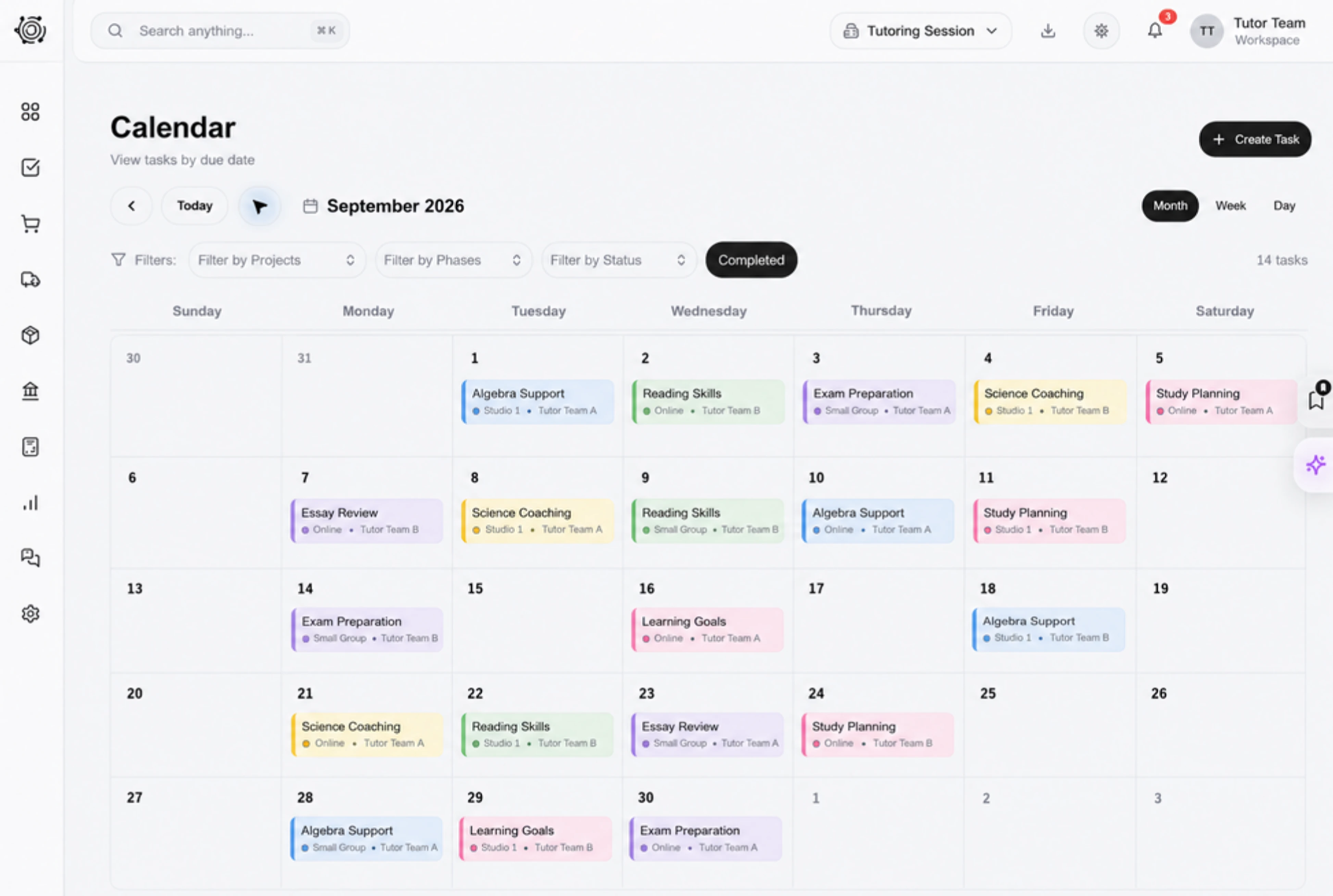
Explain every hour in the tutoring proposal
Prepare a six-week mathematics support proposal with separate lines for individual tutoring, a practice workbook and revision preparation. Open the Details tab to review quantities, units, rates and totals. A clear description lets the learner or paying parent understand exactly which services the quoted fee covers before they agree.
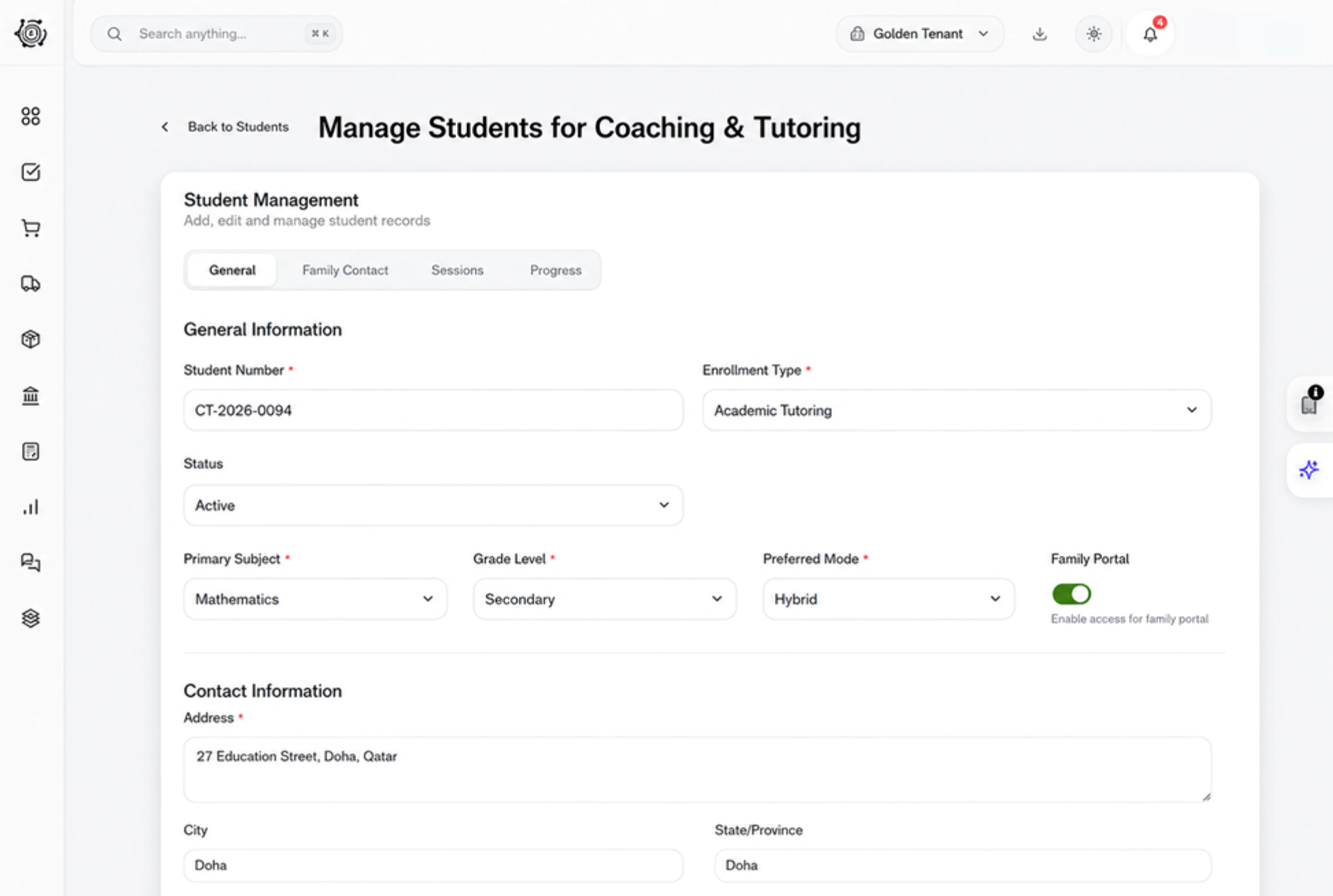
Give learner preparation work a clear owner
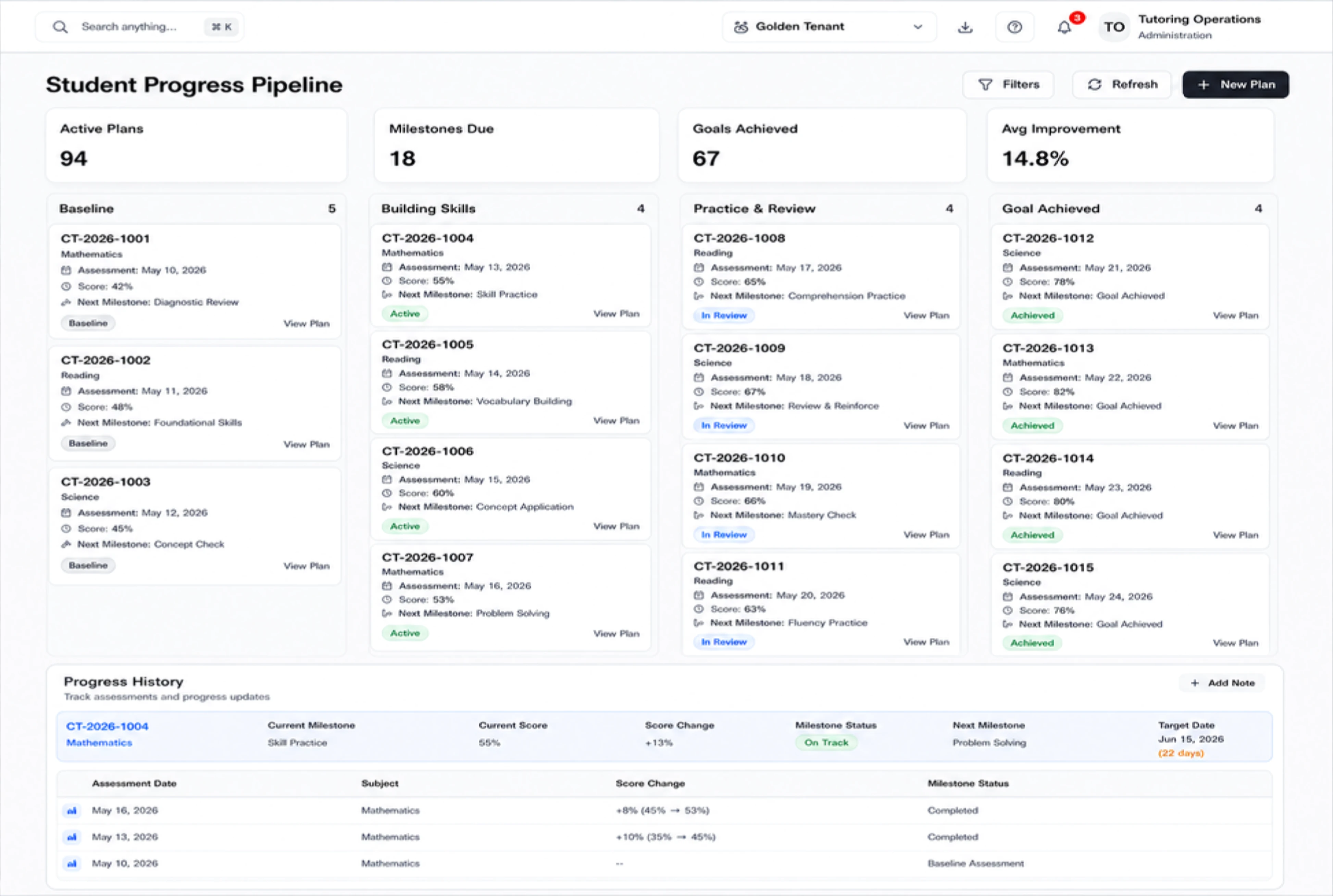
Place practice-material preparation, learning-objective confirmation and parent handover on the task board. Each ordinary task carries its own owner, due date and status, so the coordinator can follow up on unfinished work. Move a task through To Do, In Progress and Done as the person responsible completes their work.
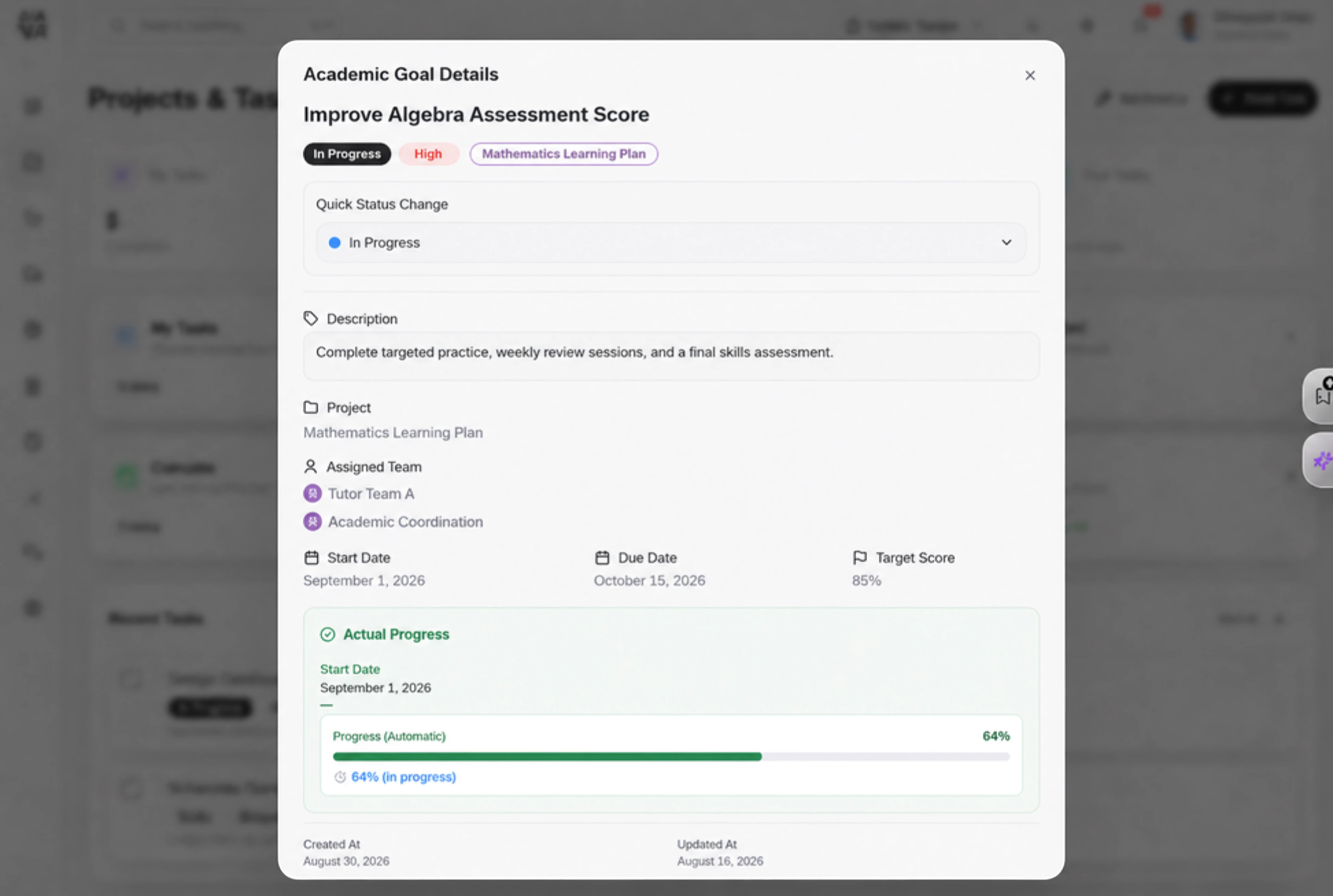
Share the proposal in the right language
Review the learning proposal before sharing it with the billing contact. Choose the document language, set an expiry date and decide whether to request a signature in Share settings. These choices apply to the commercial document, giving your office a clear way to present the agreed tutoring scope and fee.



Make your next learning proposal clear.
Tutoring ERP for Learner Fees & Tasks | DNA
- Manage tutoring proposals, learner fee lines and preparation tasks in DNA ERP. Explore clear service details, document sharing and familiar learner terminology.
- Utilize structured and semi-structured data storage
- Analyze data using graph, spatial, and machine learning engines
- Start with the basic trial using sample data; no set-up required

