Personal trainer ERP for coaching fees and tasks
Make commercial records speak your coaching language
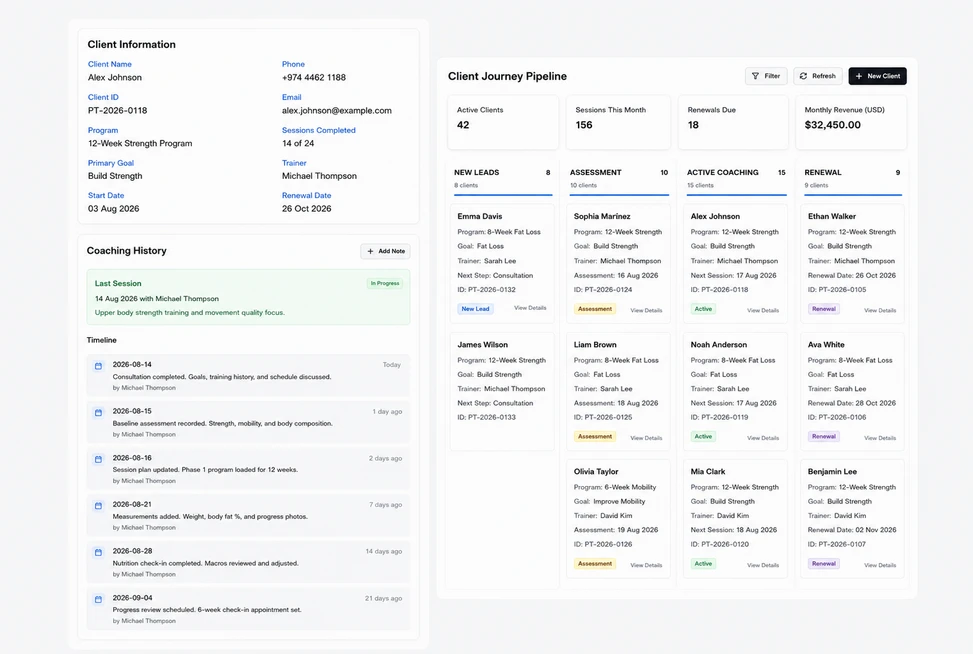
Use Training Client, Coaching Proposal and Coaching Service as labels for the corresponding customer, quotation and item records. The terminology preview keeps native document actions and fee details intact. A trainer can recognize the agreed commercial scope without changing how quantities, service descriptions and prices are presented in DNA.
Show the support behind a training package
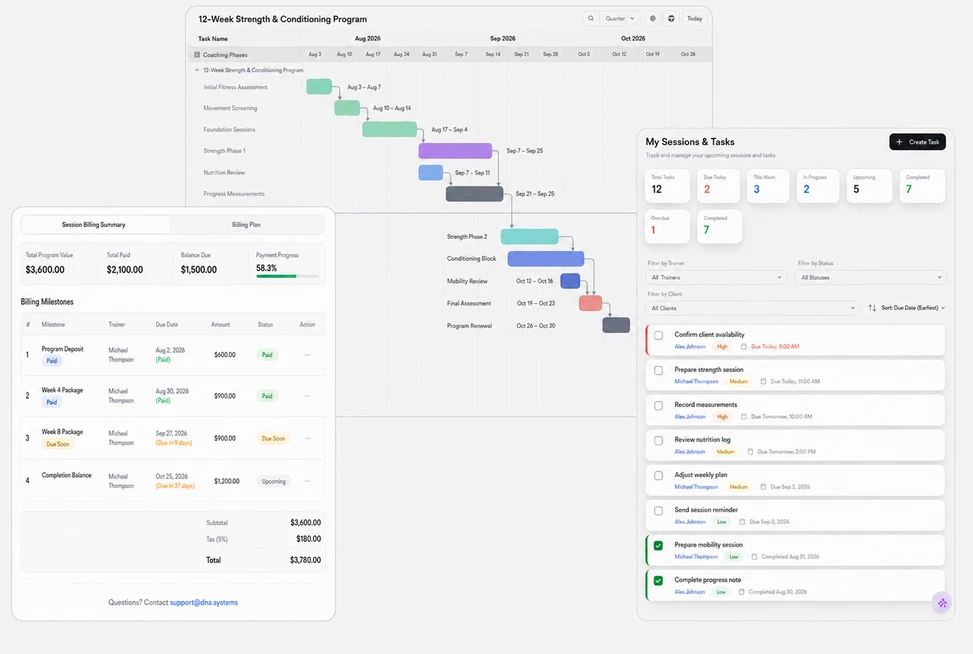
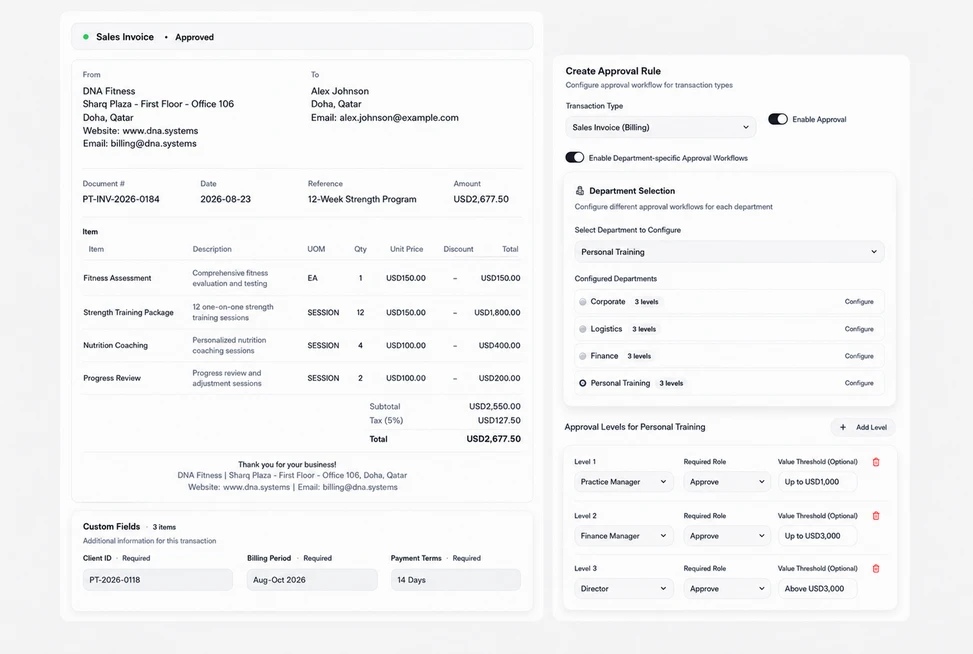
Prepare a strength-coaching proposal with trainer-led instruction hours, programme-preparation time and a printed training journal. Review every service line in the document’s Details tab. The client can see what the fee includes, while the office keeps the quoted quantities and prices available for a clear discussion of scope.
Assign the human work behind agreed coaching
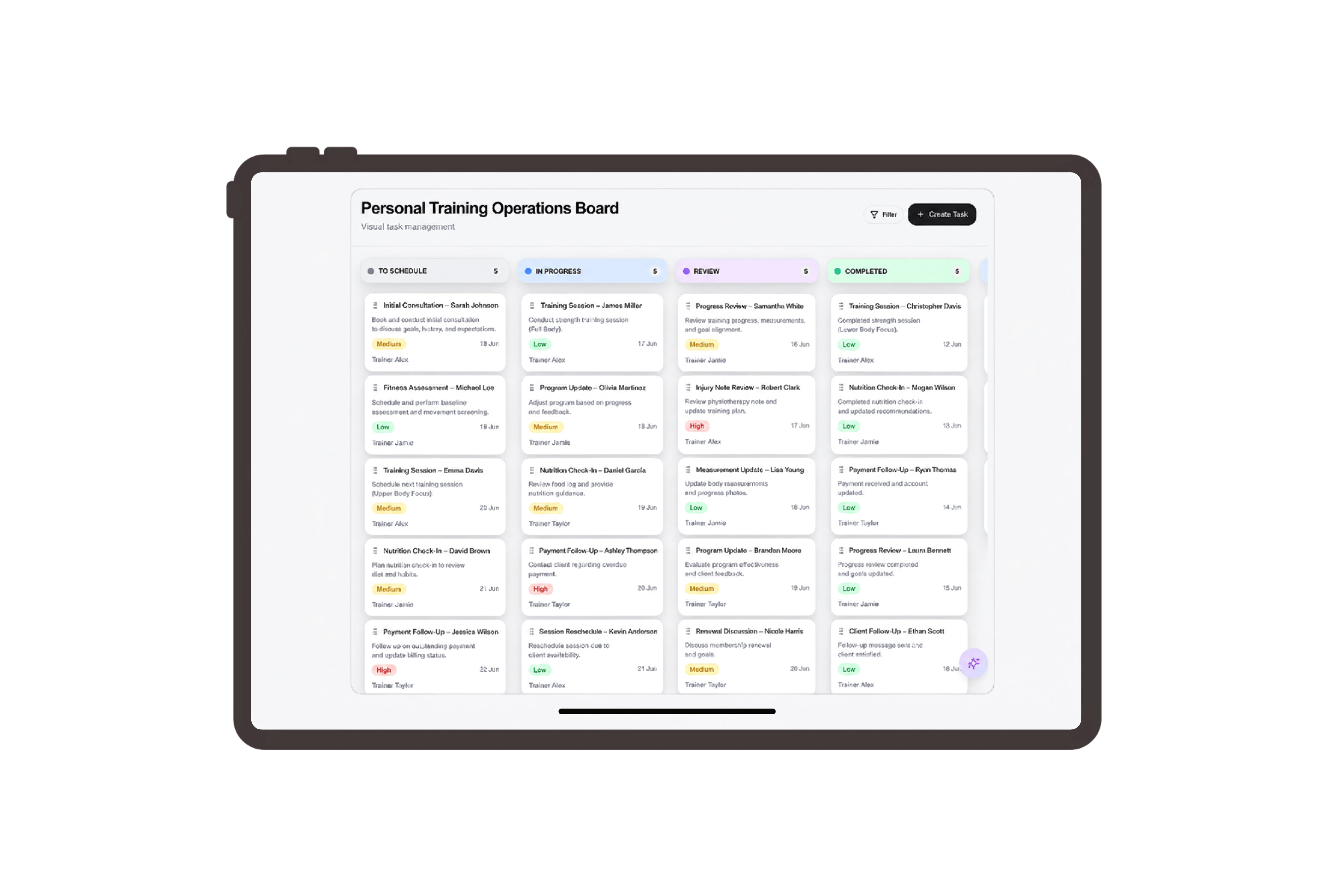
Give programme preparation, equipment checks and client handover their own ordinary tasks. Add clear descriptions, owners and preparation deadlines, then move tasks through the board as the responsible people finish their work. This helps the trainer and office coordinate the materials and practical setup required for the purchased services.
Set up the proposal for client review
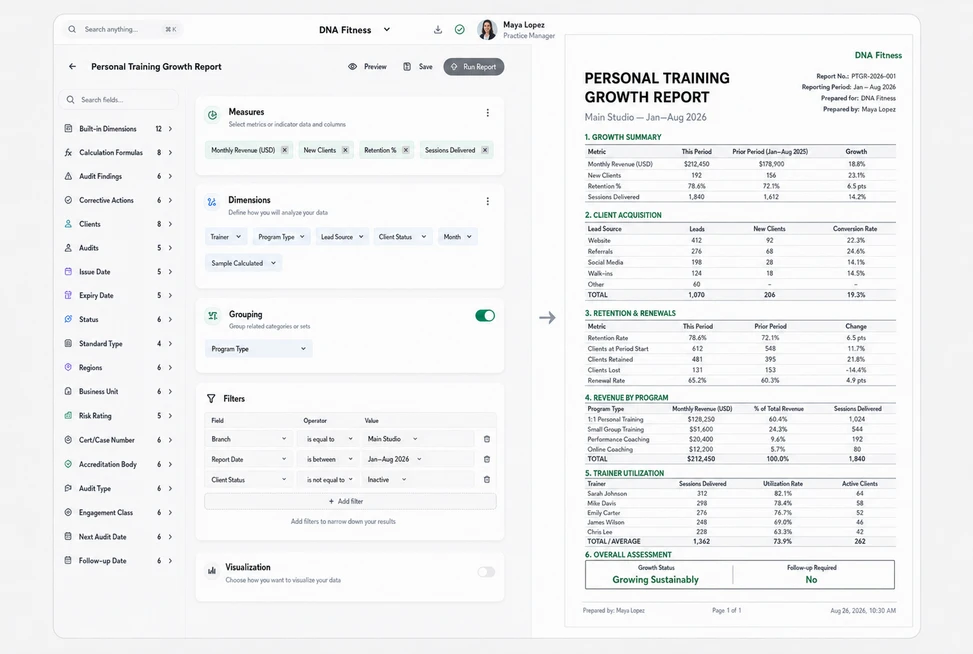
Use Share settings to choose the coaching proposal’s language, expiry date and optional signature request. Review the client name and fee lines before preparing the document for discussion. These native sharing choices make the commercial offer easier to present, with the trainer and client looking at the same described services.



Put your coaching offer into clear terms.
Personal Trainer ERP for Coaching Fees & Tasks | DNA
- Create clear personal training proposals and assign coaching preparation in DNA ERP. Review service fees, client terminology and document-sharing settings.
- Utilize structured and semi-structured data storage
- Analyze data using graph, spatial, and machine learning engines
- Start with the basic trial using sample data; no set-up required

