Sports club ERP for member service fees and tasks

Use member labels for club billing records
Adapt Customer to Member, Sales Quotation to Member Service Proposal and Sales Invoice to Member Service Invoice. The terminology preview applies these labels to ordinary commercial records. Your office can recognize the member receiving the billed services while keeping the same native document details, quantities, prices and fee-review actions.
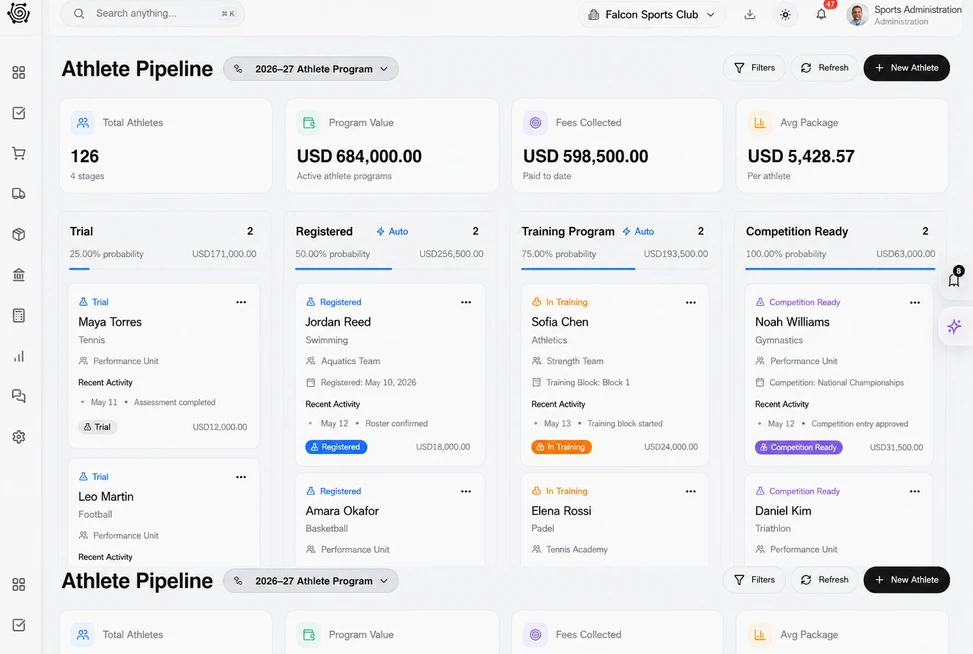
Explain the sports services included in the fee
Prepare a member proposal with tennis instruction, a guest practice-support service and a club training shirt as separate lines. Review quantities, units and rates in the native Details tab. The office can explain the agreed coaching support and physical product using a clear commercial document that the member can inspect.

Assign the practical preparation behind club services
Give coaching-brief confirmation, equipment checks and shirt handover their own tasks with owners and due dates. The people responsible carry out the work and update status on the board. The activity coordinator can see unfinished preparation and follow up on specific descriptions while billing continues under the agreed commercial terms.
Keep instruction and club-service charges clearly separated
Review the member invoice with distinct lines for coaching, practice support and the training shirt. The document header shows the member reference, date, status and total before the detailed quantities and prices. Staff can check the fee against the accepted service scope and explain each charge to the member.




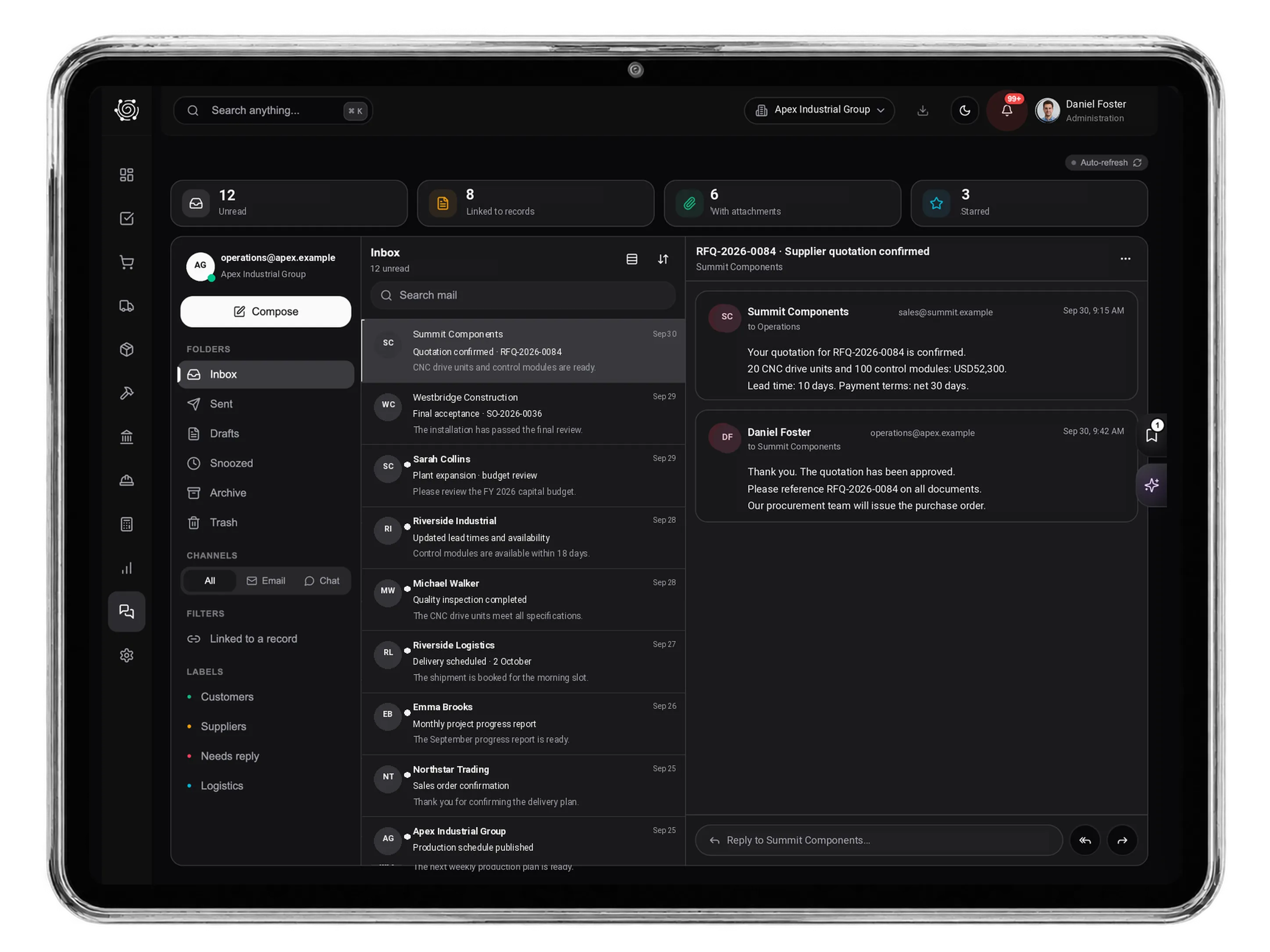
Give member service fees a clearer record.
Sports Club ERP for Member Fees & Activity Tasks | DNA
- Manage sports club service proposals, member fee invoices and activity tasks in DNA ERP. Review coaching charges and club products with clear member labels.
- Utilize structured and semi-structured data storage
- Analyze data using graph, spatial, and machine learning engines
- Start with the basic trial using sample data; no set-up required

