Driving school ERP for learner fees and office tasks
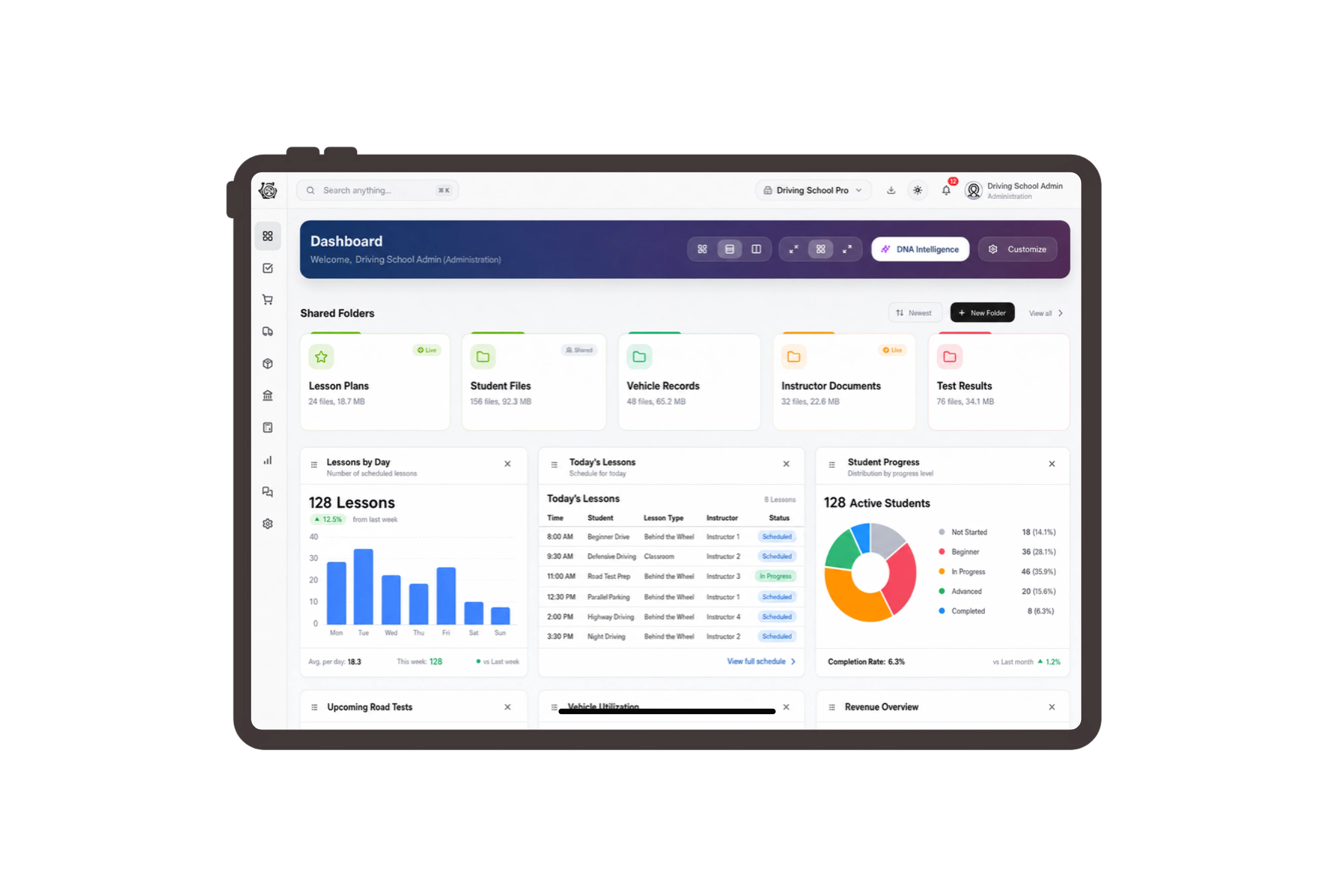
Use familiar learner labels in commercial records
Adapt Customer to Learner, Sales Quotation to Course Fee Proposal and Sales Invoice to Learner Fee Invoice. These labels help the office read the commercial record in the language of driving instruction. The document continues to show the reference, billed services, quantities and amount, with the same native actions available.
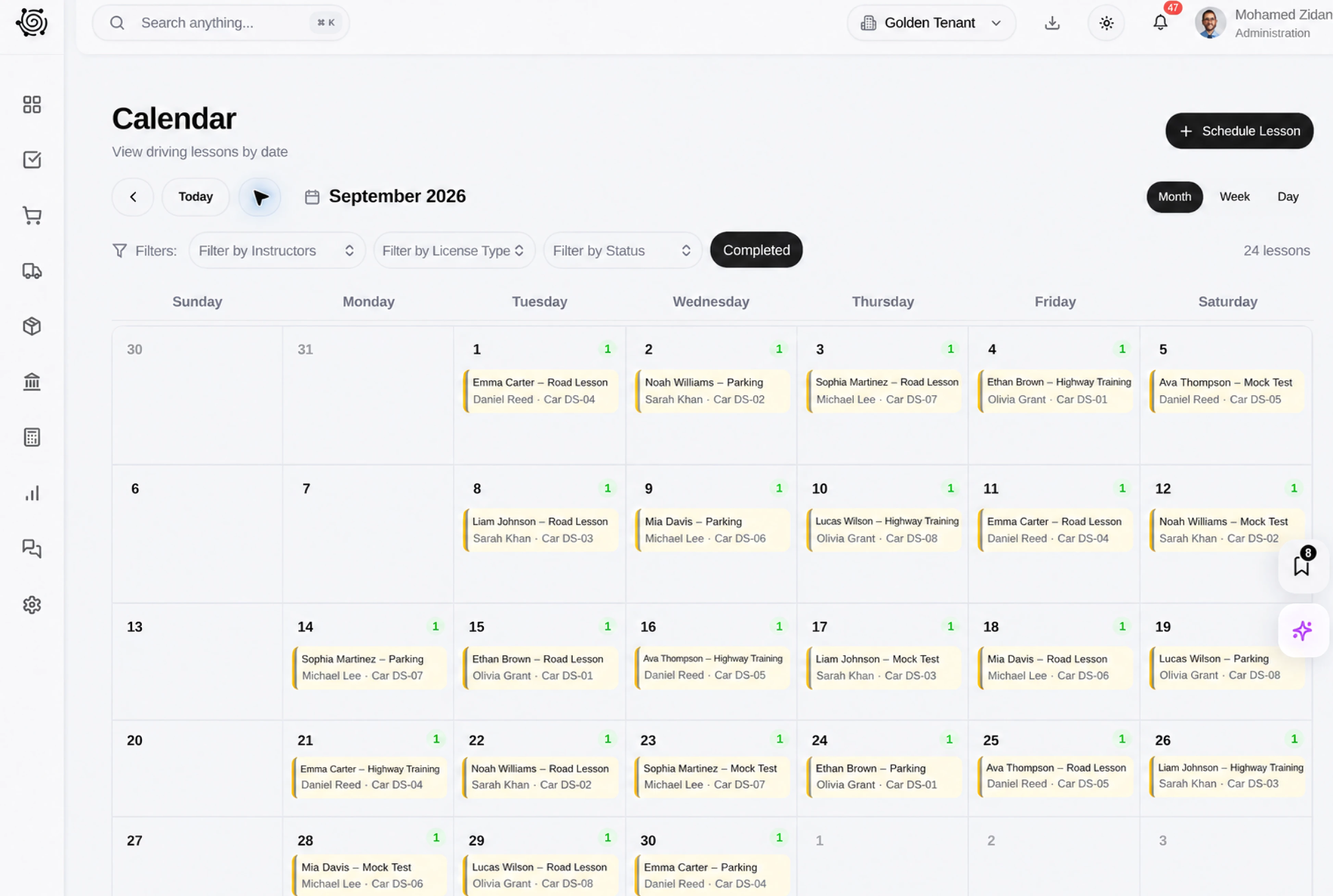
Separate the instruction included in each package
Build a beginner driving proposal with theory tuition, practical instruction hours and a road-rules workbook. Open the native Details tab to inspect the units, quantities and rates behind the fee. Your office can explain the contracted instruction and printed materials without relying on a single package total that hides the scope.
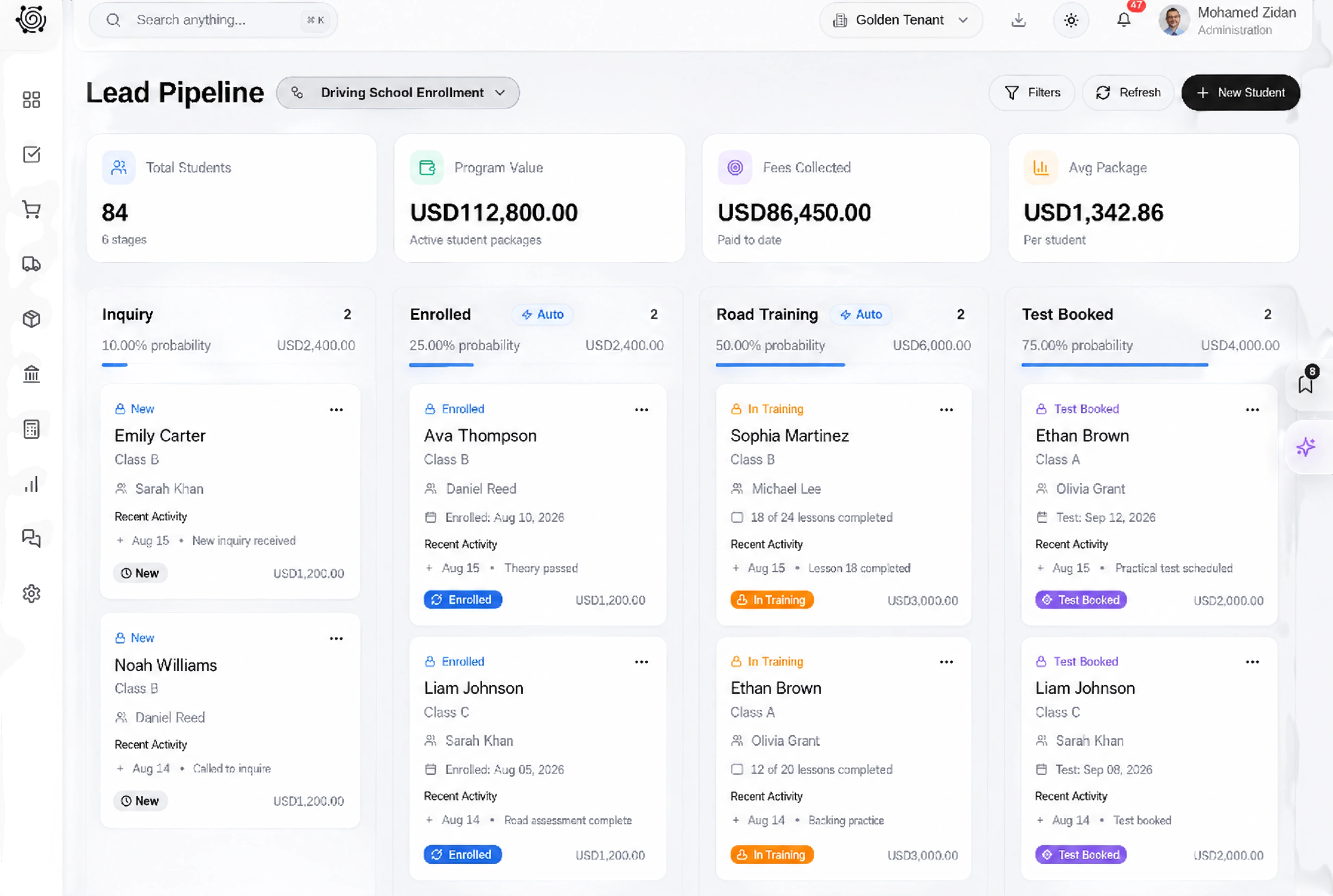
Assign the practical work behind learner onboarding
Use ordinary tasks to confirm the learner’s billing details, prepare the instruction pack and brief the assigned instructor on the agreed service. Each task has a description, owner, priority and due date. Update its status as office staff complete the work, keeping the preparation handover visible to the coordinator.
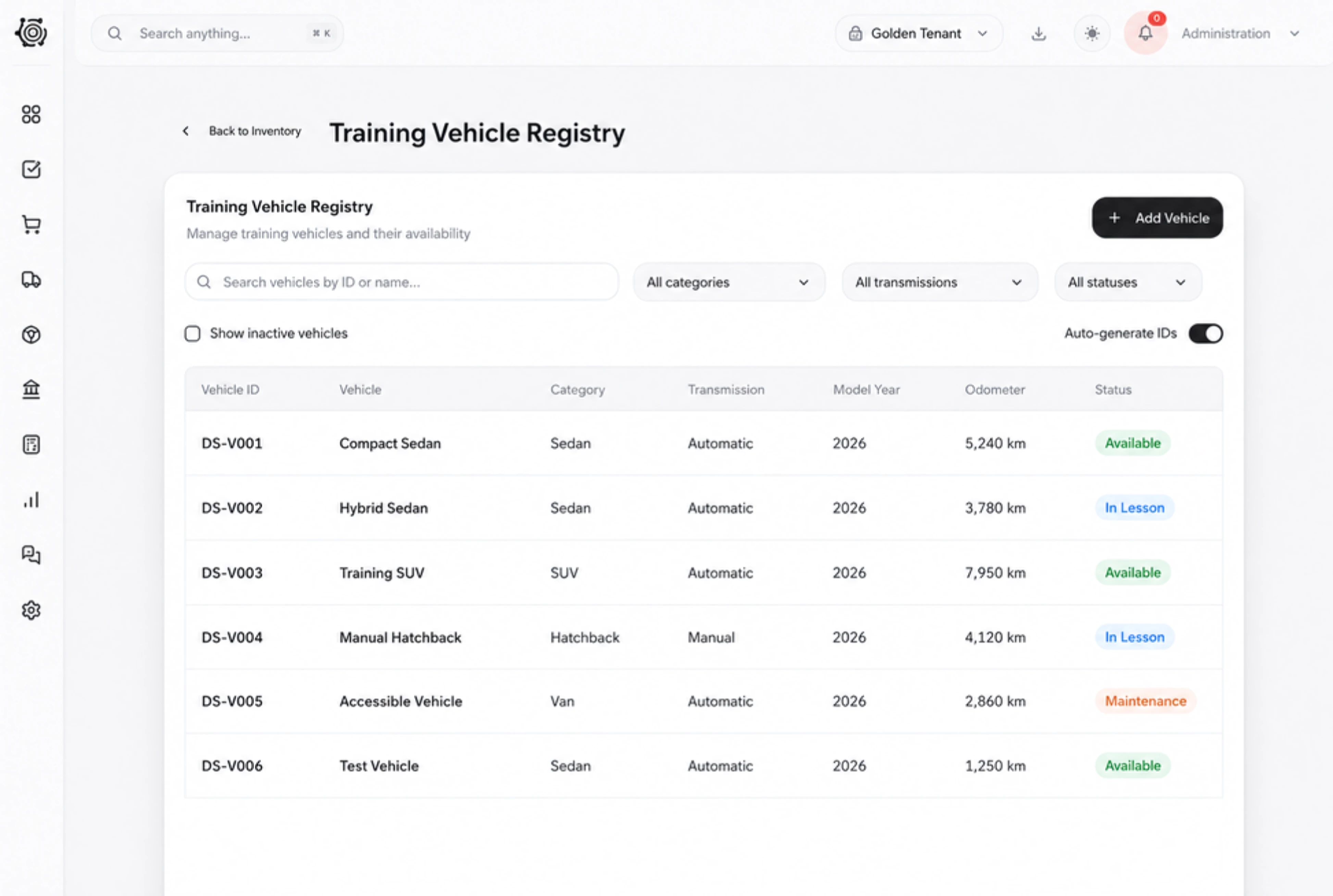
Make instruction fees easy to check together
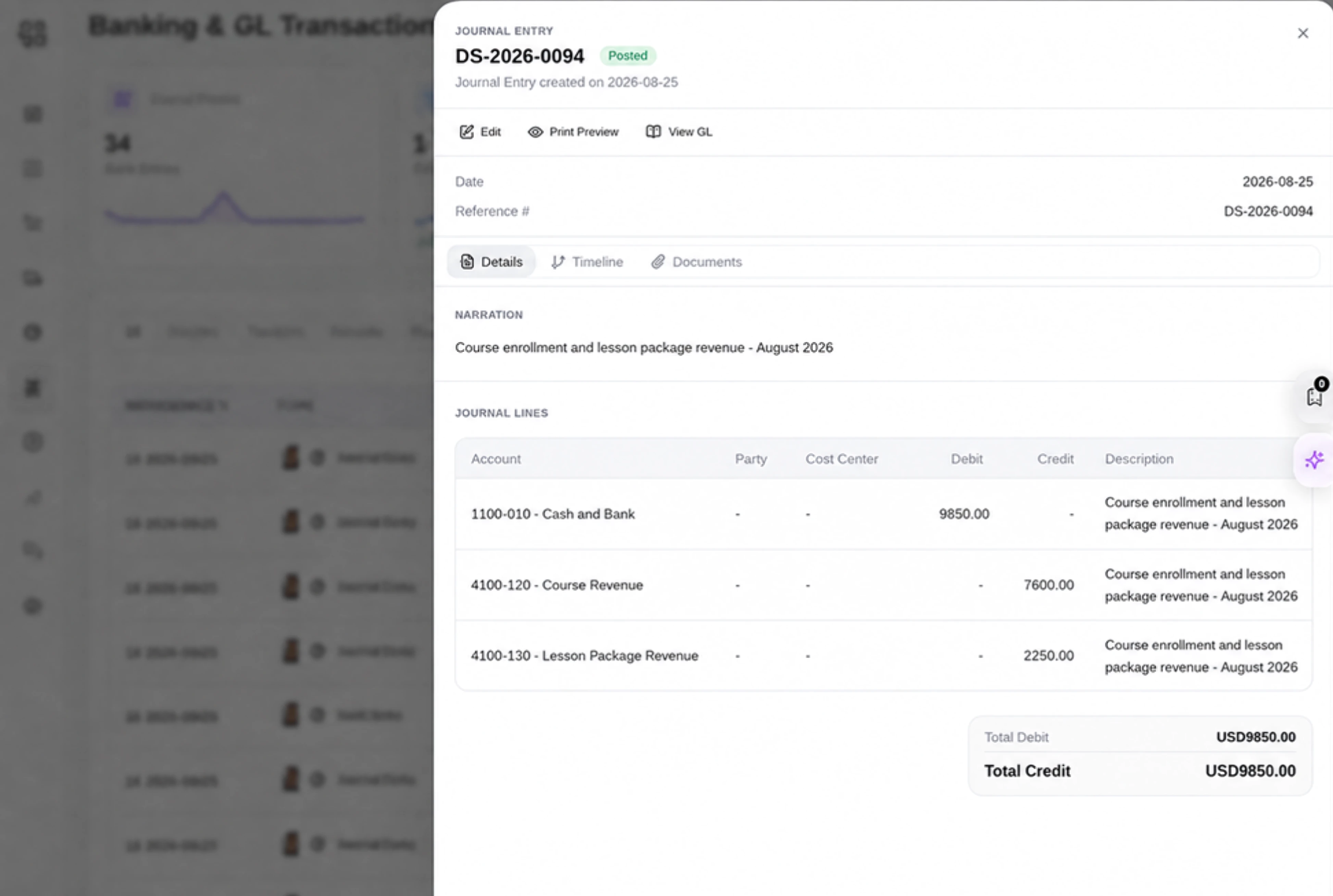
Review the learner invoice with distinct theory, practical tuition and workbook lines. The document viewer presents status, reference, date and amount above the item details, so the billing contact can understand the charge. The office reviews invoice quantities and prices according to the accepted scope and the school’s payment agreement.



Bring clarity to the next learner fee.
Driving School ERP for Learner Fees & Tasks | DNA
- Organize driving-course proposals, learner fee invoices and office preparation in DNA ERP. Review theory, practical instruction and materials as clear fee lines.
- Utilize structured and semi-structured data storage
- Analyze data using graph, spatial, and machine learning engines
- Start with the basic trial using sample data; no set-up required

