Florist ERP for Flower Orders and Preparation
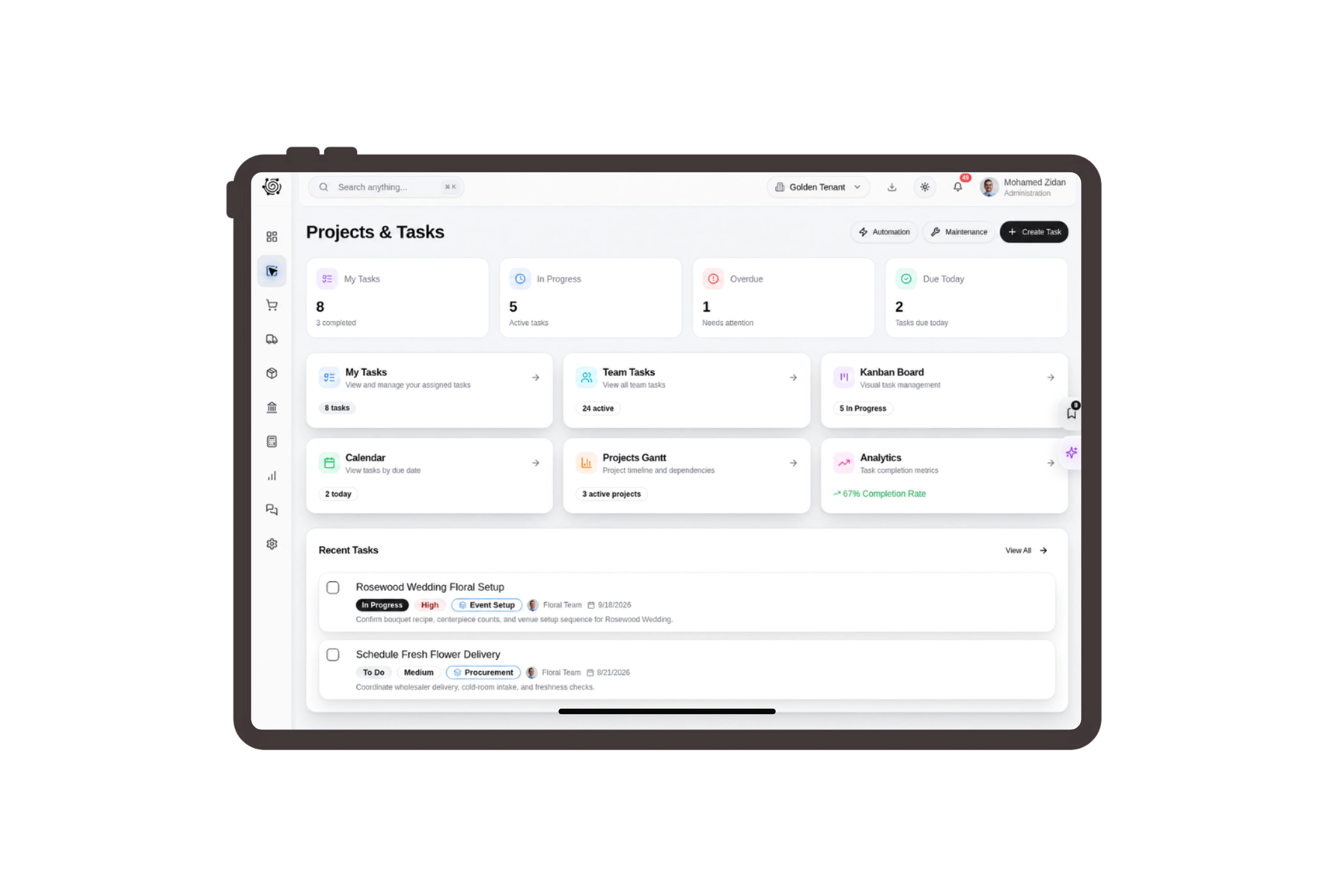
Make stem and vase quantities visible together
List white rose stems, eucalyptus bunches and glass vases on separate invoice lines for the customer’s table flowers. State the stem length, bunch count and vase size in the descriptions. The customer and florist can review the supplied goods and agreed prices before the team begins arranging them.
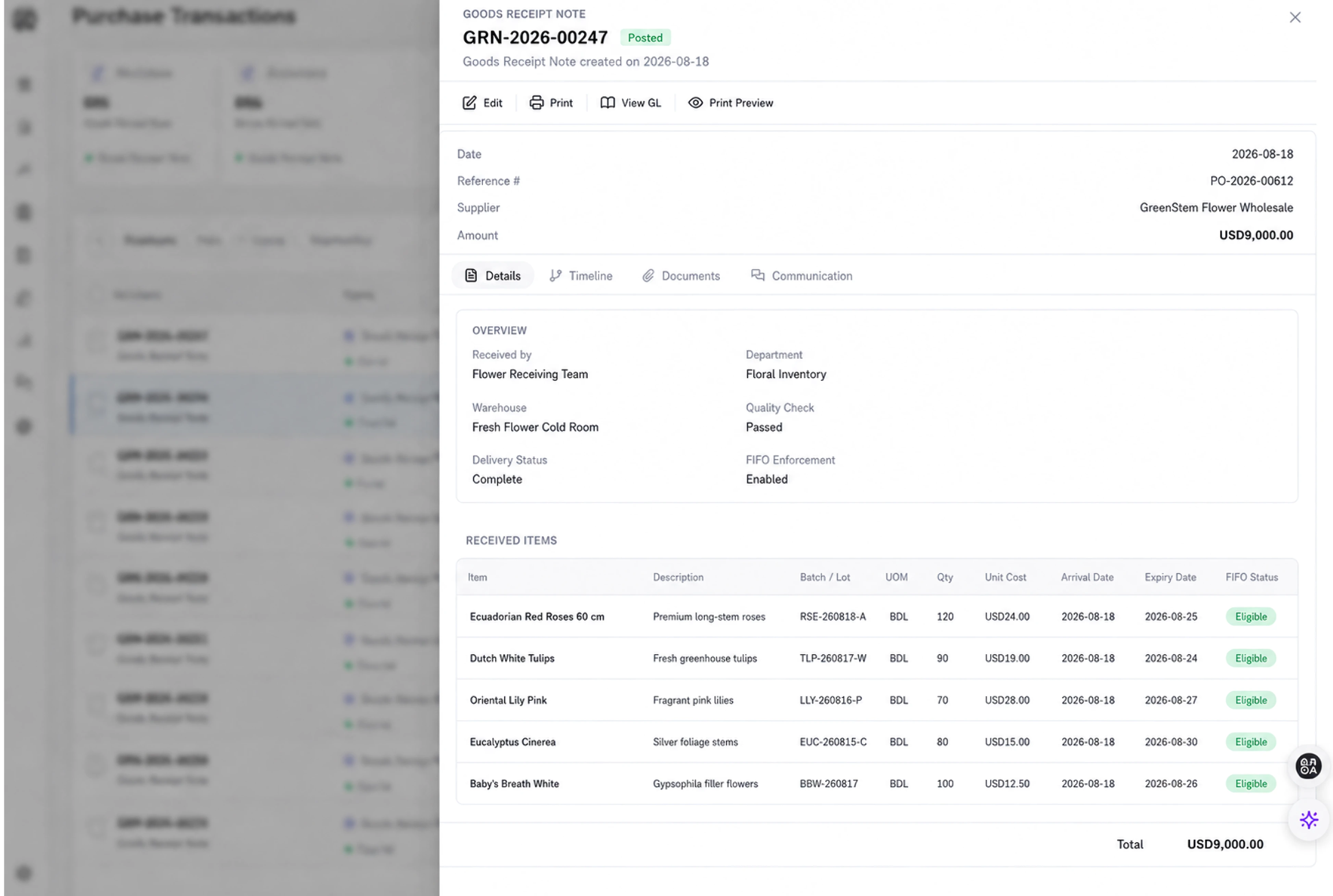
Move flowers and vases to the workroom
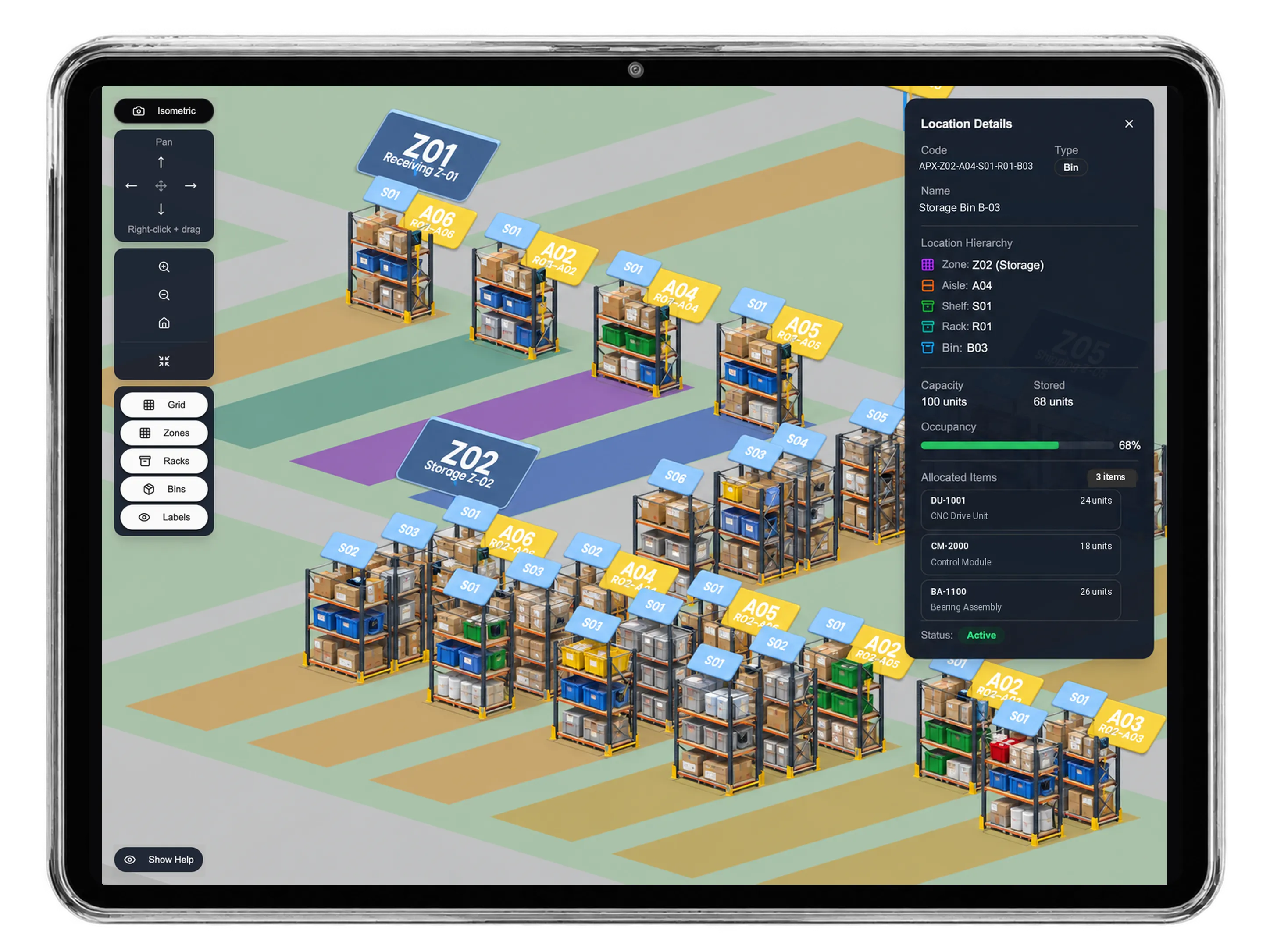
Prepare a transfer from the flower store warehouse to the studio stock warehouse for the physical stems, greenery and vases. Review available quantities and enter the movement reason before requesting approval. Staff perform the movement and handle the flowers appropriately; the stock document remains separate from the sales invoice.
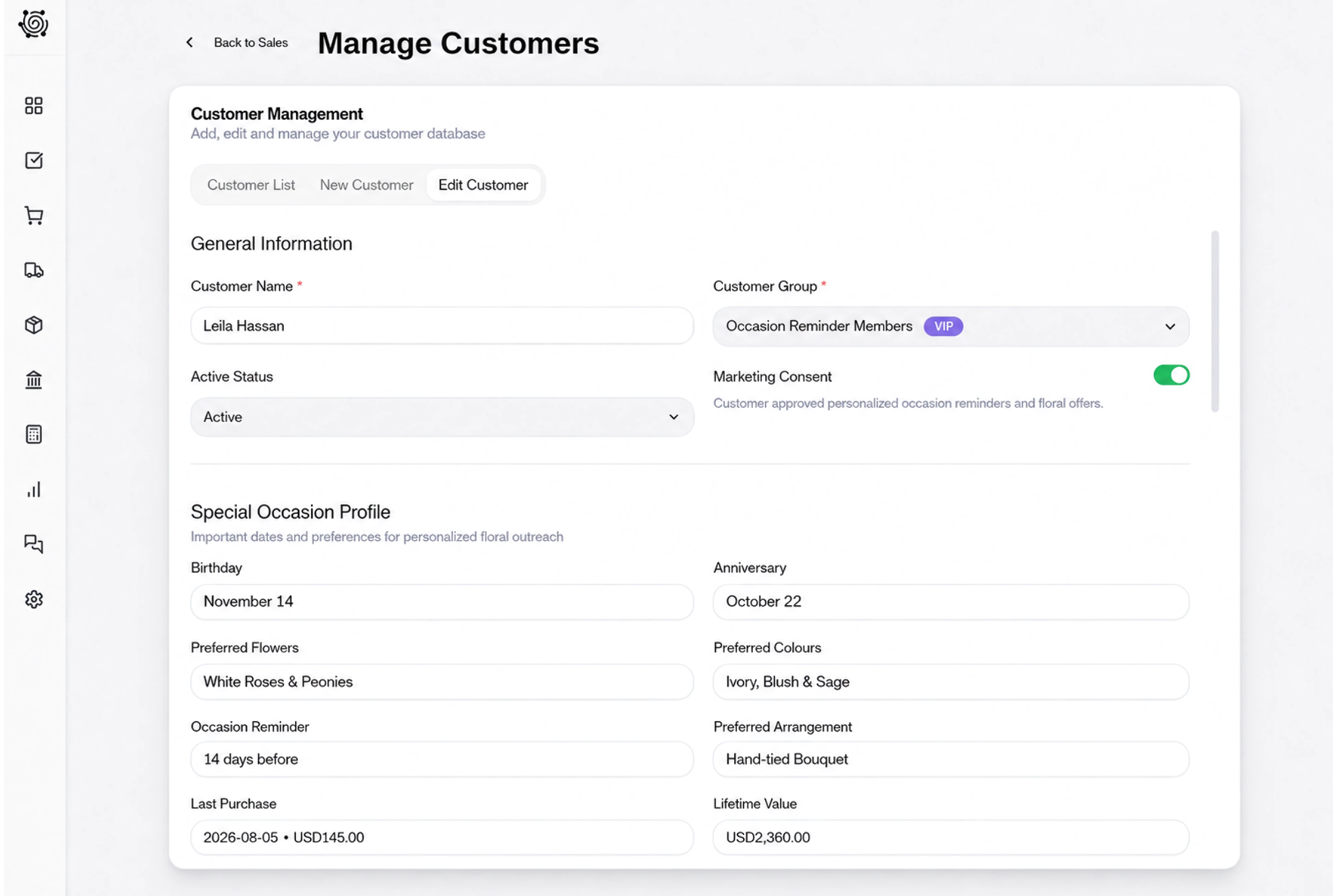
Give arranging and collection work clear owners
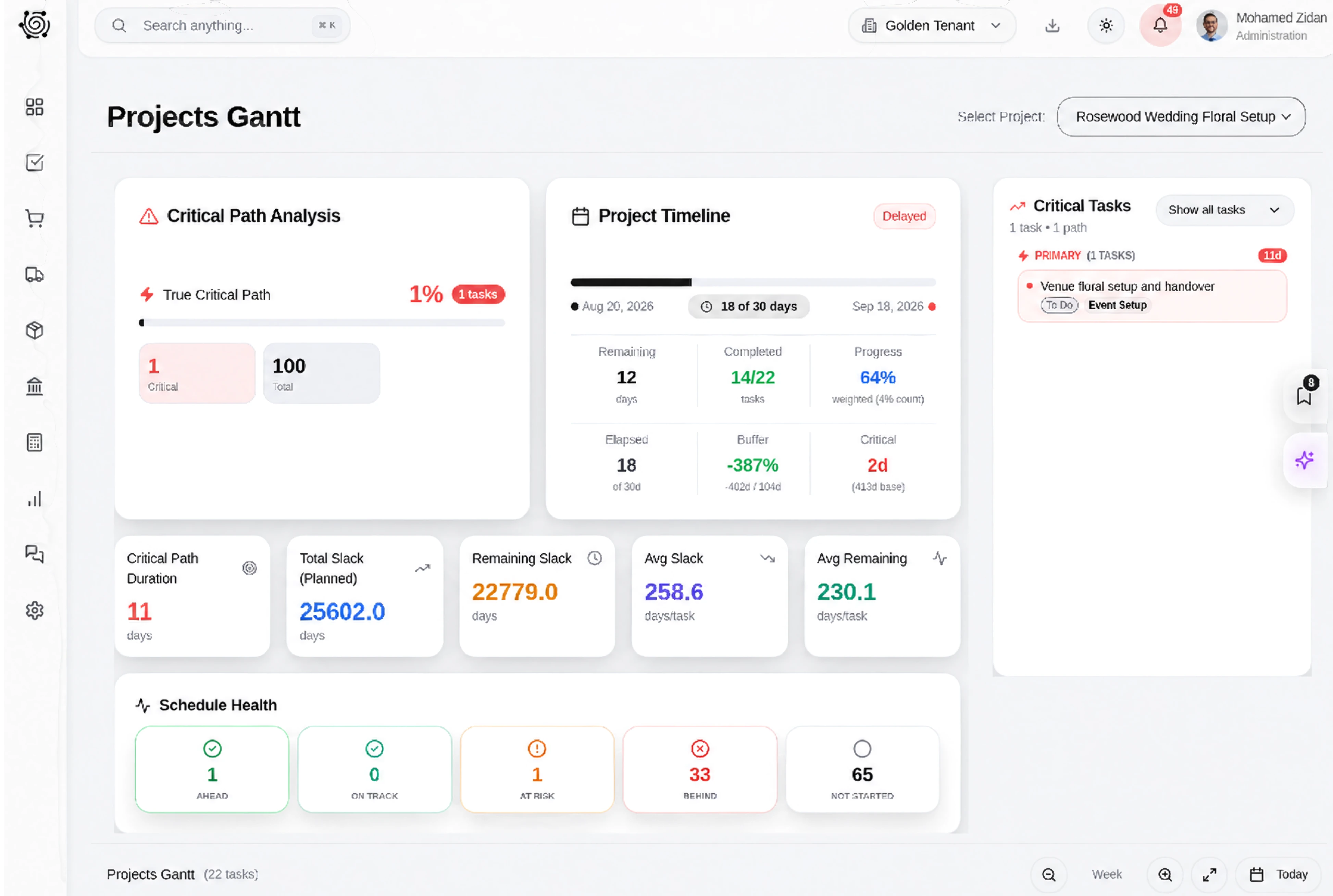
Assign a florist to inspect stem condition, another preparation task to arrange the six vases, and a final task to confirm collection instructions. Describe the customer’s agreed color direction in the task details. People perform the floral work and update its status on the board as each step is completed.
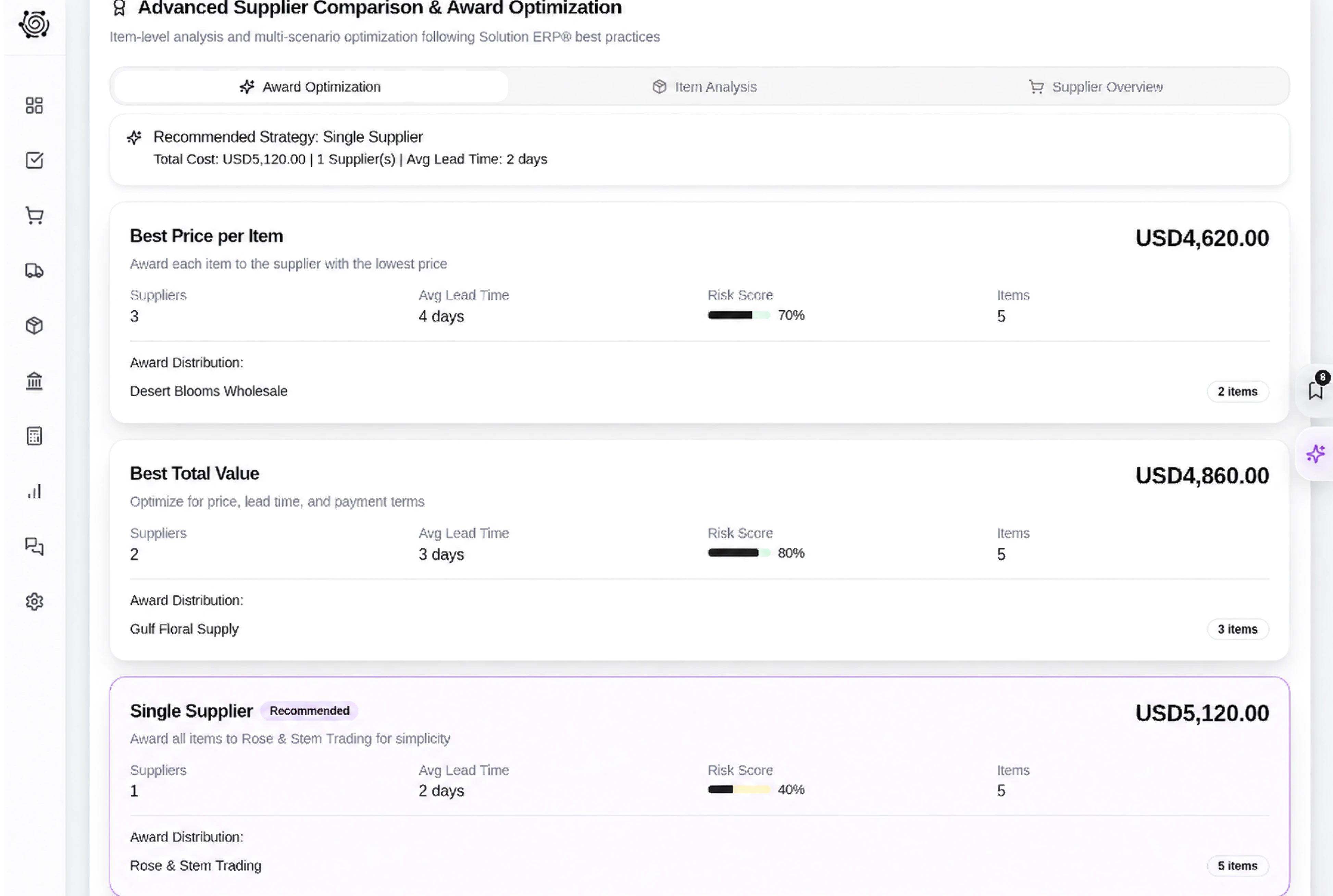
Share the flower list before final preparation
Choose the invoice language and link expiry in sharing settings, with the optional signature if it suits the agreement. The customer can review the flower and vase quantities in one document. Staff resolve any requested change directly, then update the relevant records and preparation tasks to reflect the agreed list.



Bring your next flower order into focus.
Florist ERP: Flower Invoices, Stock & Tasks | DNA
- Manage flower invoices, stem and vase quantities, studio stock transfers and florist preparation tasks in DNA ERP for clear customer flower orders.
- Utilize structured and semi-structured data storage
- Analyze data using graph, spatial, and machine learning engines
- Start with the basic trial using sample data; no set-up required

