Landscaping ERP for Garden Services & Stage Billing
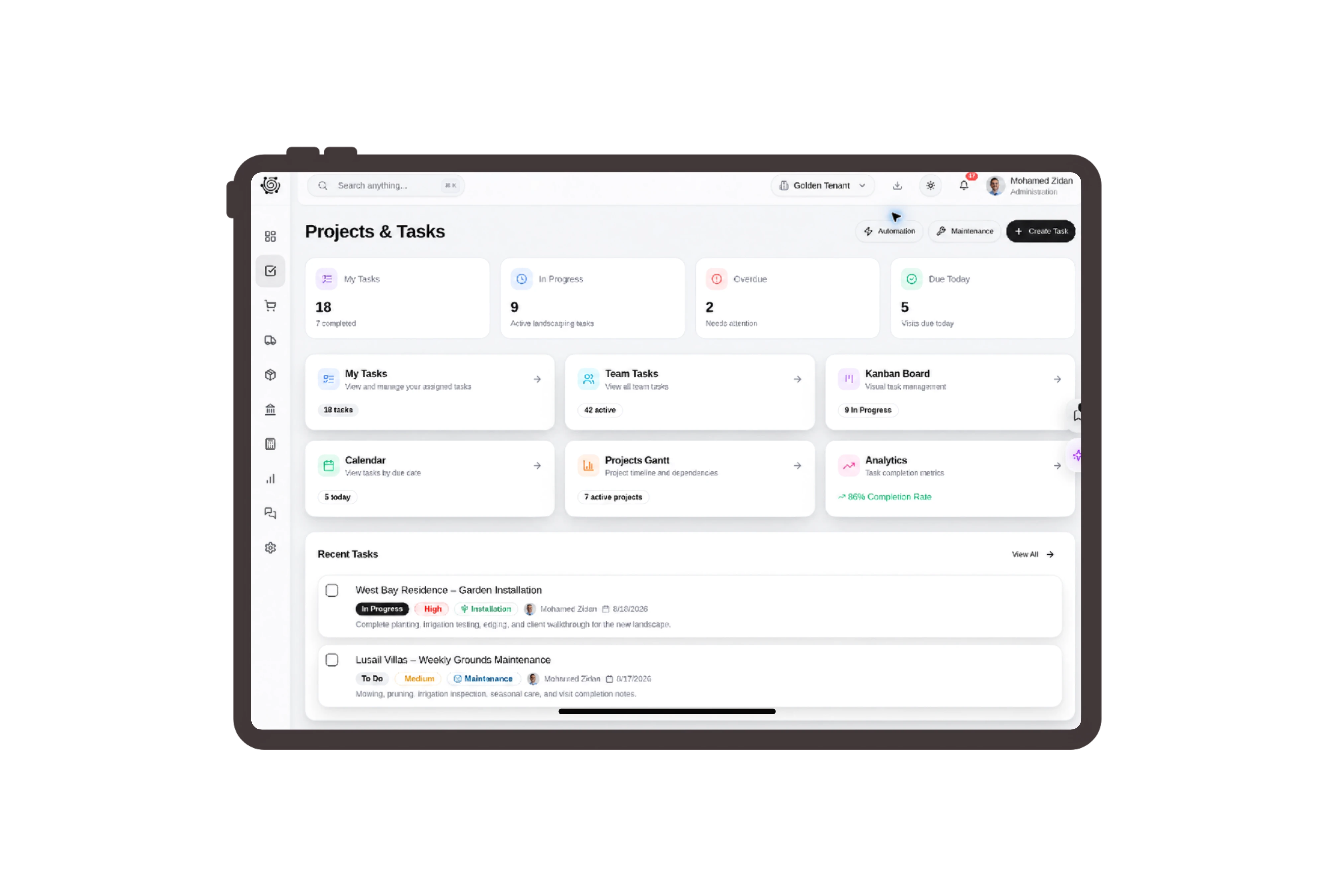
Price preparation and planting as separate services.
Describe bed preparation by area, planting labor by shrub and the care handover as a session. These units make the courtyard quotation concrete for the client. The service descriptions identify client-supplied shrubs, while the document details keep the customer, reference and total close to the priced scope.
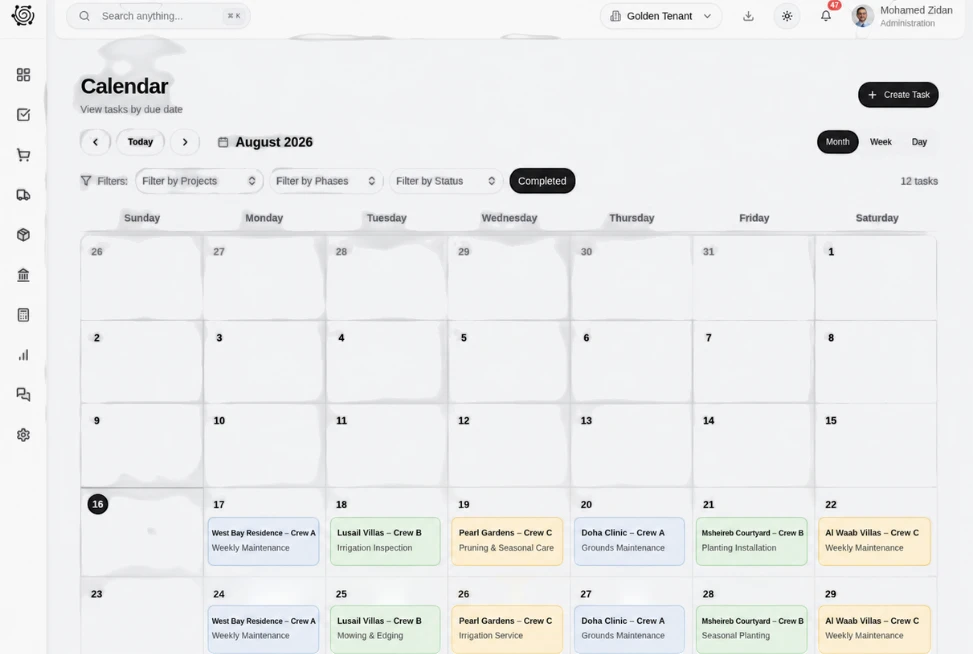
Assign planting decisions and handover preparation clearly.
Give the planting-layout review, shrub-delivery confirmation and care notes a named owner. The board shows priority, due date and work status for each ordinary task. Open the details to review the instruction while your horticultural lead and site team make the practical decisions and carry out the work.
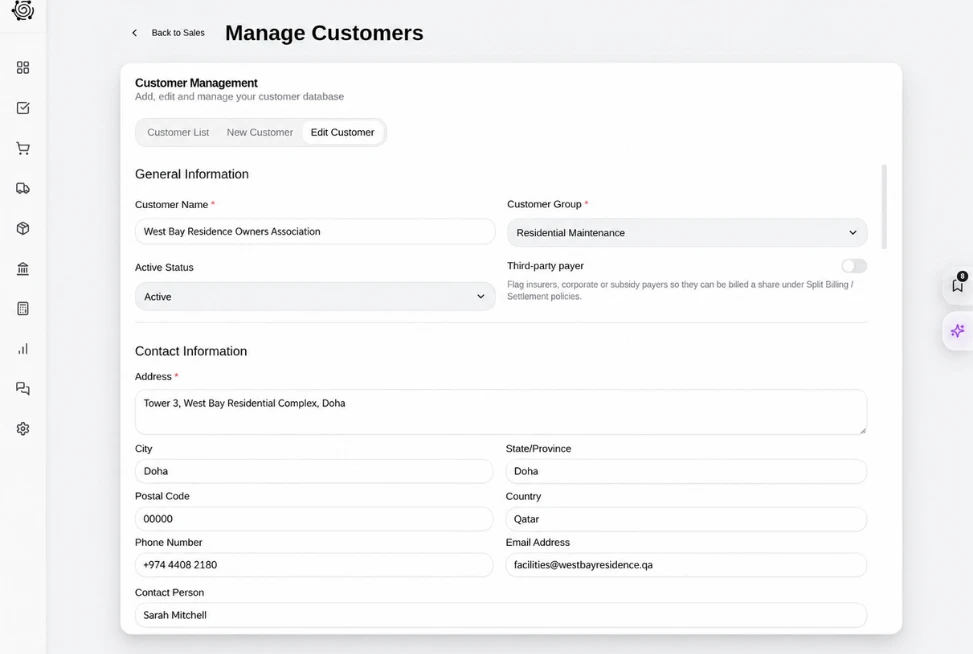
Review the fee for each garden stage.
Use a billing plan for site preparation, planting services and the care handover session. The progress invoice displays the selected milestone and its amount against the sales order. Each percentage reflects the agreed commercial stage, and the team reviews the billing decision separately from its site coordination tasks.

Share the garden scope with clear settings.
Choose a language and expiry for the landscape service proposal, and request a signature when the agreement calls for one. The sharing panel keeps these choices with the quotation reference. Try the settings while reviewing the courtyard scope so your office knows which options fit the client discussion.




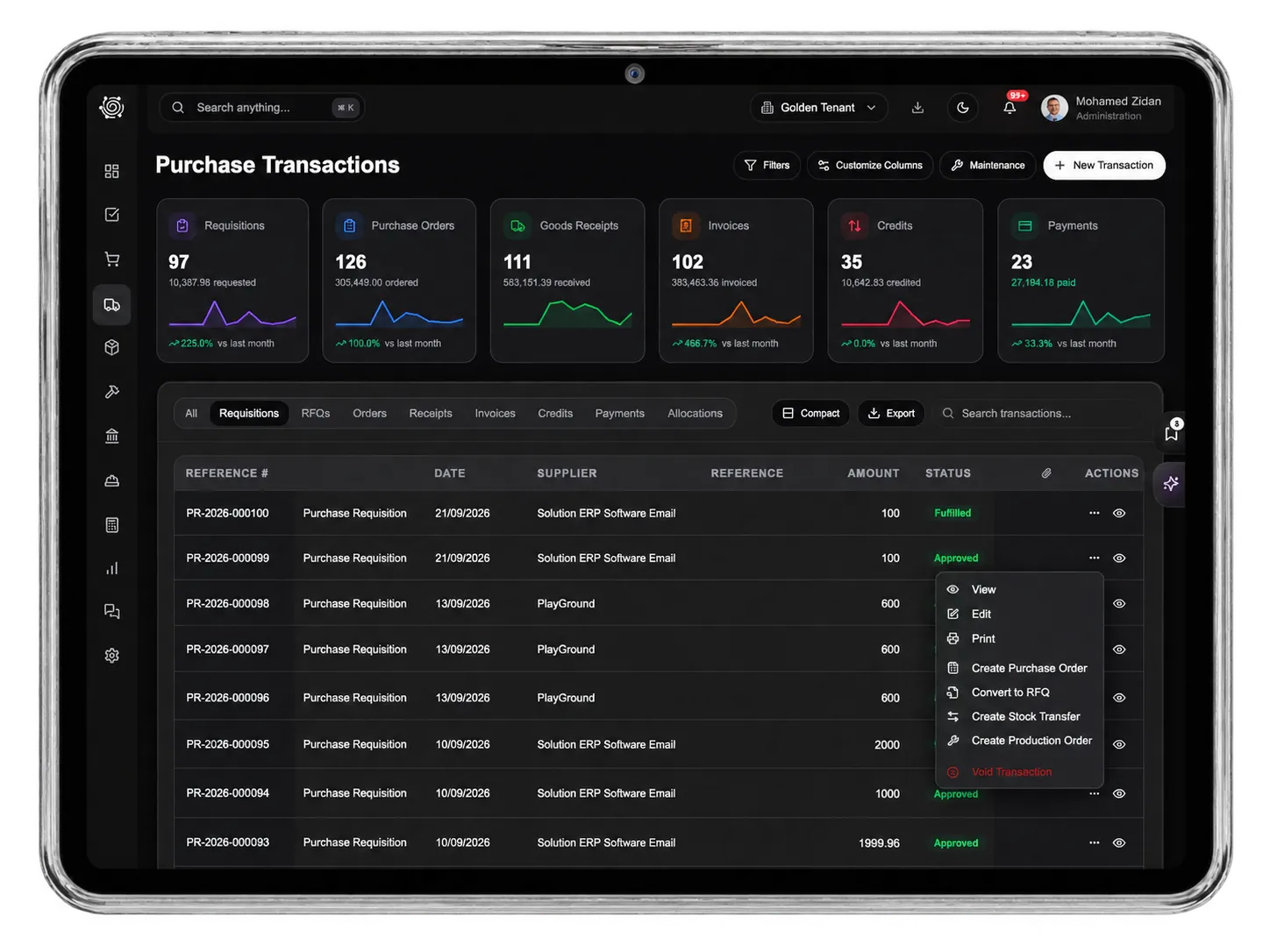
Give the next garden improvement a clear plan.
Landscaping ERP: Garden Quotes & Progress Billing | DNA
- Review landscaping services in DNA ERP. Price courtyard work, share the quotation, assign site coordination tasks and inspect a meaningful staged billing plan.
- Utilize structured and semi-structured data storage
- Analyze data using graph, spatial, and machine learning engines
- Start with the basic trial using sample data; no set-up required

