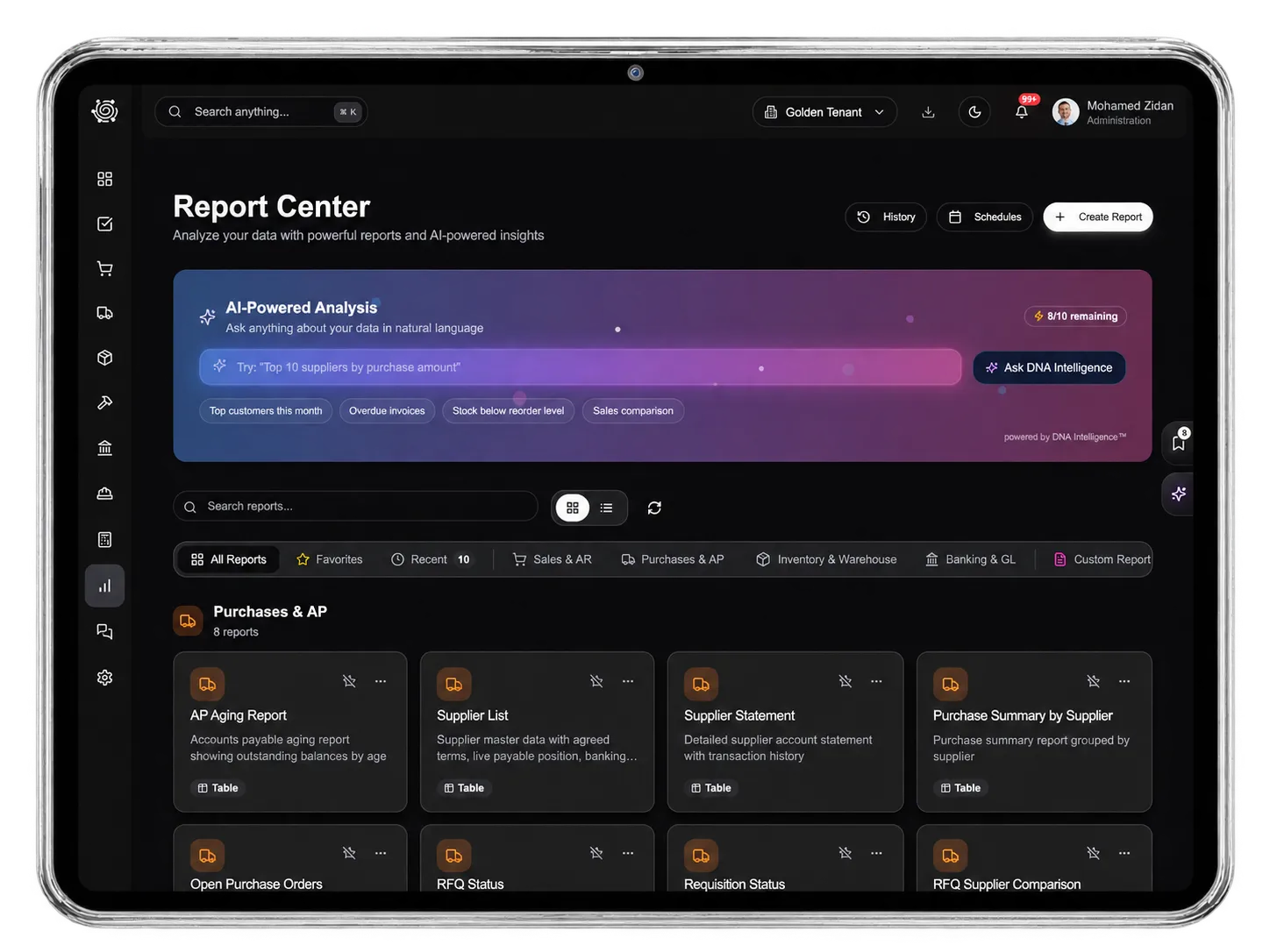
Law Firm ERP for Client Work and Legal Fees
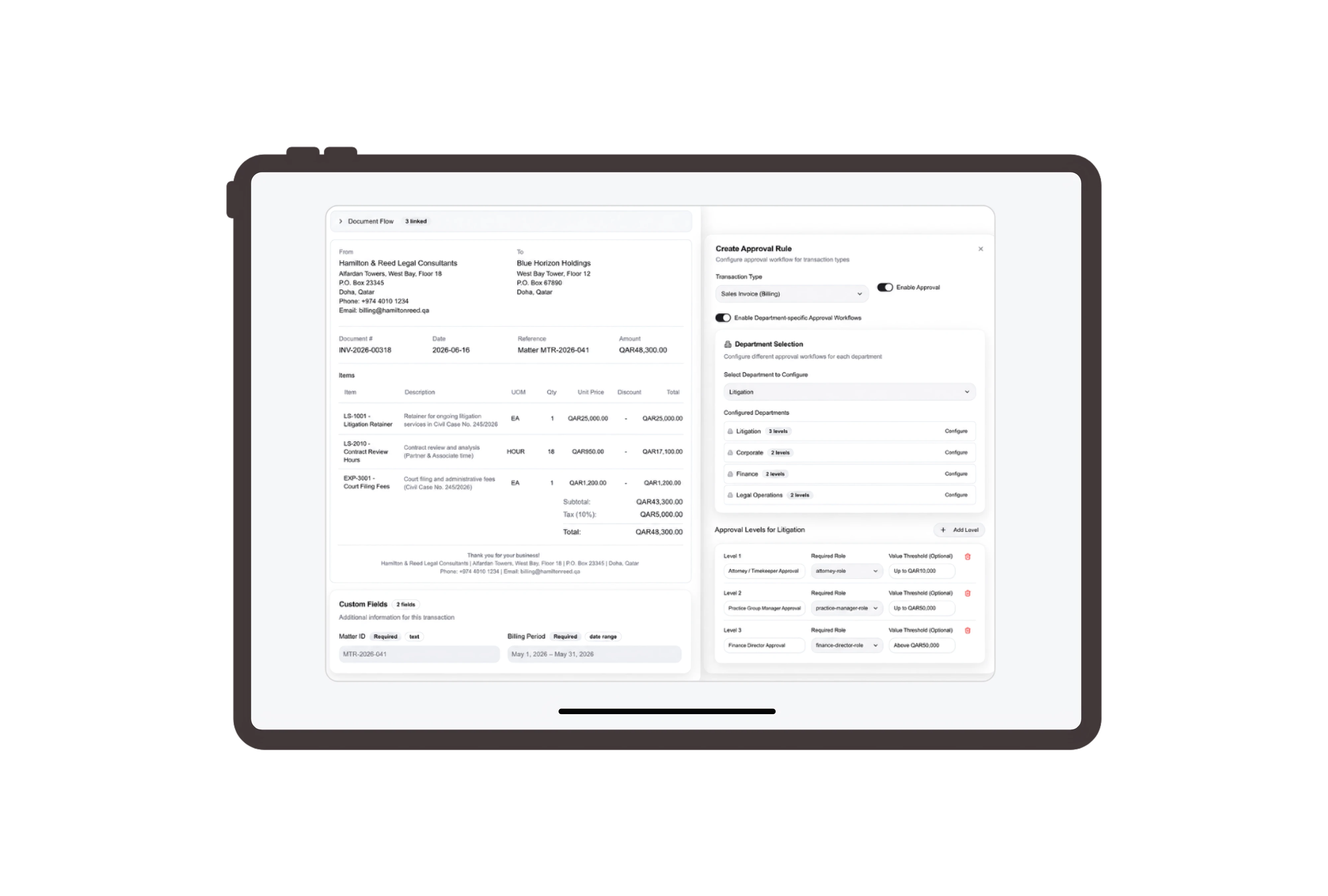
Use Legal Engagement Labels Across Commercial Records
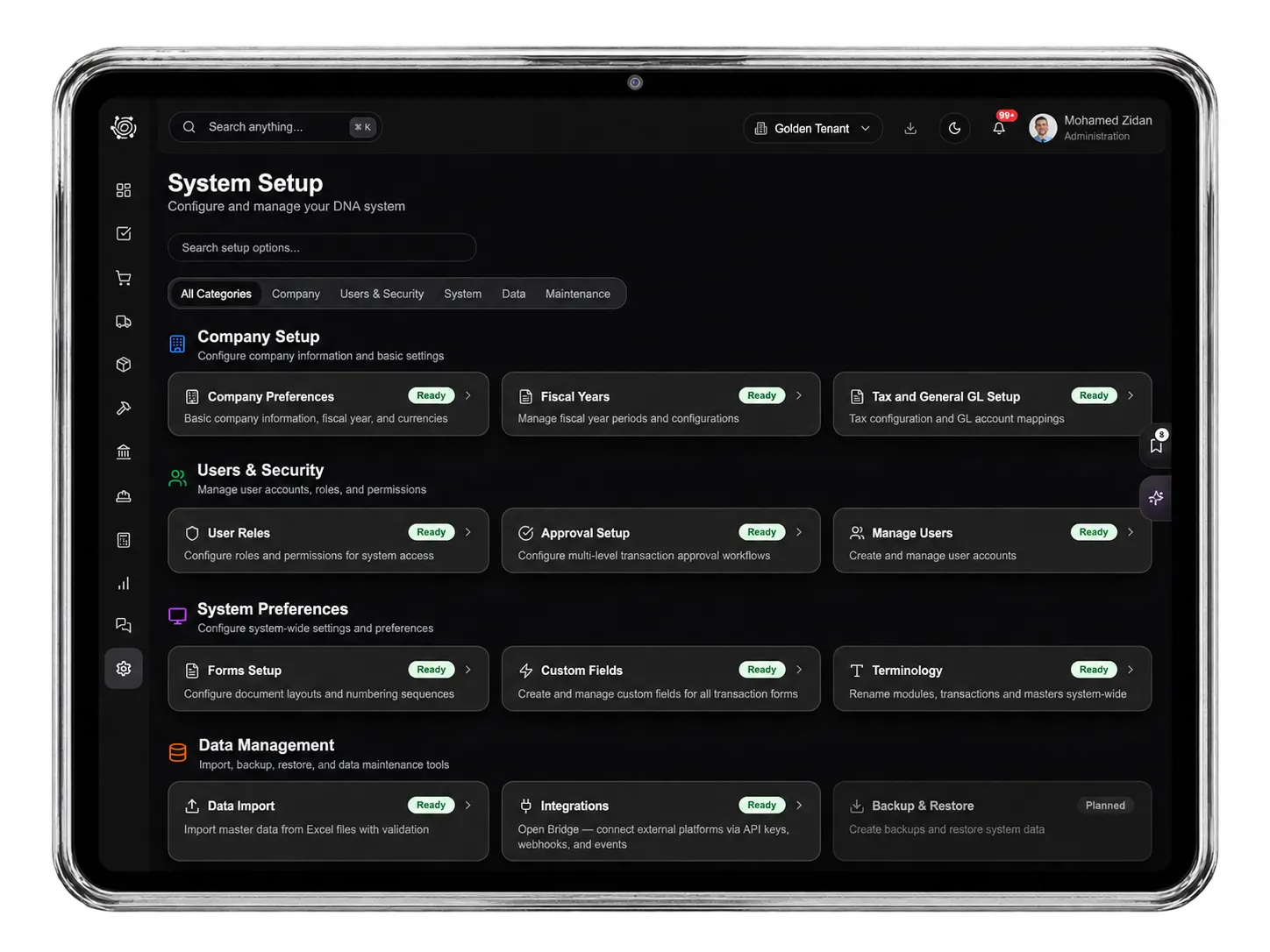
Call the customer a Legal client, the sales order a Legal engagement and the invoice a Legal fee invoice. These labels make the administrative records familiar to the lawyers reviewing North Quay Trading’s instructions. These settings change record labels while preserving DNA’s standard sales and task functions.
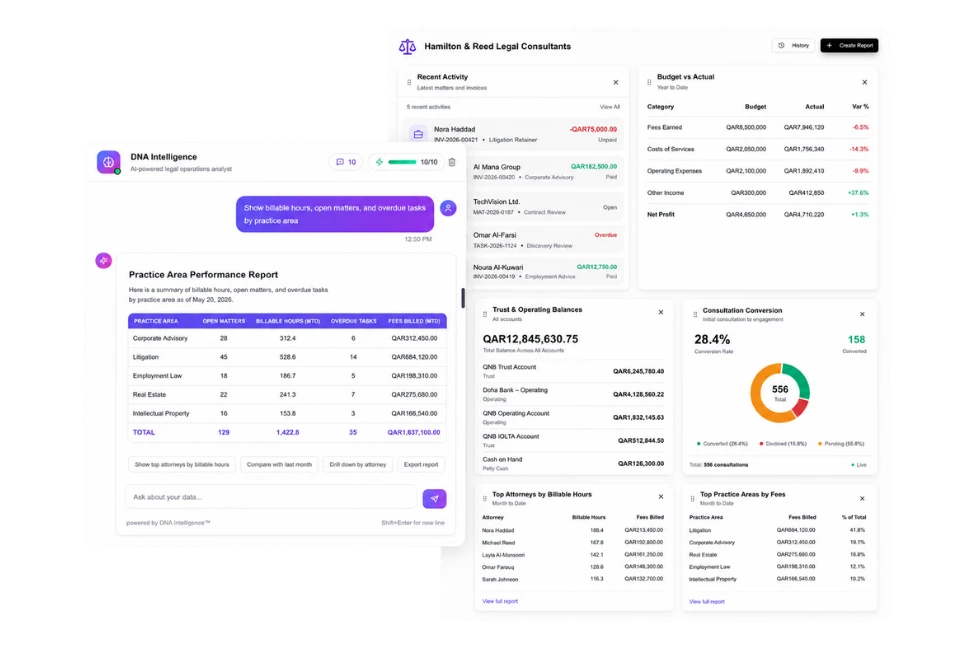
Separate Contract Review From Additional Drafting Work
Quote a fixed agreement-review fee alongside four drafting hours and two briefing hours. A clearly itemized proposal lets the practice explain which work is included when the client requests an additional clause or negotiation call. Open Details to inspect quantities, units, prices, discounts and totals before using the quotation’s action bar.
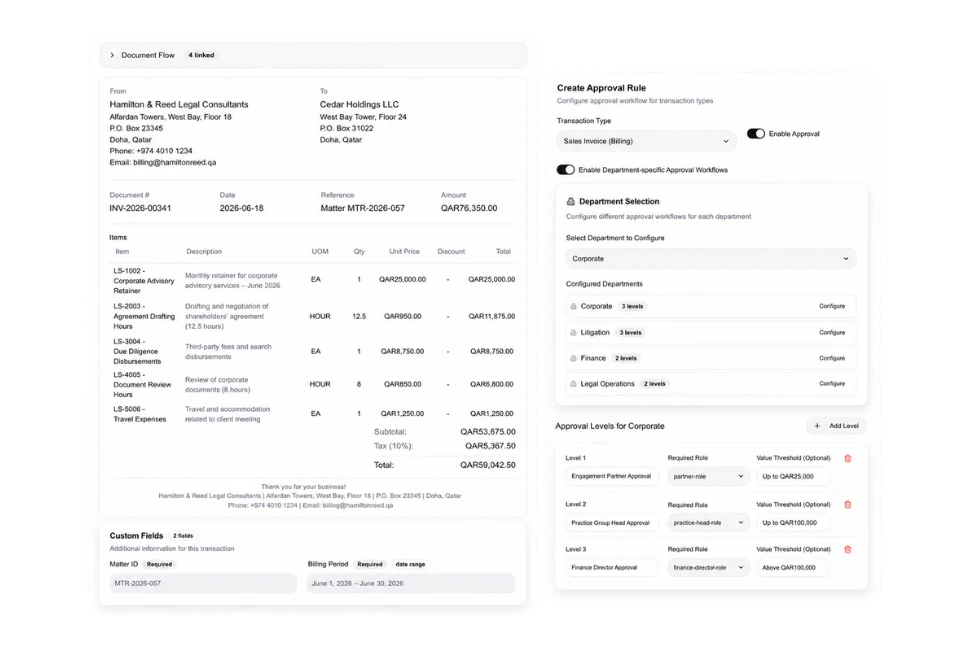
Coordinate Collection, Drafting and Partner Review Tasks
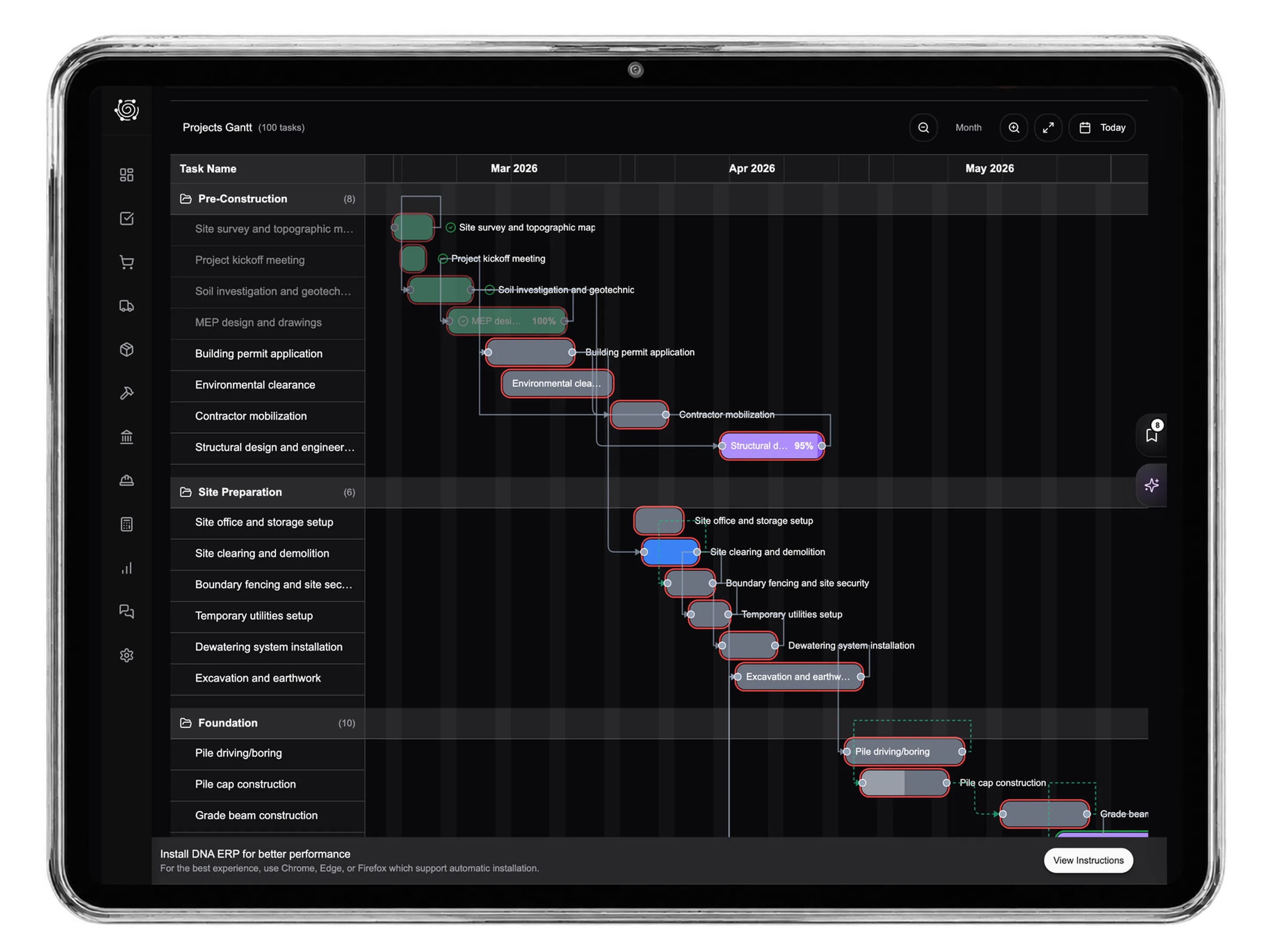
The client coordinator follows up the agreement attachments, the engagement lawyer prepares amendments and the reviewing partner completes partner review. Each responsibility appears as an ordinary task so the team can see the next handover and update progress during its internal review. Open Task Details to check the assignee, priority and due date, then update its status on the board.
Explain the Legal Fee Through Three Service Lines
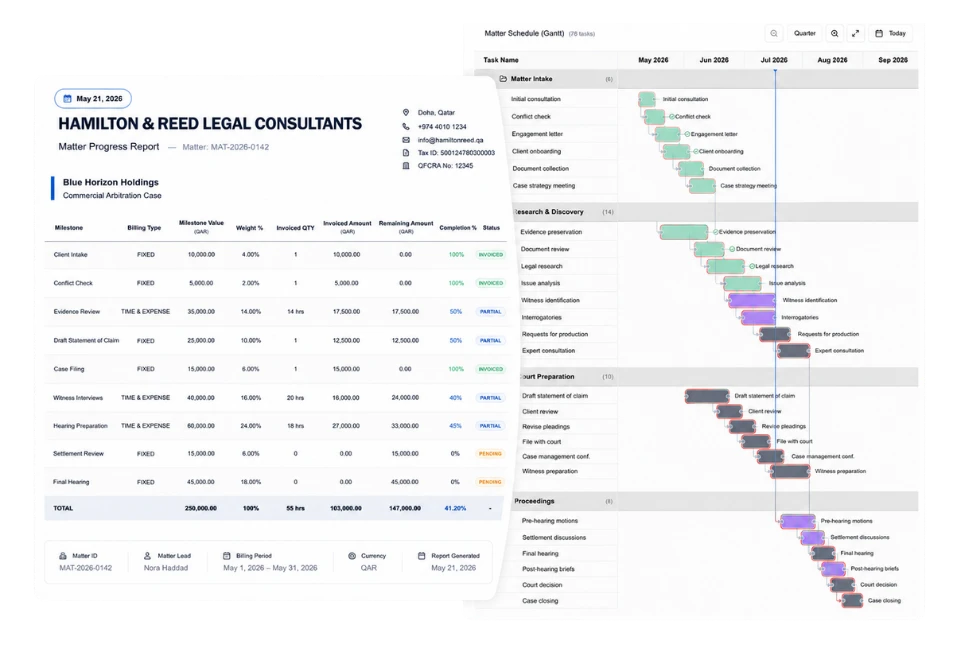
Review the contract-review fee, amendment hours and briefing hours in the client invoice. The accounts colleague can inspect each quantity and rate against the agreement, then explain the total without reducing the engagement to one vague charge. Use the Details tab and invoice action bar to inspect the document reference, status and line totals.