Accounting ERP. Every client, connected.
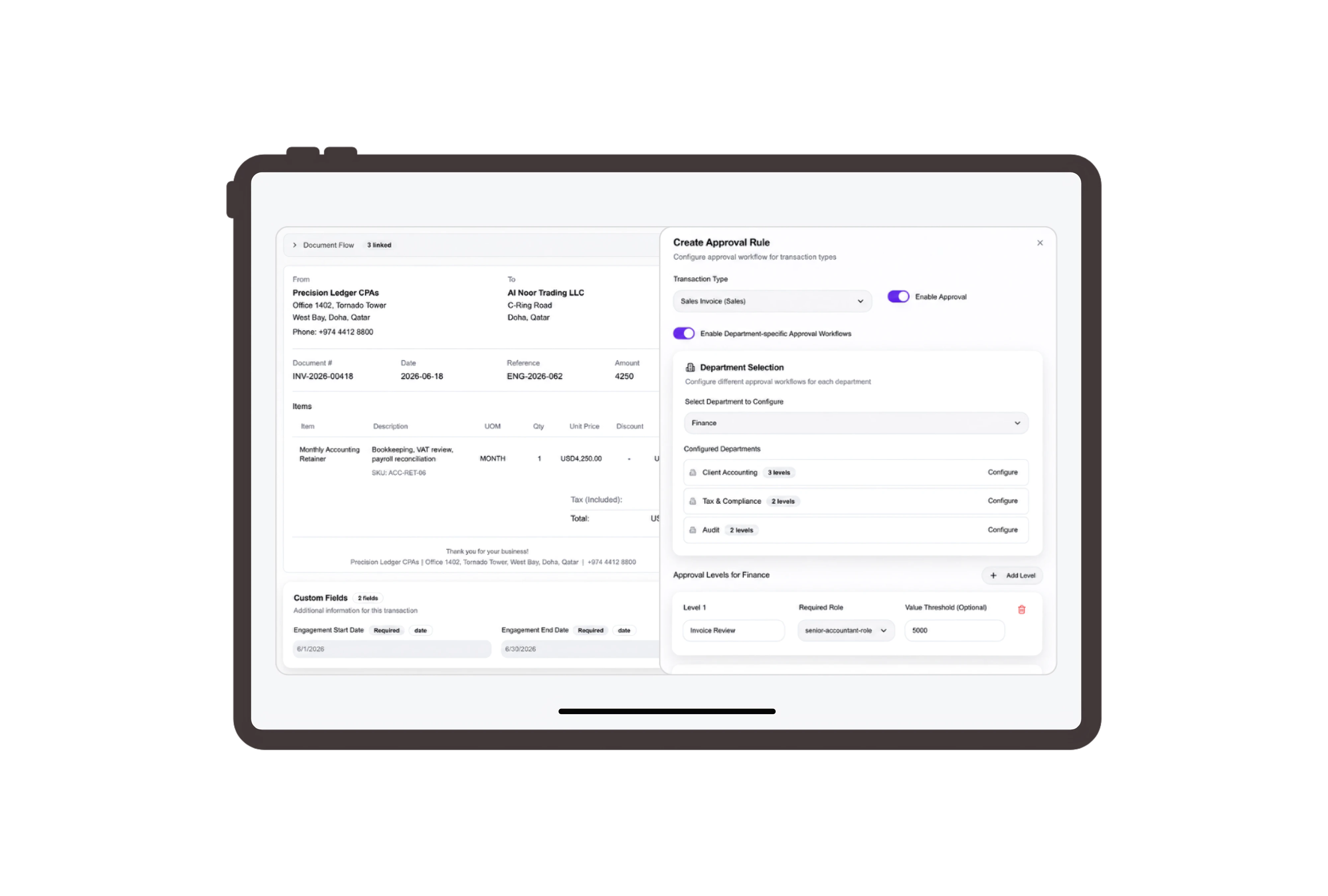
Clients. Engagements. Your firm’s own language.
Call a customer a client, a quotation a fee proposal, and a sales order an engagement. DNA’s Terminology setup lets you rename these records across the system in English and Arabic. Switch the example’s labels and see the same services, tasks and amounts in your practice’s language.
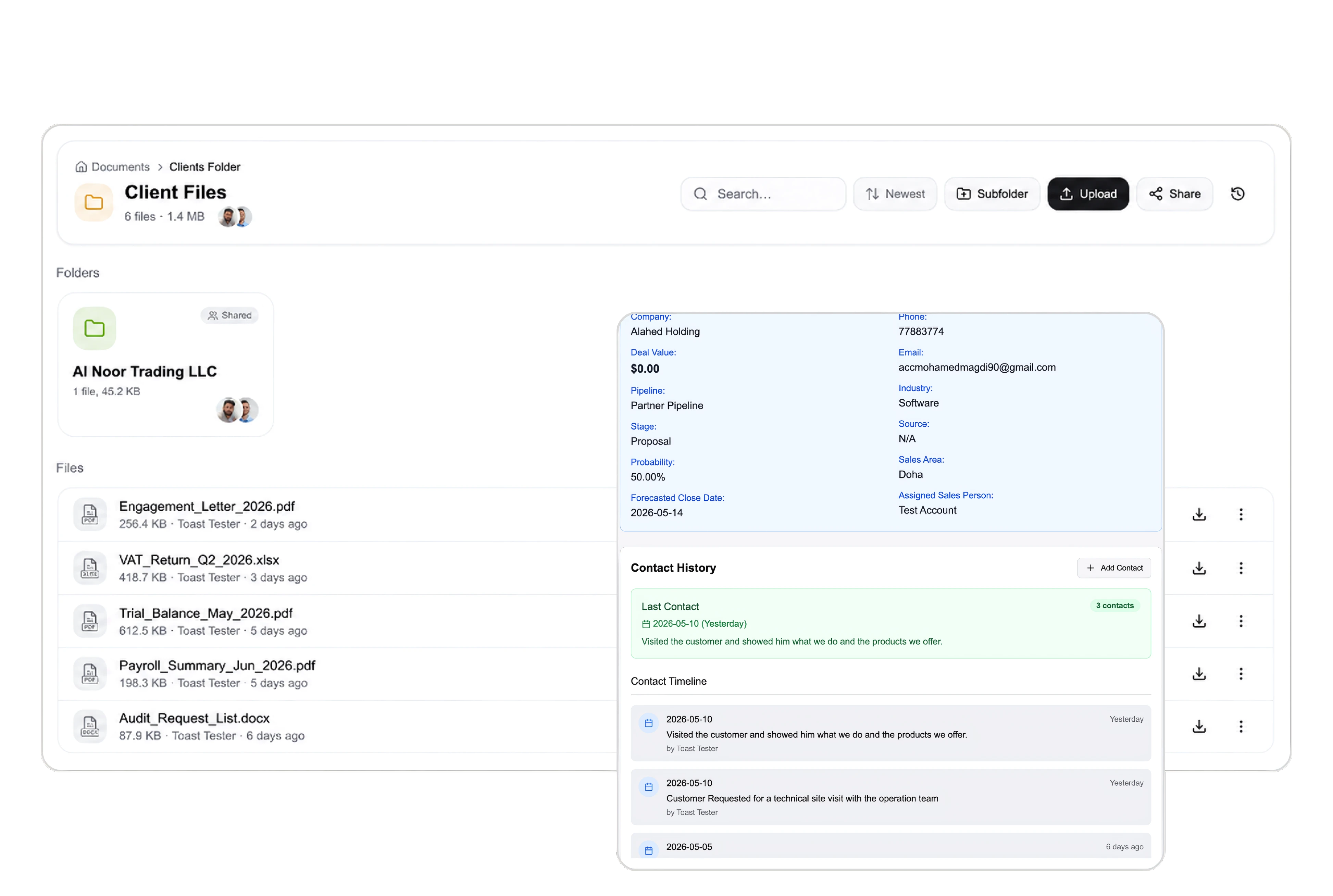
Put the scope and the fee in front of your client.
Build a quotation for bookkeeping and management reporting using your service items, quantities and prices. Share its branded document link with the client, choose an expiry and request a signature when needed. The quotation viewer keeps documents, communication and signatures alongside the transaction.
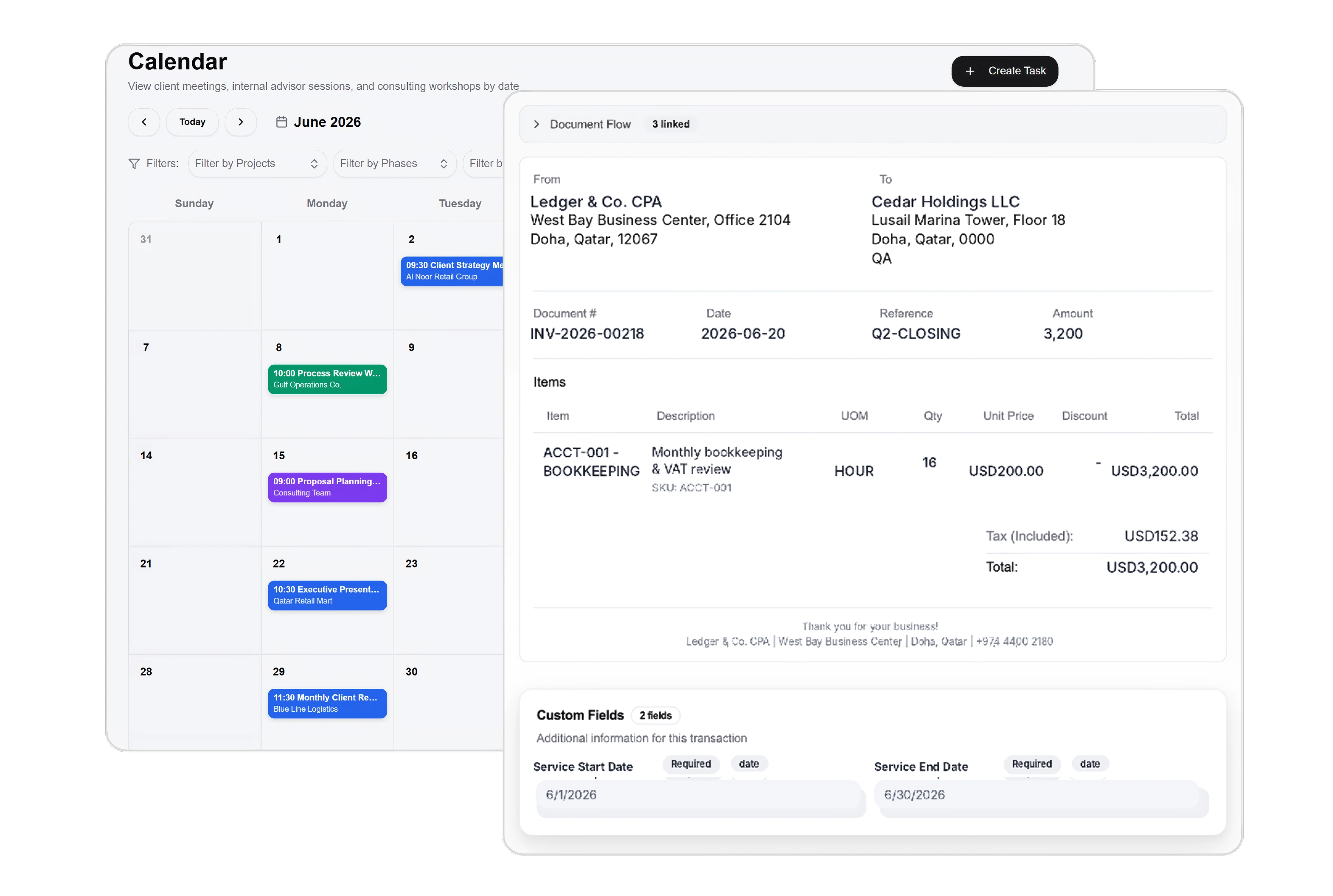
A named task. A clear owner. A real deadline.
Create tasks for the work your team performs: preparing September’s books, checking balances or reviewing a management report. Assign each task, set its status and deadline, and use the team list, Kanban board or calendar to follow the work. Your accountants perform the work; DNA helps organize it.
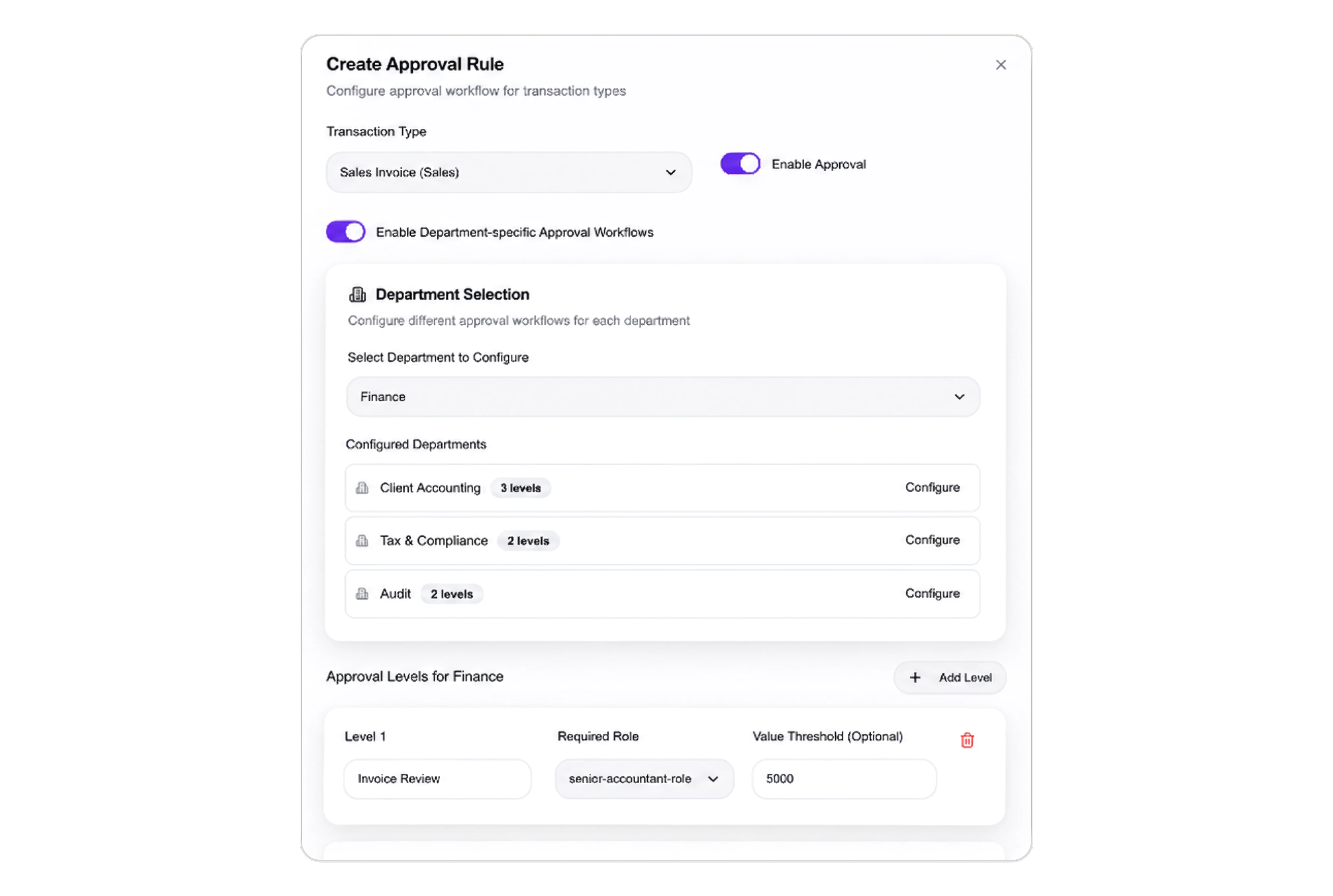
One engagement. A clear plan for the fees.
Use a sales order with a billing plan to organize a quarterly engagement into monthly fee milestones. Select the relevant milestones when preparing a progress billing invoice. Invoice dates, due dates and payment terms belong to the billing record, while task progress remains a separate part of your team’s work.



Run your practice in your own terms.
ERP for Accounting Firms: Clients, Tasks & Billing | DNA
- Manage accounting firm service proposals, assigned tasks and fee billing with DNA ERP. Customize terminology and share client documents with signature requests.
- Utilize structured and semi-structured data storage
- Analyze data using graph, spatial, and machine learning engines
- Start with the basic trial using sample data; no set-up required

