Solar Energy ERP for Installation Service Agreements
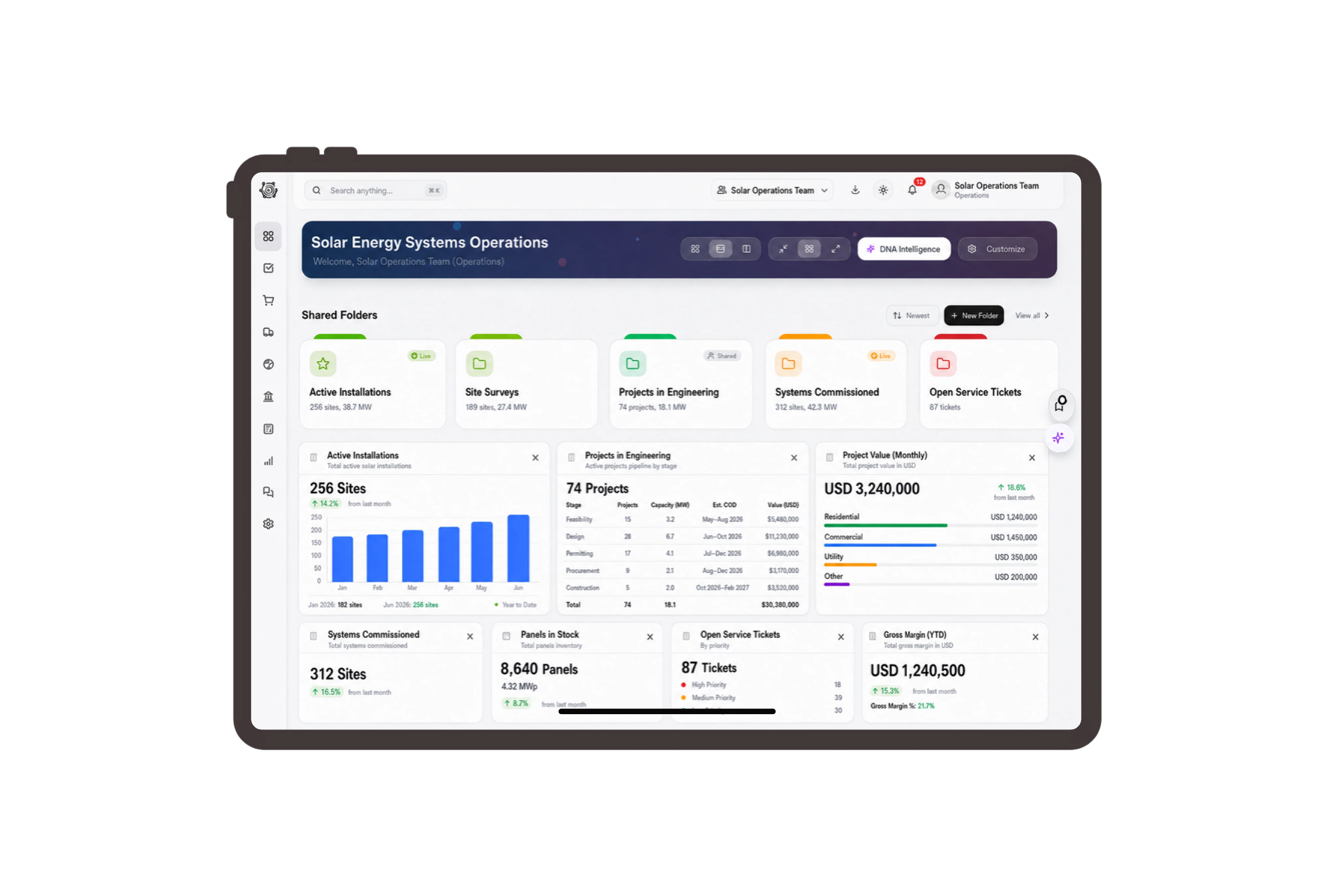
Use service labels your installation team recognizes.
Present the native quotation as a Solar service proposal and the order as an Installation service order. Use Installation work item for an ordinary task. These labels help the office and site team discuss the rooftop job while retaining the familiar DNA document fields and task details.
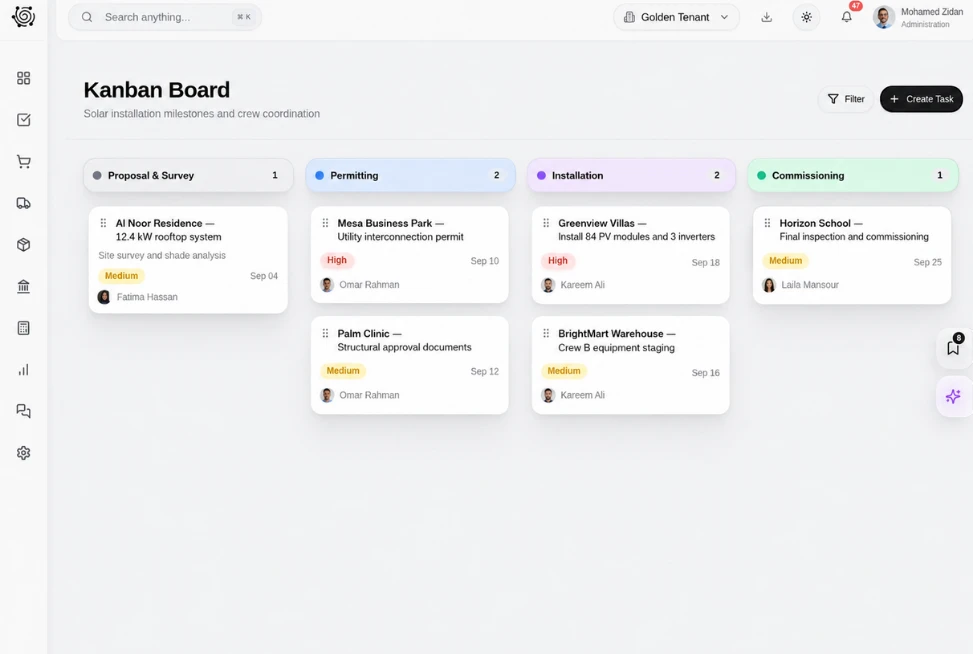
Make assessment and installation fees explicit.
Separate site assessment attendance, panel installation labor and commissioning coordination in the proposal. The line descriptions state that the client supplies the panels, while quantities and rates explain the service price. Review the customer, reference and total when agreeing the commercial scope with the warehouse client.
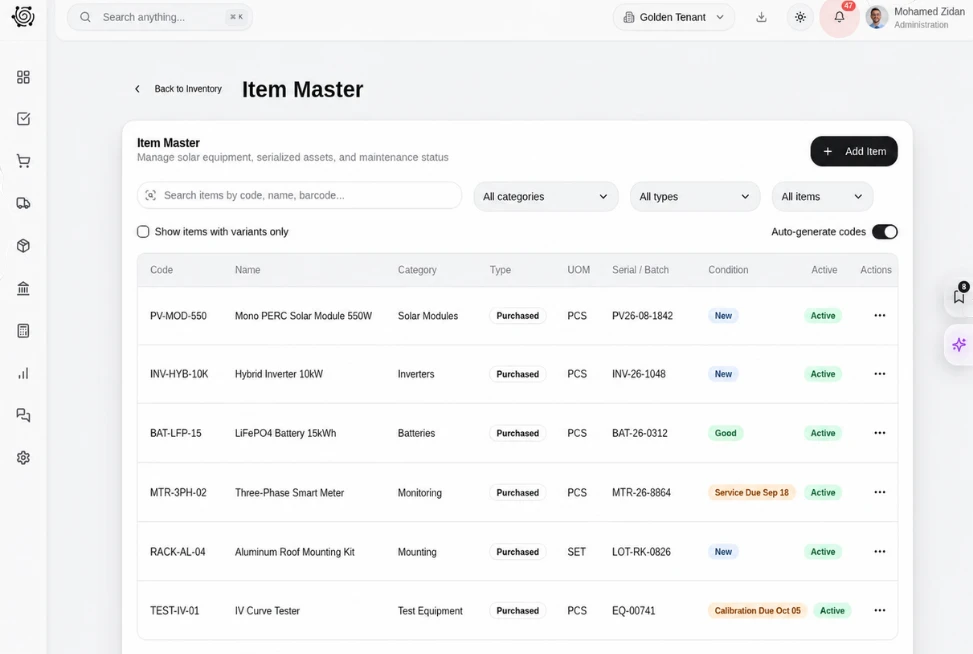
Assign document reviews and commissioning follow-ups clearly.
Track requests for the engineer’s roof assessment, equipment-list review and commissioning attendance as assigned tasks. Each card holds a priority, due date and concrete instruction. Qualified specialists perform the engineering work; the board helps office and site colleagues see who is following up on the required information.
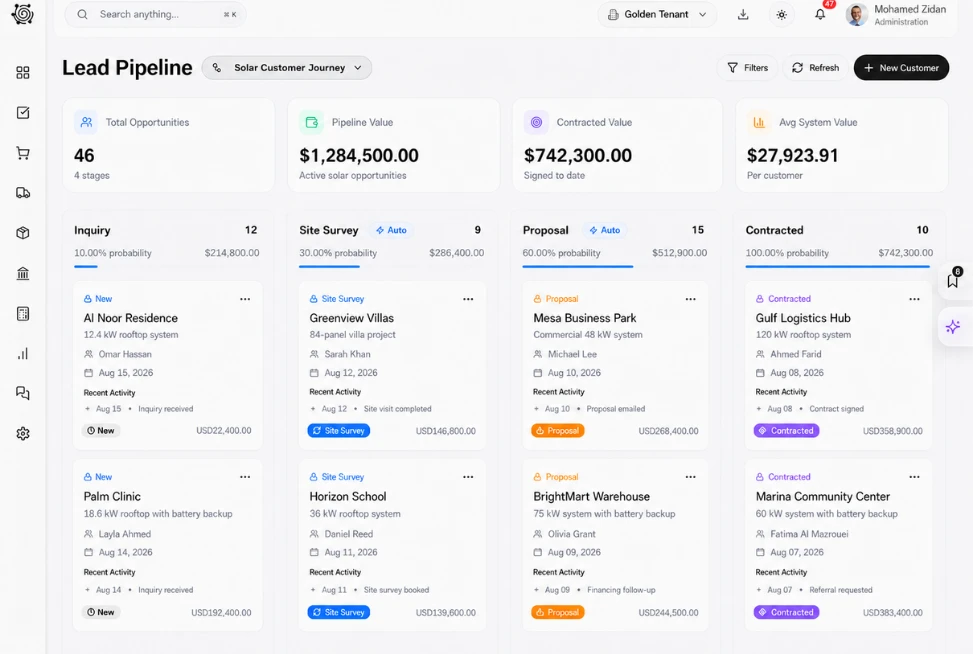
Review installment values against the agreed service plan.
Show assessment and mobilization, installation labor, and commissioning coordination as three billing milestones. Select a stage to inspect its description, work package and amount on the progress invoice. The sales order holds the billing plan, while people review readiness and make the separate decision to bill.



Connect the commercial side of your next installation.
Solar Energy ERP for Installation Tasks & Billing | DNA
- Explore solar installation services in DNA ERP. Use project-service terms, price installation labor, assign coordination tasks and review a staged billing plan.
- Utilize structured and semi-structured data storage
- Analyze data using graph, spatial, and machine learning engines
- Start with the basic trial using sample data; no set-up required

