Veterinary clinic ERP for patient billing and tasks
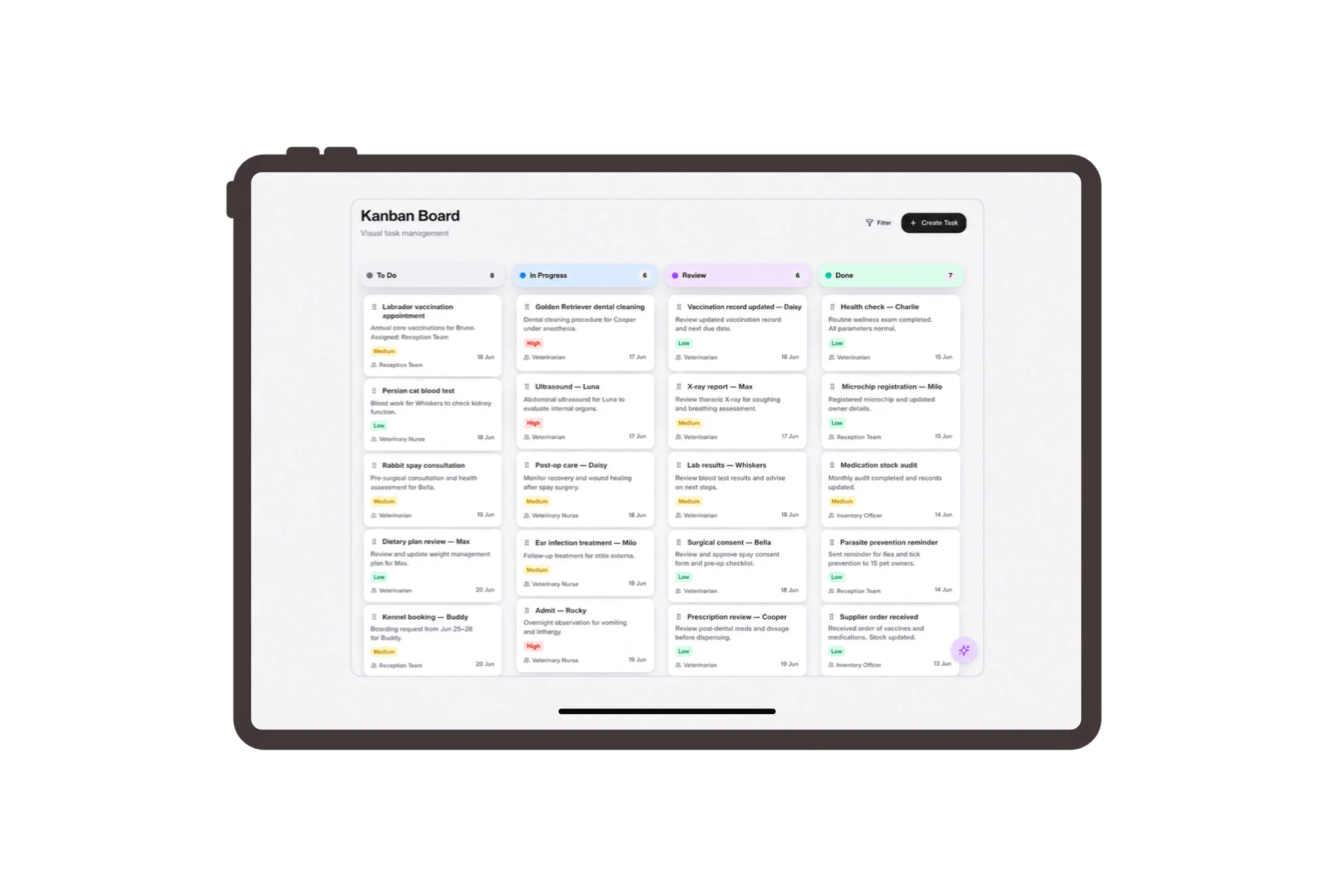
Connect patient names with the responsible owner
Use Patient for the customer label and Patient Fee Invoice for the sales invoice. The example names Milo with Lina Haddad as the owner and billing contact, so reception can recognize both sides of the commercial record. These terms organize service charges and document communication within familiar DNA sales records.
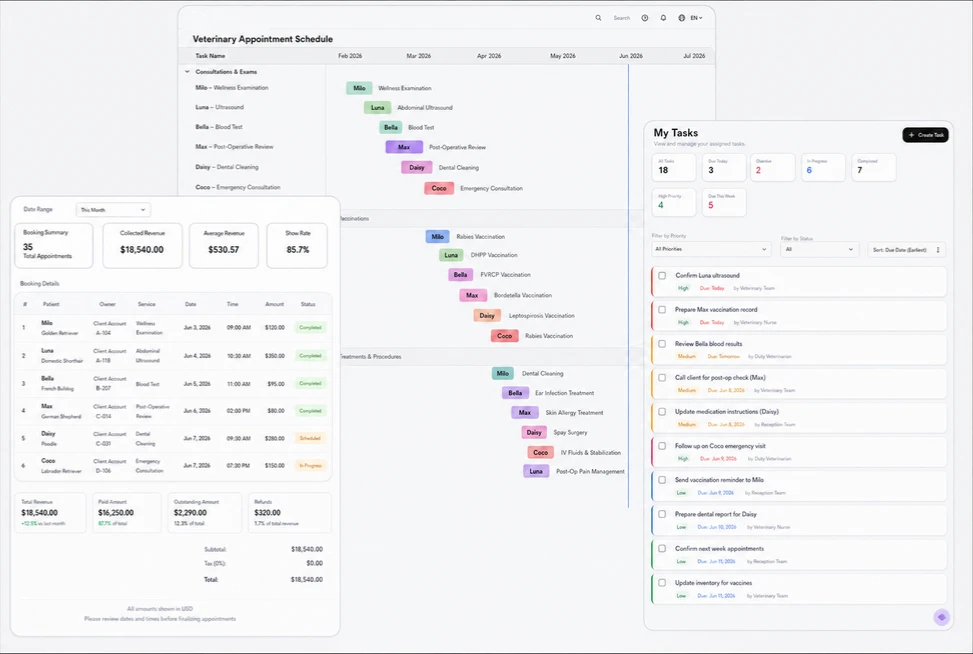
Show the owner each billed veterinary service
Open Milo’s fee invoice to review a consultation, a laboratory sample collection service and a follow-up consultation as separate lines. The native viewer shows the document status, patient billing reference, date and amount. Reception can check descriptions, quantities and prices while explaining the services included in the owner’s bill.
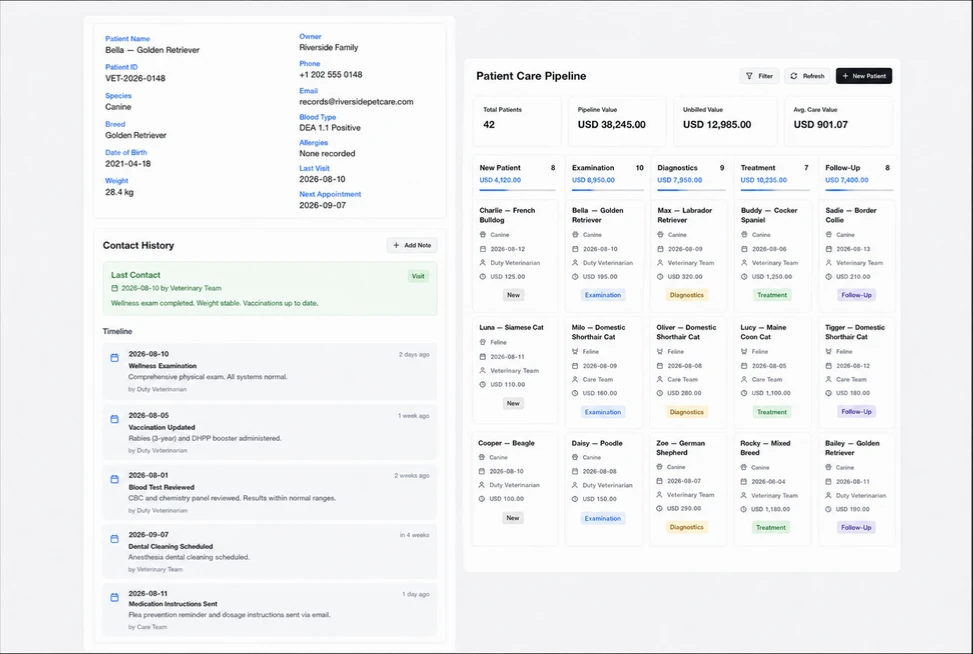
Keep billing preparation and owner follow-up visible
Assign confirmation of the owner’s billing details, review of service descriptions and preparation of the invoice copy as ordinary tasks. Each has a responsible person, deadline and status. The reception team performs the checks and records progress, giving colleagues a clear view of the administrative work still requiring attention.
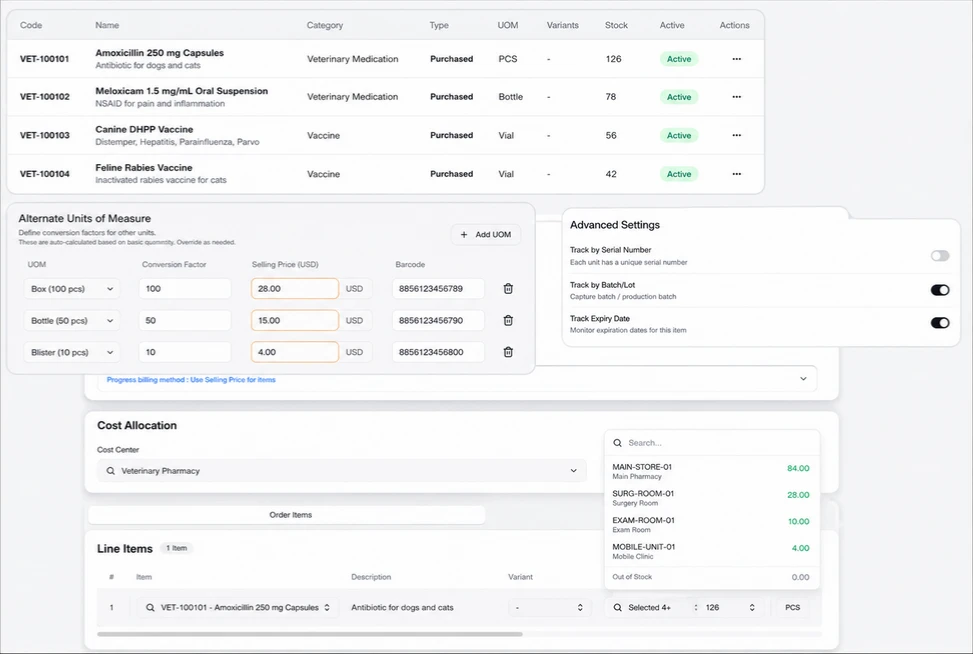
Prepare the fee document for the owner
Review the patient fee document and choose its sharing language, expiry date and optional signature setting. Reception can prepare a readable commercial copy for the responsible owner using the native Share controls. The document presents the billed service descriptions and amounts, helping both parties discuss the same fee information.
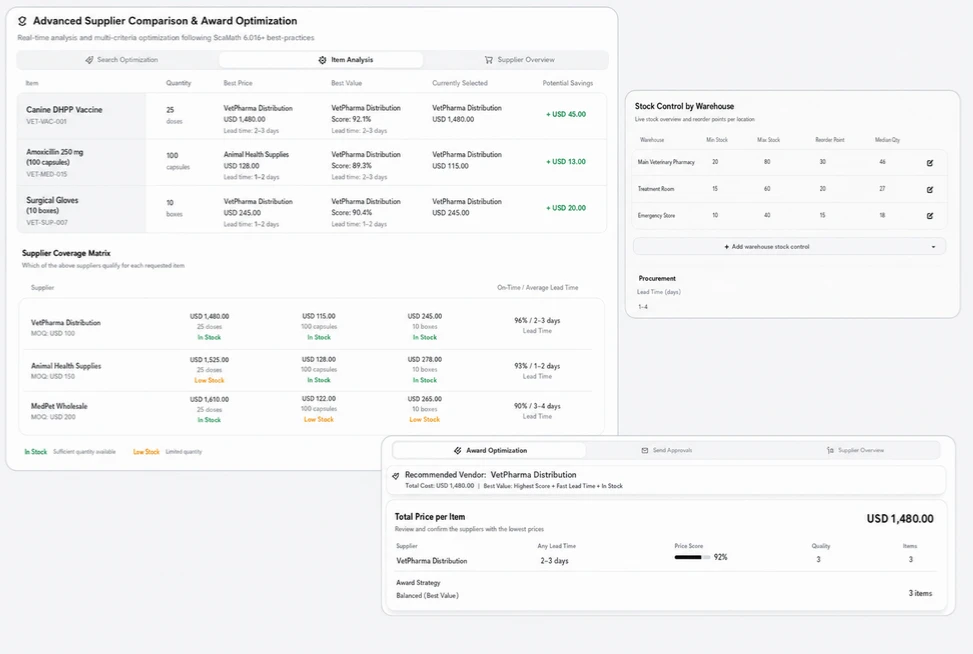



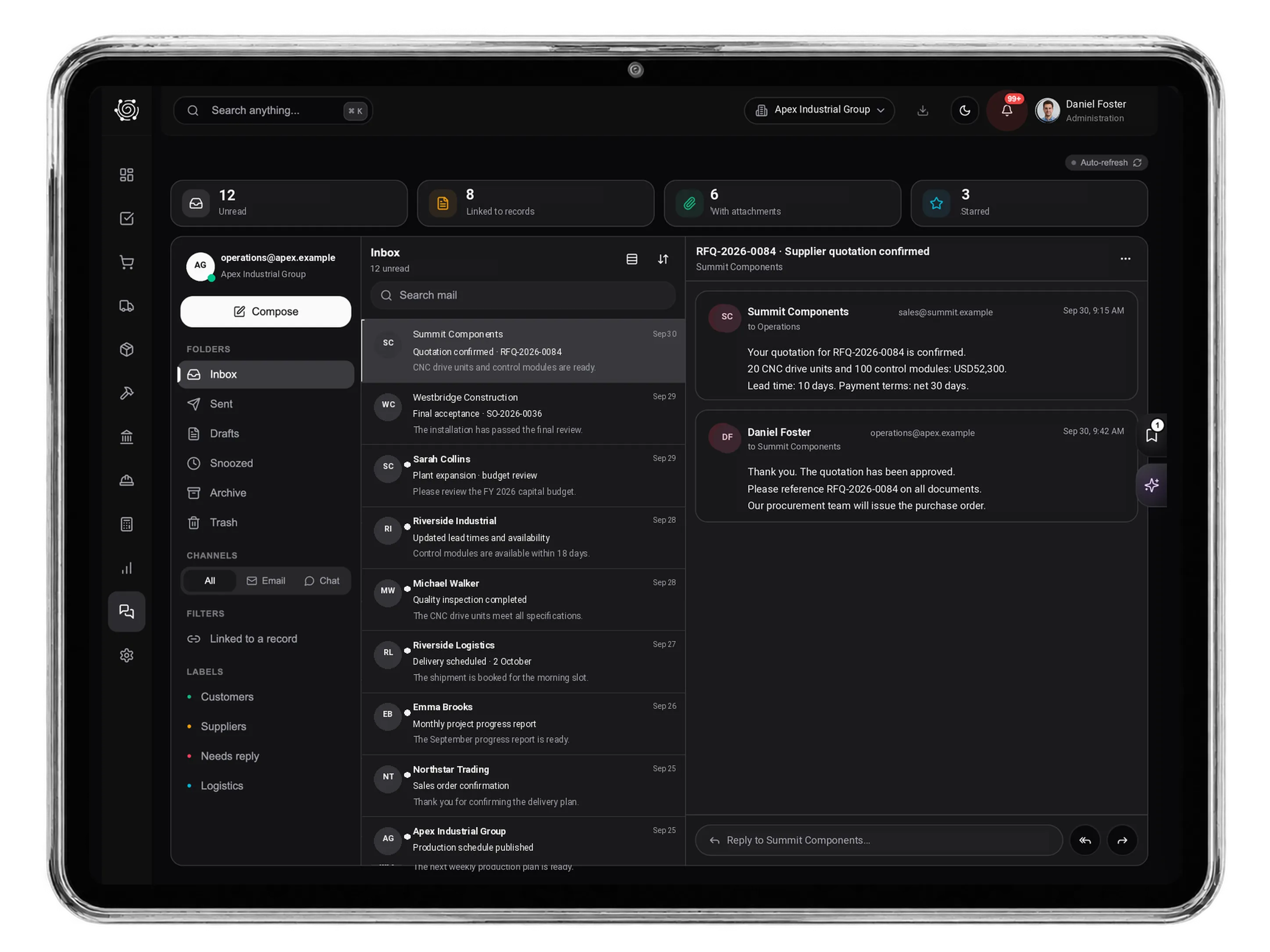
Make veterinary fee administration easier to follow.
Veterinary Clinic ERP for Billing & Office Tasks | DNA
- Organize veterinary service invoices, patient billing labels and owner follow-up in DNA ERP. Explore clear fee documents and practical reception tasks.
- Utilize structured and semi-structured data storage
- Analyze data using graph, spatial, and machine learning engines
- Start with the basic trial using sample data; no set-up required

