Pharmacy ERP for retail goods and stock transfers
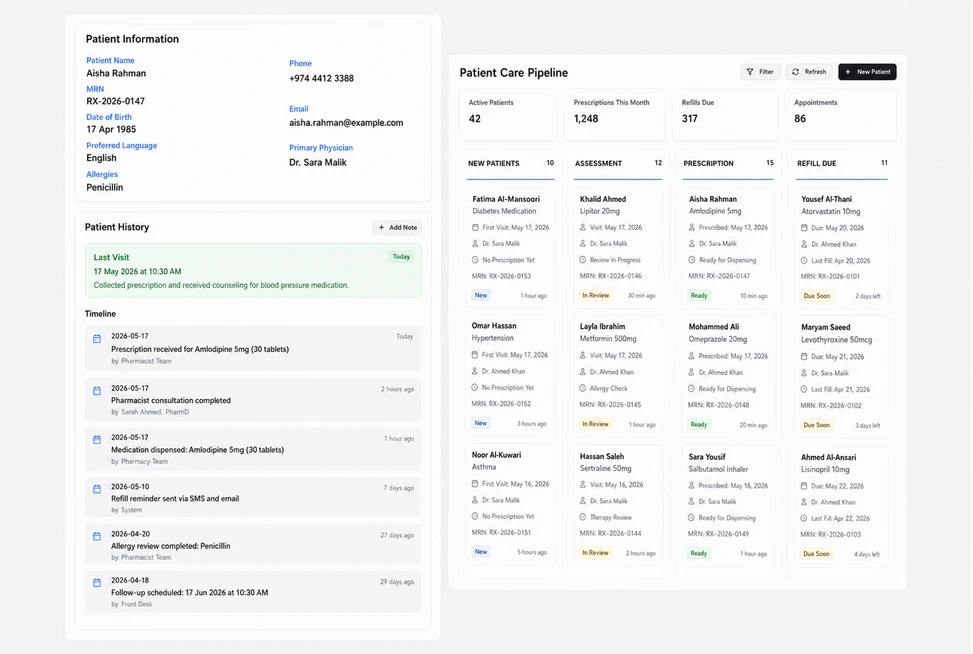
Give every home-care product a clear invoice line
Review an office welfare order containing digital thermometers, reusable cold packs and first-aid cases. The native invoice viewer shows the customer, reference, date, status and total, followed by quantities and unit prices. Your store team can check the physical products being sold against the itemized commercial document.
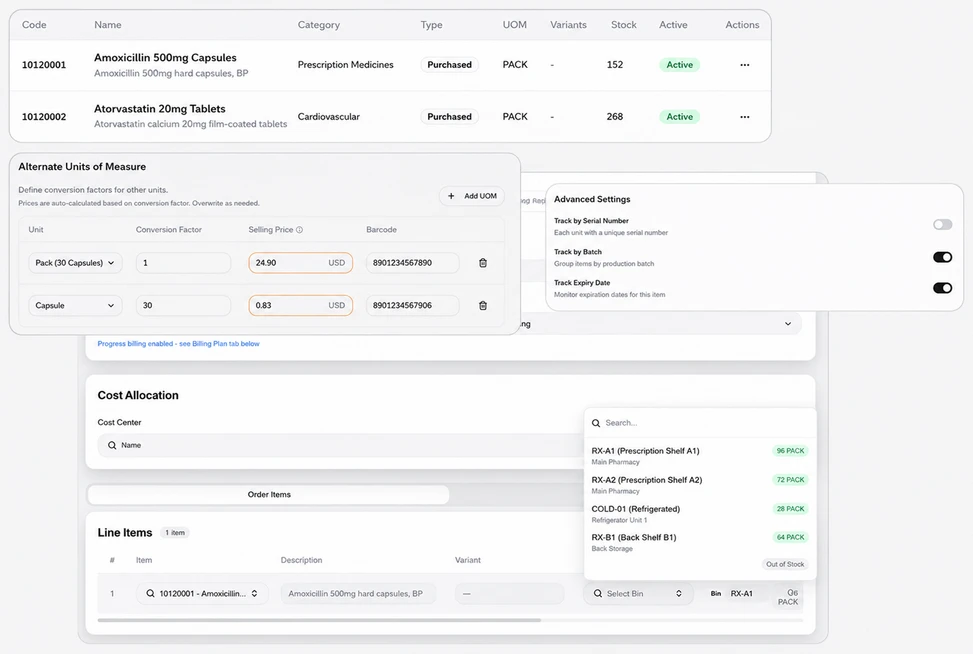
Move shelf stock with clear quantities and locations
Prepare a Stock Transfer from the pharmacy backroom to the front-store cabinet. Review each product’s available quantity, transfer quantity, source and destination, then record a reason and remark. The pending-approval view keeps the proposed movement explicit; the transfer is a stock document separate from the customer’s sales invoice.
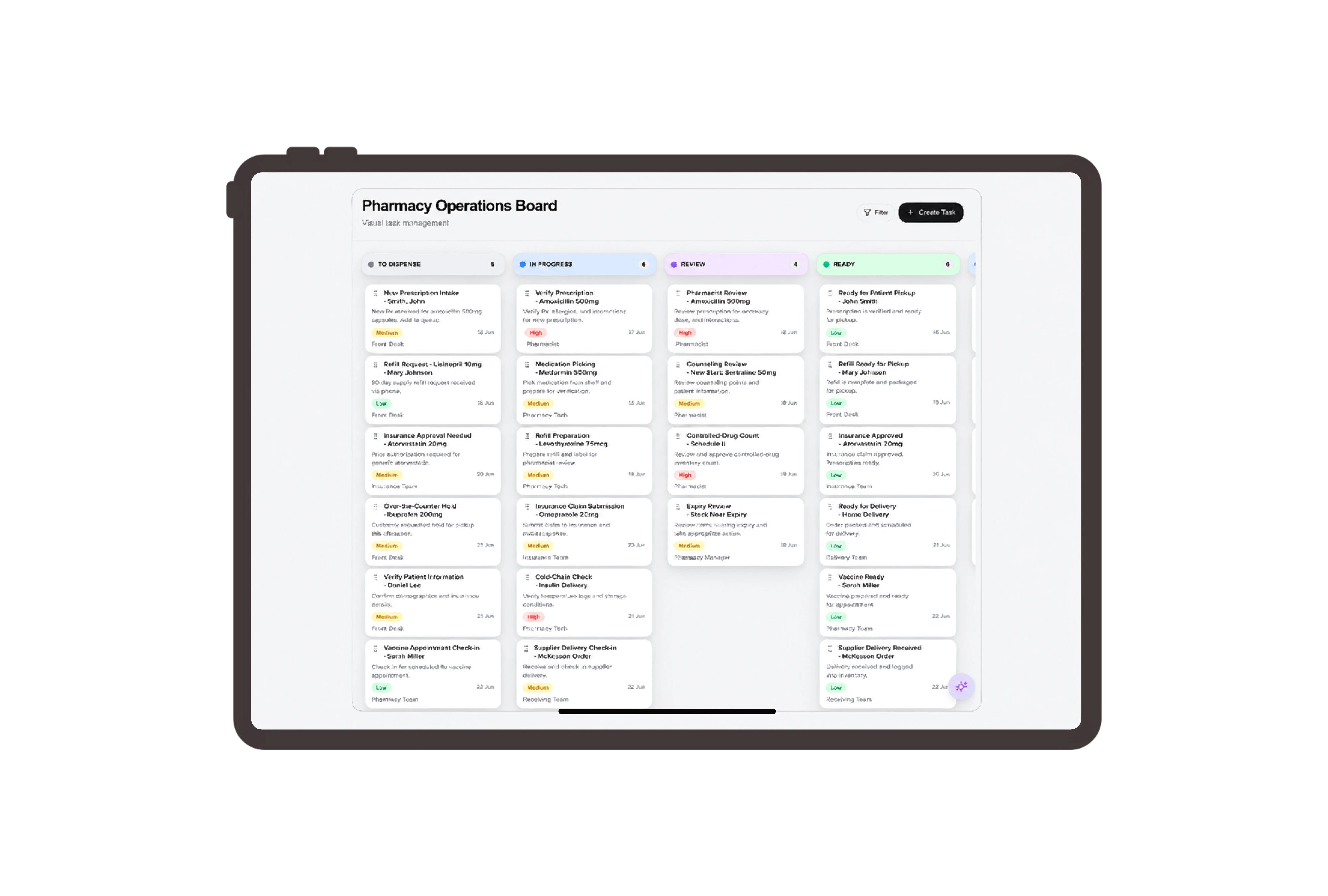
Assign the hands-on work behind the product order
Create ordinary tasks for checking product quantities, preparing the customer’s collection carton and checking front-store labels. Give each task an owner, priority and due date. Staff update the board when they finish the physical work, helping the supervisor distinguish commercial document review from the packing and shelf preparation still needed.
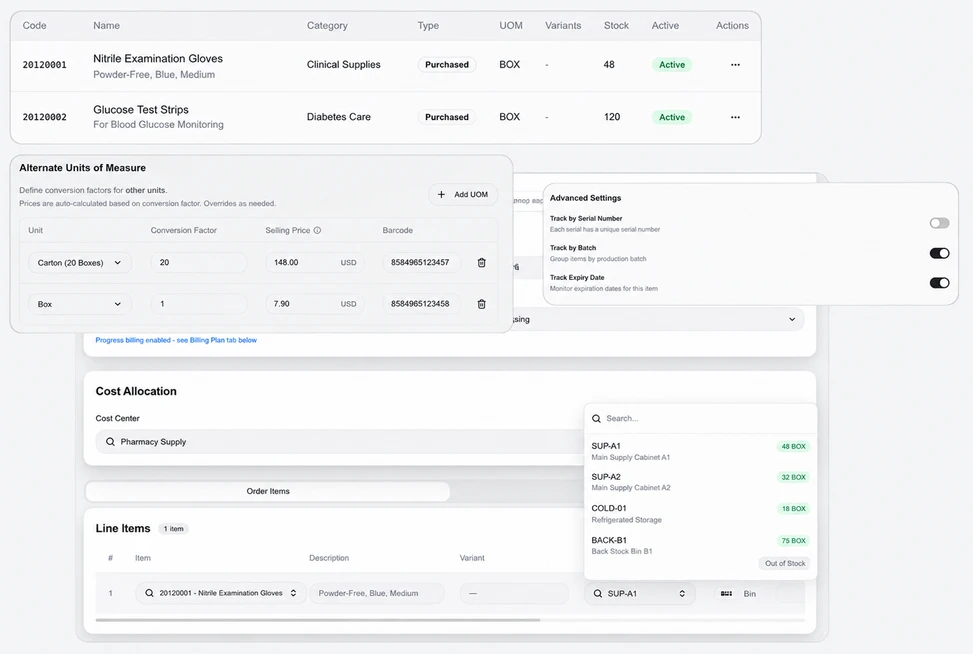
Use product terms for pharmacy commercial records
Use Retail Customer, Product Order and Retail Invoice for the verified customer, sales order and invoice labels. The example concerns home-care products sold as physical goods, with the same native quantities, prices and document actions. These terms help the team identify the retail transaction while keeping stock and fee records readable.
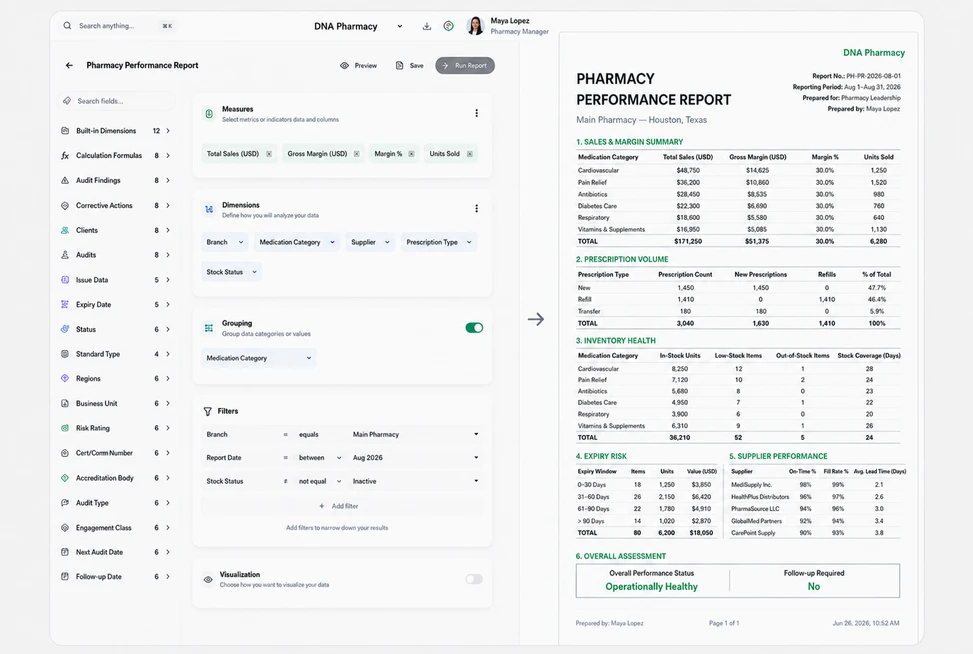

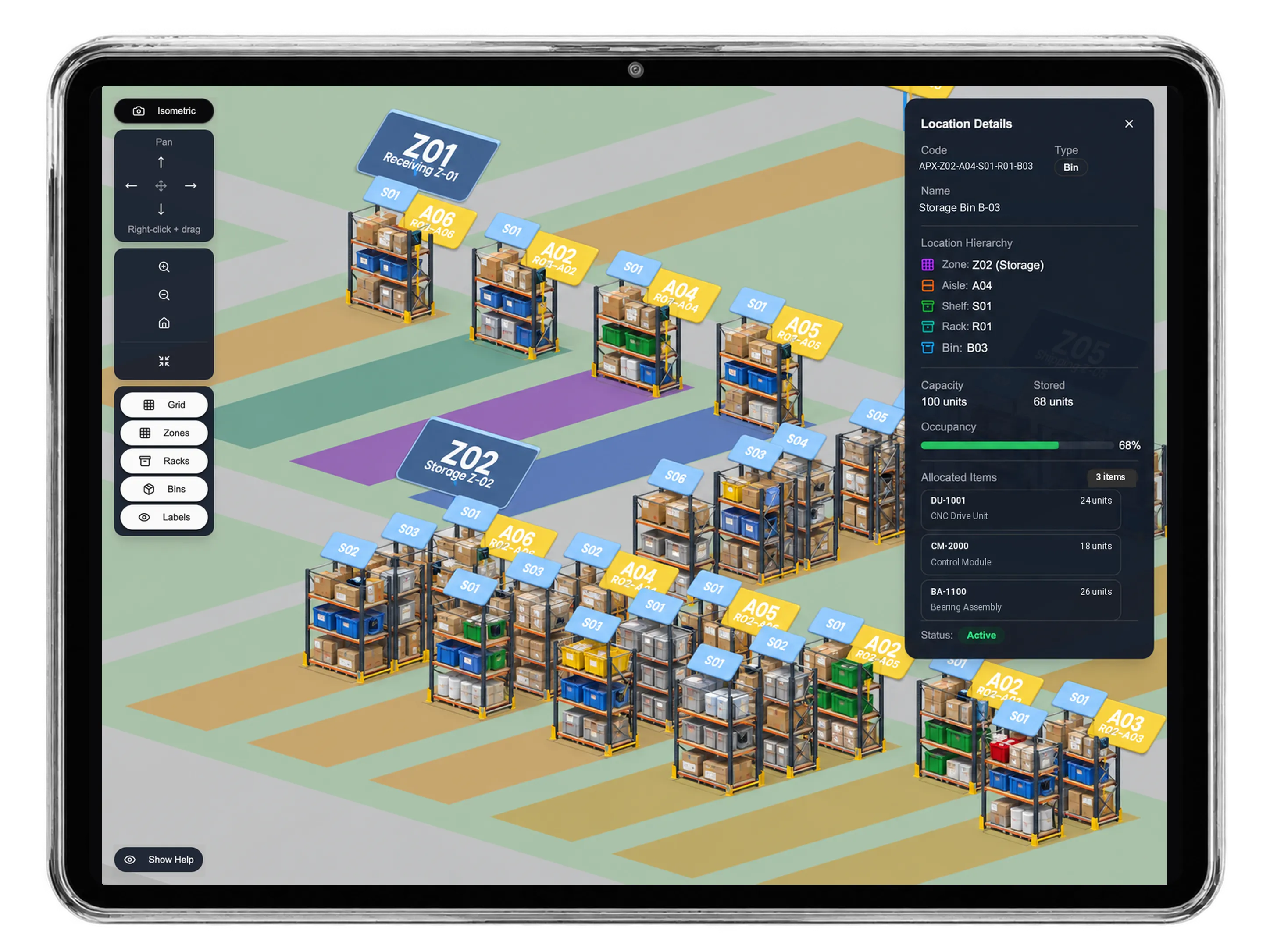


Connect the documents behind your retail goods.
Pharmacy ERP for Retail Goods & Stock Transfers | DNA
- Review pharmacy retail invoices, home-care goods and stock transfers in DNA ERP. Assign store tasks and inspect clear quantities across commercial documents.
- Utilize structured and semi-structured data storage
- Analyze data using graph, spatial, and machine learning engines
- Start with the basic trial using sample data; no set-up required

