Eyewear store ERP for product quotes and stock
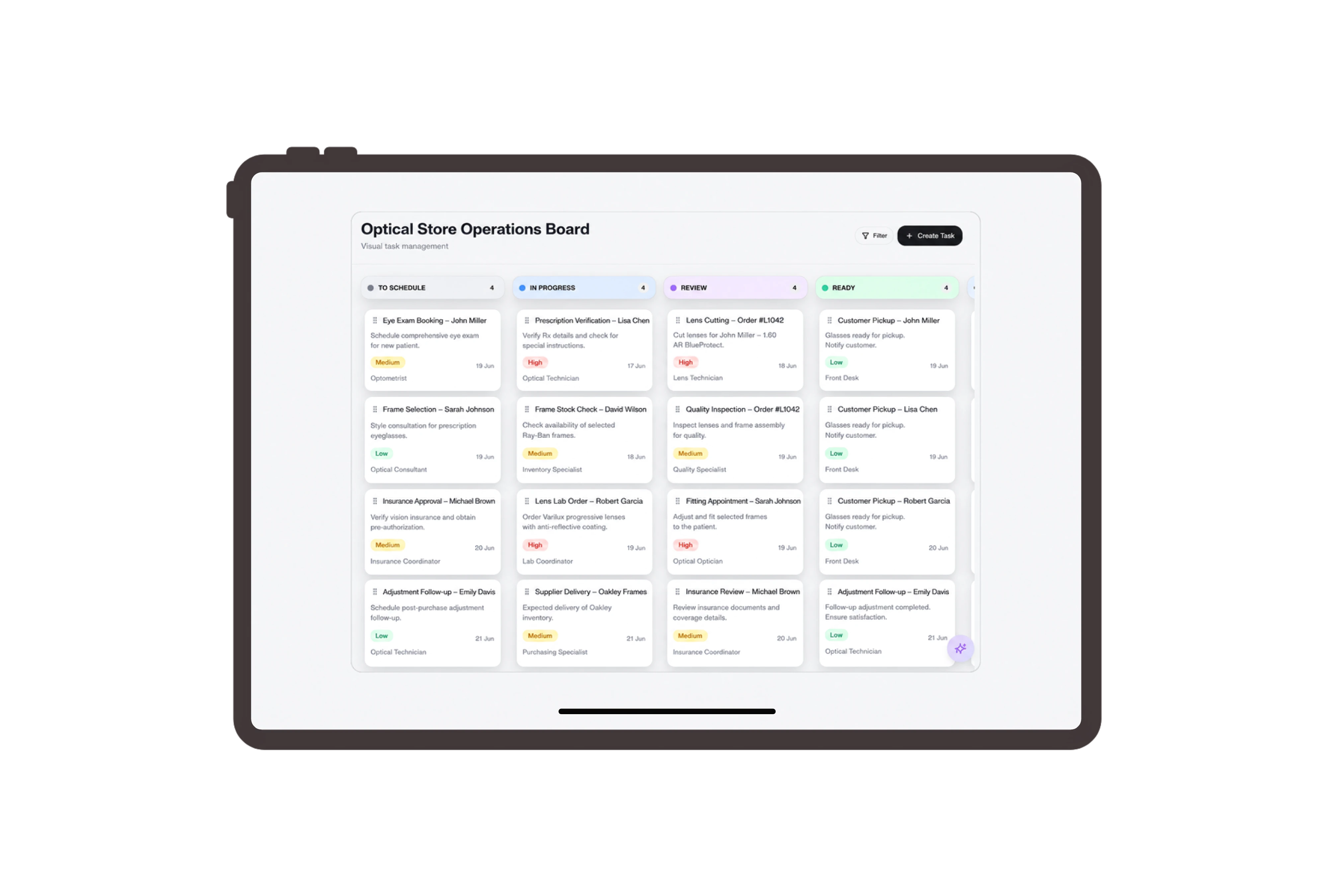
Quote the complete eyewear and care-goods order
Prepare a corporate gift quotation with sunglasses, protective cases and lens-cleaning kits on separate lines. The native viewer presents the customer, document reference and amount, with quantities and prices in Details. Staff can review the exact retail products and explain the quote without grouping all accessories into an unclear package charge.
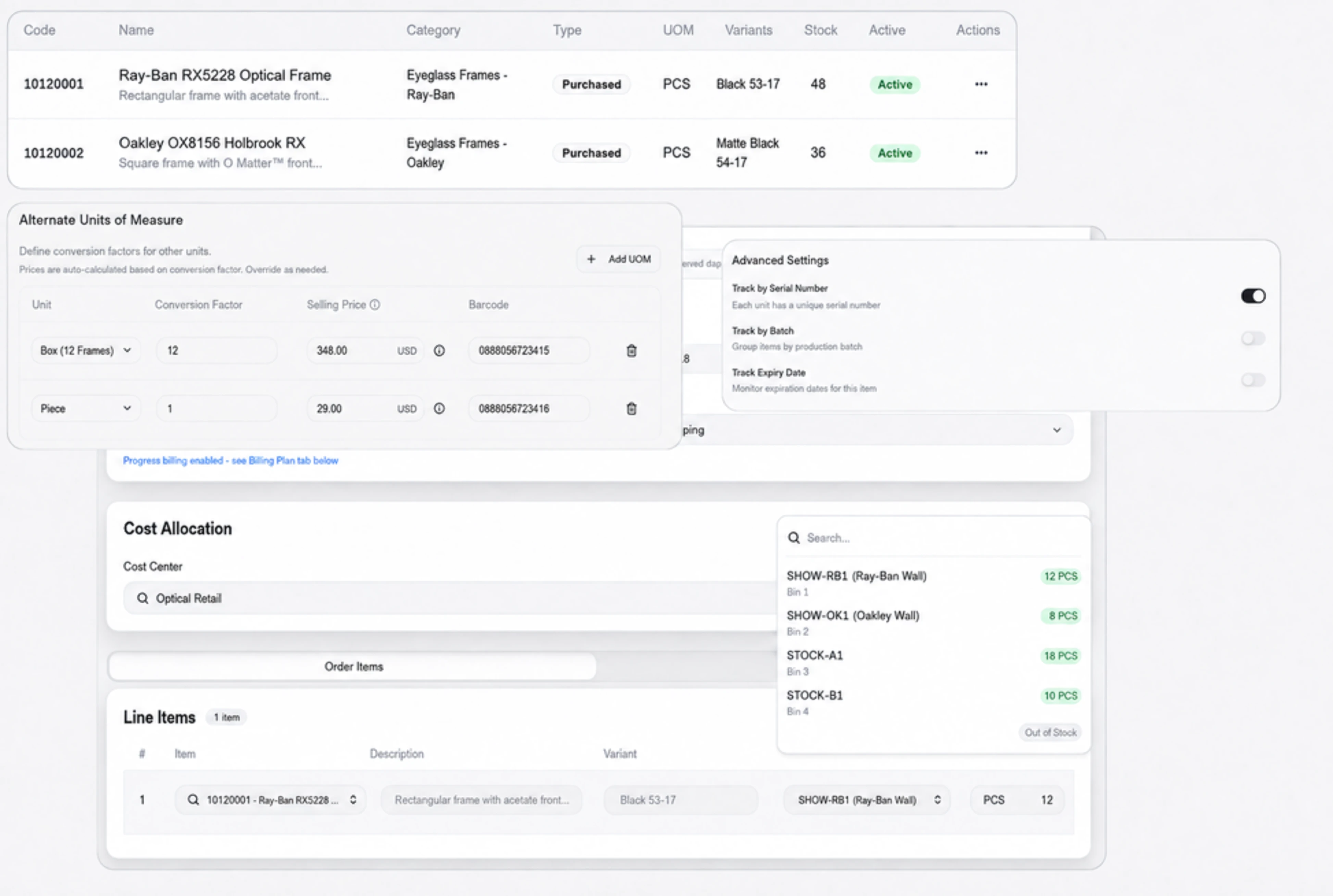
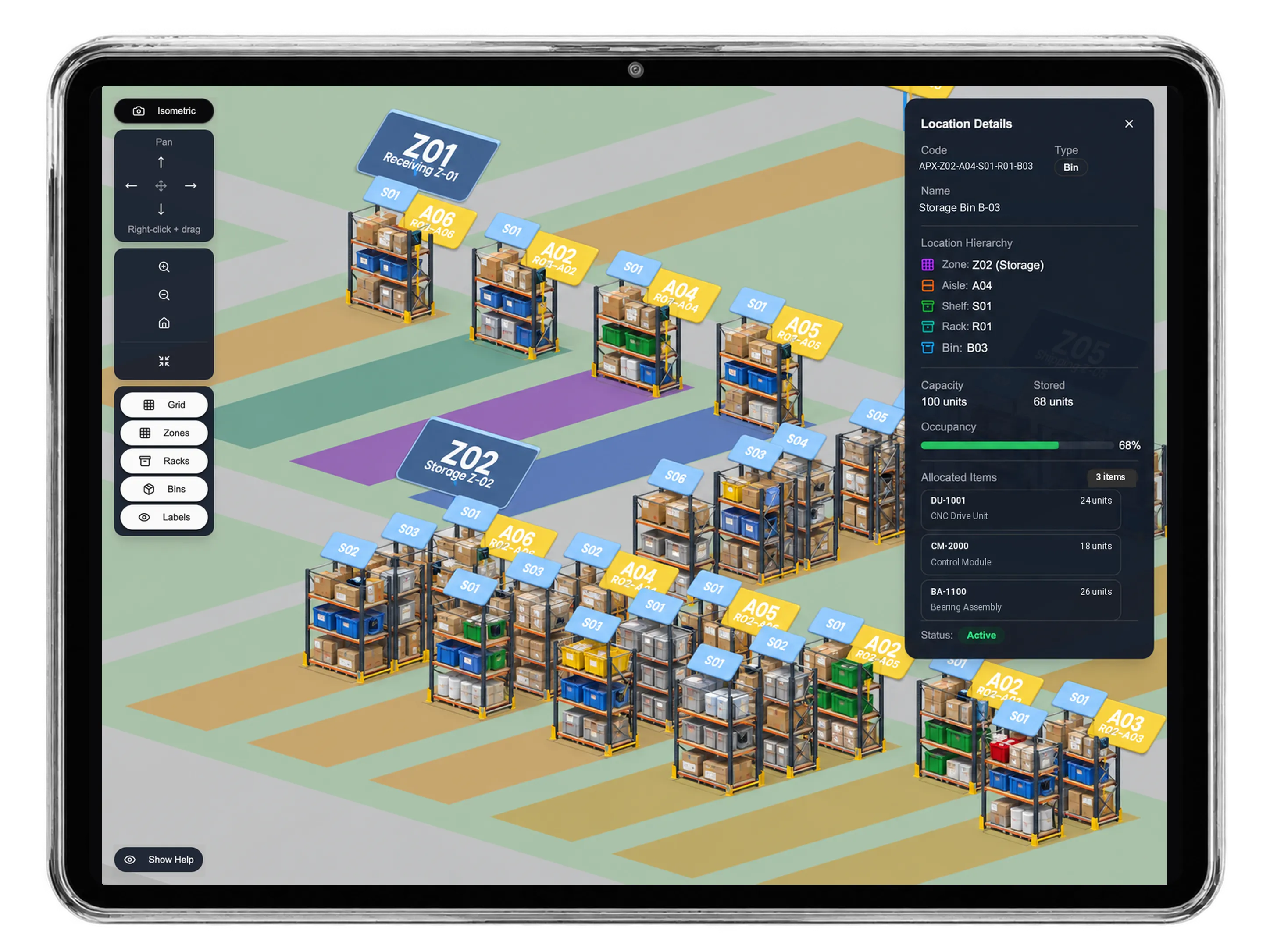
Review the stock movement from drawer to display
Prepare a transfer from the stockroom’s eyewear drawer to the showroom cabinet. Inspect available quantities, transfer quantities, warehouse locations and the movement reason before reviewing its pending-approval state. This separate inventory document describes physical goods being moved; the customer quotation and invoice retain their own commercial quantities and references.
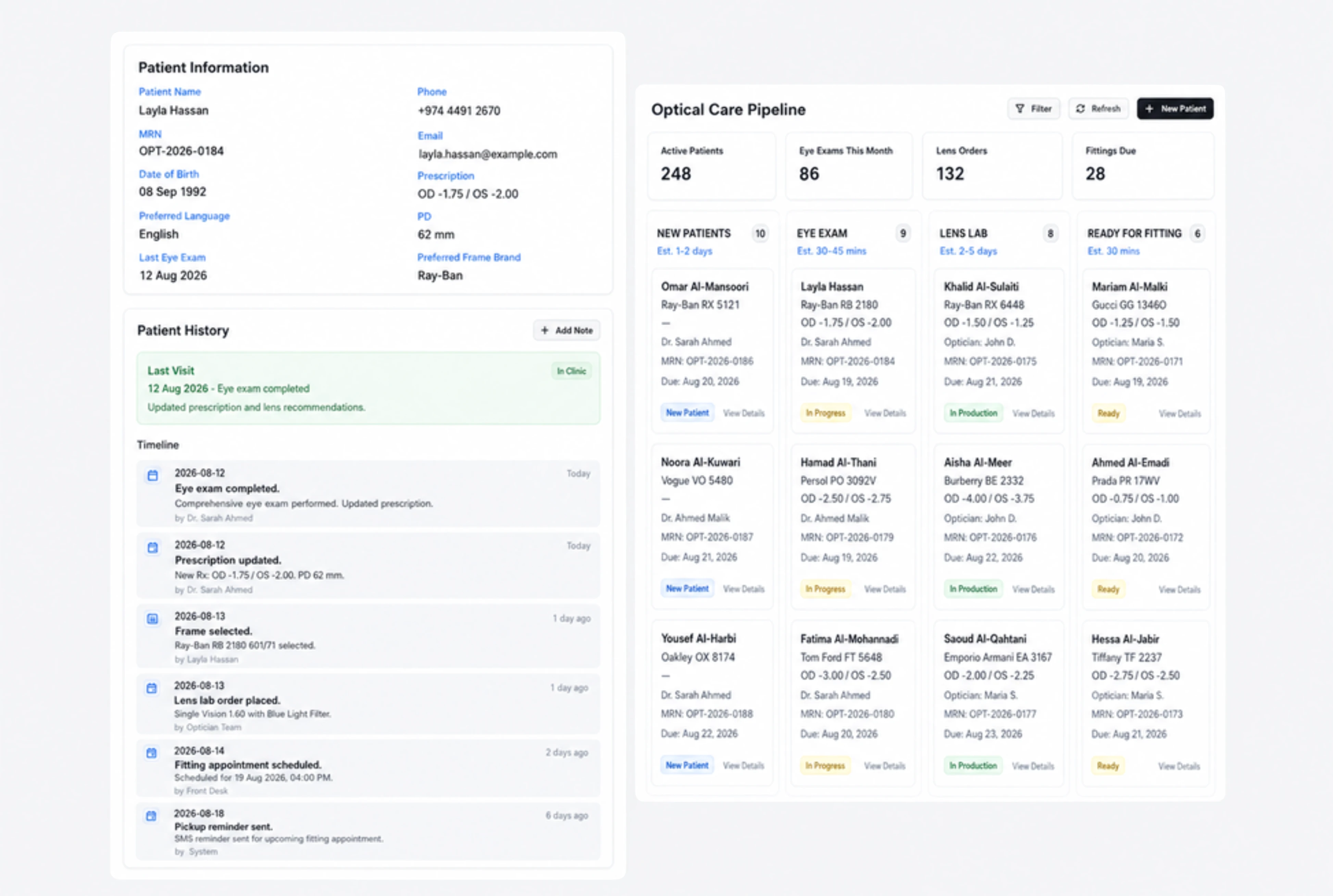
Give packing and display checks clear responsibility
Assign product-code checks, protective-case packing and display-label review to store staff. Each ordinary task carries a description, owner, deadline and status. Team members update progress as they complete the practical work, helping the supervisor see whether the customer’s goods and the store’s display preparation have both received attention.
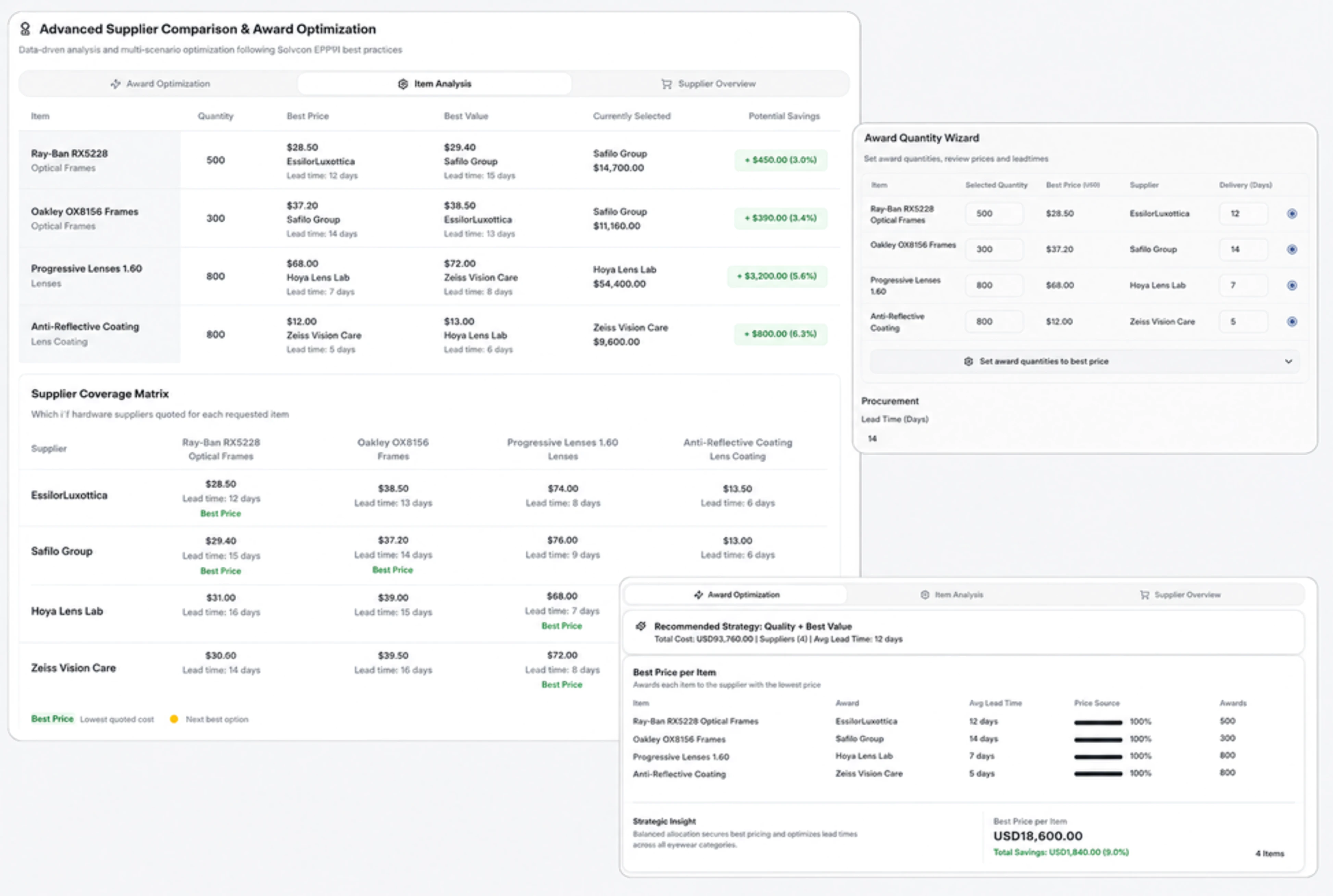
Keep eyewear and accessory charges easy to inspect
Open the product invoice to check sunglasses, cases and cleaning kits against the accepted quantities and prices. The native document header shows reference, customer, date, status and total. Its line-item table gives staff a clear basis for explaining the retail sale and reviewing what is charged for each physical product.



Put your eyewear order into clear view.
Eyewear Store ERP for Quotes, Invoices & Stock | DNA
- Manage eyewear product quotes, retail invoices and showroom stock transfers in DNA ERP. Review sunglasses and care goods with clear quantities and store tasks.
- Utilize structured and semi-structured data storage
- Analyze data using graph, spatial, and machine learning engines
- Start with the basic trial using sample data; no set-up required

