Metal fabrication ERP for materials and production
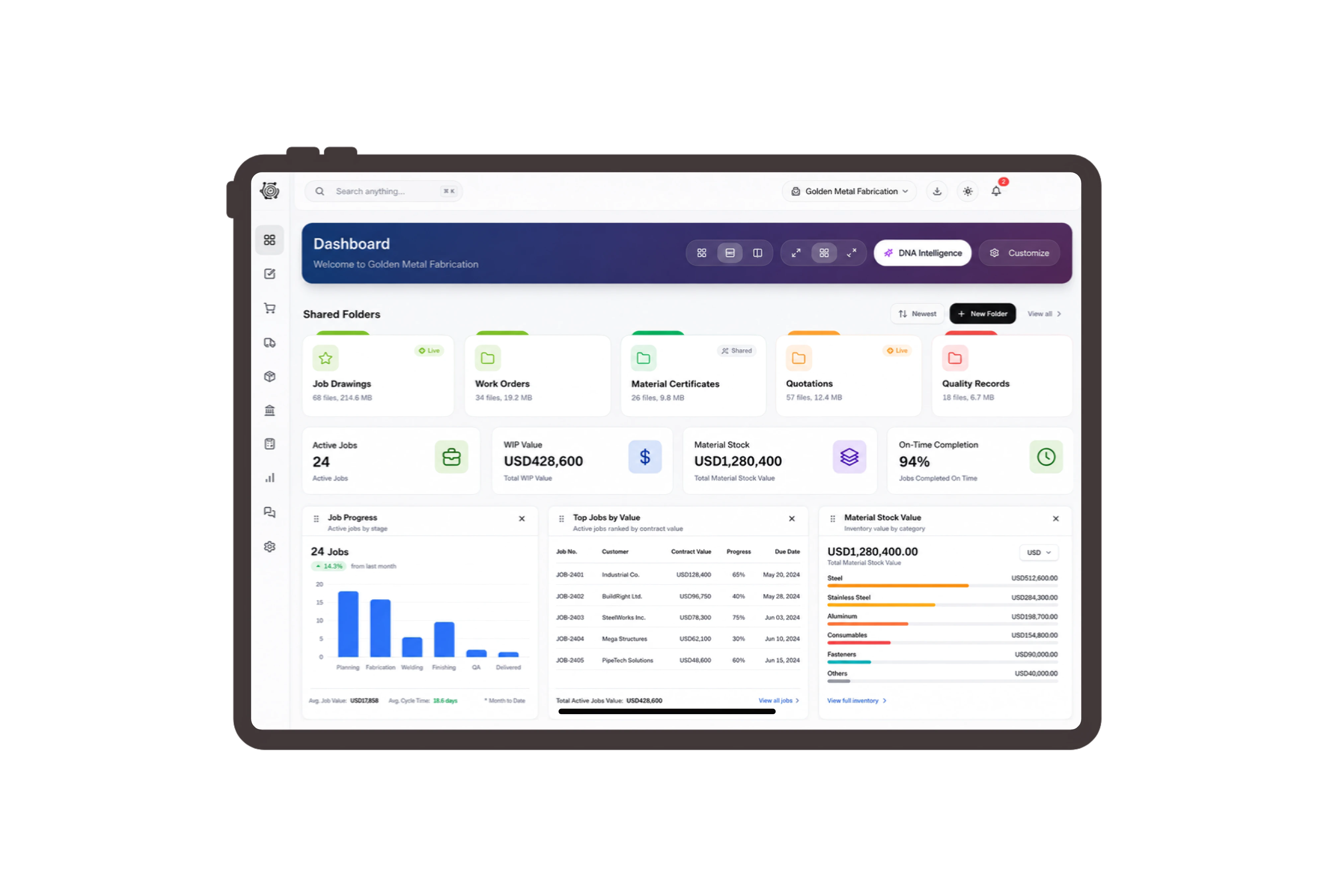
Set the frame quantity against its components.
Review the finished canopy frame and the steel tube, base plates and anchor sets required for one unit. Change the production quantity to see the corresponding material requirement. The supervisor has a concrete basis for discussing workshop readiness before assigning the practical cutting and welding work.
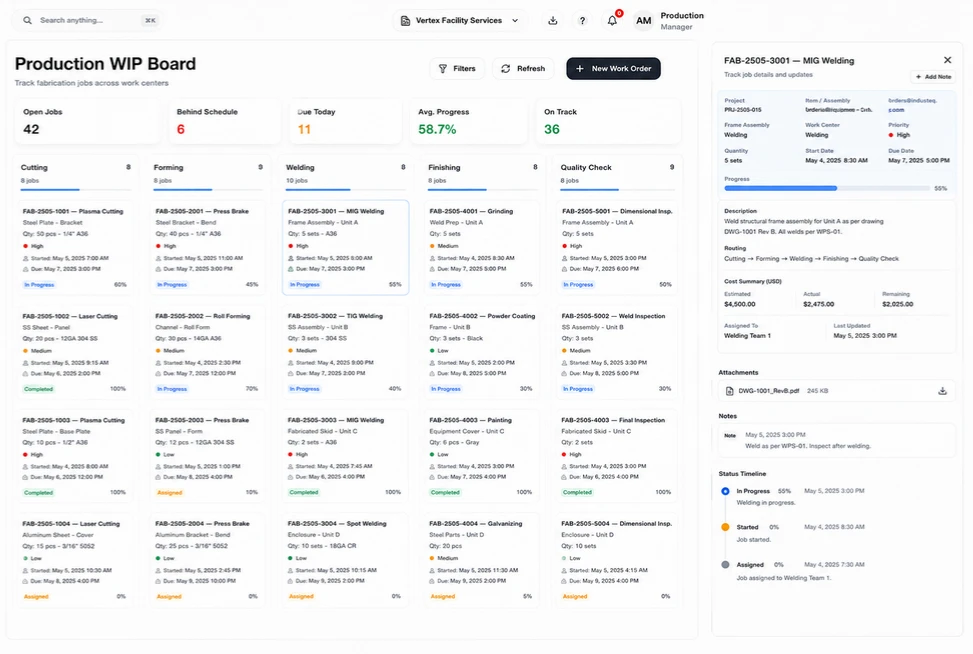
Move specified steel into the fabrication workshop.
Prepare a stock transfer from the steel yard to the workshop with named locations, available quantities and transfer quantities. Include a reason and remark for the canopy order. Review the pending transfer with the storekeeper so the physical movement has a clear reference and the correct material lines.
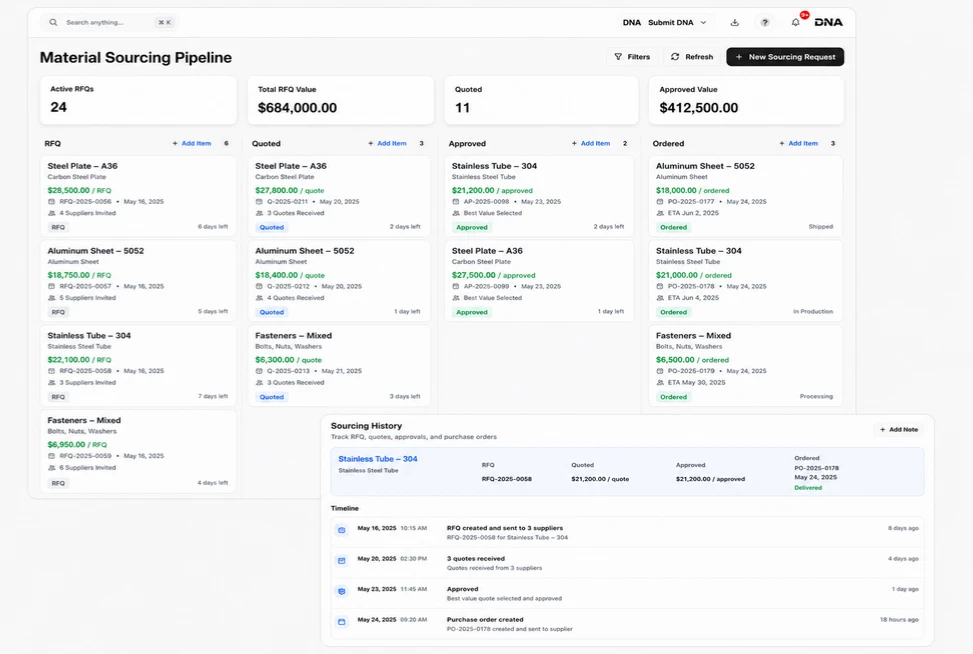
Present a clear quotation for the frame order.
Keep the customer, document reference, date and quoted quantities visible in the sales quotation. Review unit prices and line totals with the agreed frame description before sharing the document. Commercial details stay easy to discuss when the customer asks for a different frame count or a revised scope.
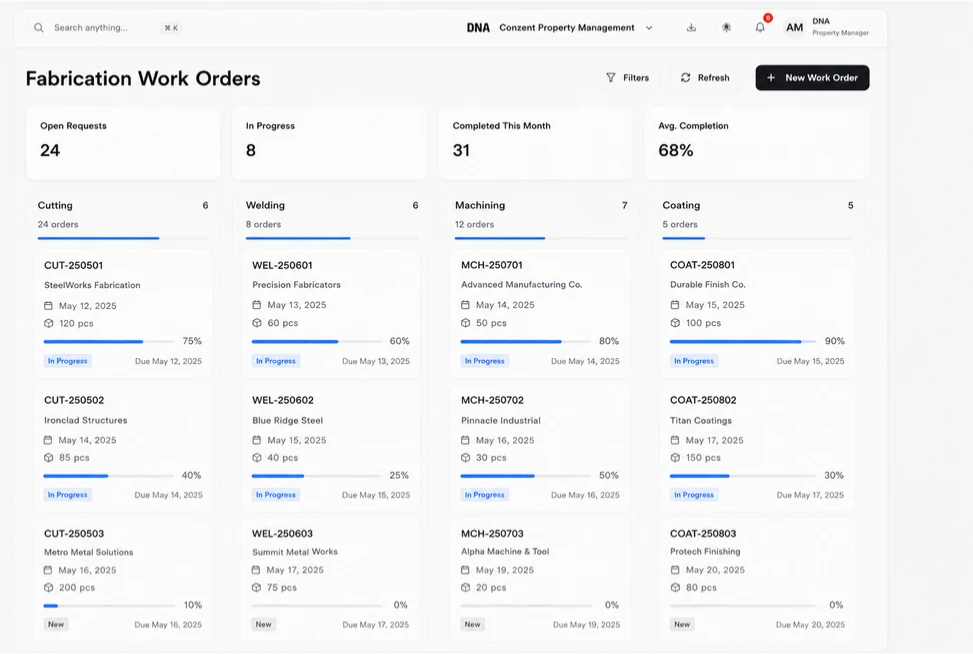
Give drawing checks and handover clear owners.
Assign the drawing review, workshop brief and finished-frame count as ordinary tasks with owners and due dates. Use To Do, In Progress and Done to communicate what people have completed. Fabricators still decide how to execute the work, while the office can see who is following up each responsibility.



Bring your next frame order into focus.
Metal Fabrication ERP: Materials & Production | DNA
- Plan steel frame quantities, review bill-of-material components, prepare workshop transfers and share customer quotations in a native DNA ERP fabrication example.
- Utilize structured and semi-structured data storage
- Analyze data using graph, spatial, and machine learning engines
- Start with the basic trial using sample data; no set-up required

