Packaging ERP for components, quantities and quotations
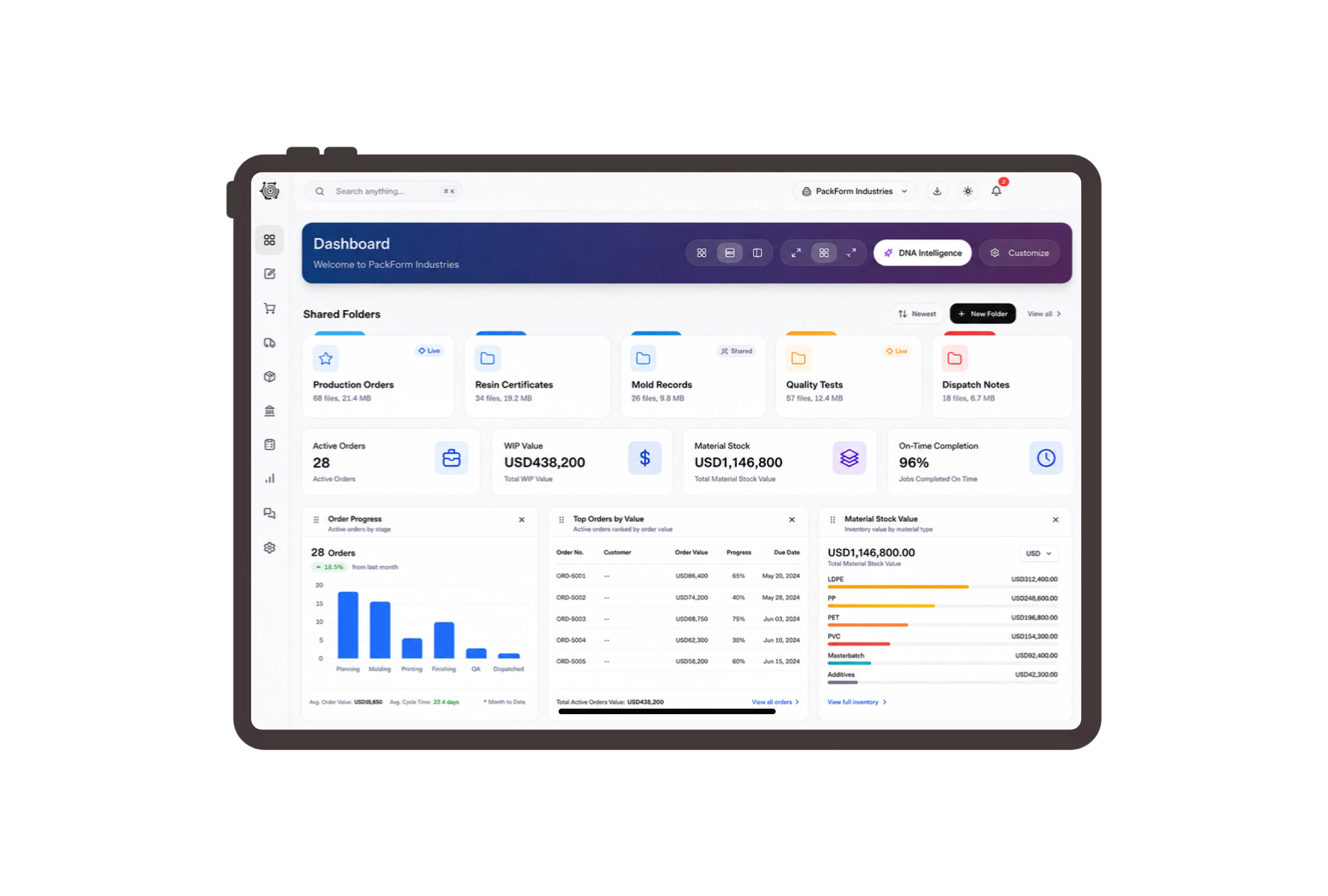
Give every finished pack a component basis.
One packaging set uses a formed PET tray, a printed sleeve and its share of an outer carton. Review the finished item, component quantities and units in its bill of materials. Adjust the example batch quantity to inspect the corresponding input requirement, giving the team a shared reference when discussing what must be prepared for this customer order.
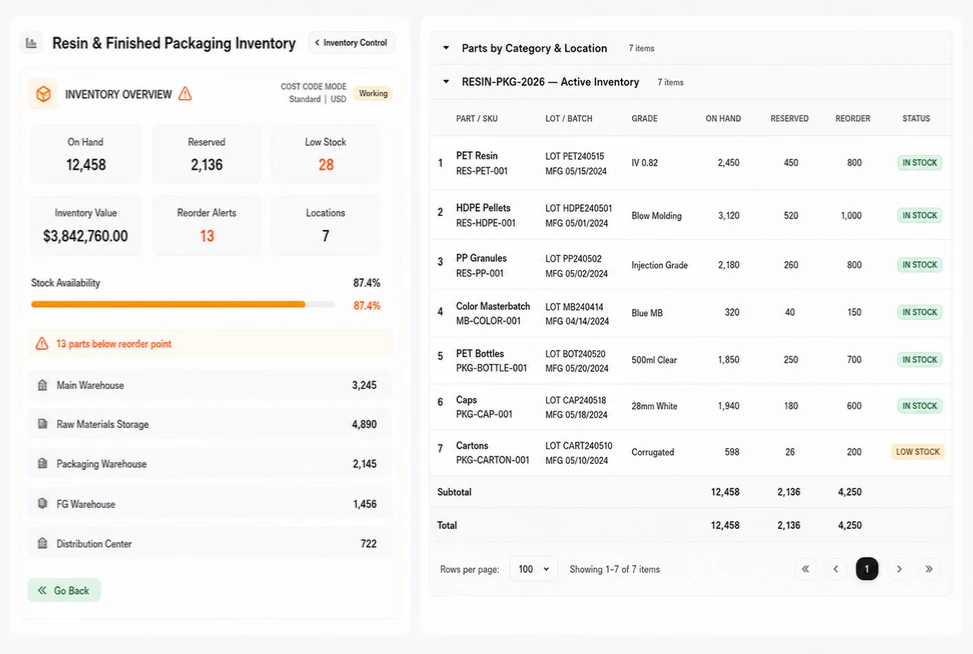
Move matching components into the assembly area.
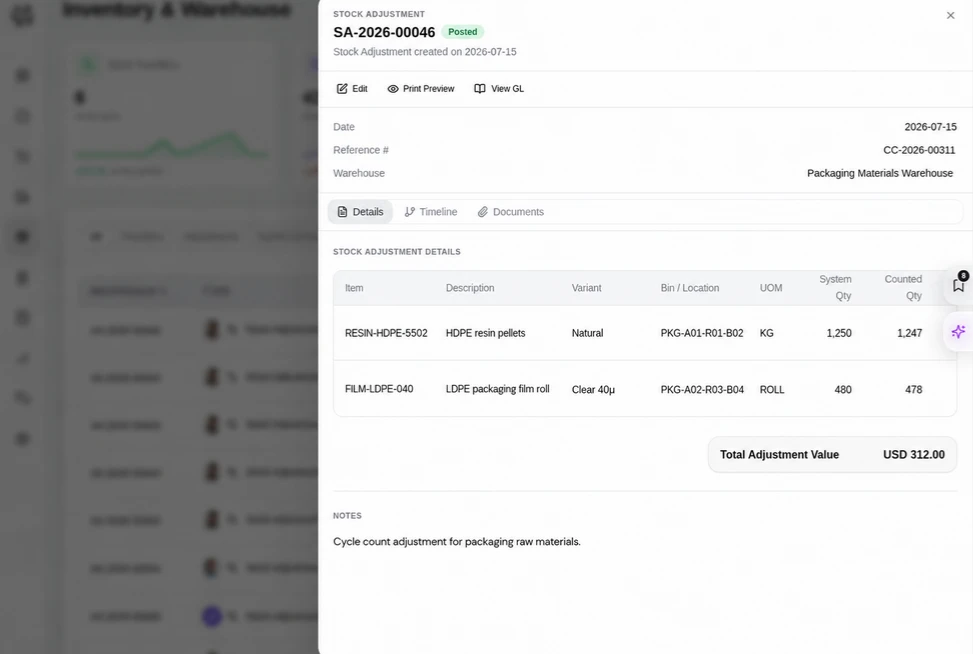
Supply the assembly area with matching tray sizes, approved printed sleeves and outer cartons. Prepare a stock transfer with source and destination locations, available quantities and the amount to move. Add a reason and remark, then review the pending document with the person responsible for the physical movement and the specified material lines.
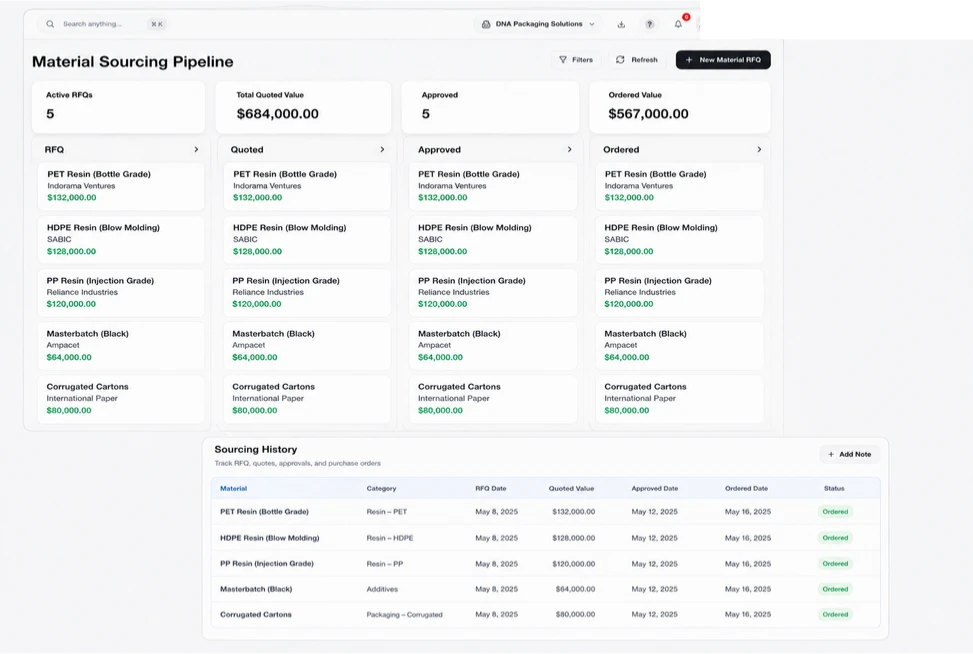
Quote the packaging size and carton quantity.
Quote the finished tray-and-sleeve set, with the selected size and the agreed quantity per carton. Review the customer, reference, date, finished-product quantity and unit price in the quotation. Line totals make the commercial scope visible when discussing revisions. Keep the description specific enough for the customer and workshop to recognize the same finished product.
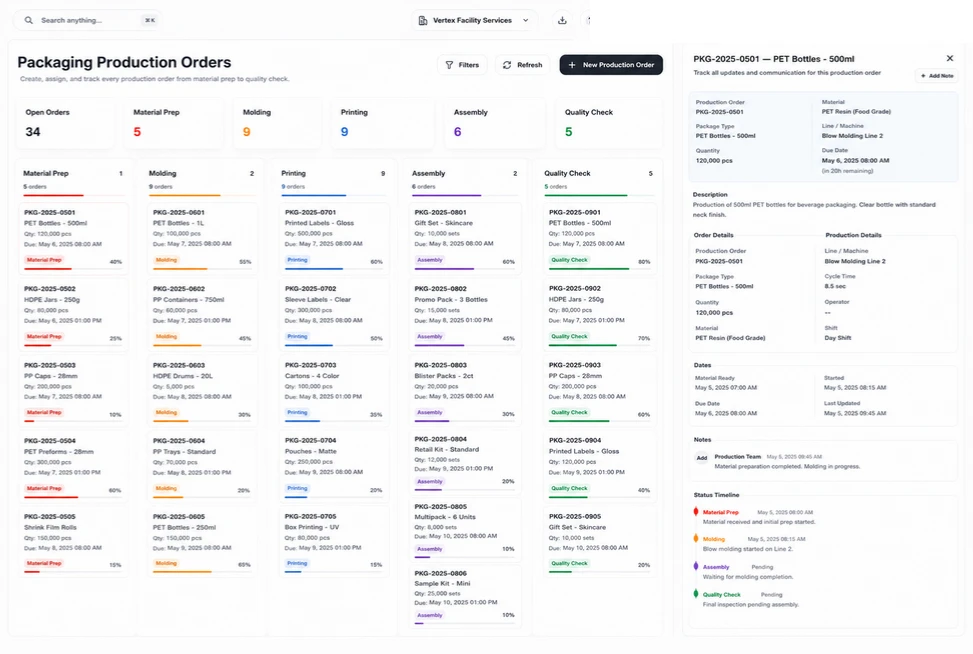
Name packaging records in familiar trade terms.
Use packaging-specific labels so the trade customer, packaging order and component lines are immediately recognizable. Use industry wording for the supported customer, quotation, sales order, invoice, task and item labels. Familiar names help office and workshop staff discuss the same records. The underlying sales, item and task documents retain their ordinary purpose as the terminology changes.



Bring your next packaging specification together.
Packaging ERP: Components, Materials & Quotes | DNA
- Manage packaging specifications, bill-of-material quantities, stock transfers and customer quotations with DNA ERP. Explore a tray-and-sleeve assembly example.
- Utilize structured and semi-structured data storage
- Analyze data using graph, spatial, and machine learning engines
- Start with the basic trial using sample data; no set-up required

