Toy Store ERP for Play Orders and Stock
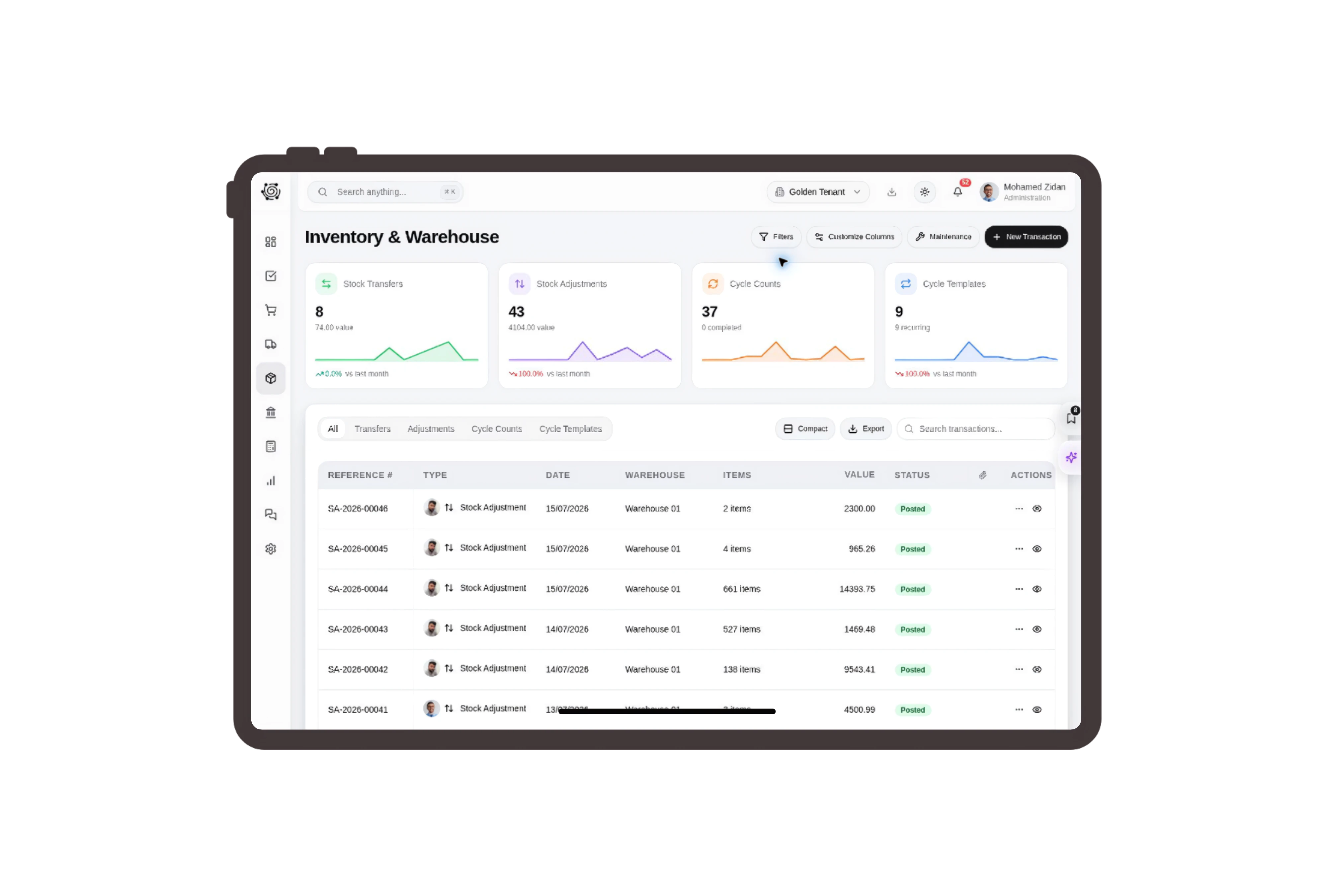
Keep complete sets clear on the invoice
List wooden block sets, animal puzzles and felt-tip pen packs as three distinct products. The description states the piece count, while quantity shows how many complete sets the customer will receive. Staff can review the invoice with the group coordinator before assembling the agreed collection packs.
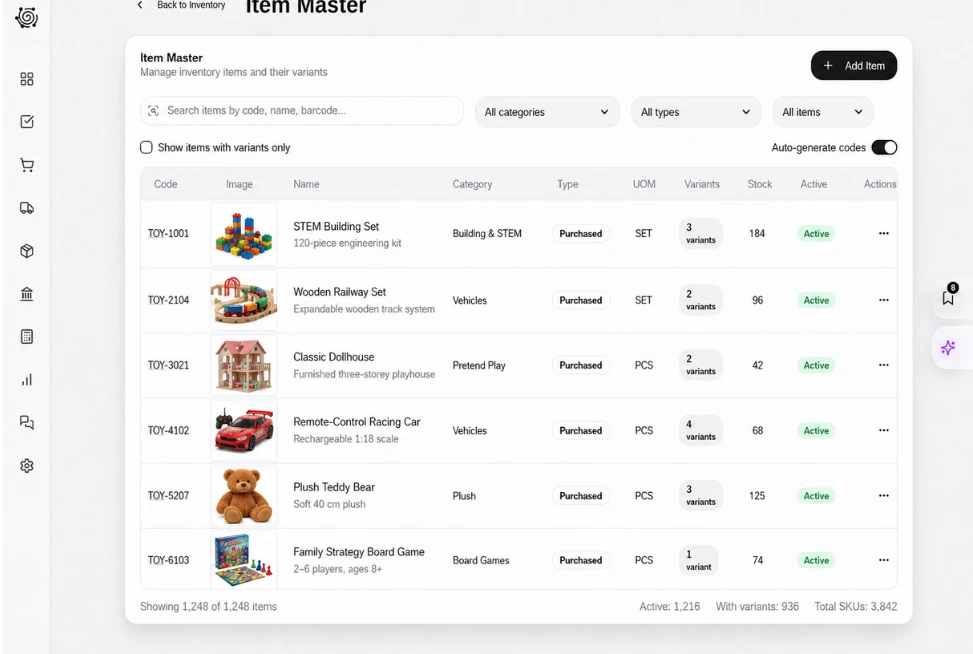
Move sealed sets into the collection warehouse
Prepare a stock transfer from the toy warehouse to the collection warehouse using complete sets and packs as the recorded units. Check available quantities and the movement reason before requesting approval. The stock team physically moves the goods using this document, while the invoice remains a separate record of the sale.
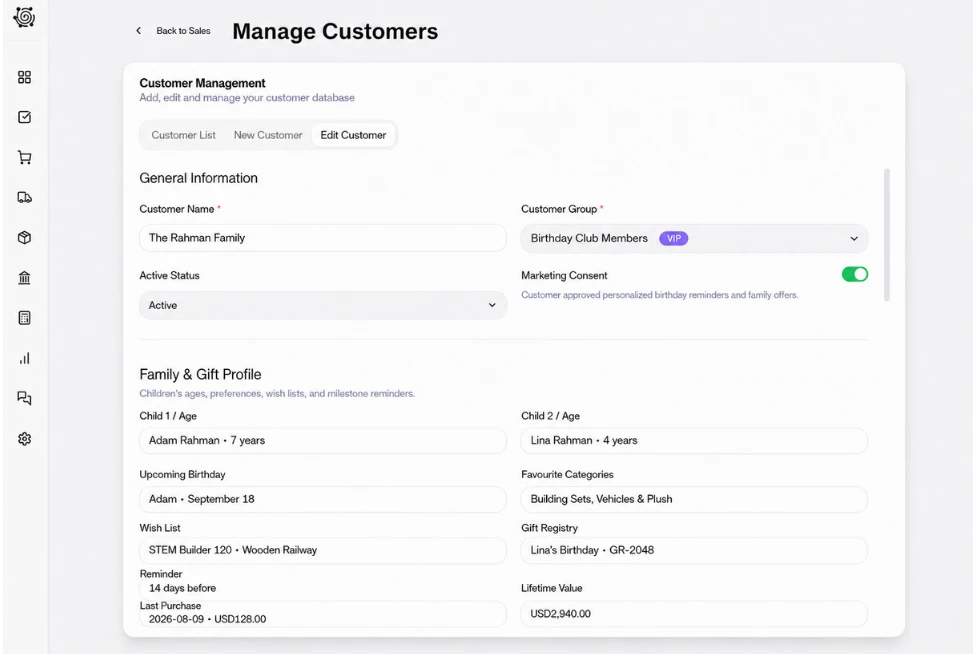
Assign label and packaging checks before collection
Give employees tasks to read the manufacturer’s age labels, inspect the sealed boxes and count the sets into collection packs. Staff compare the requested products with the coordinator’s instructions and record questions for review. The board tracks this human preparation work, with a clear owner and date for each task.

Use familiar labels for toy order records
Use configured labels such as Toy customer, Toy quotation and Toy item on supported records. Staff continue to use standard DNA sales documents, with the set contents in the actual item descriptions. These labels help the store team recognize the transaction while product selection and label review stay with responsible people.
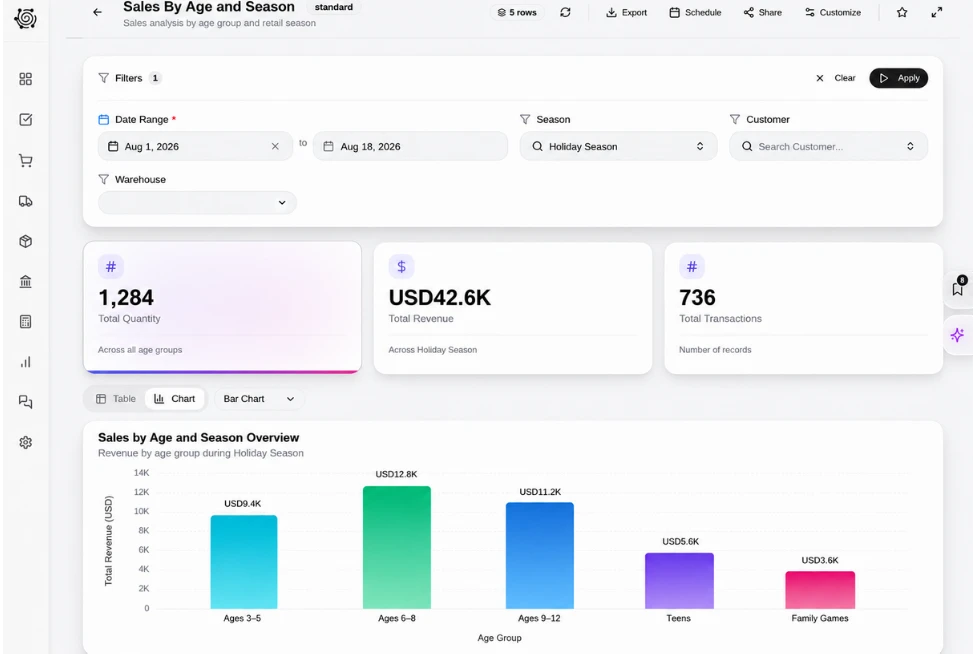



Prepare the next play order with clear checks.
Toy Store ERP: Toy Invoices, Stock & Tasks | DNA
- Manage toy store invoices, set quantities, warehouse transfers and packaging checks with DNA ERP. Assign staff to review labels and prepare group orders.
- Utilize structured and semi-structured data storage
- Analyze data using graph, spatial, and machine learning engines
- Start with the basic trial using sample data; no set-up required

