Blog post
December 26, 2025

How to Choose the Right ERP in 2025: A Buyer's Checklist for Growing Businesses

A comprehensive guide to selecting ERP software in 2025 — what to look for, questions to ask vendors, common pitfalls to avoid, and a practical evaluation checklist for growing businesses.

What's on This Page


Signs You Need ERP

Many businesses struggle with the decision of when to invest in ERP. Here are clear indicators that your organization has outgrown its current systems:

Data Fragmentation

  • Information scattered across multiple spreadsheets and systems
  • Different departments have different versions of the truth
  • Reconciling data between systems consumes significant time
  • You cannot answer basic questions without manual data gathering

Process Inefficiencies

  • Manual data entry duplicated across multiple systems
  • Paper-based approvals creating delays
  • Email chains replacing proper workflow
  • Month-end close takes more than 5 business days

Visibility Gaps

  • You do not know profitability by customer, product, or project
  • Inventory levels are uncertain without physical counts
  • Cash flow forecasting is guesswork
  • Reports are always out of date by the time you see them

Growth Constraints

  • Current systems cannot handle increased transaction volumes
  • Adding new products, locations, or entities is problematic
  • Regulatory compliance is becoming difficult to maintain
  • You are losing opportunities due to operational limitations


Cloud vs On-Premise

One of the first decisions in ERP selection is deployment model. In 2025, cloud ERP has become the dominant choice for most businesses, but the decision should be based on your specific needs.

Cloud ERP Advantages

  • Lower Initial Investment: Subscription model versus large upfront purchase
  • Faster Implementation: No infrastructure to build
  • Automatic Updates: Always on the latest version
  • Accessibility: Access from anywhere with internet
  • Scalability: Resources scale with your needs
  • Reduced IT Burden: Vendor manages infrastructure

On-Premise Considerations

  • Data Control: Data remains within your facilities
  • Customization: More flexibility for deep modifications
  • One-Time Cost: License purchase versus ongoing subscription
  • Regulatory: Some industries have data residency requirements

The 2025 Reality

For most growing businesses, cloud ERP is the clear choice. Modern cloud platforms offer enterprise-grade security, compliance certifications, and regional data centers that address most concerns about data control.


Must-Have Features

While specific requirements vary by industry, these core capabilities should be present in any ERP you consider.

Financial Management

  • General ledger with multi-dimensional analysis
  • Accounts payable and receivable
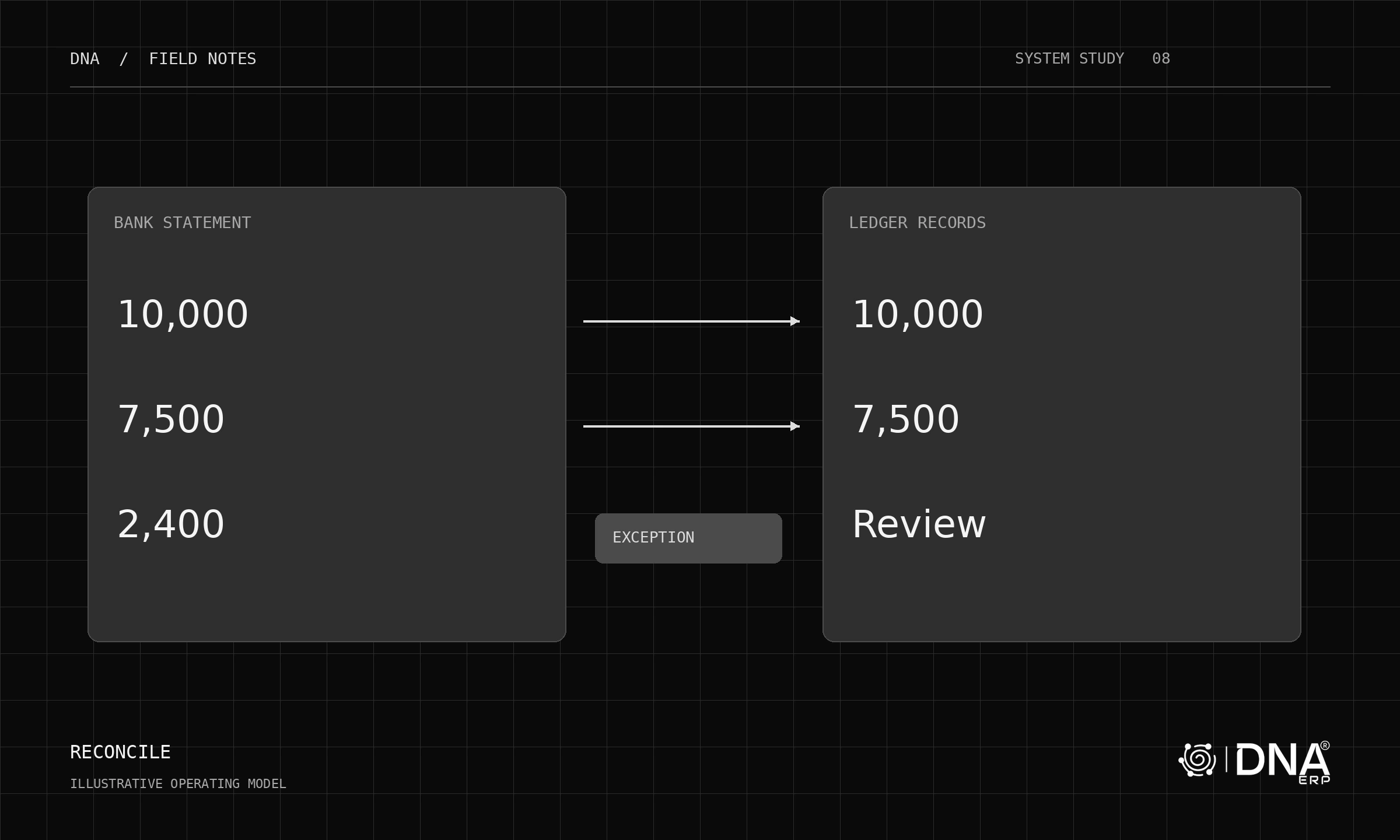
  • Bank reconciliation (ideally AI-powered)
  • Multi-currency support
  • Financial reporting and compliance

Inventory and Purchasing

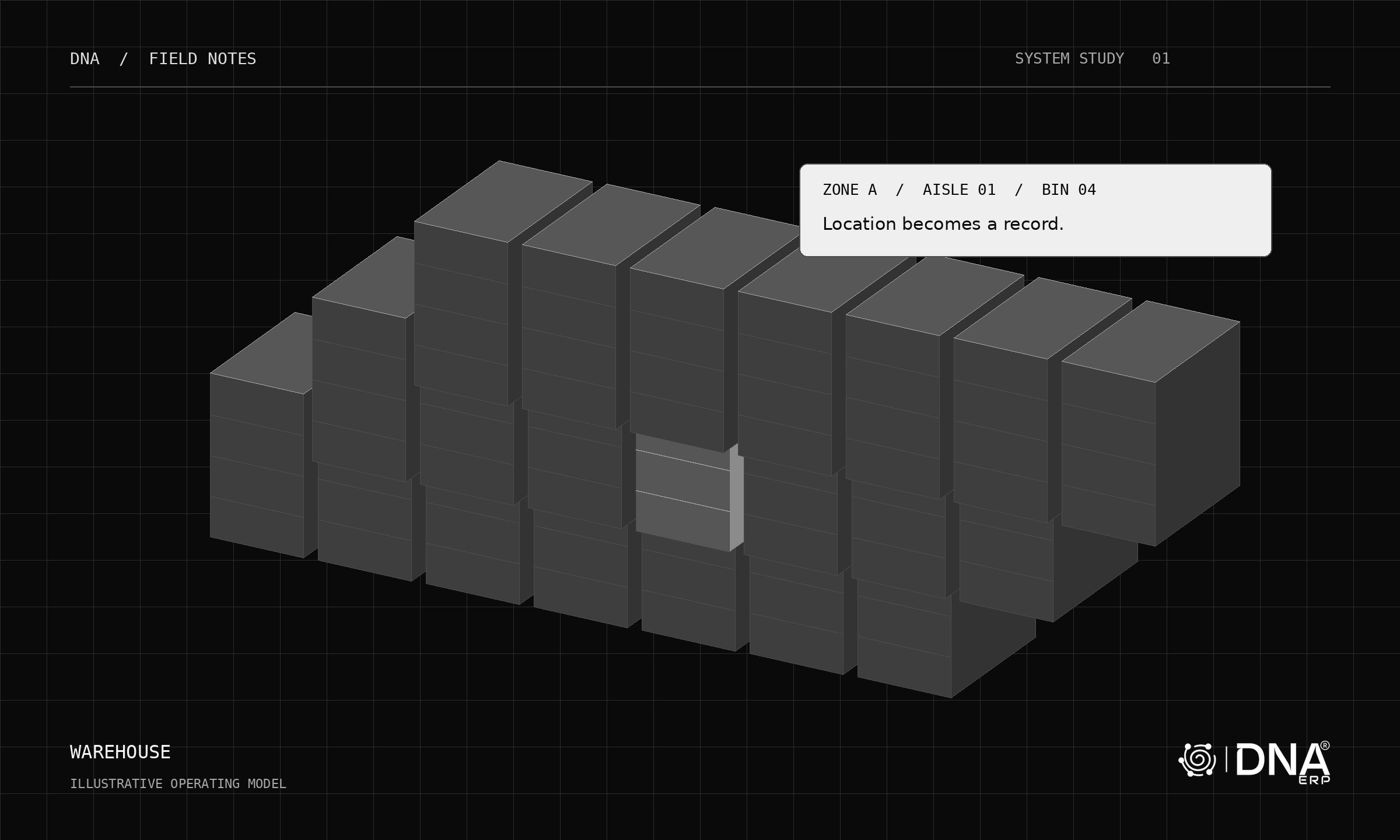
  • Inventory tracking across locations
  • Purchase order management
  • Vendor management and evaluation
  • Reorder point and demand planning
  • Lot/batch and serial number tracking

Sales and Customer Management

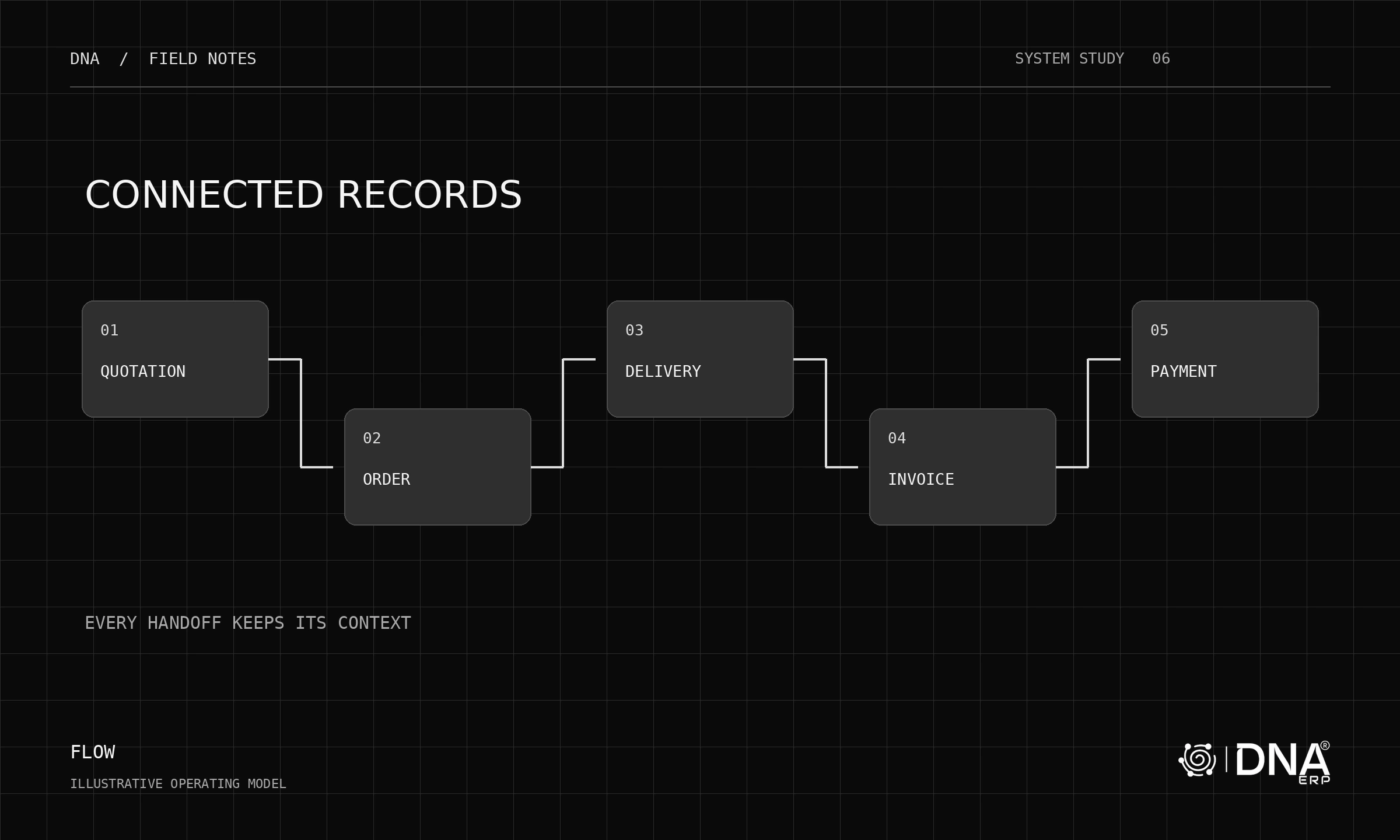
  • Quote to invoice workflow
  • Customer master with history
  • Pricing and discount management
  • Credit control and limits
  • Sales analysis and reporting

Operations and Projects

  • Project cost tracking
  • Task and resource management
  • Work order or job tracking
  • Service and maintenance management

Platform Capabilities

  • Role-based security
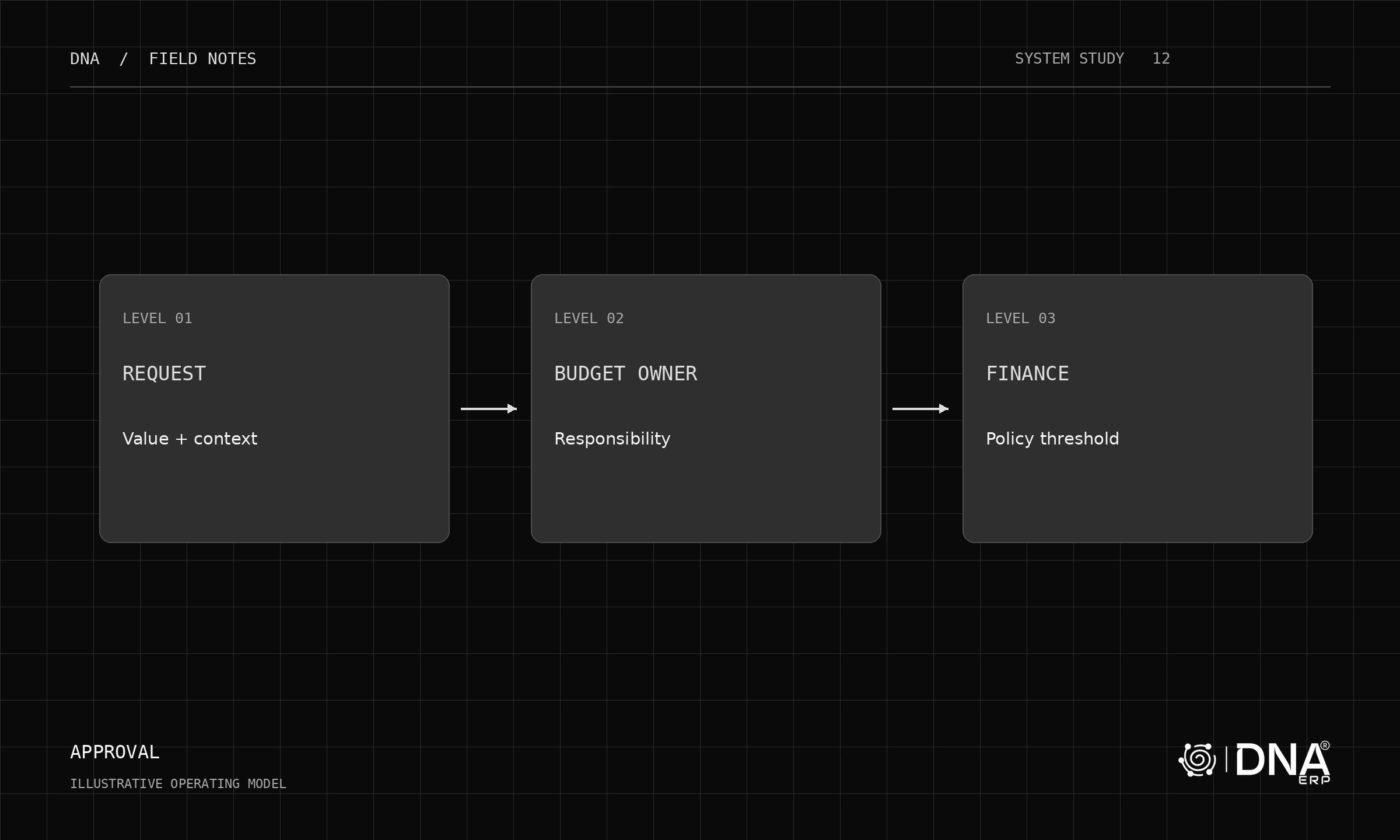
  • Workflow and approvals
  • Custom fields without coding
  • API for integrations
  • Mobile access


Questions for Vendors

Prepare these questions for vendor demonstrations and evaluations:

Product Questions

  • How long has the current version been in market?
  • What is the release cycle for new features?
  • How are updates applied and what is the downtime?
  • What customizations require code versus configuration?
  • Show me how a typical user performs [your key process]

Implementation Questions

  • What does a typical implementation timeline look like?
  • Who does the implementation — vendor or partner?
  • What is included in implementation versus additional cost?
  • How is data migration handled?
  • What training is provided and in what format?

Support and Pricing Questions

  • What is the support model and response times?
  • Is support regional or global?
  • What does the total first-year cost look like?
  • How does pricing scale as we add users or features?
  • Are there any hidden costs (integrations, updates, storage)?

Reference Questions

  • Can you provide references in our industry?
  • Can we speak with a customer of similar size?
  • What is your customer retention rate?


TCO Calculation

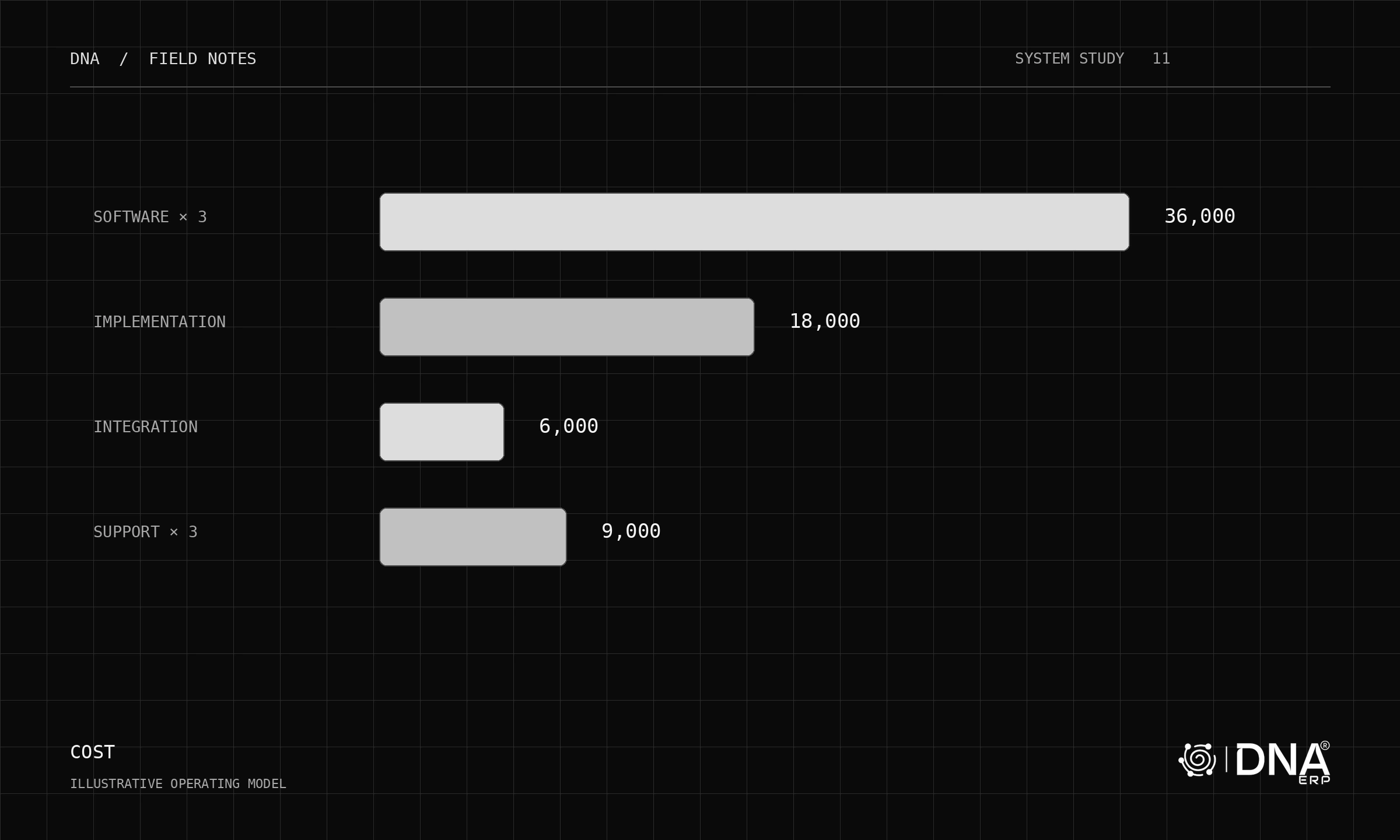
Total Cost of Ownership goes beyond the sticker price. Calculate true costs for accurate comparison.

Direct Costs

  • Software: Licenses or subscription fees
  • Implementation: Configuration, customization, data migration
  • Training: Initial and ongoing user training
  • Infrastructure: Hardware, hosting, or cloud fees
  • Support: Annual maintenance and support contracts

Indirect Costs

  • Internal Resources: Staff time for implementation and ongoing administration
  • Integration: Connecting to other systems
  • Customization: Future modifications
  • Upgrades: Major version migrations

Five-Year View

Calculate costs over 5 years for accurate comparison between cloud and on-premise options. Cloud often wins when you factor in infrastructure, IT staff, and upgrade costs for on-premise solutions.


Common Pitfalls to Avoid

Learn from others' mistakes by avoiding these common ERP selection errors:

Underestimating Change Management

ERP implementation changes how people work. Budget time and resources for:

  • Communicating the why behind the change
  • Training users thoroughly
  • Managing resistance constructively
  • Allowing productivity dip during transition

Over-Customizing

Resist the temptation to replicate every existing process:

  • Question whether current processes are optimal
  • Adapt to best practices built into the ERP
  • Limit customizations that complicate upgrades
  • Configure before customizing

Choosing Based on Features Alone

The best feature list does not guarantee success:

  • Ease of use matters more than feature count
  • Vendor stability affects long-term viability
  • Implementation quality determines outcome
  • Support responsiveness impacts daily operations

Rushing the Decision

ERP is a long-term commitment:

  • Allow adequate time for evaluation
  • Involve key stakeholders in selection
  • Conduct thorough demonstrations
  • Check references carefully


Implementation Success Factors

Successful ERP implementation requires more than good software. Focus on these success factors:

Executive Sponsorship

  • Active support from leadership, not just approval
  • Visible commitment to the project
  • Authority to make decisions and resolve conflicts

Dedicated Project Team

  • Full-time project manager
  • Subject matter experts from each department
  • Clear roles and time allocation

Clean Data

  • Data cleansing before migration
  • Clear data ownership
  • Validation of migrated data

Realistic Timeline

  • Avoid artificial deadlines that compress testing
  • Build in contingency for unexpected issues
  • Phase implementation if scope is large

User Adoption Focus

  • Early involvement creates buy-in
  • Adequate training time
  • Support during go-live and after


Evaluation Checklist

Use this checklist to evaluate ERP options systematically:

Functionality

  • Core modules cover our business requirements
  • Industry-specific features available if needed
  • Reporting and analytics meet our needs
  • Mobile access available
  • Multi-language and multi-currency supported

Technology

  • Modern architecture with API access
  • Cloud deployment available
  • Security certifications appropriate for our industry
  • Data backup and disaster recovery included
  • Performance adequate for our transaction volumes

Vendor

  • Financially stable with clear roadmap
  • Strong presence in our region
  • References in our industry available
  • Support model matches our needs
  • Implementation partner network available

Implementation

  • Realistic timeline proposed
  • Data migration approach clear
  • Training plan comprehensive
  • Ongoing support model defined
  • Total cost of ownership calculated

Fit

  • User interface intuitive for our team
  • Workflow matches our processes
  • Customization approach sustainable
  • Integration with existing systems feasible
  • Scalability for future growth


Frequently Asked Questions

How long does ERP selection take?

Plan for 2-4 months for a thorough evaluation process. This includes requirements gathering, vendor research, demonstrations, reference checks, and final decision. Rushing this process increases implementation risk.

Should we hire a consultant for selection?

Consider a consultant if you lack internal ERP experience or need an objective third party. A good consultant brings structure to the process and helps avoid common mistakes. Ensure they are vendor-agnostic.

How many vendors should we evaluate?

Start with a long list of 5-8 options based on initial research. Narrow to 3-4 for detailed demonstration. Final decision typically between 2 finalists. More options extend timeline without adding value.

What is a realistic implementation timeline?

Small businesses: 2-4 months. Mid-size companies: 4-8 months. Large enterprises: 8-18 months. These assume focused effort and reasonable scope. Aggressive timelines often result in incomplete implementations.

How do we ensure user adoption?

Start by involving users in selection. Choose software they find intuitive. Invest in thorough training. Provide support during transition. Celebrate quick wins. Address concerns promptly. Adoption builds over time.


Related Articles


Last updated: May 2025 — Contact DNA ERP for a personalized demonstration and see how we can meet your specific business requirements.

1Register
2Verify
3Access
DNA ERP

Start Your Free Trial

14 days free. No credit card required.