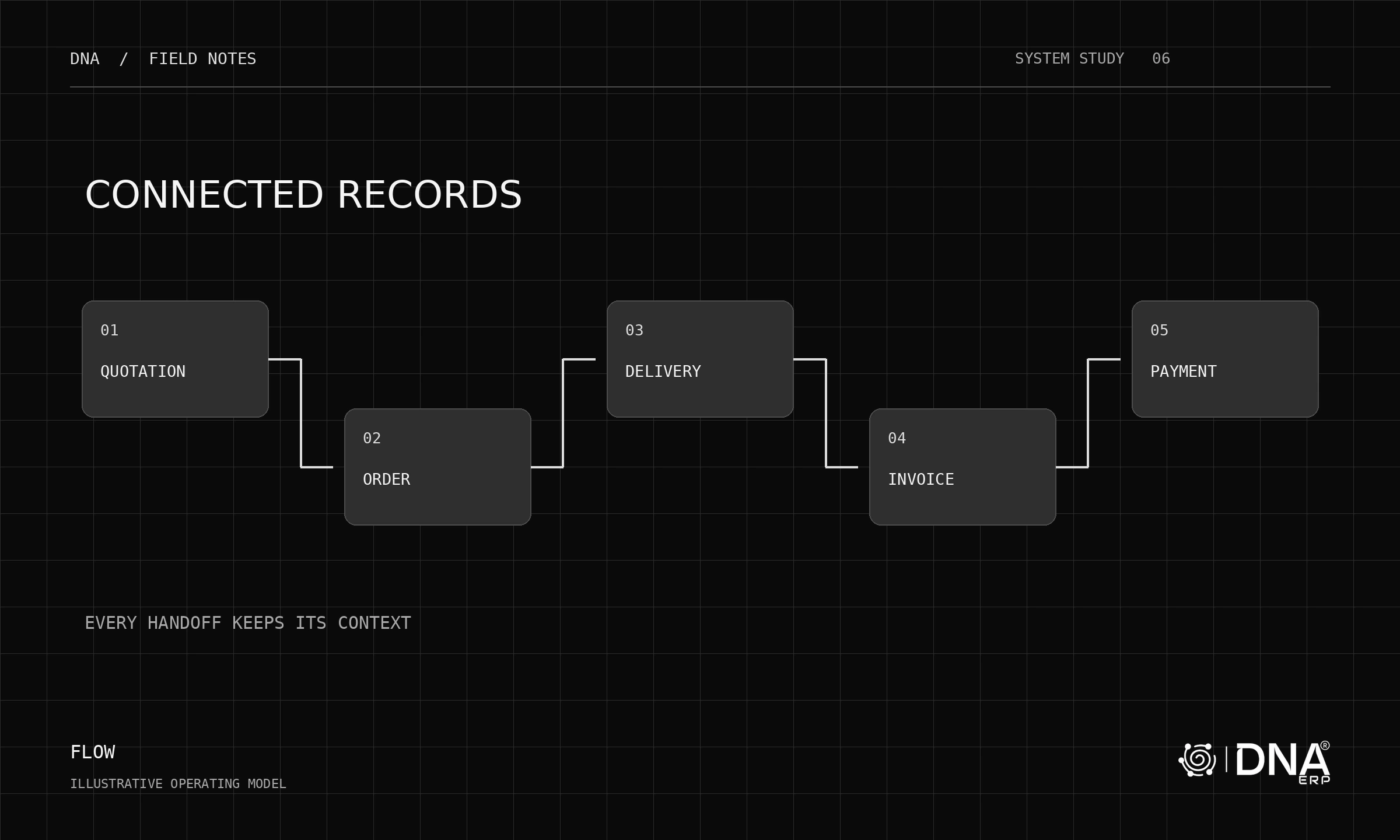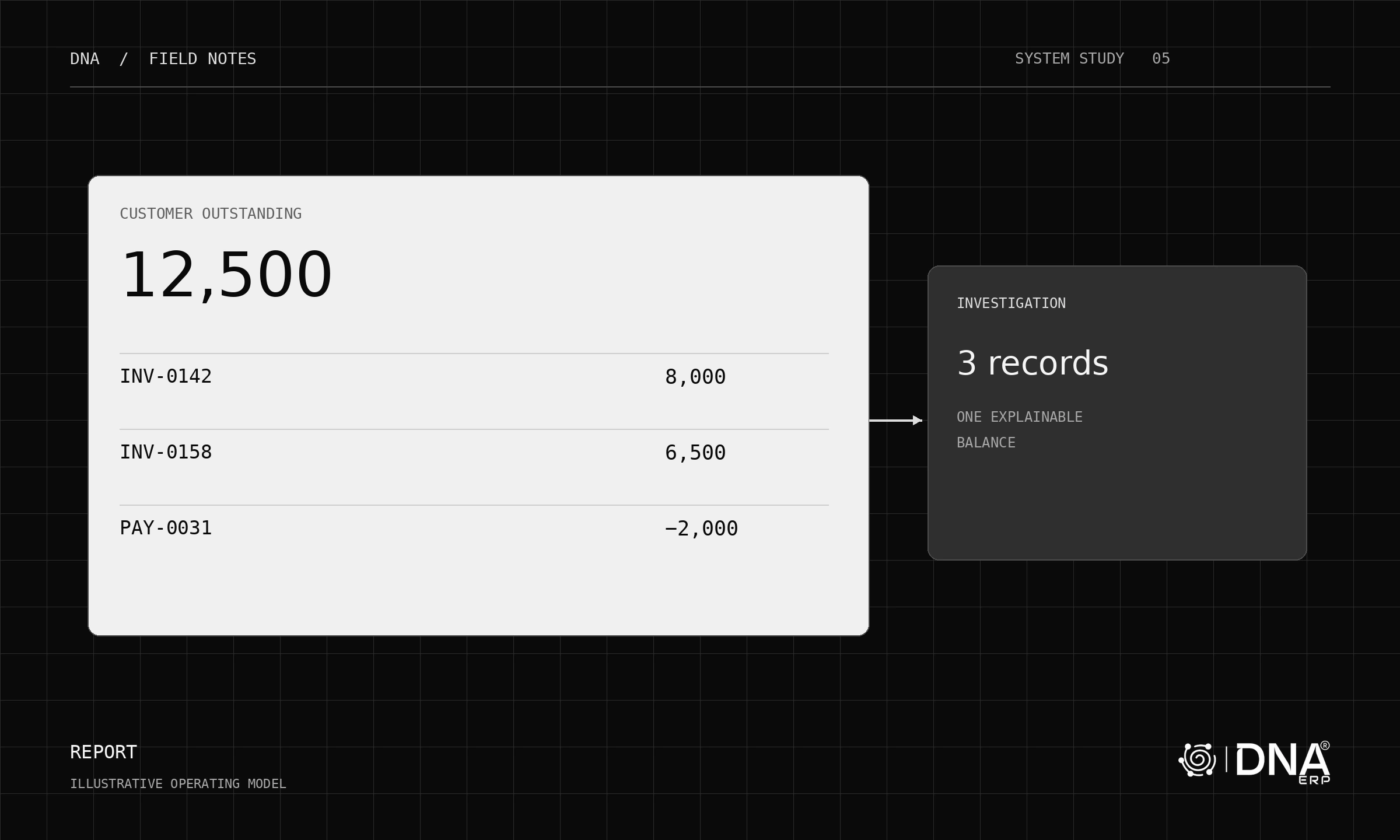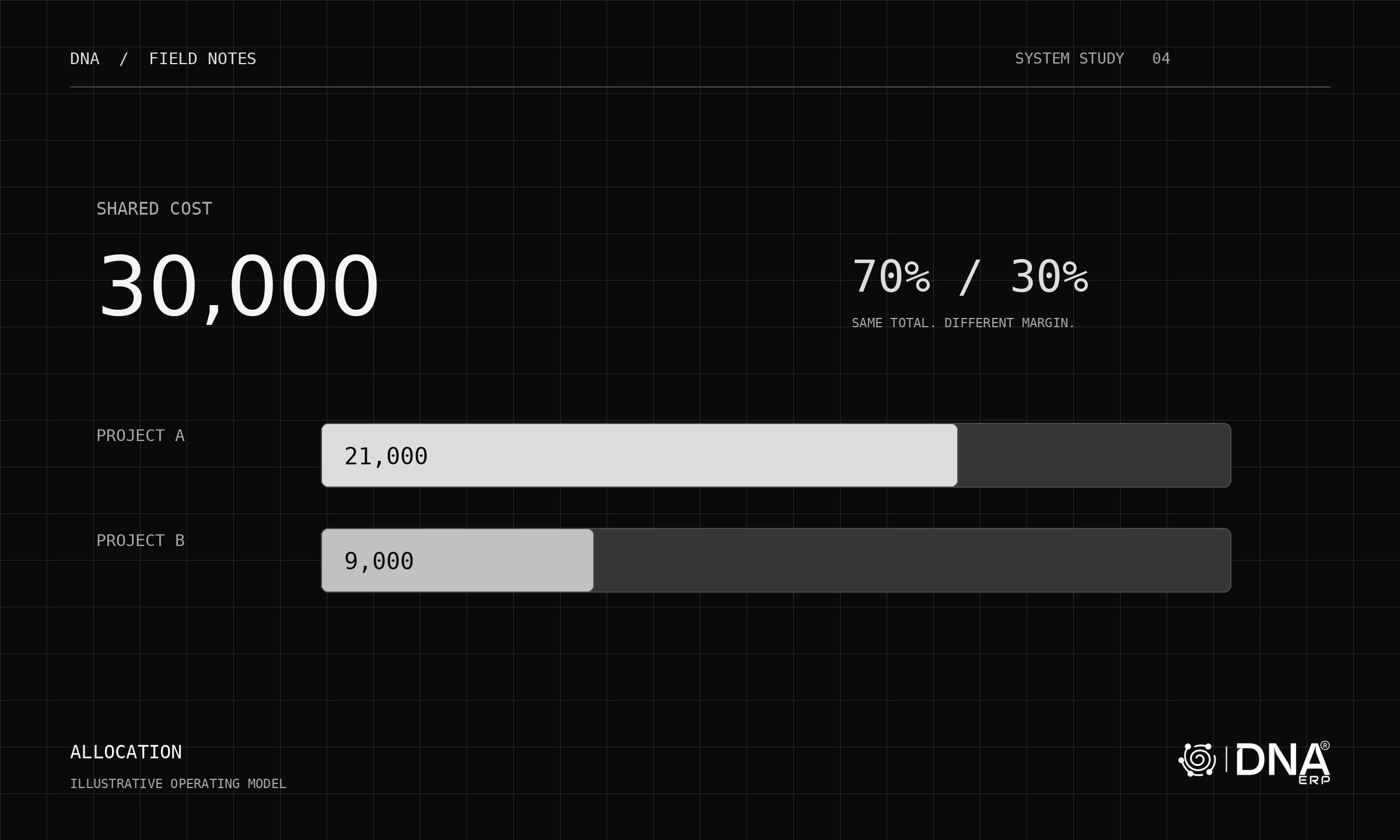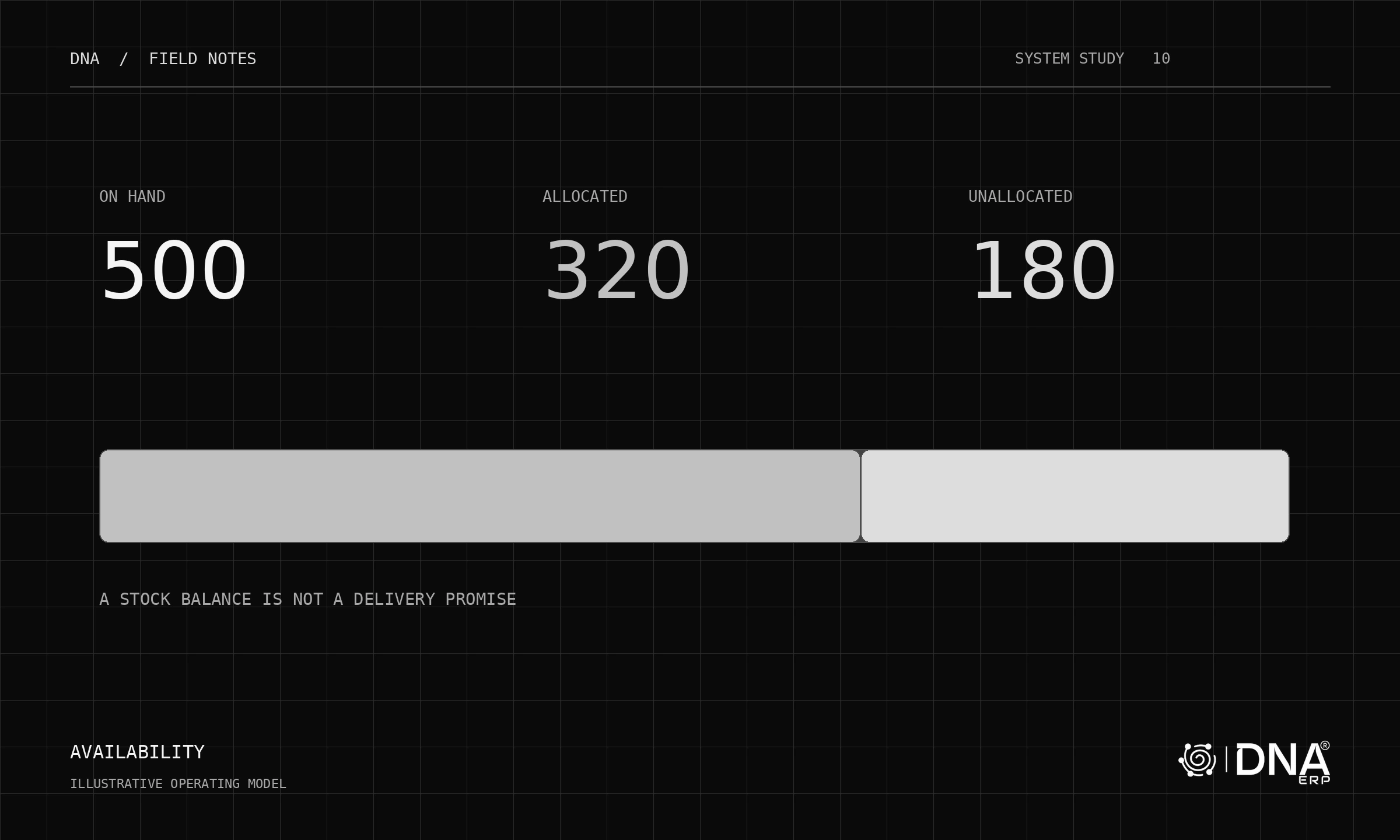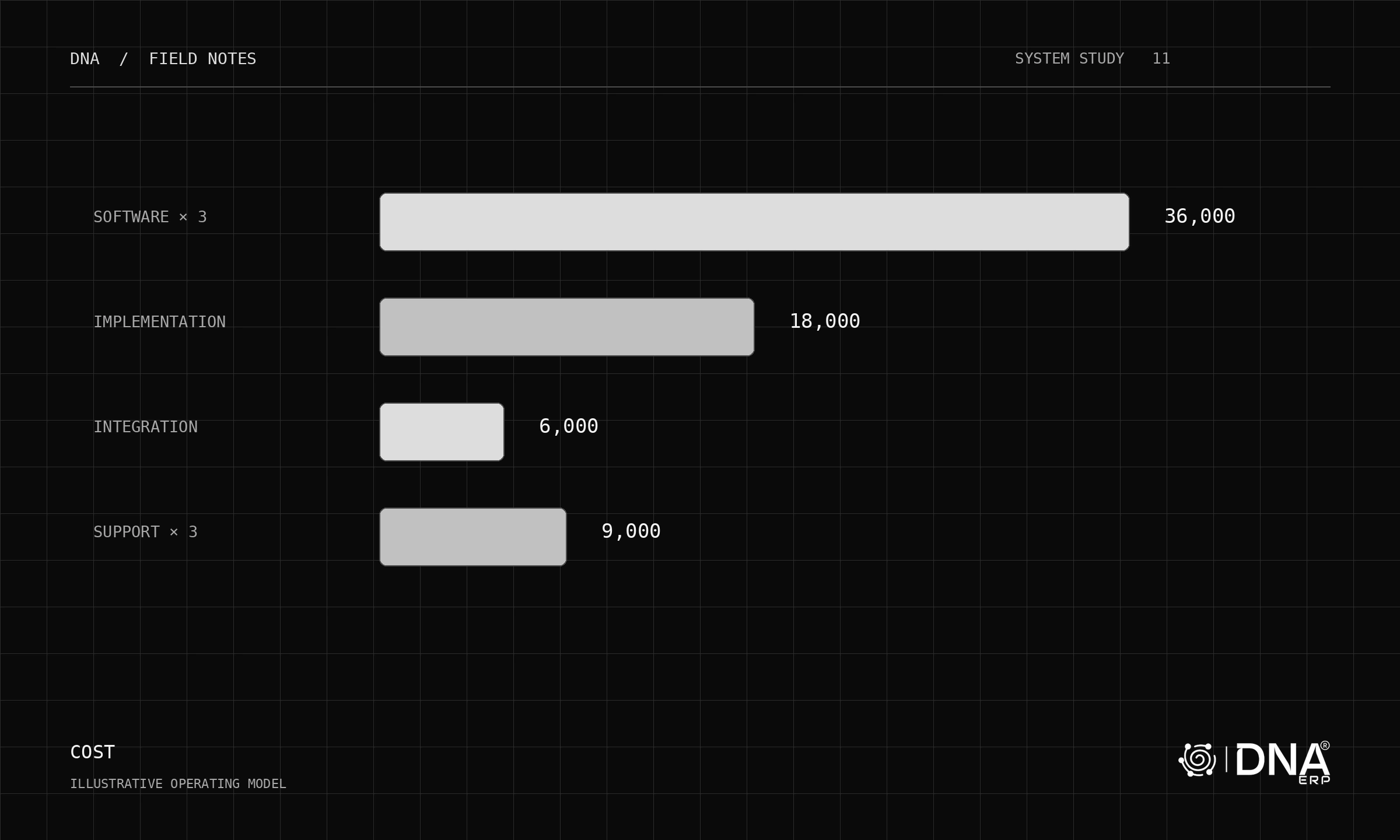
A quantity tells you how much stock exists. It does not tell a picker where to walk, a planner which location can supply an order, or a controller why the physical count differs. The missing dimension is the address.
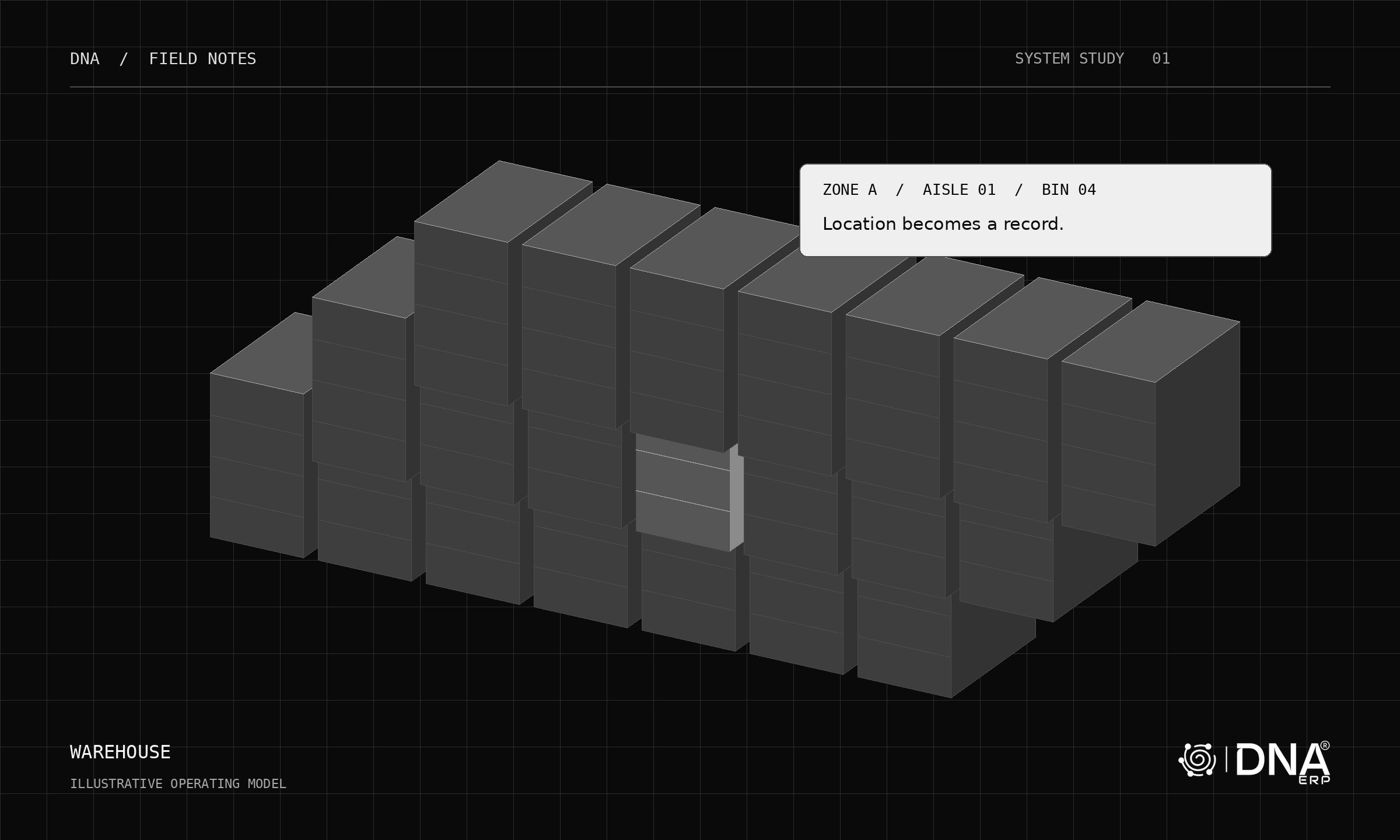
DNA’s 3D warehouse view makes the storage structure visible. Its value comes from connecting that structure to inventory records and movements. A convincing demonstration should let you move between the physical location and the business record without losing context.
Build a location that means something
A useful hierarchy is warehouse → zone → aisle → shelf → bin. Each level narrows the search. An illustrative address such as DOHA-CS-A01-S1-B1 should describe a real, consistently labelled place, not a label that changes whenever the warehouse team reorganizes a spreadsheet.
Start with the structure people can maintain. A small stockroom may need fewer levels than a distribution centre. Separate the location’s identity from its description, and decide who can create or retire locations. Otherwise, the attractive visual model will inherit the same ambiguity as the old stock list.
Follow one movement all the way through
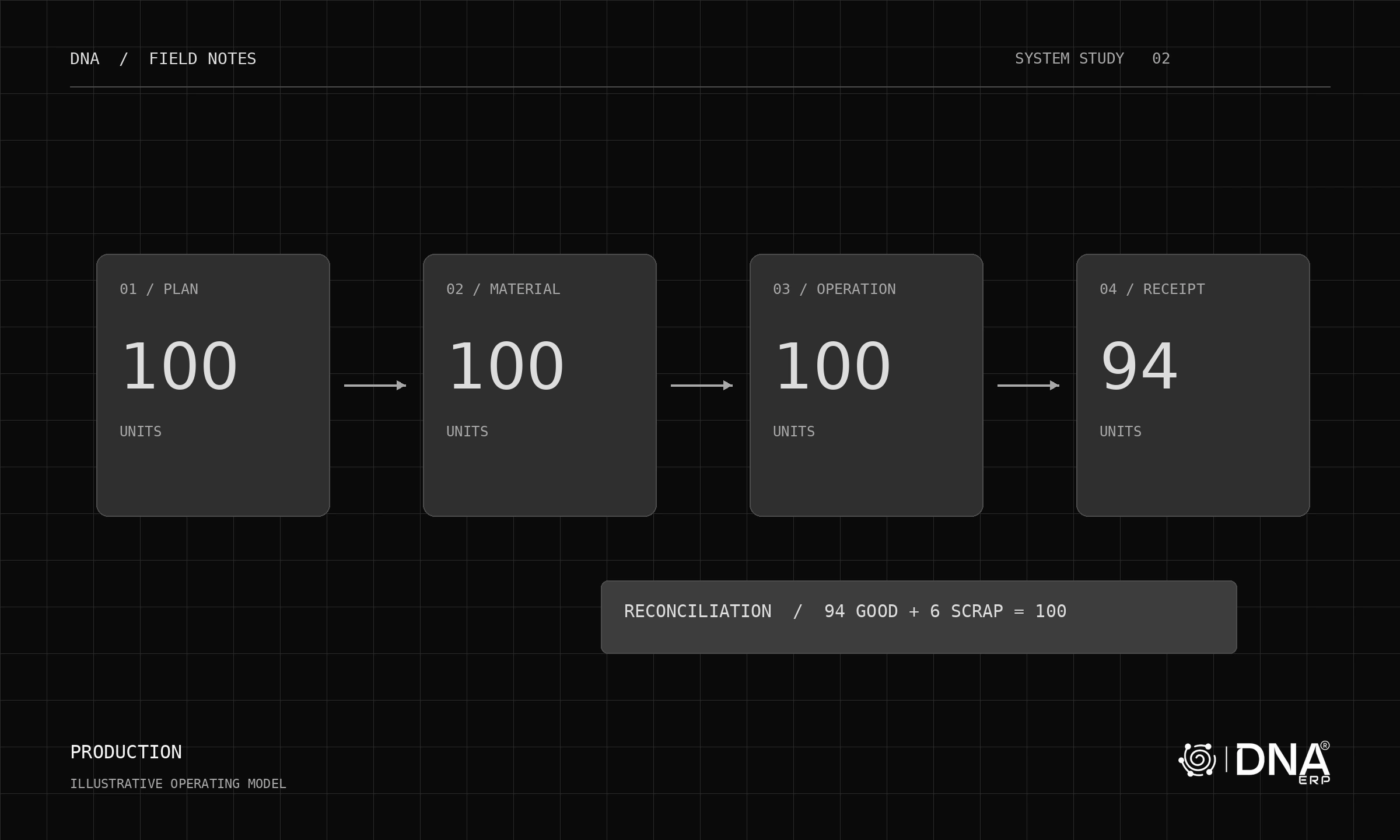
Use a simple acceptance scenario: receive 100 units, transfer 30 to another bin, then count both locations. The expected position is 70 and 30 before any further movements. Check the item, quantity, unit of measure, source, destination and document reference together.
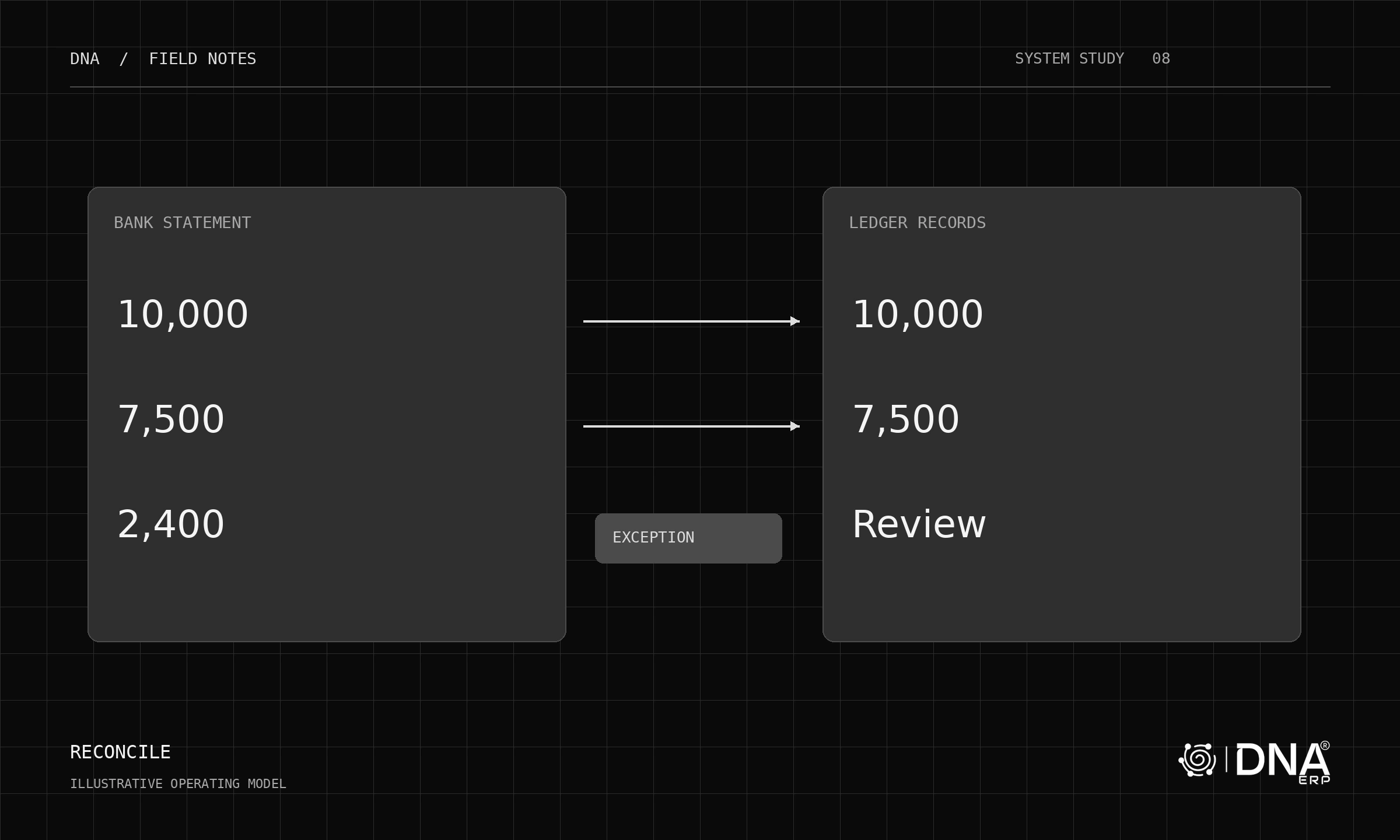
The visual location should agree with the inventory record. If a count differs, investigate movements and timing before posting an adjustment. A stock transfer and a stock adjustment answer different questions: one changes where the stock is; the other corrects the recorded quantity.
What the 3D view should help you decide
- Which location holds the item you are investigating?
- Is the quantity distributed across several bins?
- Which transaction explains the latest movement?
- Does the location structure match the labels the team uses on the floor?
These questions make a 3D warehouse practical. Rotating a model is only the beginning; reliable addresses and traceable movements make it useful during daily work.
Try it in DNA
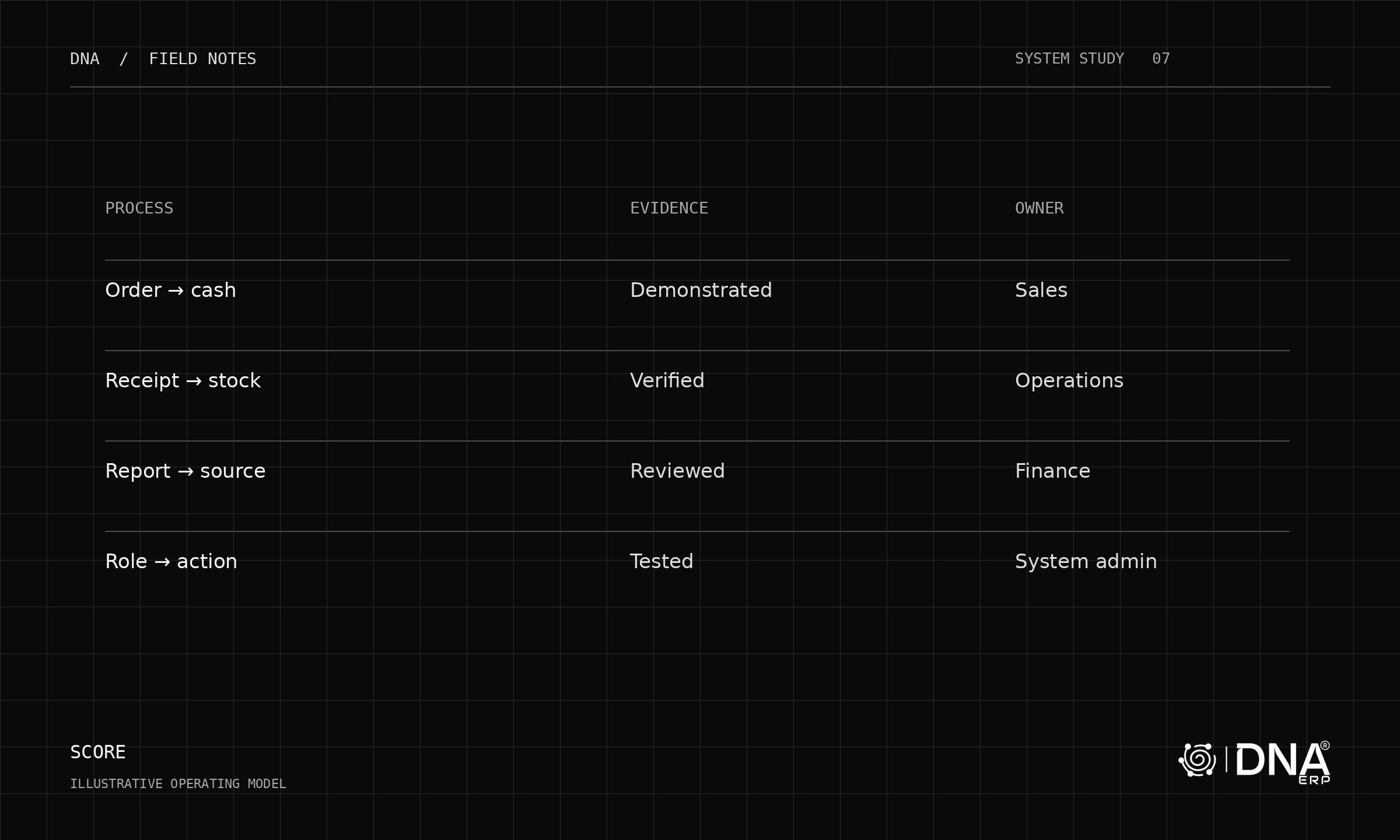
Explore Inventory & Warehouse, then test a receipt, transfer and cycle count using sample items. Connect the exercise to Purchase & Procurement so the receiving document has a clear origin. Use clearly labelled demonstration data before mapping a production warehouse.
The best first milestone is modest: one aisle whose physical labels, recorded balances and transaction history agree. Expand the model once that loop works.