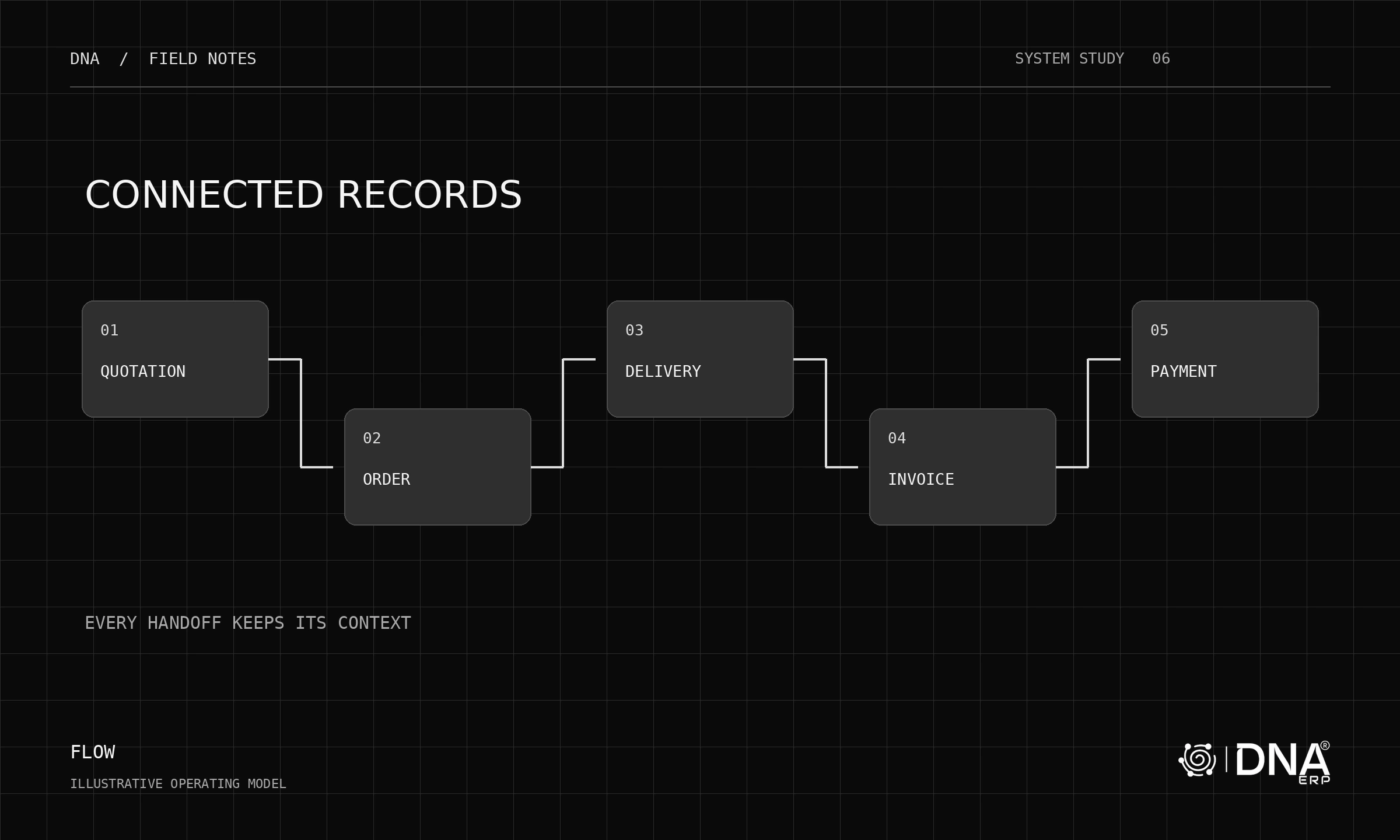
A US business may already depend on specialist commerce, payroll, logistics or reporting applications. Selecting an ERP is therefore partly a decision about which system owns each record and how changes move between systems.
Make an integration inventory
For every connected application, list the records exchanged, direction, frequency, owner and failure process. Distinguish an available API from a delivered, supported integration. Ask for the exact connector or implementation scope included in the proposal.
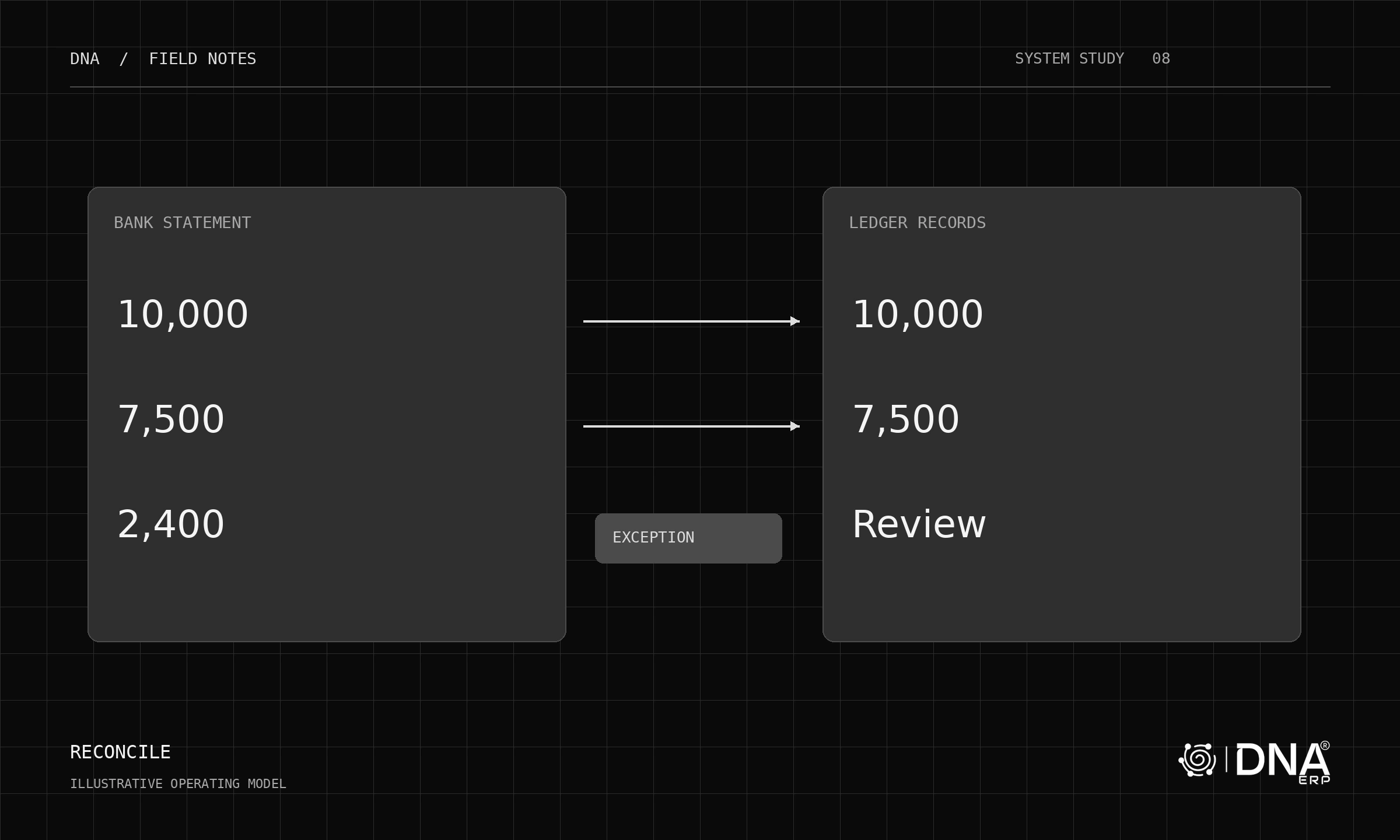
Use a sample order to test an update, a duplicate and a failed transfer. Confirm how the operator detects the problem and whether replaying the event creates another transaction.
Keep the financial scope explicit
Define the legal entities, states and transaction types involved, then have qualified advisers establish applicable tax and reporting requirements. Demonstrate the configured treatment and required interfaces. Do not infer local compliance from USD support or an English interface.
Test practical data ownership
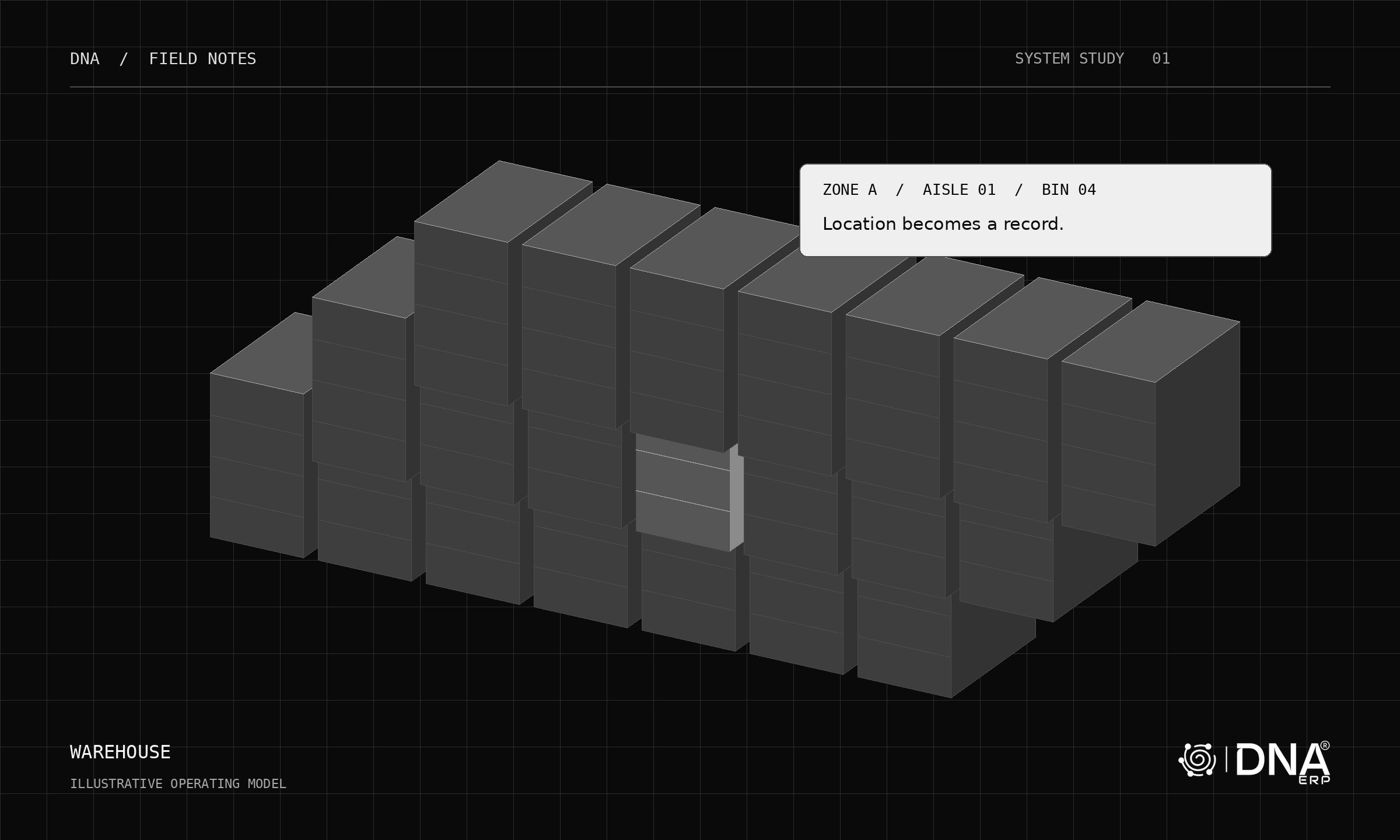
Export a representative set of records and inspect identifiers, dates, amounts and relationships. Ask how attachments, historical data and configuration are handled when ending the service. Include retention and access expectations in the agreement.
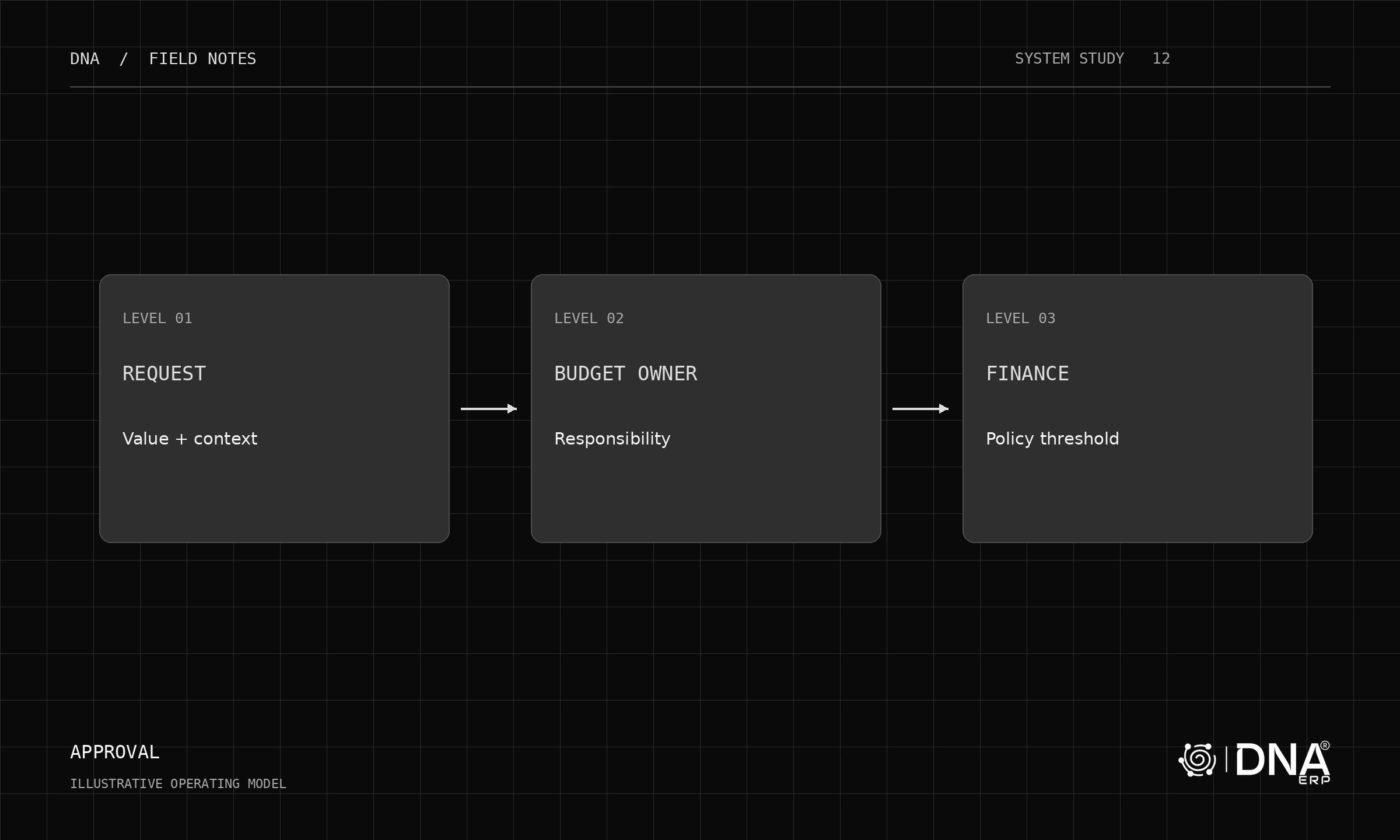
Review role boundaries with actual users. A report export and a configuration screen may need different permissions even if both are available to the administrator.
Evaluate the operating model
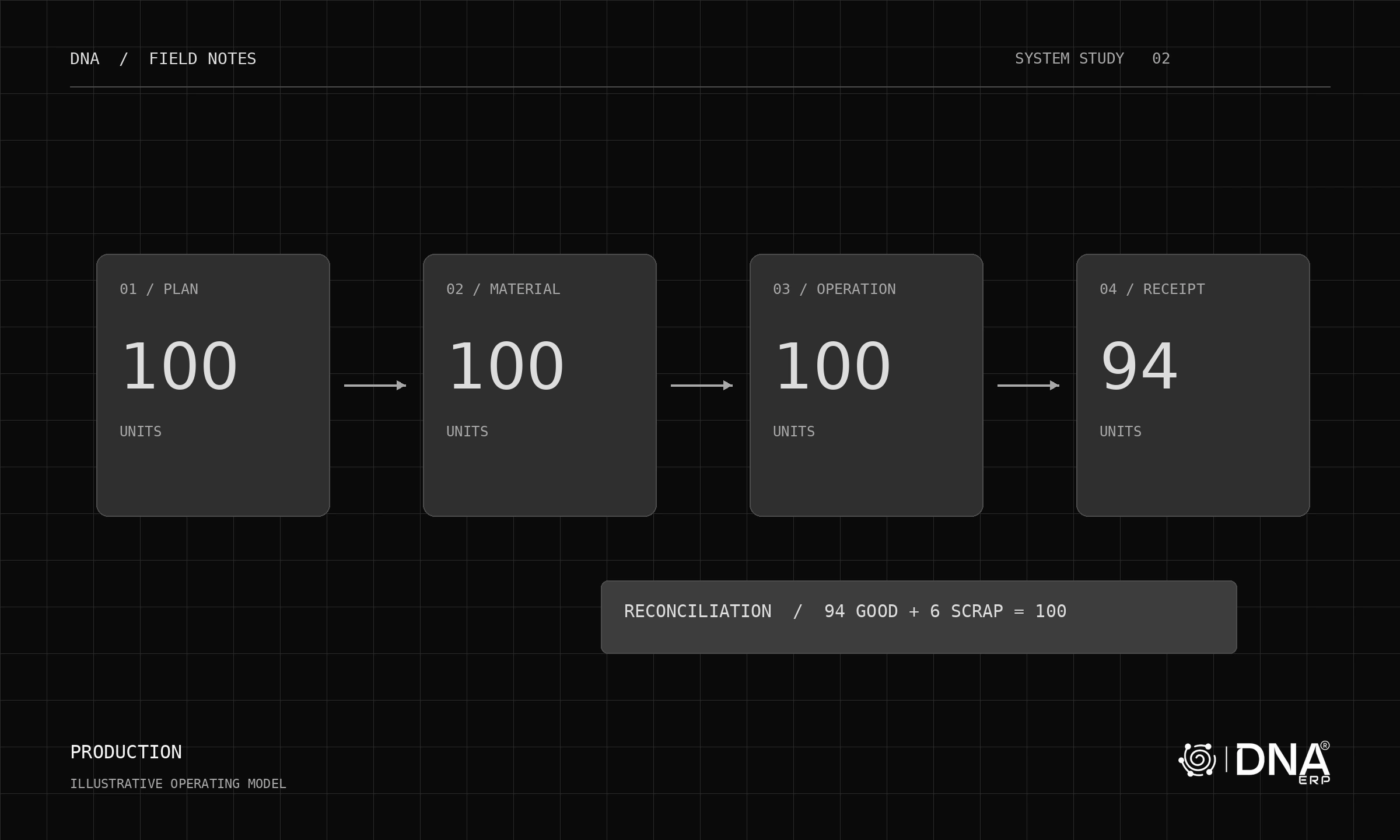
Choose scenarios specific to your industry: a distributor’s partial shipment, a manufacturer’s material variance or a service firm’s scope change. Apply the same acceptance criteria to every ERP candidate.
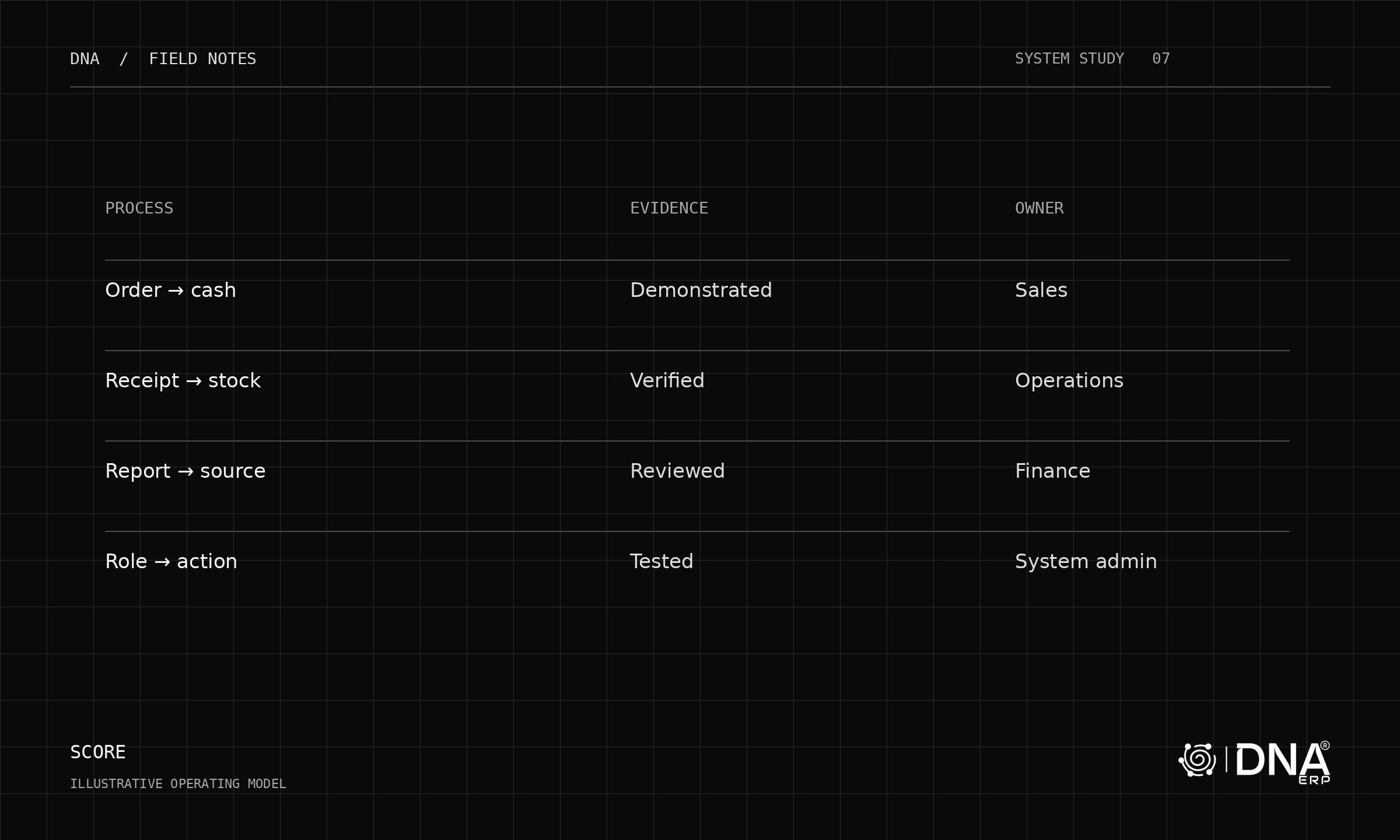
Explore DNA’s apps, System Setup and Report Center. Confirm current US delivery, integration and service coverage directly with the team. A credible selection rests on demonstrated workflows and contractual responsibilities, not a generic national ranking.