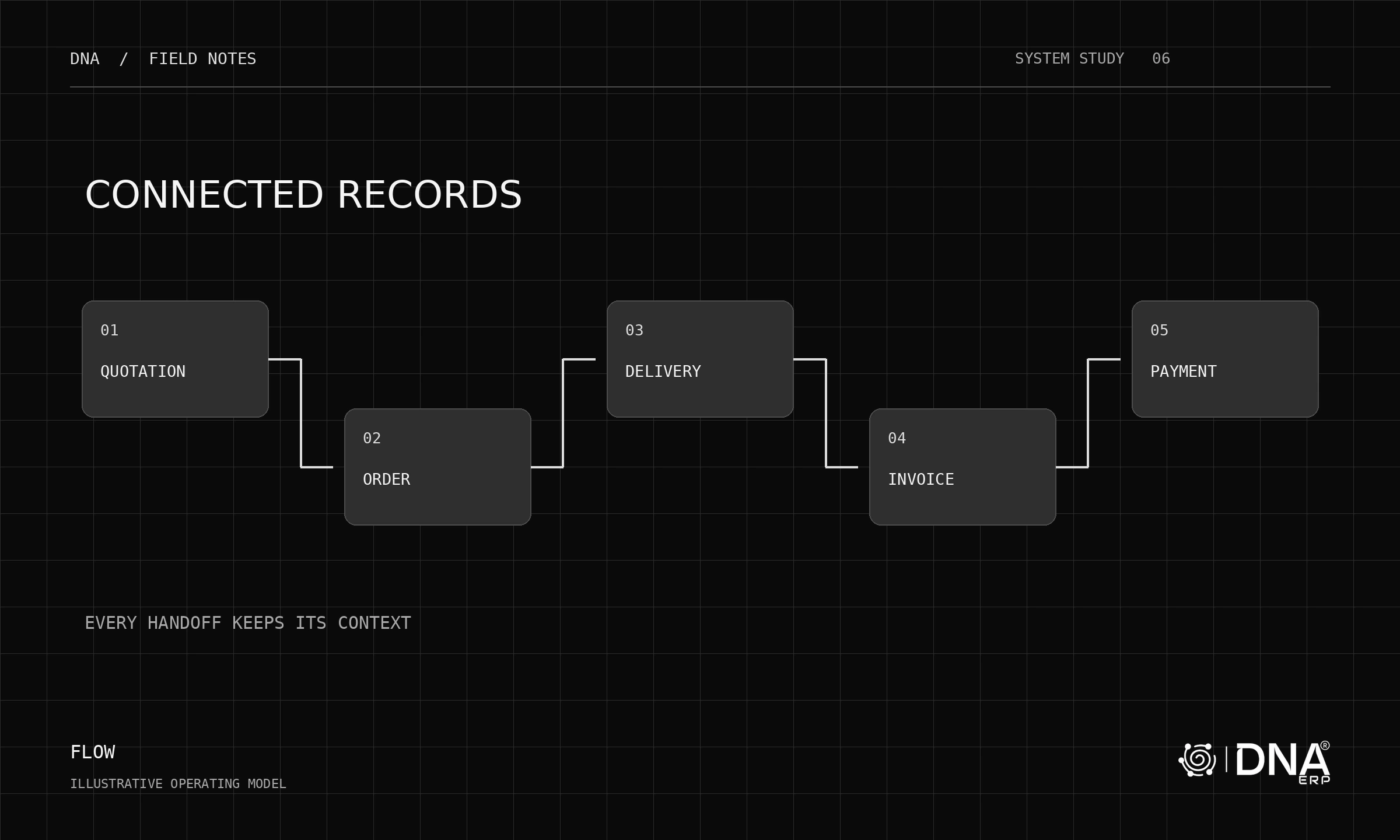
Enterprise resource planning, or ERP, is a system for managing connected business processes using shared records and controlled transactions. The definition becomes clearer when you follow one ordinary customer order.
The order starts before the invoice
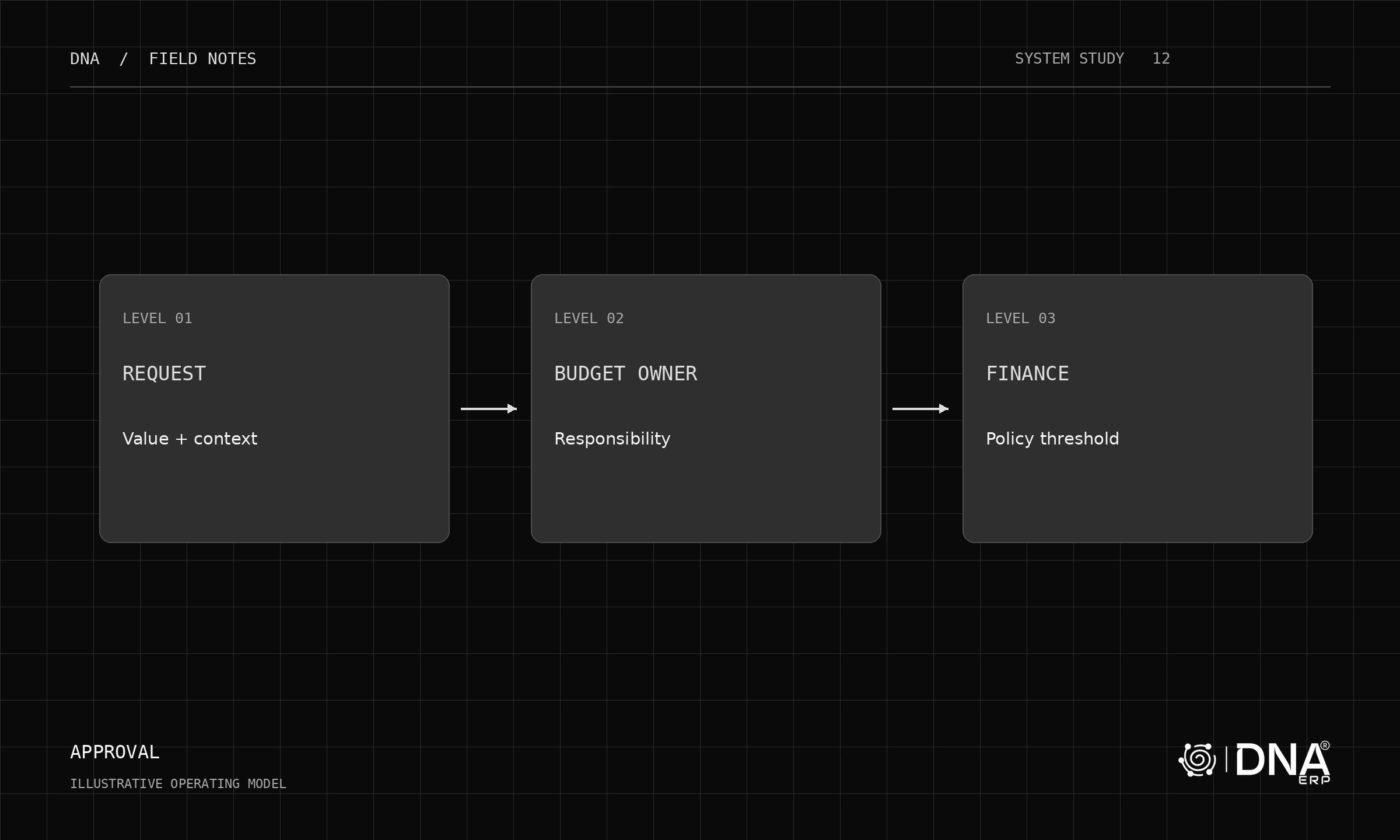
Sales records the customer, items, quantities and agreed terms. A quotation may become an order. Operations checks what can be delivered and whether purchasing or production is needed. The warehouse records the goods leaving. Finance records the invoice and later the payment.
These are related events, not interchangeable names for the same event. An order is not proof of delivery. An invoice is not proof of payment. A useful ERP keeps their relationships visible.
Shared records reduce disagreement
The customer record, item definition, unit of measure and company context should mean the same thing across the workflow. If sales uses one item code and the warehouse another, an integration may move data without resolving the underlying ambiguity.
Master-data ownership is therefore part of ERP implementation. Decide who creates customers and items, which values are mandatory and how duplicates are handled.
Exceptions reveal the system
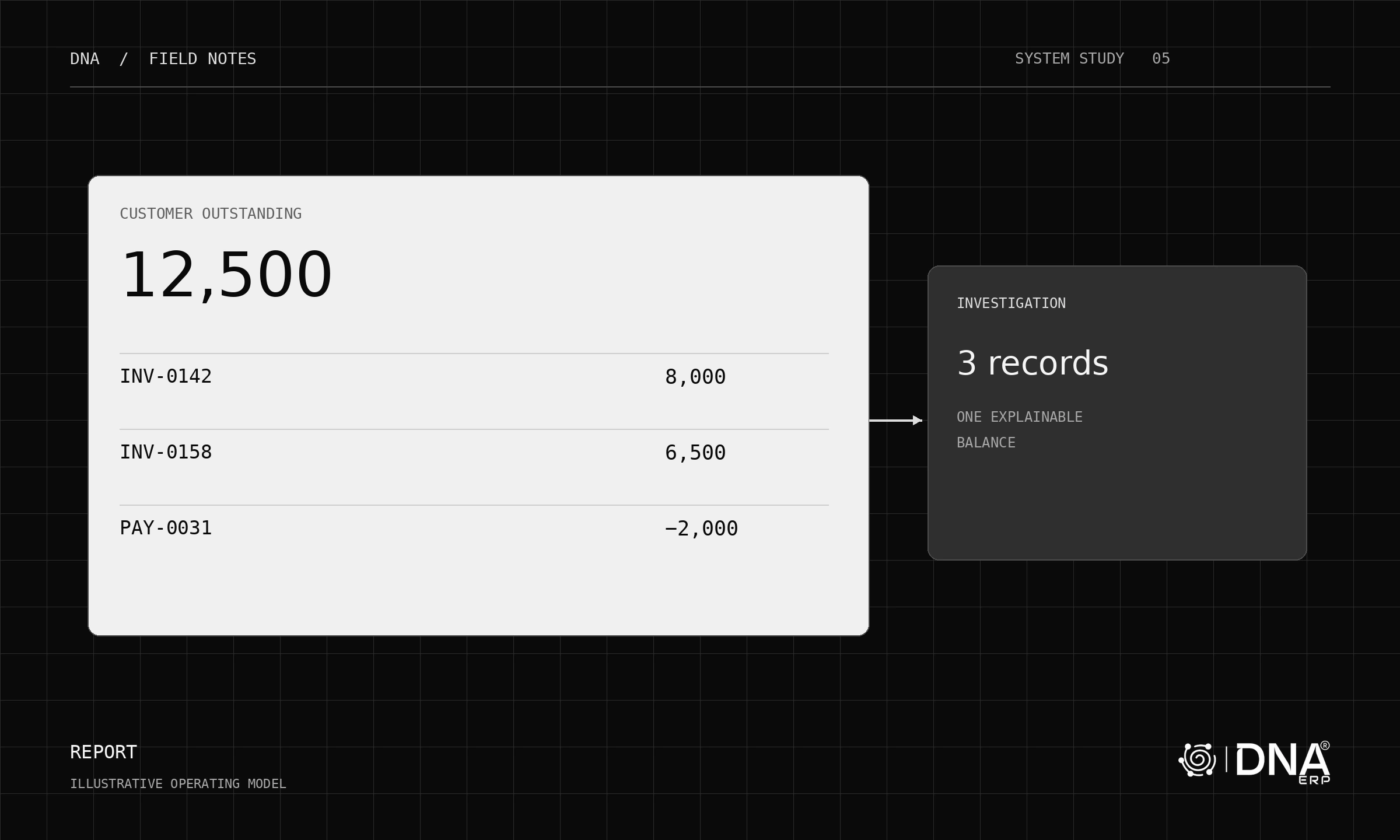
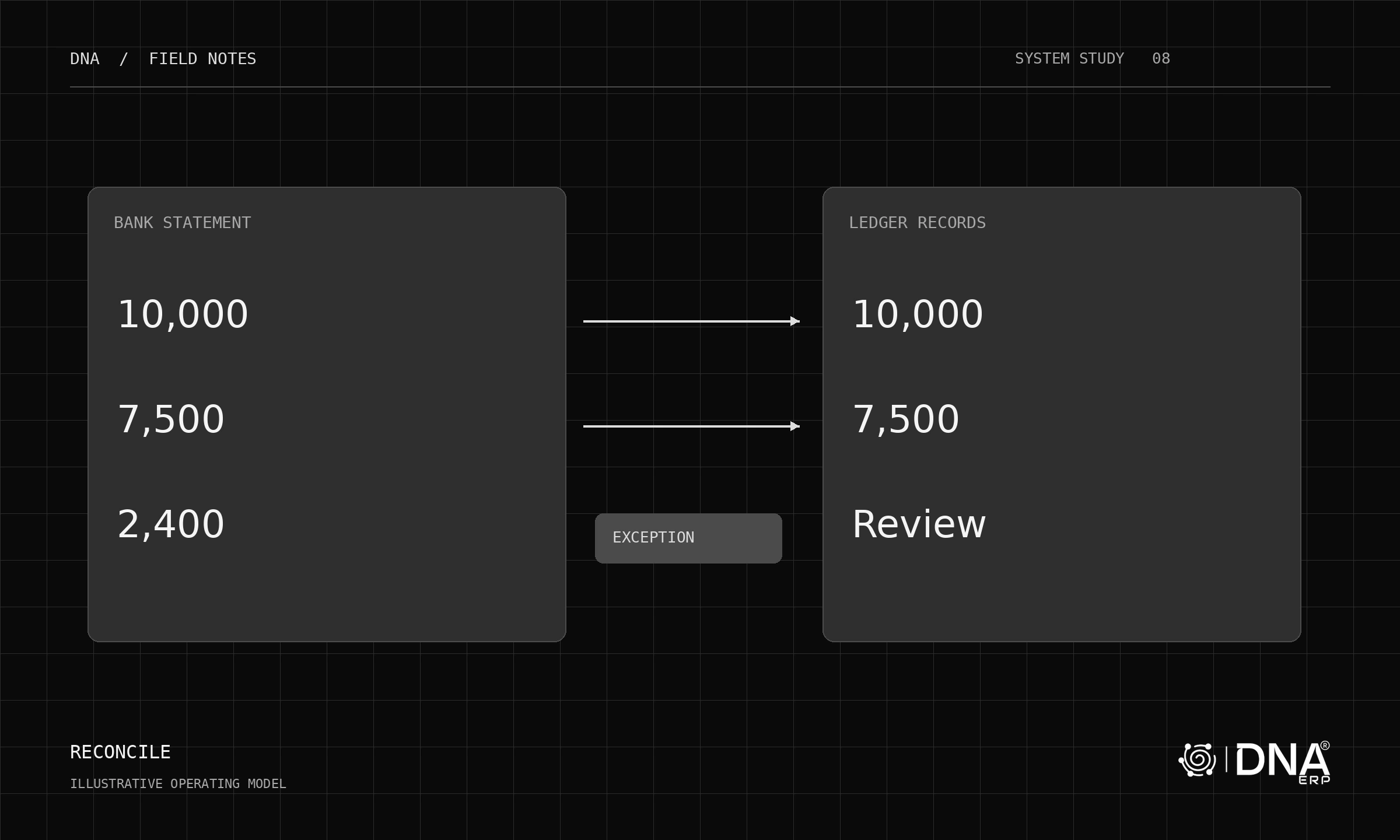
Deliver only part of the order. Change the expected date. Return an item. Apply a partial payment. Each exception changes a different part of the chain, and the remaining position must stay explainable.
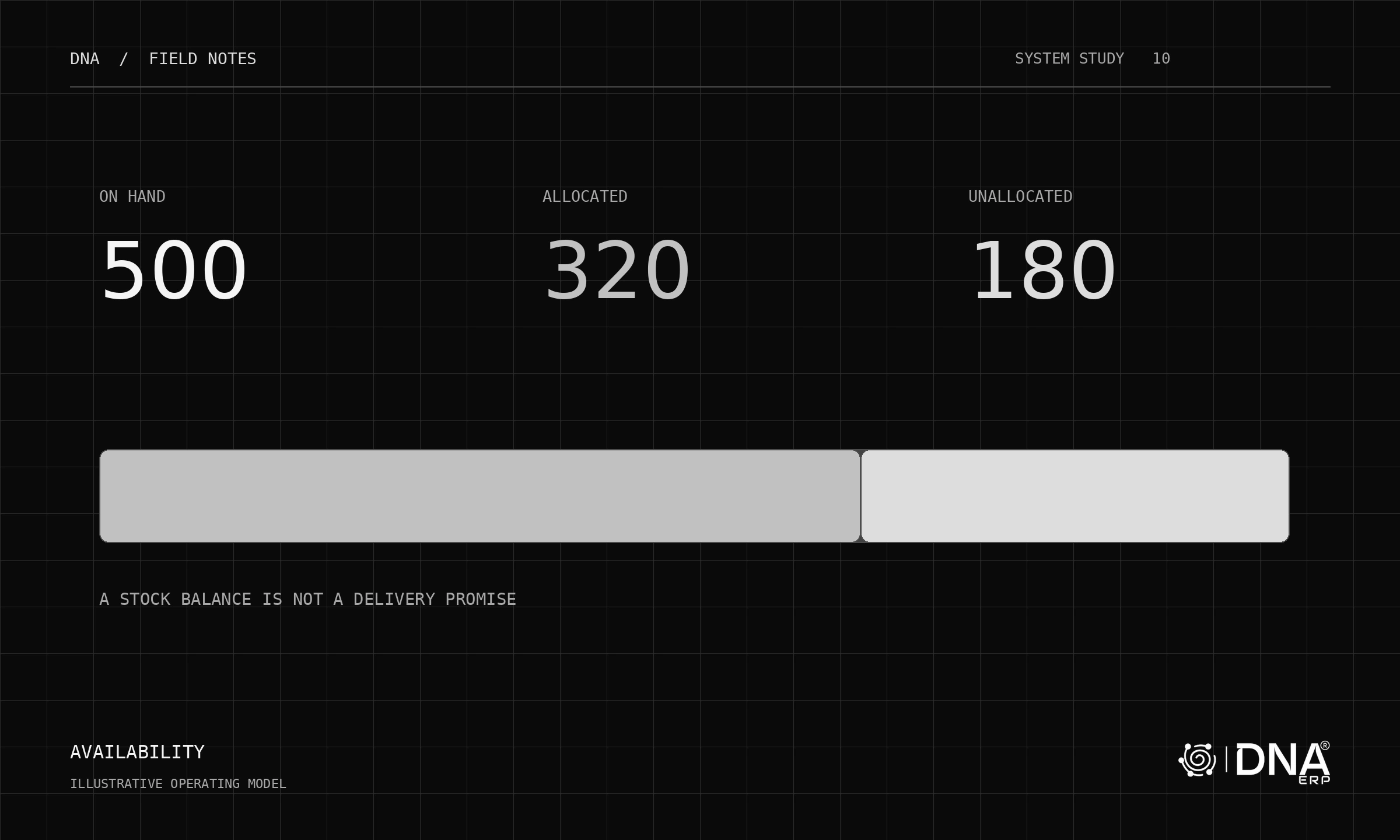
In a simple example, an order for ten units is delivered in batches of six and four. The business should be able to distinguish ordered, delivered, invoiced and paid positions without rebuilding the story in a spreadsheet.
Where DNA fits
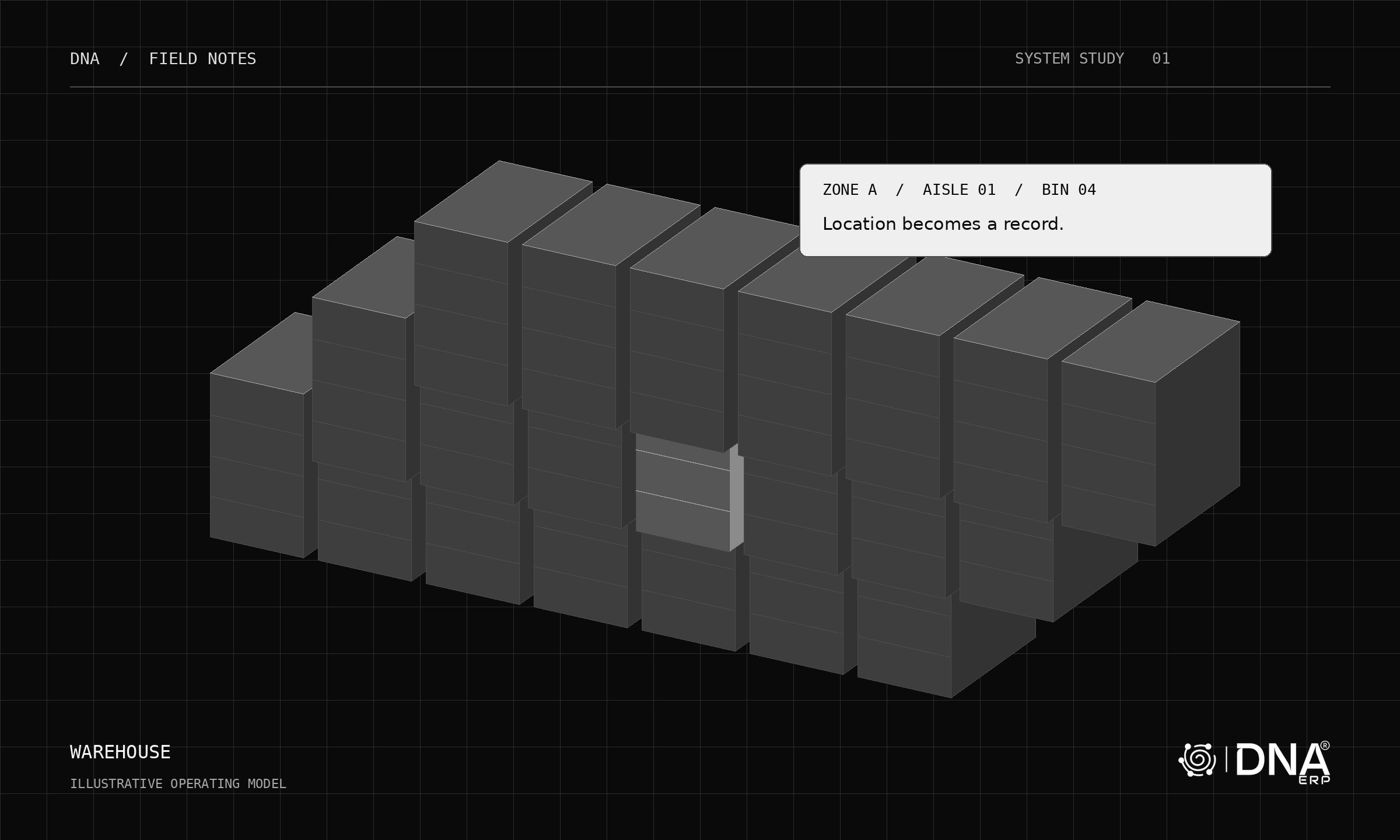
DNA connects Sales & CRM, Purchase & Procurement, Inventory & Warehouse and Banking & GL, with a Dashboard for the working view.
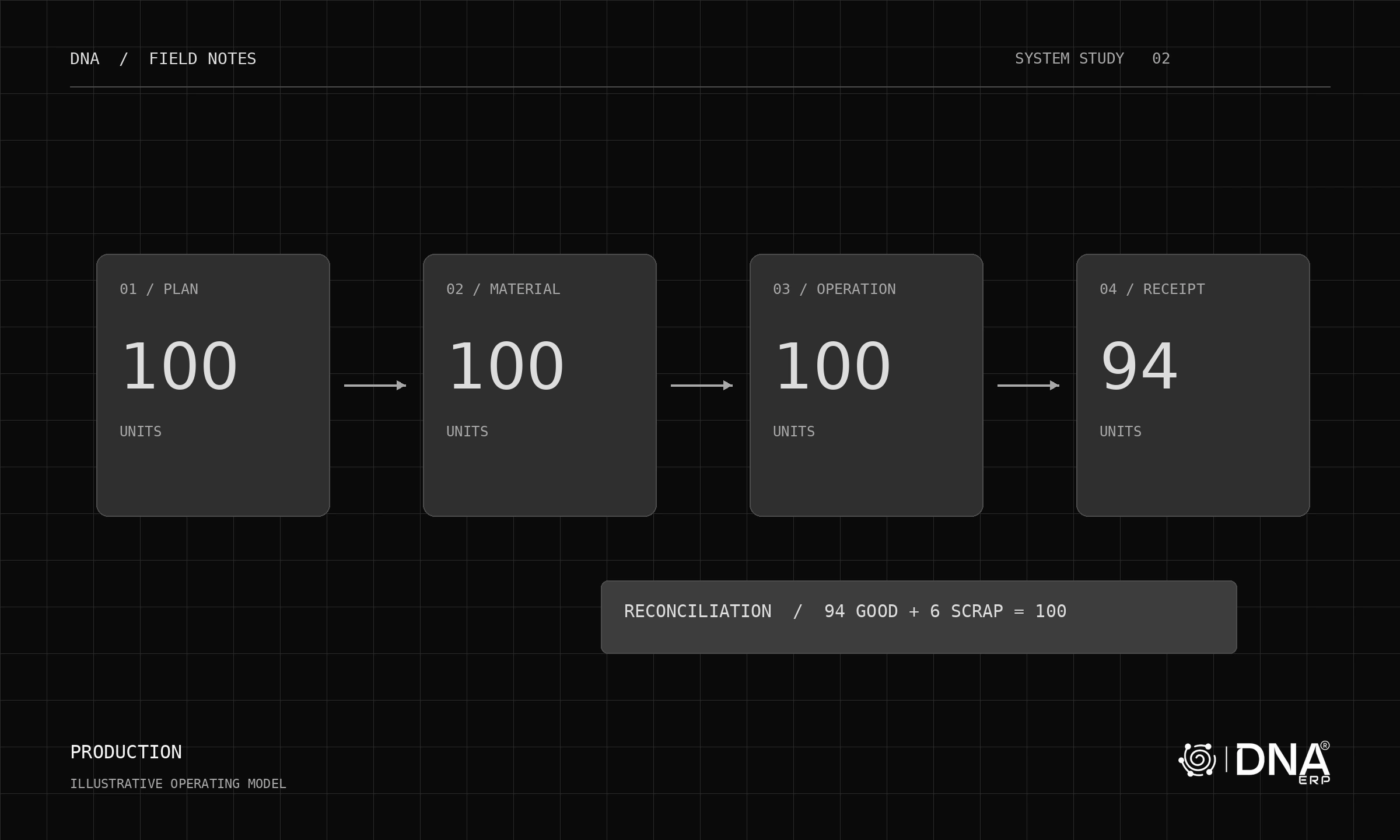
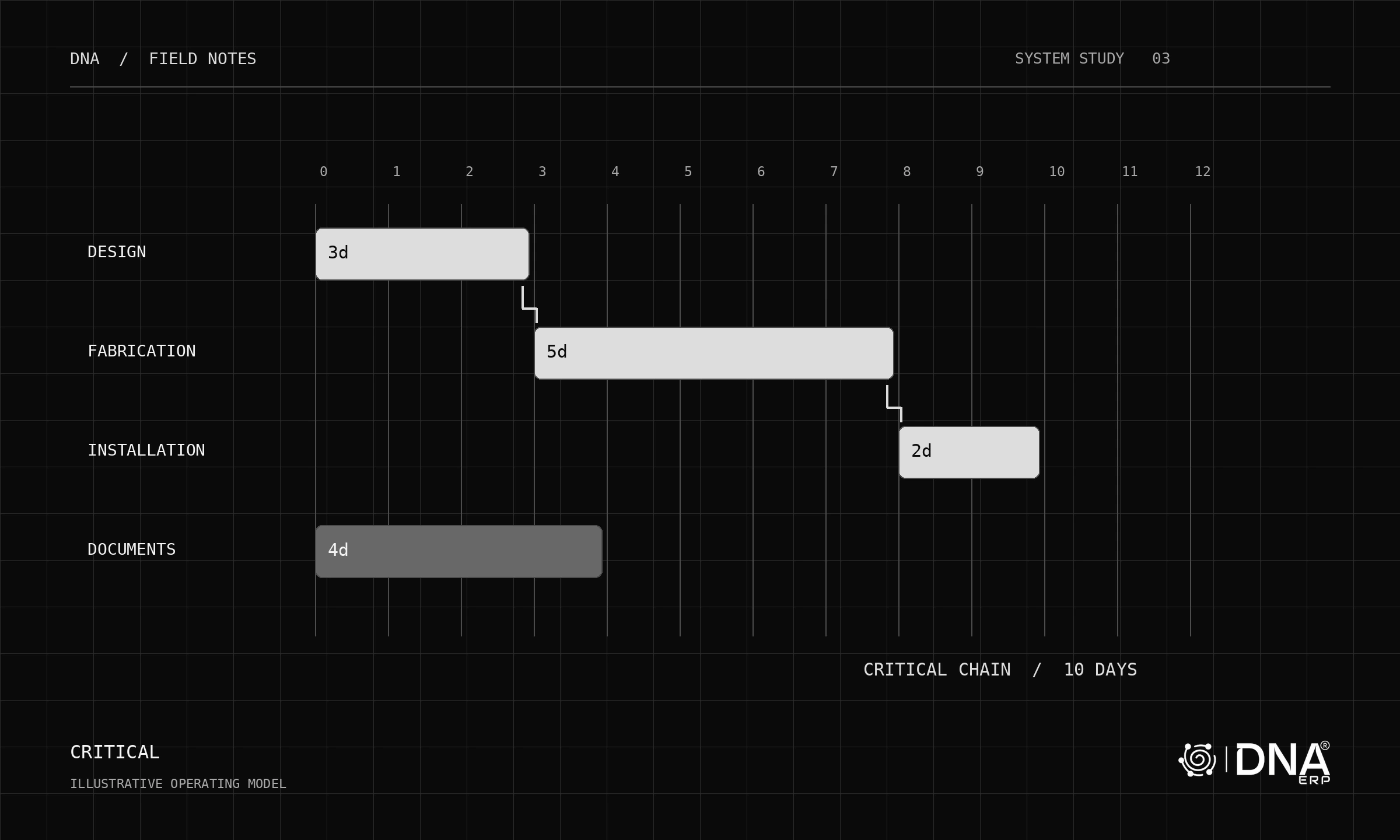
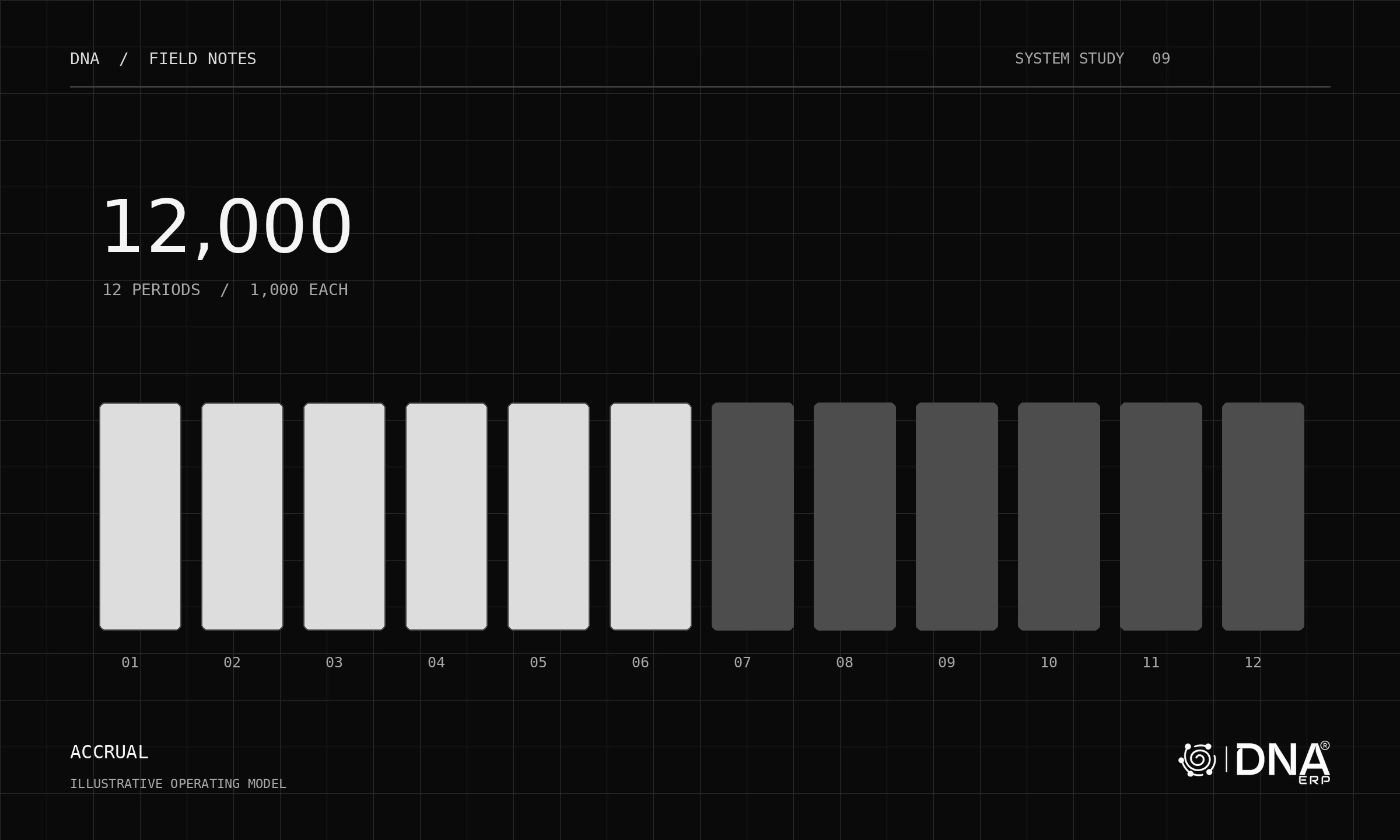
Other processes, such as manufacturing, projects and budgeting, add their own records to the same operational story. Integration does not remove the need for clear permissions, configuration and disciplined data entry.
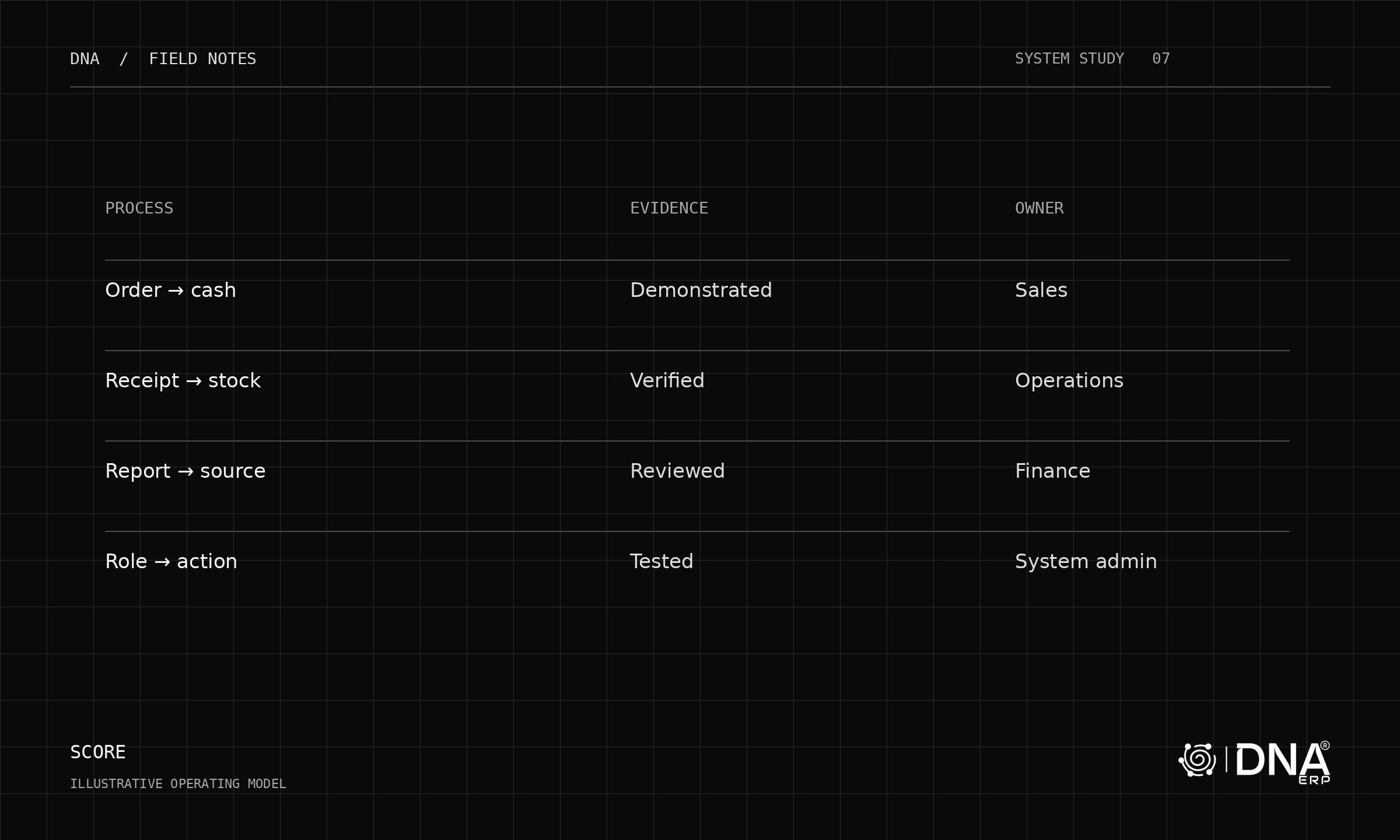
When evaluating ERP, ask a vendor to demonstrate a complete transaction and one realistic exception. That tells you more about the system than a list of modules.