The subscription is a visible cost. The effort required to make the system work for your business is often less visible. A useful ERP budget includes both, with clear assumptions about scope and responsibilities.
Separate recurring and one-time costs
Recurring costs can include software access, hosting or storage allowances, support and ongoing integration services. One-time costs can include configuration, migration, training, testing and deployment work. Confirm the actual inclusions in each proposal instead of assuming two similarly named packages cover the same work.
Include your own team’s time. Data cleansing, decisions, user testing and training attendance do not disappear because an external partner manages the project.
Calculate a comparable period
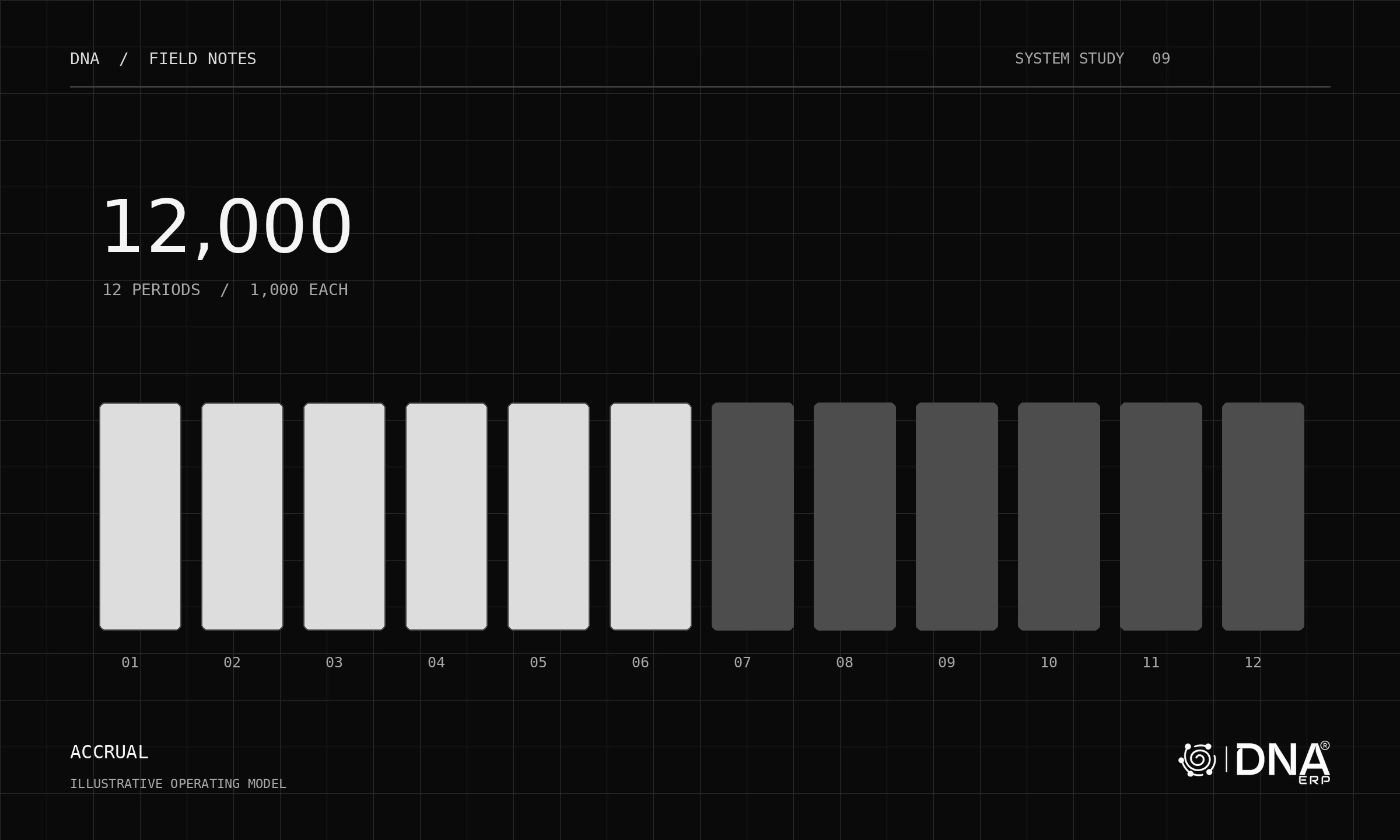
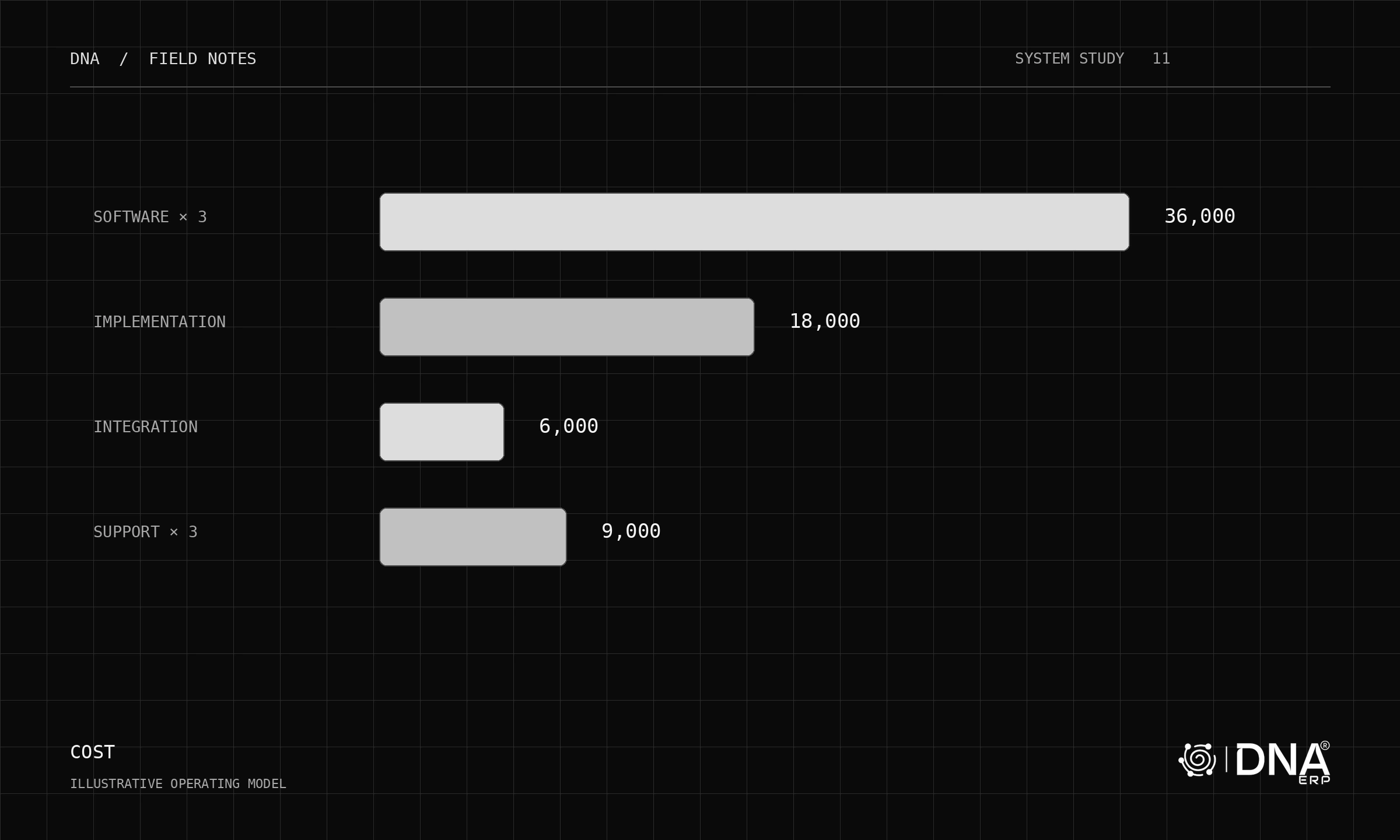
Choose a planning horizon and use it consistently across options. An illustrative three-year model with 12,000 annual software cost, 18,000 implementation, 6,000 integration setup and 3,000 annual support totals 69,000 before internal effort, taxes and other excluded costs.
Those figures are sample arithmetic, not DNA pricing or a market benchmark. The interactive model lets you replace them with your own assumptions.
Ask what triggers additional work
Clarify the included companies, users, modules, data volume and migration cycles. Ask how custom requests, extra training, new interfaces and post-launch changes are priced. A low initial quote can reflect a narrower scope rather than lower total cost.
Define acceptance and payment milestones around deliverables. Keep optional work separate so the implementation can reach a usable first release without carrying every future requirement.
Compare cost with operational fit
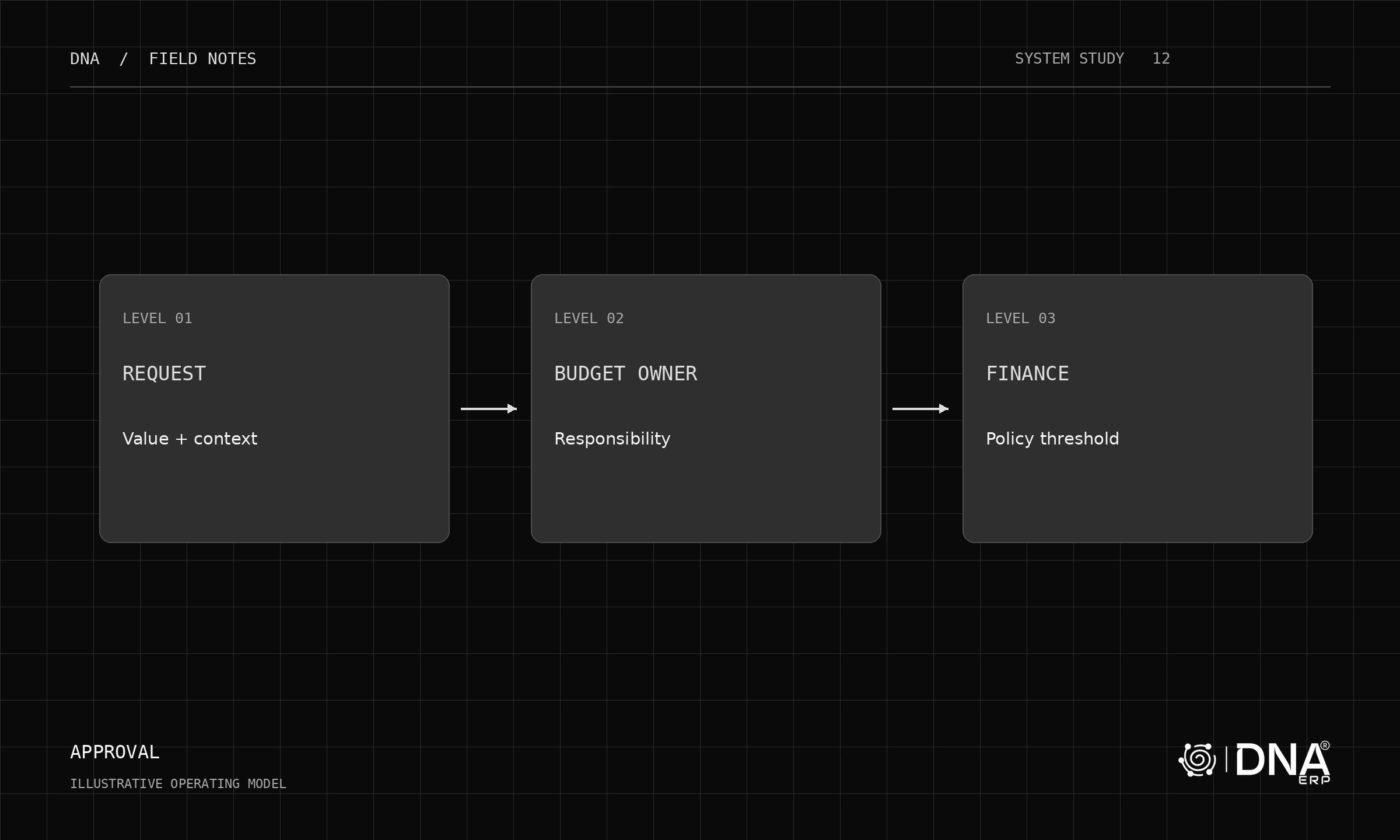
A cheaper system that cannot support a critical workflow may create continuing manual work. Equally, buying capabilities the team will not use can increase complexity. Connect the budget to the scenarios in your evaluation, not only to company headcount.
For current DNA commercial options, use the pricing page and pricing configurator, then confirm a written scope with the team. Review the implementation guide before approving the project budget.