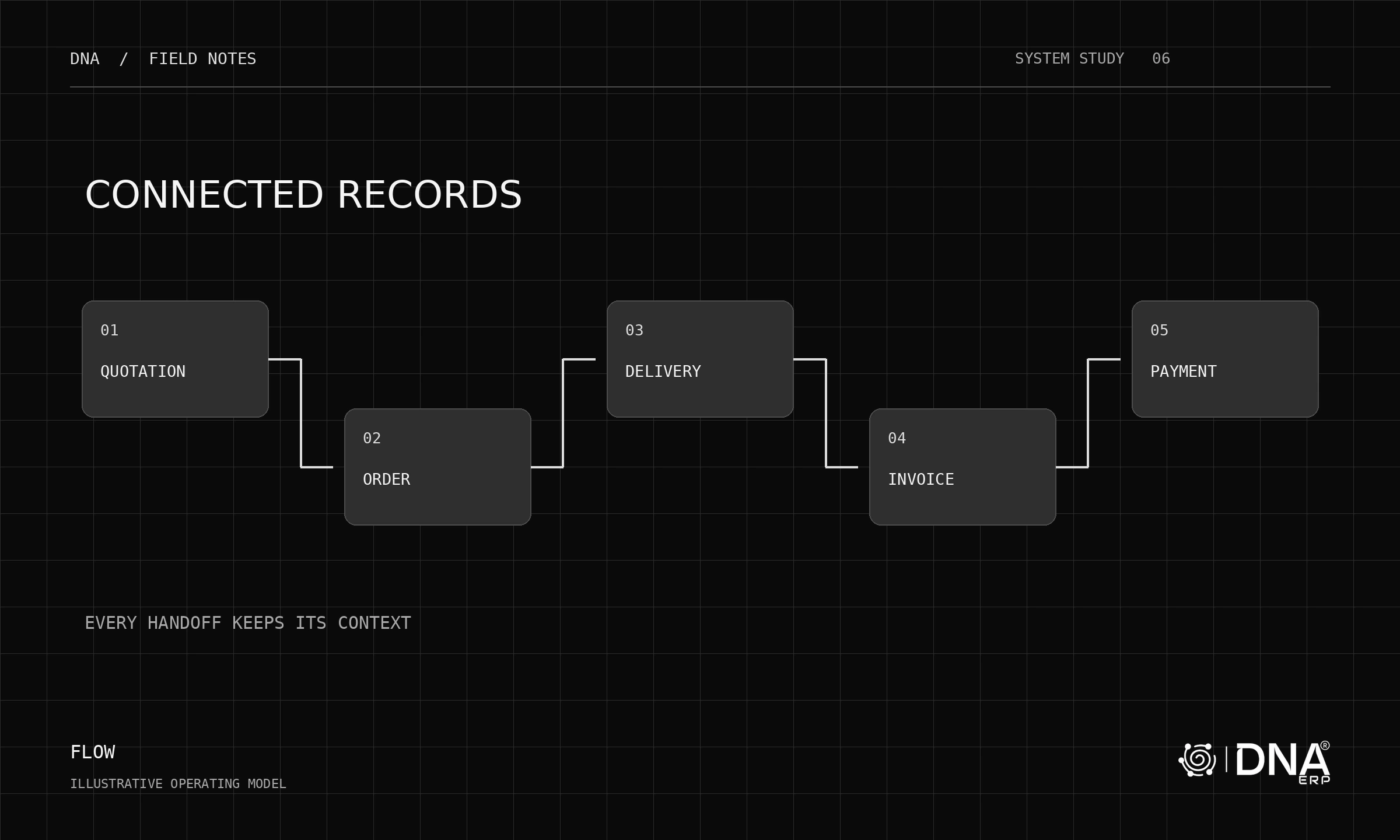
Posting an invoice in the ERP and completing its required electronic-invoicing journey are distinct events. A Saudi ERP evaluation should make both visible, along with the exceptions that occur when data or connectivity is wrong.
Establish the applicable requirement
ZATCA’s e-invoicing programme has a generation phase and an integration phase. The integration phase is introduced in waves. Confirm your taxpayer notification and the current official rollout guidance rather than relying on an old vendor timetable.
Document the legal entity, transaction types and implementation scope with your finance and compliance advisers. This guide is an evaluation method, not a determination of your obligations.
Demonstrate more than a successful invoice
Use a standard sale, a credit note and an intentionally incomplete sample. Ask how validation errors appear, who resolves them and how the final result is linked to the original transaction. Review the applicable technical requirements against ZATCA’s published specifications.
Ask the supplier to show the exact integration included in your proposal. Distinguish native functionality, third-party services and work still to be delivered. Do not accept “ZATCA-ready” as a substitute for an agreed scope and demonstrated evidence.
Connect branches without losing control
Test the company or branch context, document numbering, roles and Arabic output. Include a user who should be able to create an invoice but not change sensitive configuration. Check how the team reviews unresolved transactions at the end of the day.
Put ownership into the implementation plan
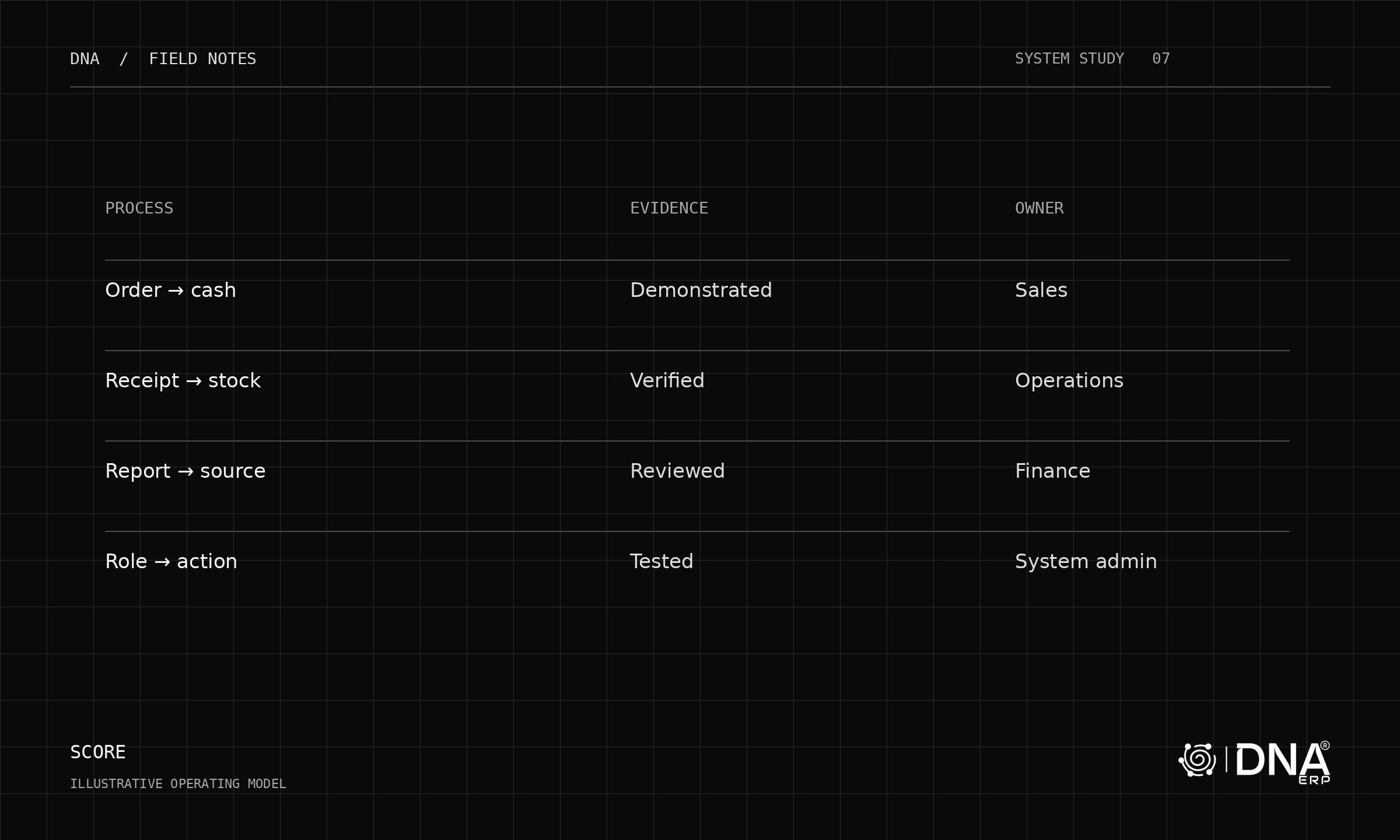
Name the owner of onboarding, credentials, test evidence, production activation and ongoing monitoring. Confirm how specification changes and failed submissions are handled contractually.
Explore Sales & CRM, System Setup and Report Center. Use the separate ZATCA evaluation guide to structure the technical discussion. Verify current Saudi integration coverage directly with the DNA team before committing to scope.