A UAE group may operate several businesses from one management team while each entity keeps its own commercial and financial responsibilities. ERP selection should test that structure explicitly instead of treating every branch, warehouse and company as the same kind of unit.
Draw the operating structure first
List legal entities, branches, warehouses and shared services. Identify who owns the stock, who issues the invoice and who receives the payment in each workflow. These answers determine the configuration more directly than the number of office locations.
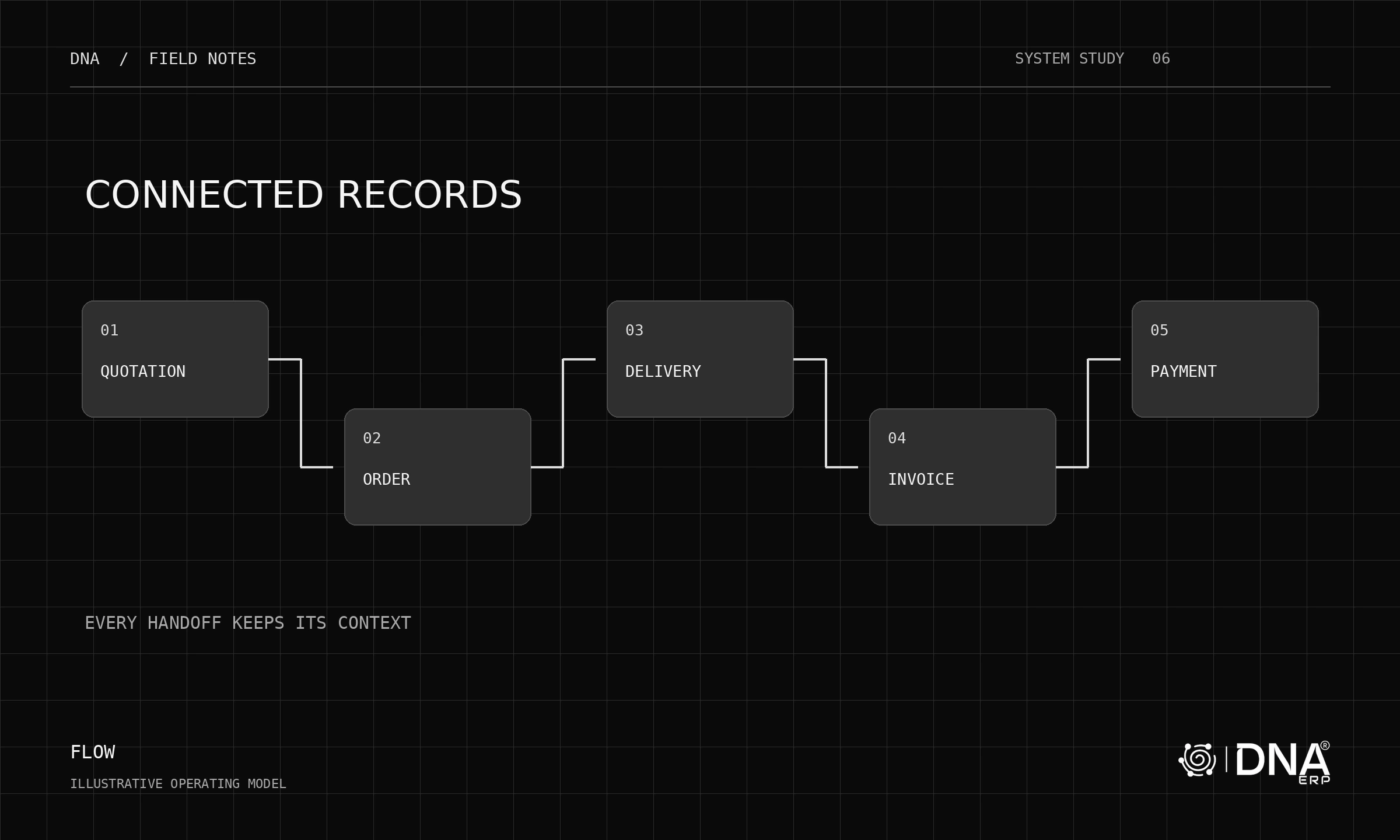
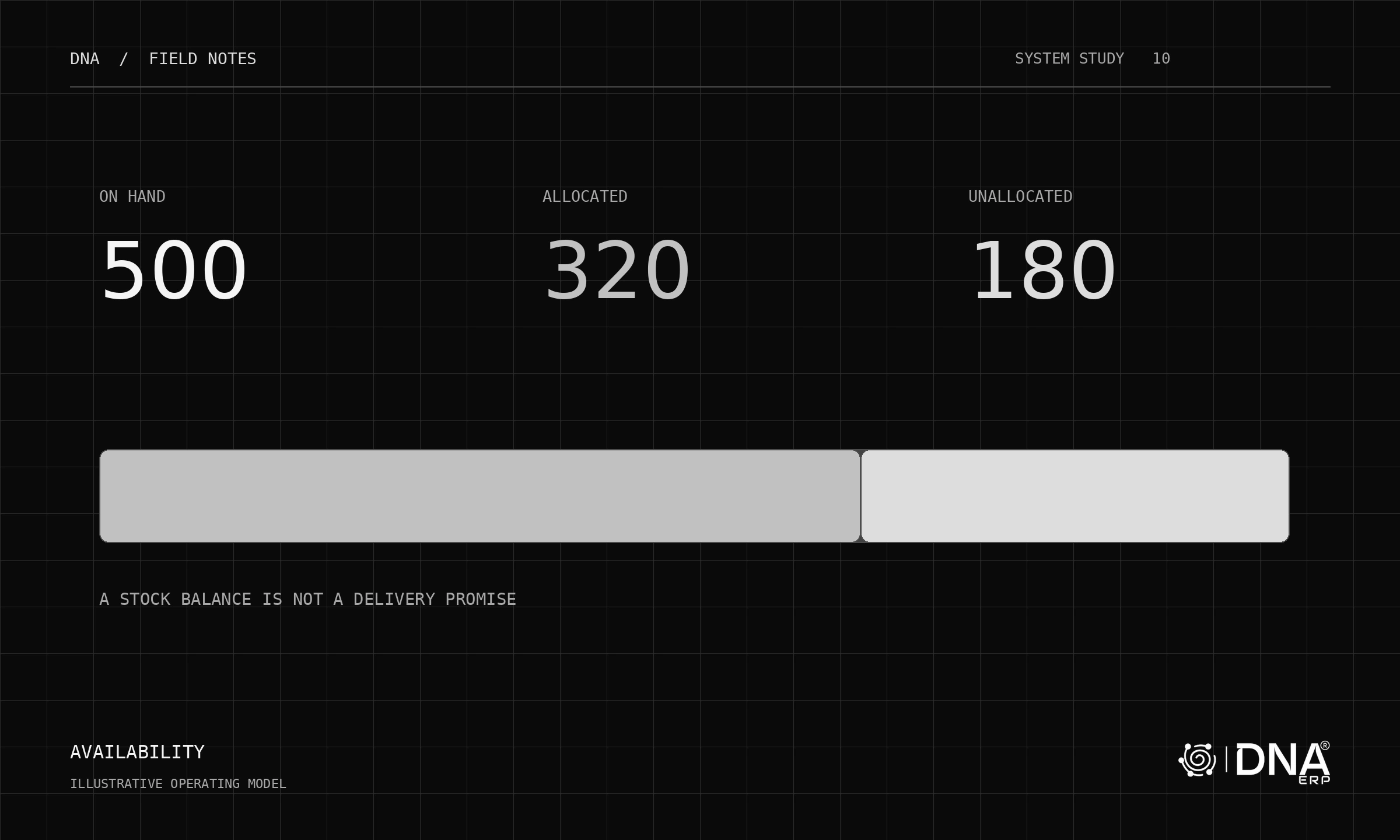
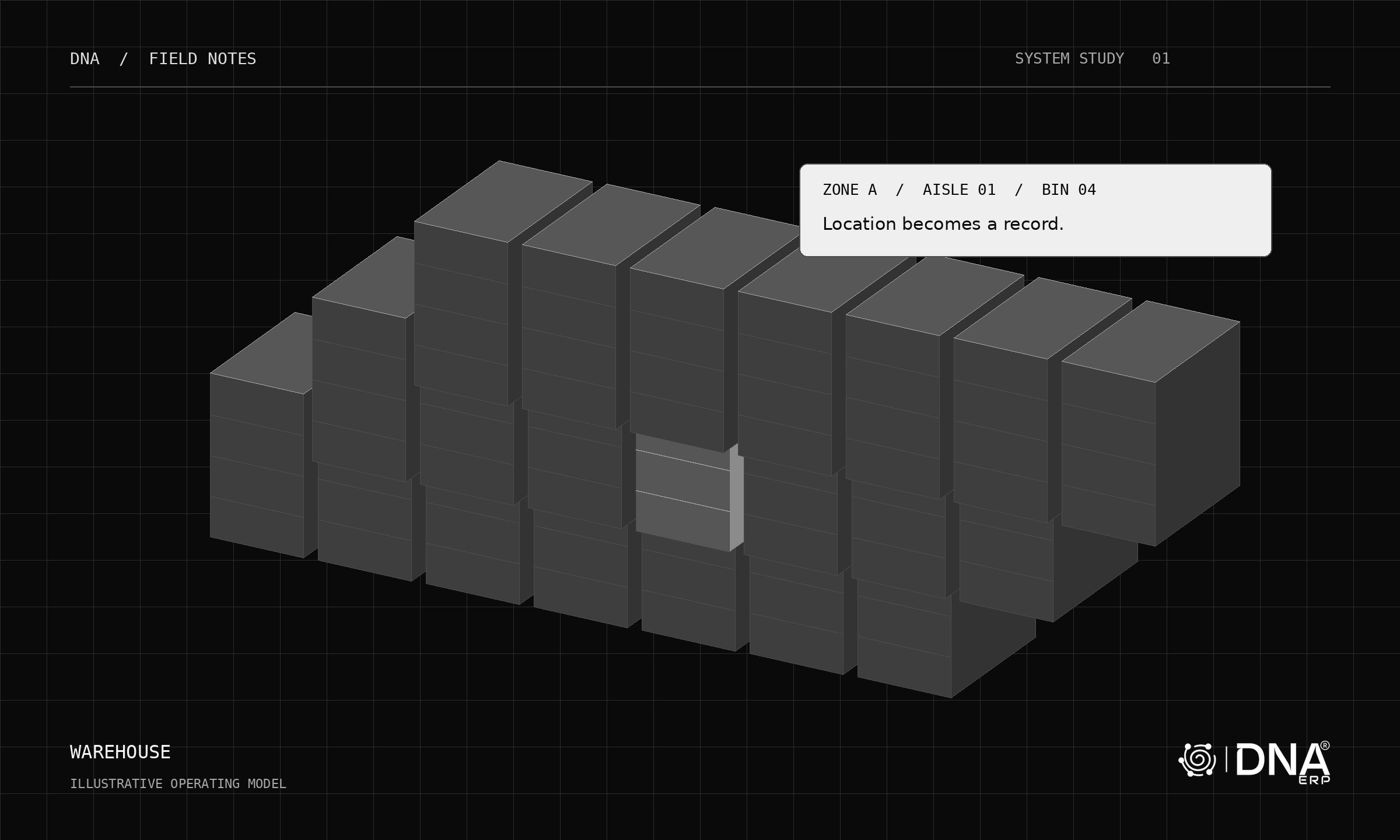
Use a sample sale involving a Dubai commercial team and a separate operating entity. Ask the vendor to explain the records and permissions required. Do not assume that moving stock between entities is the same as moving it between bins.
Test the financial context
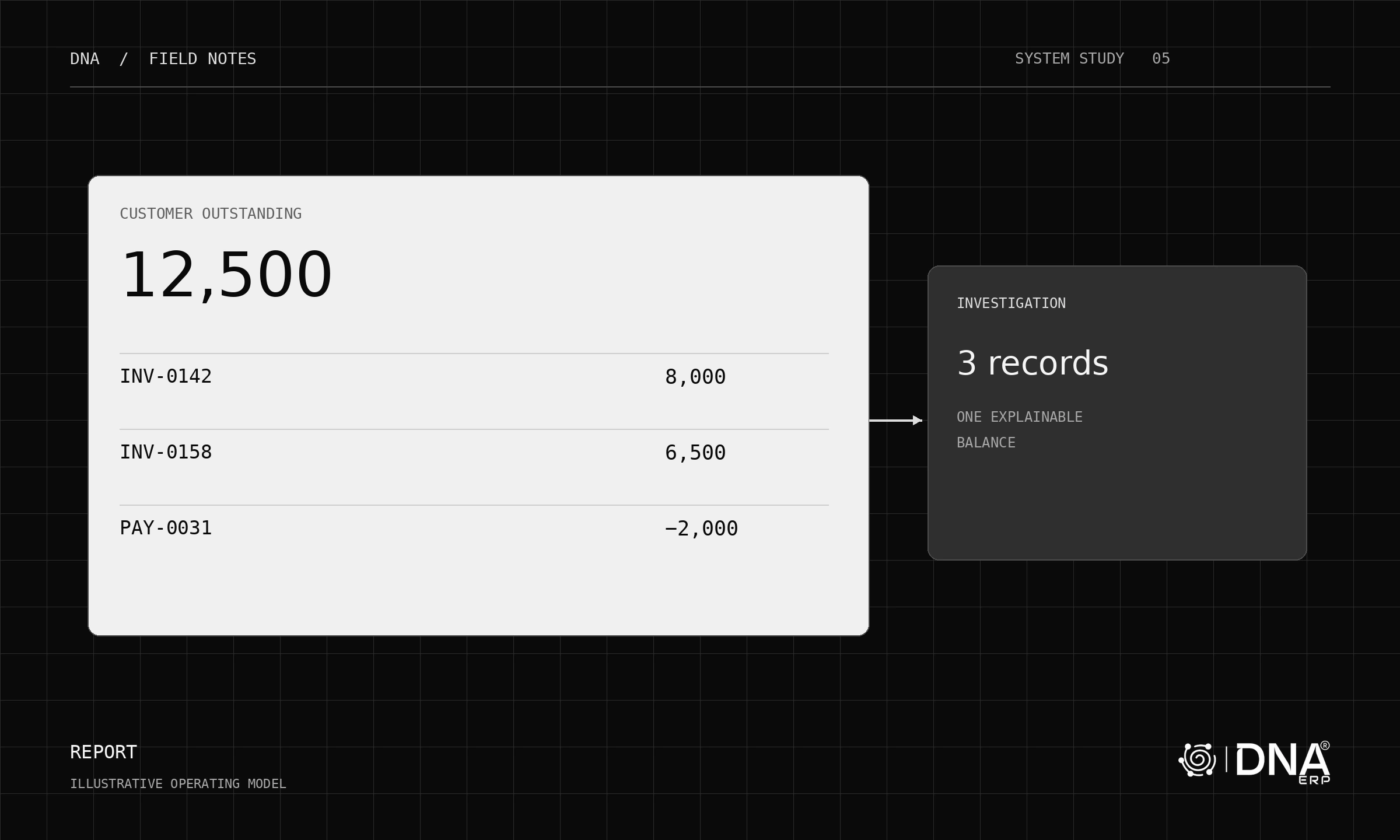
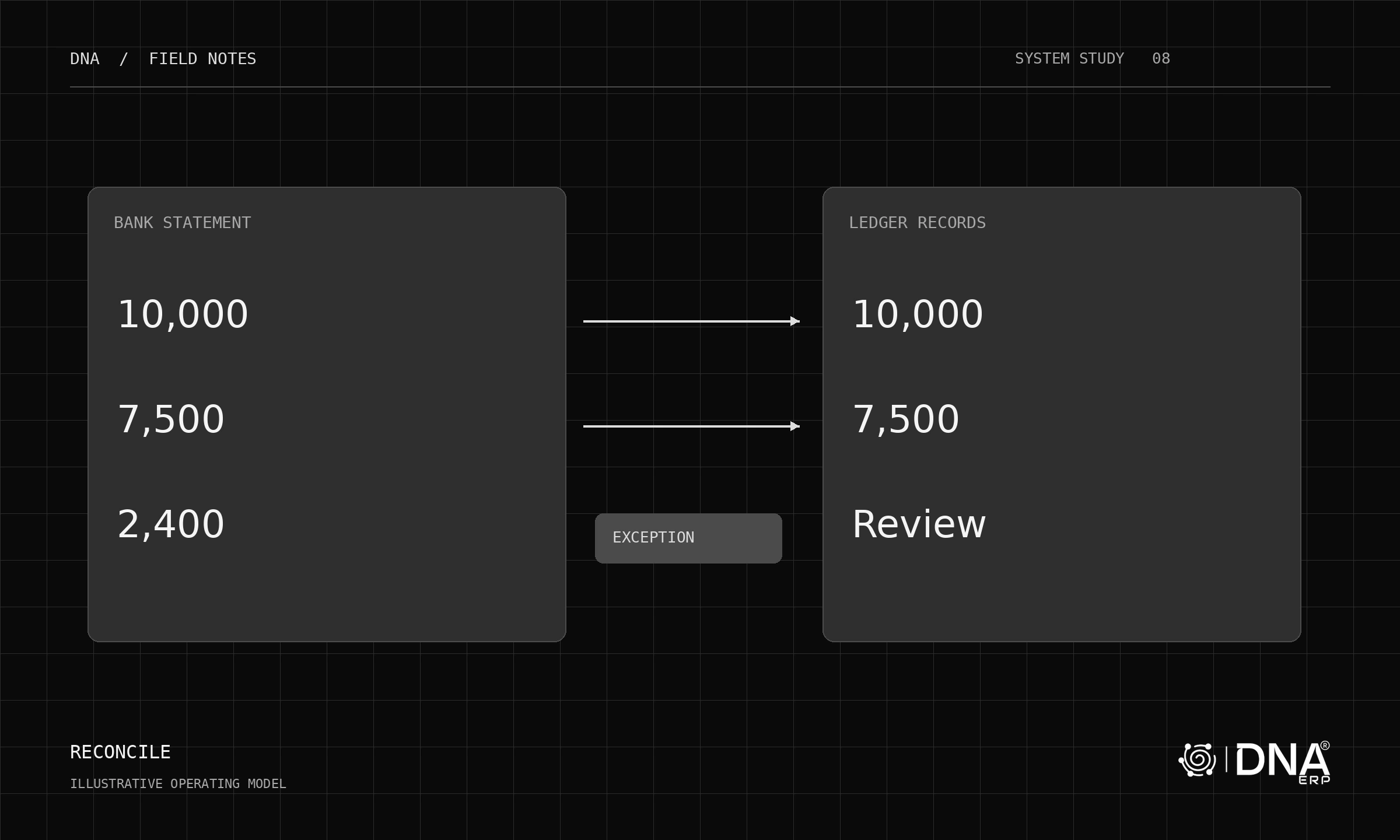
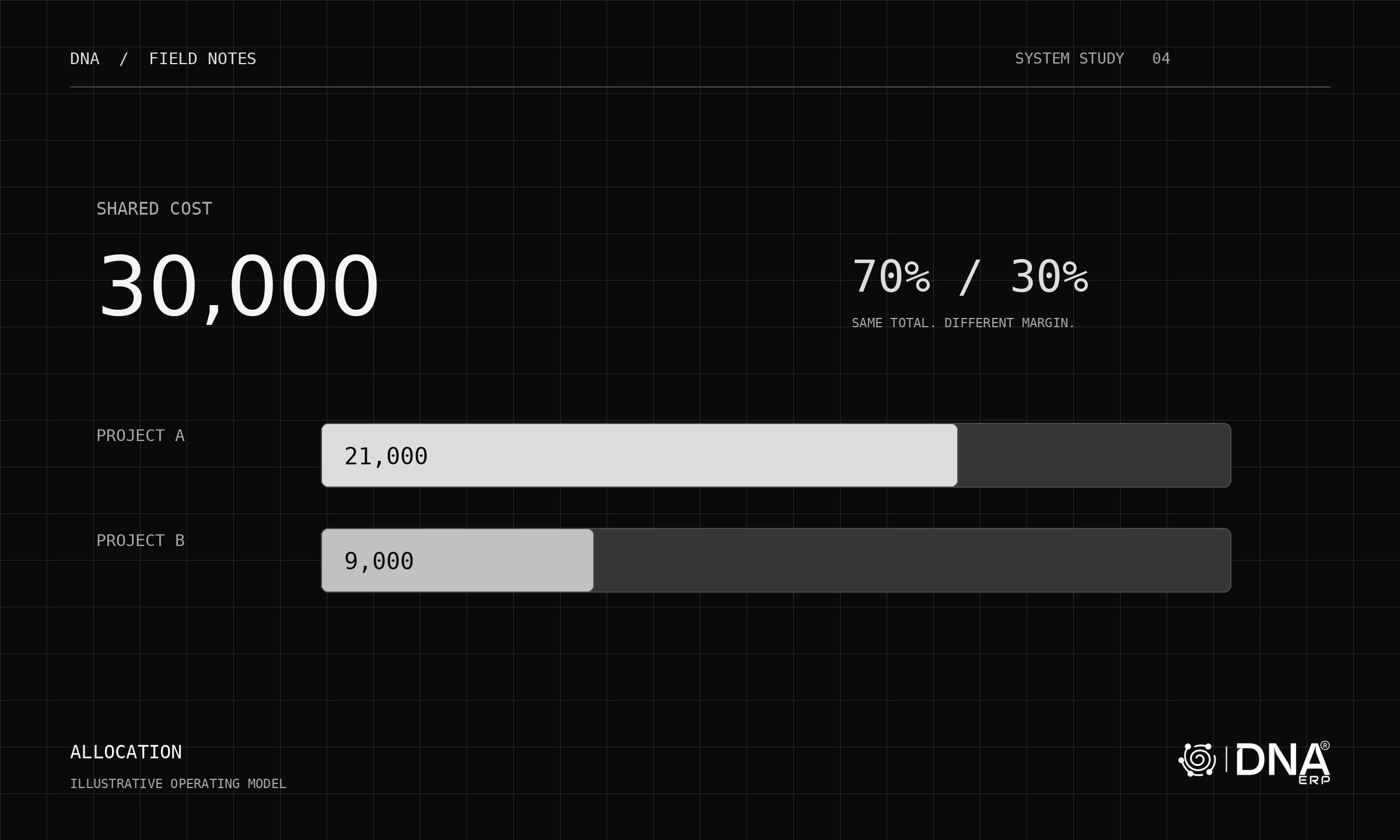
Review company-specific currencies, fiscal settings, account mappings and document sequences. When viewing group information, confirm the period, currency basis and scope. A cross-company management view should not be presented as formal consolidation without the required accounting work.
For UAE tax and statutory obligations, define requirements with qualified advisers and use the relevant authorities’ current guidance. Require evidence for your own entity and transaction types rather than relying on a broad country-support statement.
Review shared-service permissions
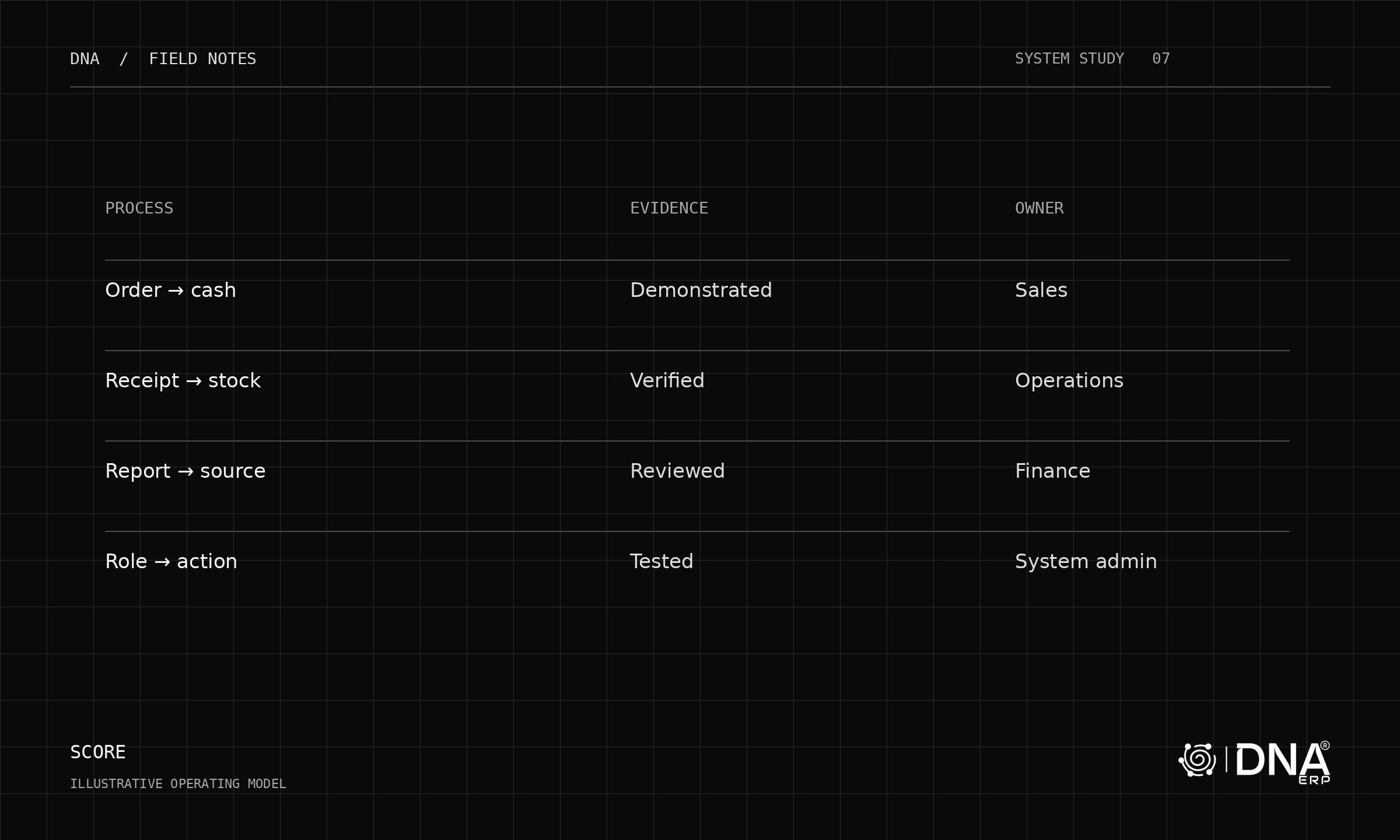
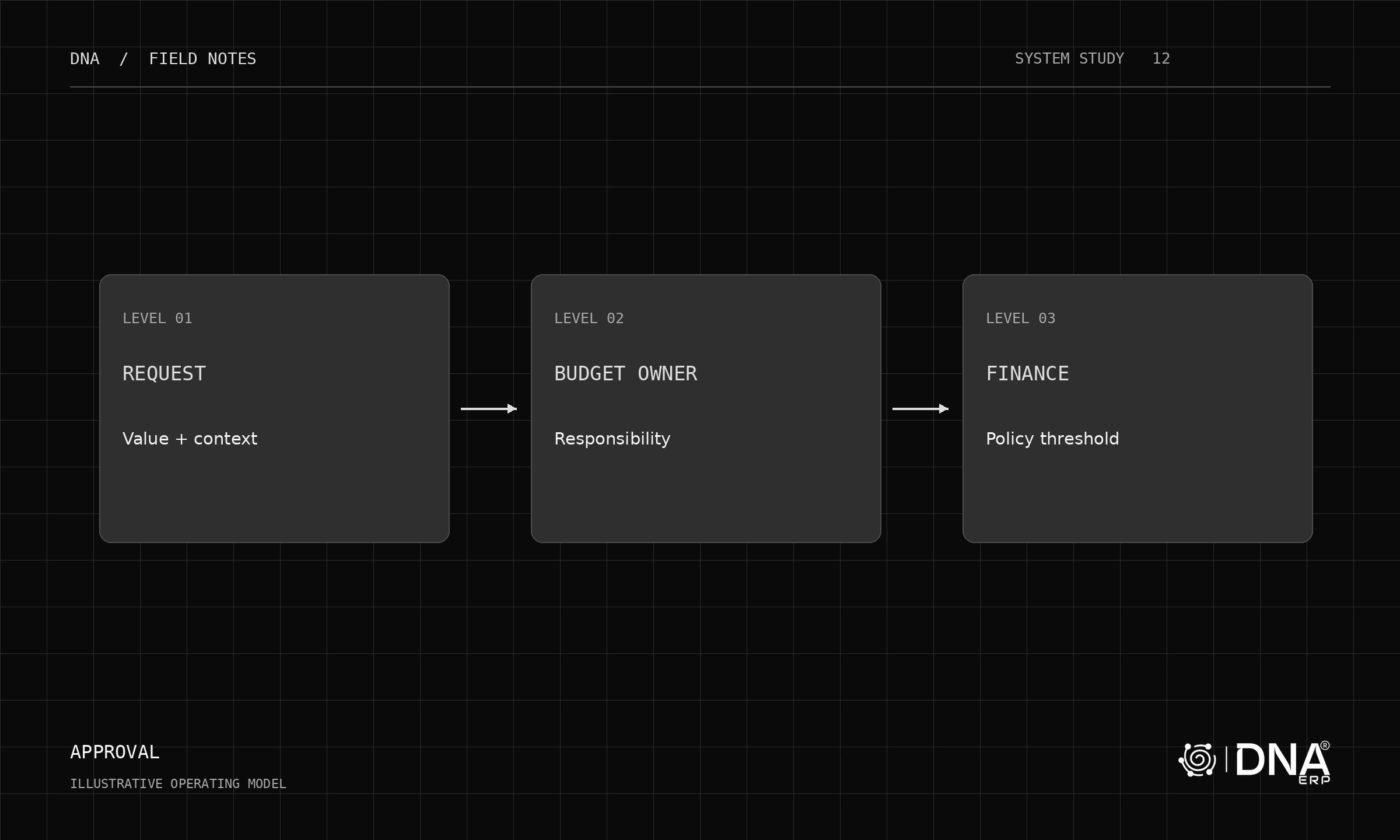
Central procurement may serve multiple entities while warehouse staff need only their own operational scope. Test the intended roles and the visibility of sensitive financial information. Confirm what happens when a user changes company context.
Make the rollout manageable
Start with a representative entity and prove the complete process, then extend the agreed configuration. Record which settings are common and which are intentionally local. This makes later expansion easier to review.
Explore System Setup, Banking & GL and Inventory & Warehouse. Pair the demo with the multi-company guide and ask for a written implementation scope covering every entity in your first release.