“How are sales?” is a reasonable conversation starter and an incomplete reporting question. Does sales mean orders, delivered value, invoiced revenue or cash collected? Which company, currency and period should the answer cover?
DNA Intelligence connects contextual assistance, natural-language reporting and dashboard insights. The quality of the question still matters. Specific scope makes the result easier to check and more useful for a decision.
Match the question to the context
DNA Assist helps explain the screen and workflow where you are working. Business-data questions can lead into the reporting experience. Dashboard Intelligence provides another context for exploring trends and priorities.
Start with the task: understanding a field, finding a record, comparing periods or investigating an exception. These are different jobs and should not all be phrased as a vague request for an overview.
State the measure and the boundary
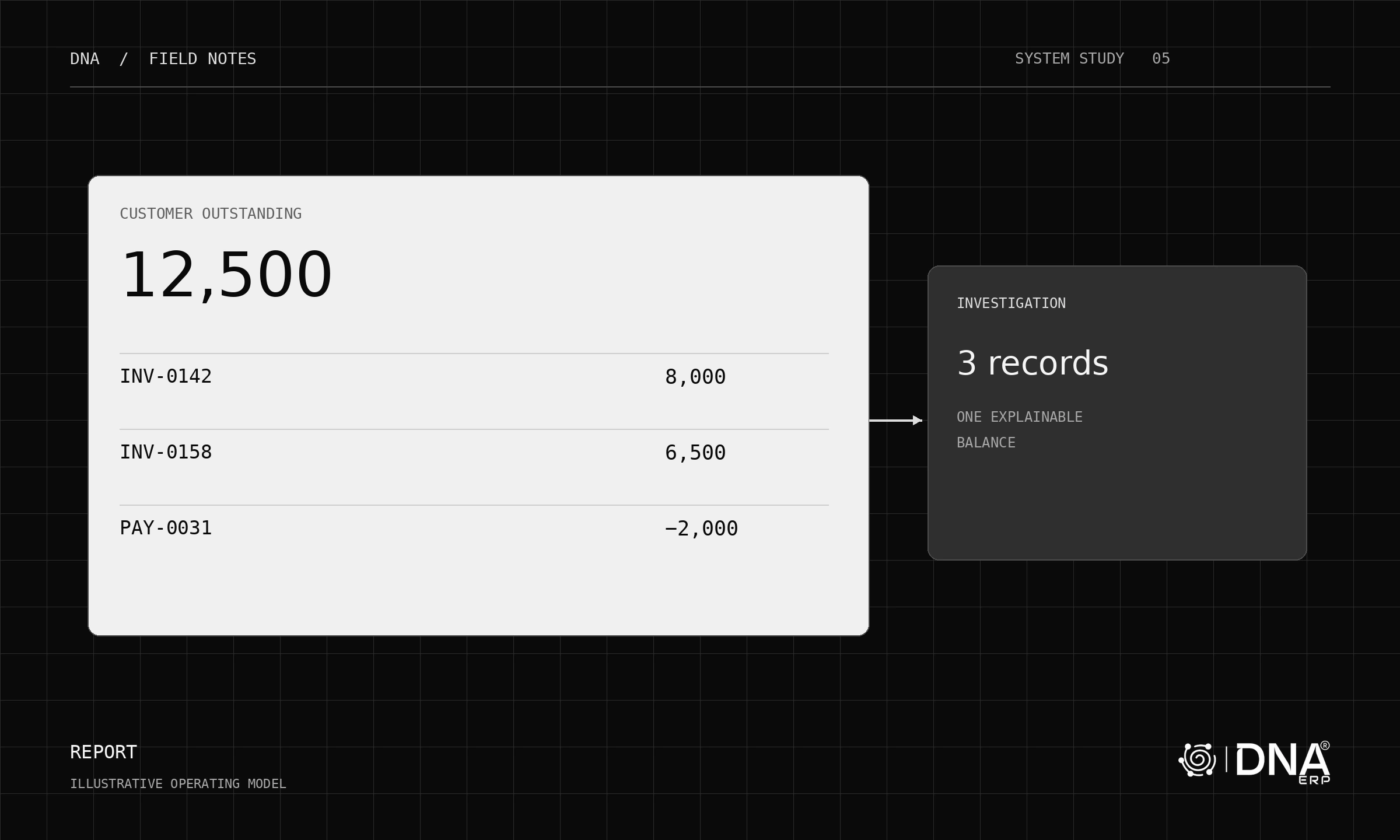
Instead of “show overdue customers,” try: “Show outstanding customer invoices past their due date for this company as of 30 September, grouped by customer.” Confirm which date basis and settlement records the result uses.
Instead of “which project is worst,” specify the measure: budget variance, forecast margin, overdue tasks or delayed billing. A project can rank differently on each.
Inspect before acting
Review the filters, columns, units and reporting period. Where a result leads to a business decision, inspect the contributing records. An explanation can be fluent while the intended scope remains misunderstood.
Avoid treating a forecast or interpretation as a posted accounting fact. Keep observed records, calculated measures and suggested actions distinguishable in the review.
Build a reusable question library
Save a short set of well-defined questions for recurring meetings: receivables by aging bucket, sales margin by product group, or project cost against an approved budget version. Record the definition beside the question so different users ask for comparable results.
Explore DNA Intelligence, Report Center and the Dashboard. Bring one question with a known answer, one with a date boundary and one that requires follow-up investigation. Those three tests reveal more than a single impressive response.