Putting several companies in one ERP does not make their records interchangeable. Each legal entity has its own transactions, responsibilities and reporting context. Group visibility works when those boundaries remain clear.
Standardize the language, preserve the entity
Agree common definitions for customers, suppliers, items and reporting categories where appropriate. Decide which records are shared and which remain company-specific. Establish ownership before importing separate legacy lists.
In DNA, company and fiscal settings, currencies, account mappings and user access form part of the configuration. Test the exact sharing and override behaviour required for your structure.
Make access follow responsibility
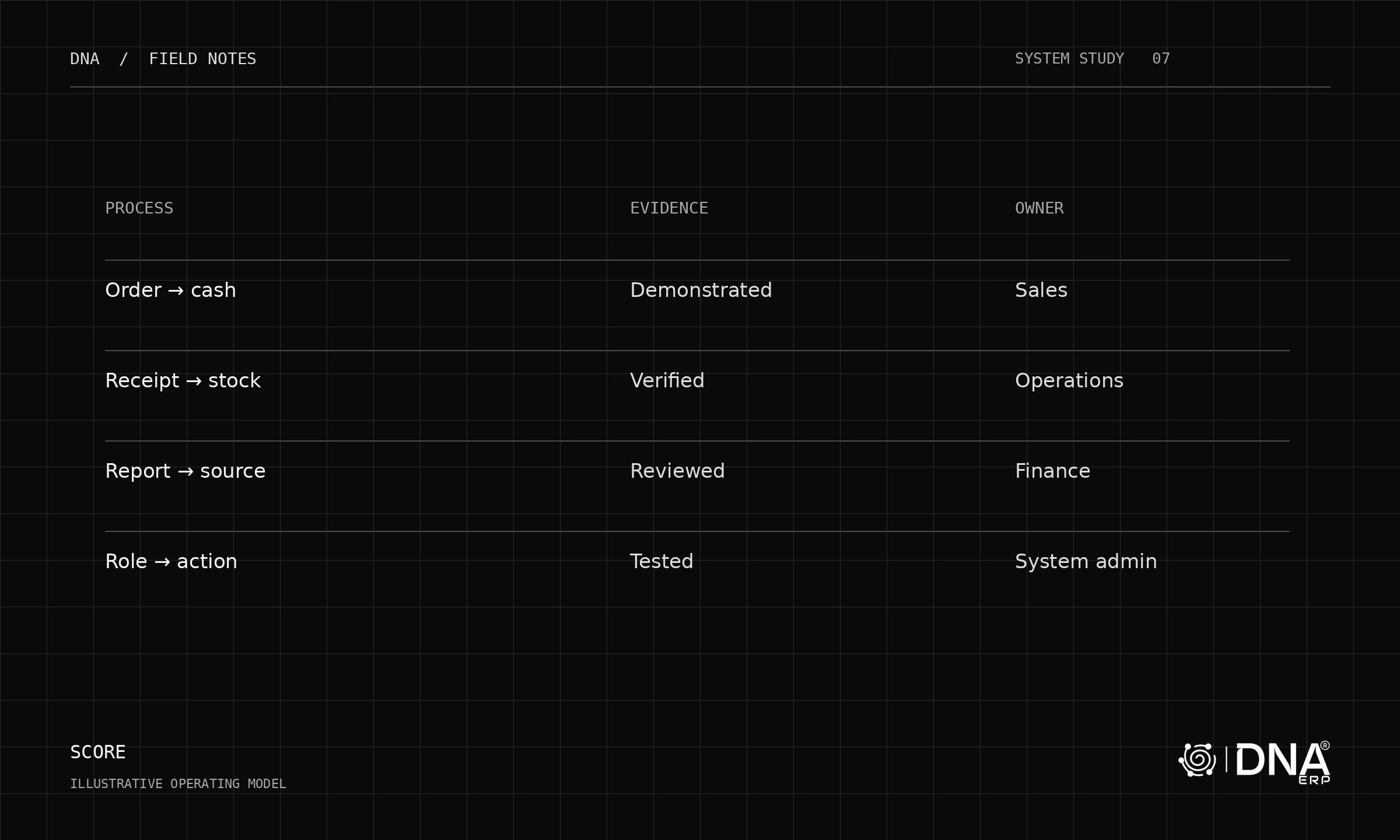
A group finance user may need several companies, while a branch operator needs one. Test switching company context and opening records with the intended role. The current company should be obvious when creating or approving a transaction.
Avoid treating a group-wide dashboard as proof that every underlying permission is correct. Access needs its own acceptance tests.
Define the reporting basis
Before combining results, align periods, measure definitions and currency treatment. Separate a simple cross-company management view from formal consolidation, which can require additional accounting work such as eliminations and translation adjustments.
Do not assume that adding company totals produces a consolidated financial statement. Confirm the specific consolidation capabilities and responsibilities for your deployment.
Follow an intercompany scenario
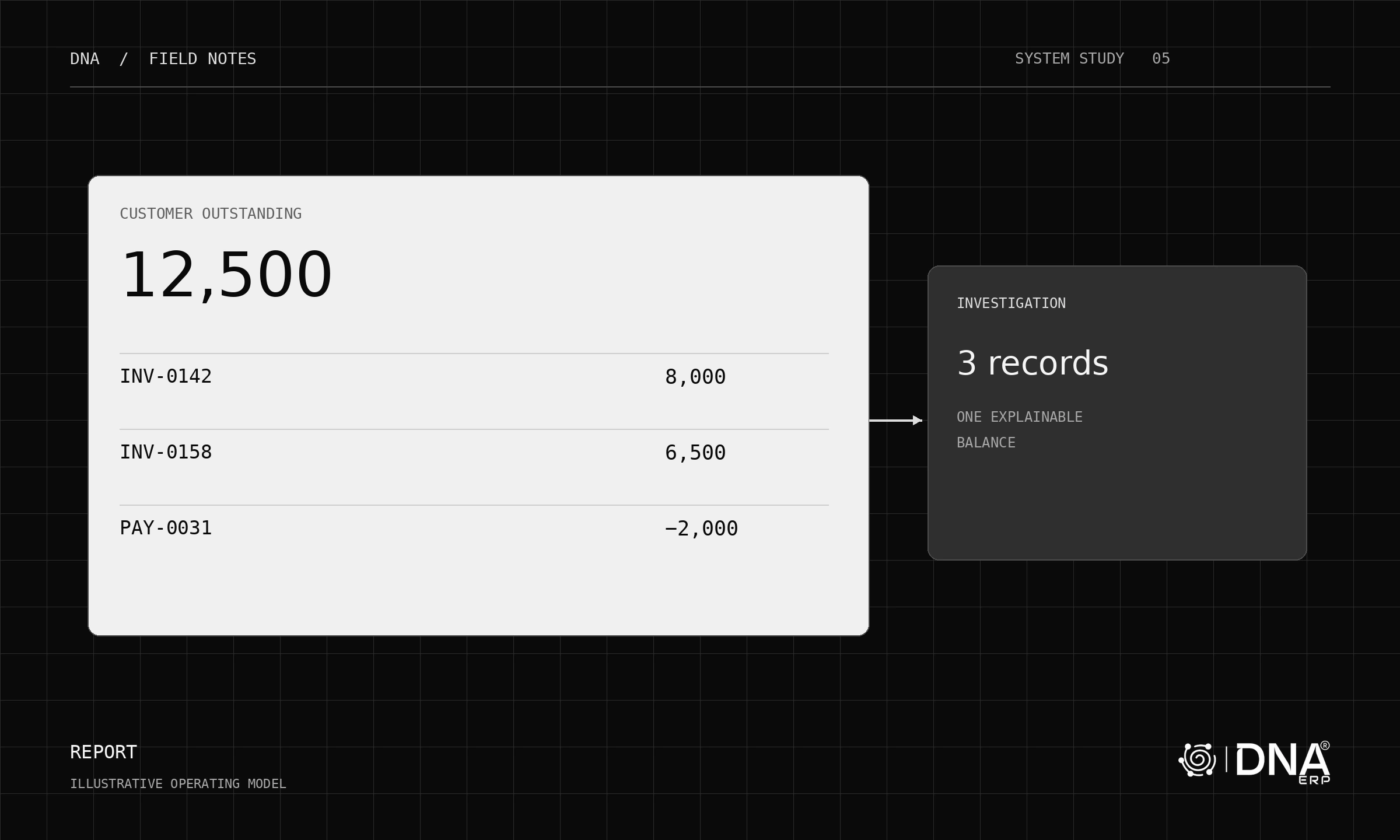
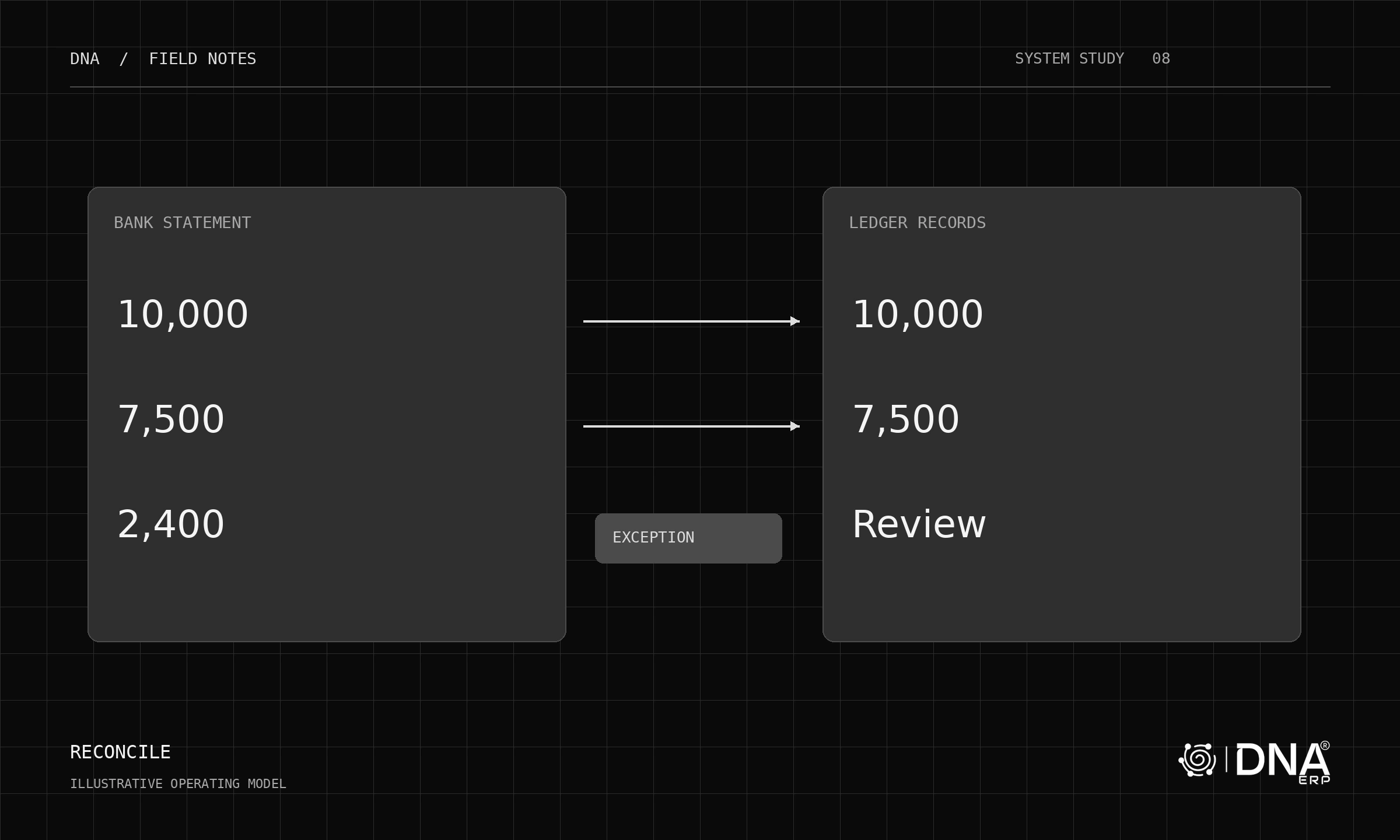
Use a sample transaction between two entities. Check the document references, currencies, balances and reconciliation responsibilities on both sides. Decide how discrepancies are investigated and who owns their resolution.
Explore System Setup, Banking & GL and Report Center. Start with two companies and one shared reporting definition. Expand after the team can explain where each number originates and which entity owns it.